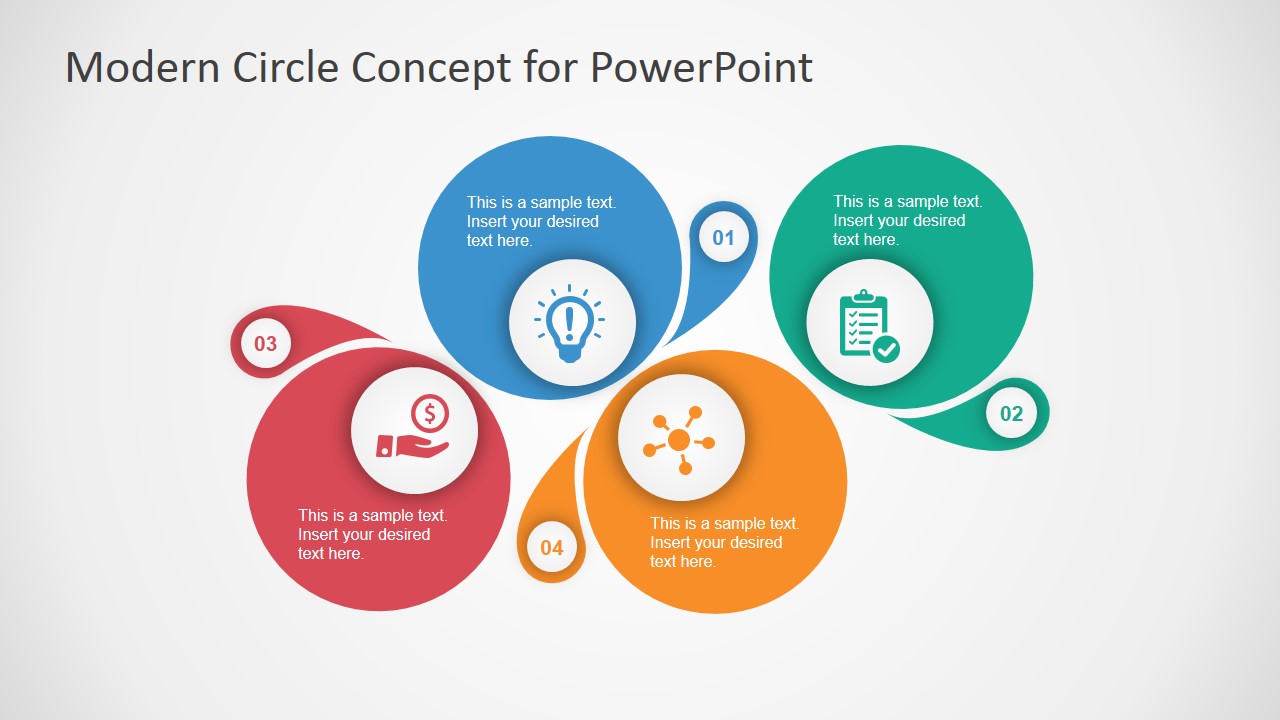
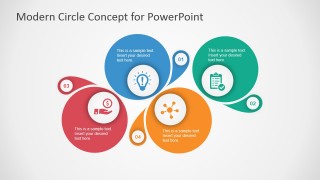
The eye-catching graphics of the Modern Circle Concept Design for PowerPoint can emphasize four elements in any business presentation. Impress professional audiences with the cool colors, featuring blue, green, yellow, and red. The presentation is ideal for plans and roadmaps that have four fundamental milestones.
The PowerPoint template features four icons that represent brainstorming, planning, networking, and funding. These basic steps are useful when creating a solid presentation with an investors or management professionals audience. The presenter can begin by discussing the brainstorming process, and the ideas that were developed from it. The discussion can proceed to the initial planning, then to networking, to determine prospective suppliers and clients. The last aspect, funding, can refer to the budgeting process, done by estimating the expenses of the project.
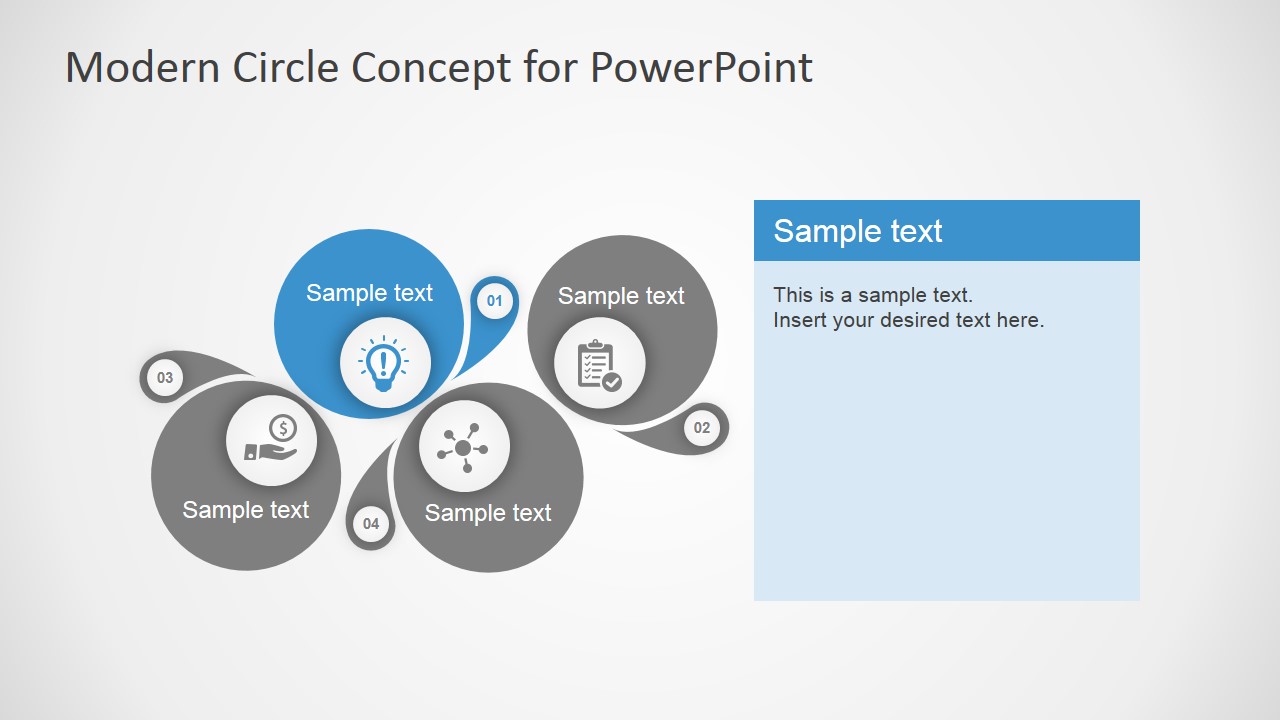
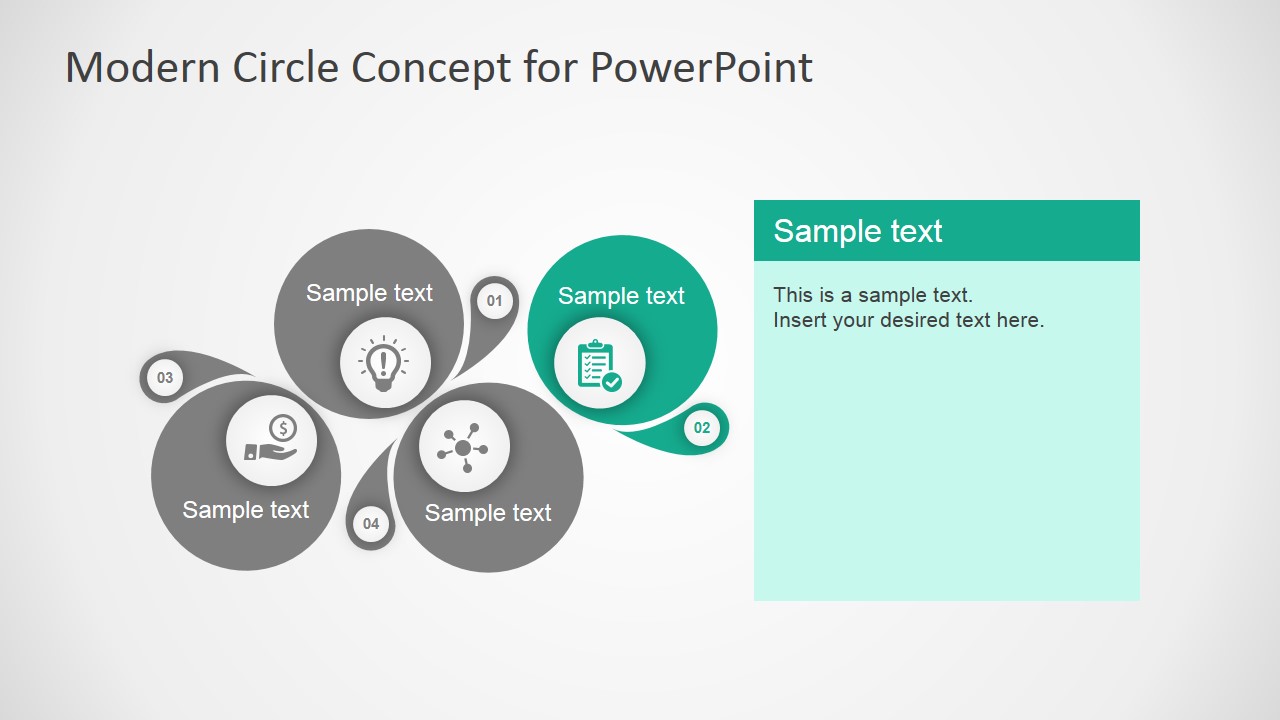
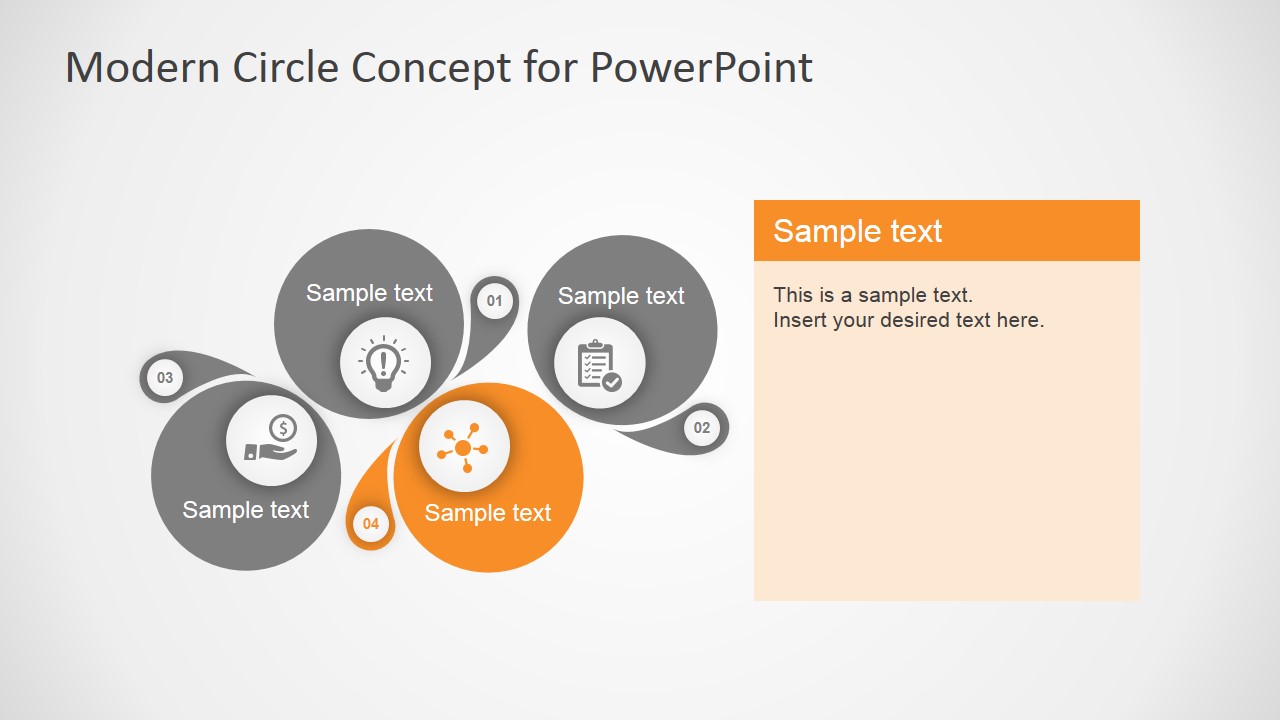
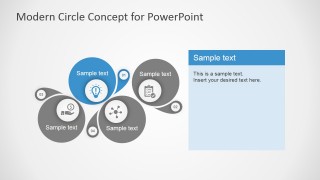
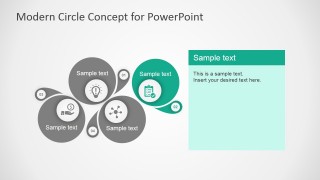
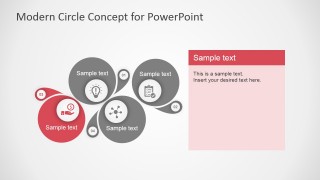
The presentation design lets the presenter to discuss four important concepts simultaneously. This can be used to introduce the general idea, specifying the purpose of the four parts. Four slides in the template feature one concept at a time. The individual presentation emphasizes each step, giving the presenter time to discuss the details of each concept properly.
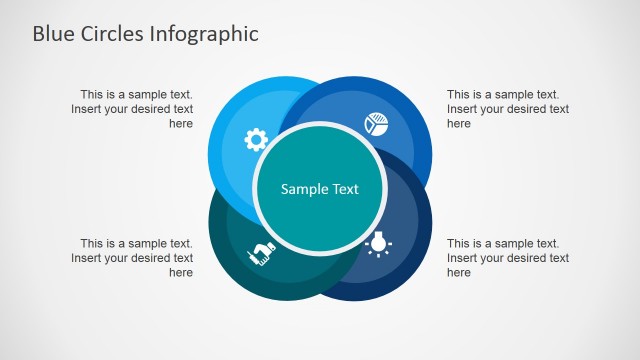
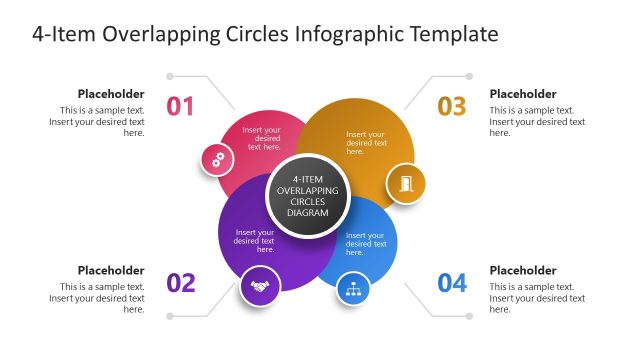
The modern slide design consists of a series of circles and tear-shaped graphics to symbolize each concept. Four large circles are featured on the slide. These are colored in red, blue, green, and yellow, following the pastel color scheme. Each circle contains a circular PowerPoint icon, such as a lightbulb and a list. Colored text boxes are provided on the slides. These match to the circles that represent each concept.
The presenter can use the Modern Circle Concept Design for PowerPoint in brainstorming and planning sessions to give the plan a proper outline to follow. The design is created in high definition graphics. Modification will not have any effect on the image resolution. The presenter can opt to download other modern PowerPoint templates from the SlideModel Gallery.
What’s inside this template
Example presentation scenarios
- A startup founder can use the four-circle overview to explain brainstorming, planning, networking, and funding before walking investors through each colored focus slide.
- A project manager can present a four-part roadmap to leadership by opening with the overview diagram and using the highlighted concept slides for milestone details.
- A consultant can run a planning workshop by assigning each circle to a workstream and using the large text panels to summarize decisions or next steps.
- A strategy team can compare four initiative pillars with the numbered bubbles, icon markers, and color-coded circles to keep the discussion organized.
Features
- 100% editable presentation template
- Compatible with Microsoft PowerPoint and Google Slides
- 16:9 aspect ratio slides
- Scalable vector shapes, icons and illustrations
- AI-Ready for Microsoft Copilot and Claude
- Instant access and download
Frequently asked questions
Q: How should a presenter explain the four concepts without making the diagram feel crowded?
A: Start with Slide 1 as the orientation slide and limit each circle to a short label or one concise statement. Then use Slides 2 through 5 to explain details one concept at a time. This keeps the overview memorable while moving supporting copy into the larger text panels where the audience can read it easily.
Q: Who is this template best suited for in a business presentation?
A: This template fits presenters who need to organize four equal priorities rather than rank a long list. Founders, project managers, and consultants can use it for planning steps, initiative pillars, or funding discussions because the circle diagram shows relationship and balance while the focus slides create room for explanation.
Q: Why does the circular design work for a four-part planning message?
A: The circles create a visual metaphor for connected parts of one system, not isolated bullet points. The colored overview shows the full structure, while the gray-and-color focus slides direct attention to one element at a time. That sequencing helps the audience see both the whole model and each individual role.

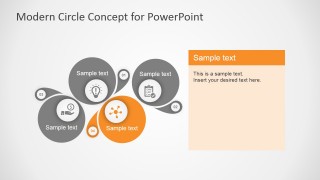
Modern Circle Concept Design for PowerPoint
5-slide presentation template with circle concept diagrams and four-step business planning icons.
Modern Circle Concept Design for PowerPoint is a 5-slide diagram template for explaining four related concepts. It includes a four-circle overview, individual highlighted concept slides, numbered bubbles, icon markers, and matching text panels. It is built for business planning, roadmap, and project discussions in Microsoft PowerPoint and Google Slides.
- Category
- Shapes
- Rating


 Loading...
- Aspect ratio
- 16:9, 4:3
- Item ID
- 7096-01
- Colors
 Microsoft PowerPoint
  Microsoft Copilot
  Claude for PowerPoint
 Other formats supported
Subscribe today and get immediate
access to download our PowerPoint templates.