Slide 6 of 15 from Blue Circle Professional PowerPoint Template
10011-blue-circle-slidemodel-template-0001-6
Three Column Text Layout for Presentations
- Text Layout
- List Blocks
- Comparison Slide
- 16:9
- 100% Editable
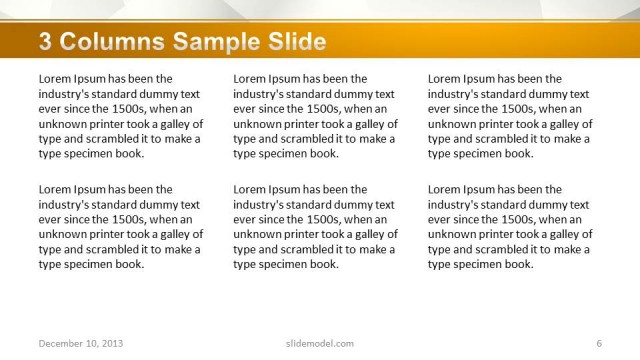
The Three Column Text Layout from the Blue Circle Professional PowerPoint Template offers a structured format for clear feature comparison and team skills overview. This slide layout uses three evenly spaced columns with centered text placeholders and a distinctive globe icon, enhancing readability in business presentations. Ideal for corporate presentation slide decks, it supports balanced content display and smooth visual flow, making it a practical choice among editable slides and presentation templates.
What’s on This Slide
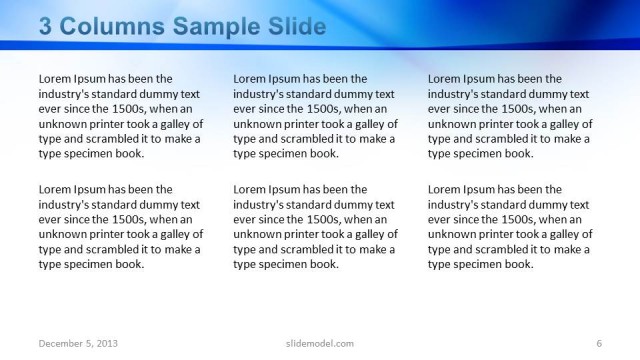
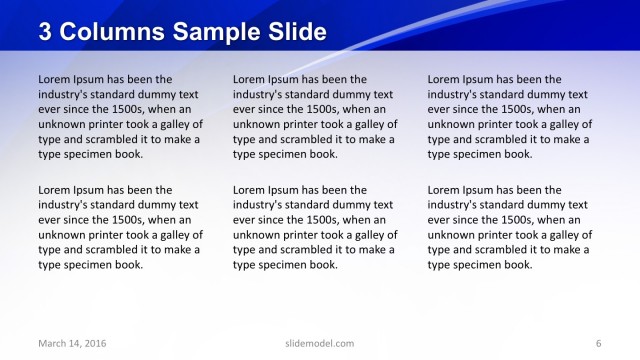
The layout features three equal-width columns aligned horizontally across the slide. Each column contains a text placeholder that is centered vertically and horizontally, allowing for balanced content presentation. The background is a gradient of blue, enhancing the visual appeal. A circular globe icon is positioned at the top center, serving as a focal point. Text placeholders are aligned in a uniform manner, with consistent spacing between columns. The overall composition is structured to facilitate easy reading and comparison of the text across columns.
How to Use It
This layout serves as a three-column comparison format, ideal for presenting multiple ideas or concepts side by side. It fits well in a presentation sequence after introducing a topic and before delving into detailed analysis. Common scenarios include showcasing product features, team skills, or project phases. This structure allows for clear differentiation of content while maintaining a cohesive visual flow throughout the presentation.
Text Placeholders & Capacity
Keep your copy within these limits so it fits without resizing. Each text slot can hold approximately 30-35 words comfortably.
| Placeholder | Count | Max characters (approx.) |
|---|---|---|
| Body paragraph | 3 | 200 |
Slide Keywords
Download unlimited PowerPoint templates, charts and graphics for your presentations with our annual plan.
DOWNLOADReturn to Blue Circle Professional PowerPoint Template.