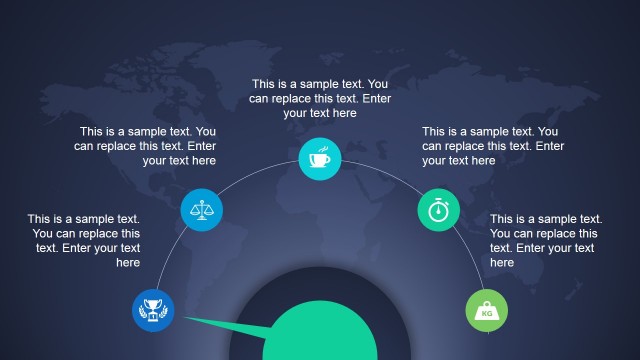
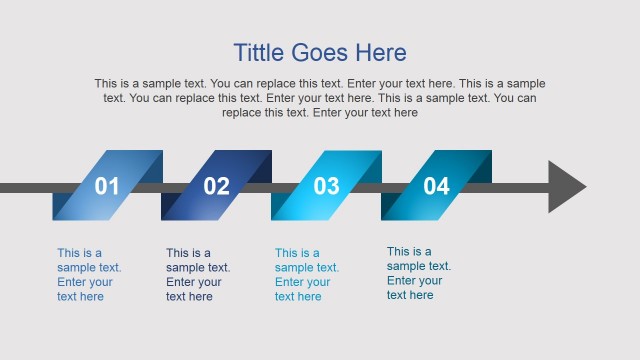
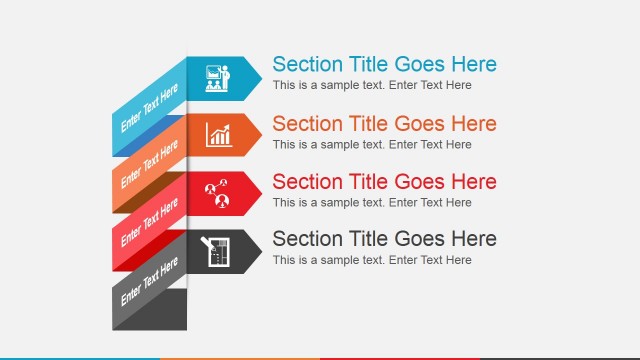
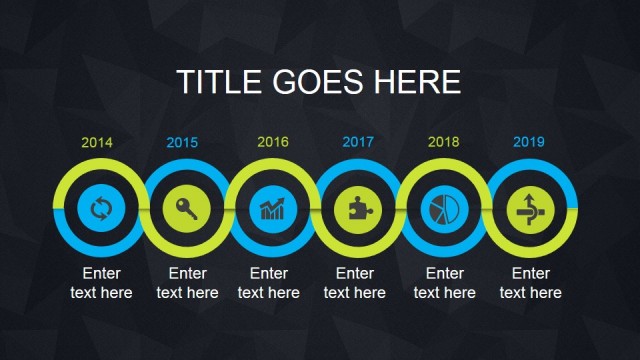
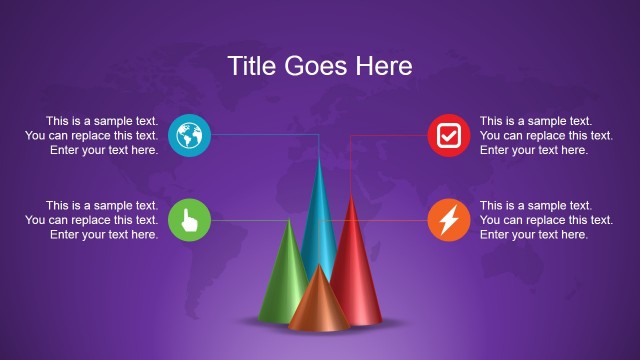
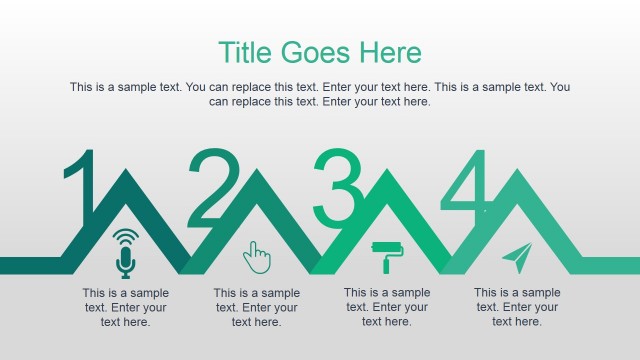
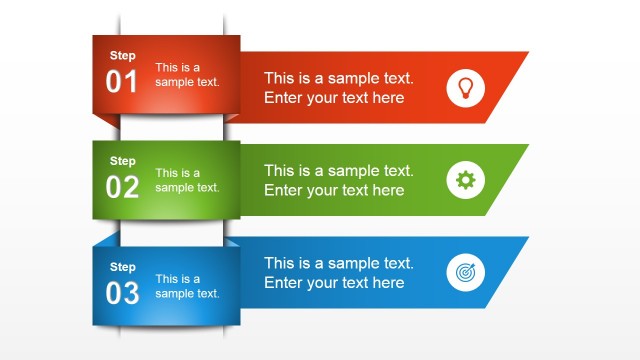
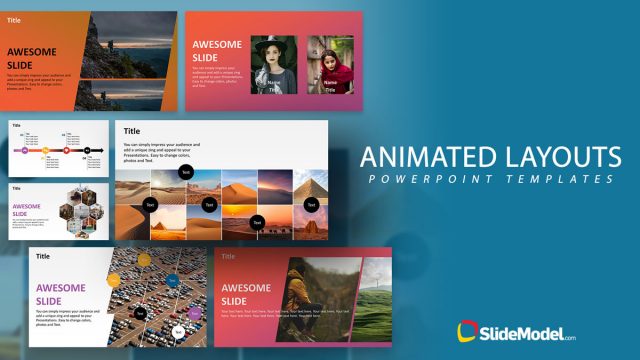
This animated PowerPoint presentation template contains vibrant colors and creative background design that you can use to prepare your presentations with original & fresh design elements. Animated Natural PowerPoint Template can be used either for business presentations but also for educational slides and general purpose presentations. It combines a nice color palette with creative visual elements that we have created in Microsoft PowerPoint using shapes. Easily you can edit the text placeholders to meet your presentation needs and take full advantage of the pre-designed PowerPoint slide designs including presentation agenda slides, visual timelines, content slides and more.
You can see a live preview here:
Alternatively you may consider to download other vibrant animated PowerPoint presentation templates & slide designs for Microsoft PowerPoint and OpenOffice.
What’s inside this template
Example presentation scenarios
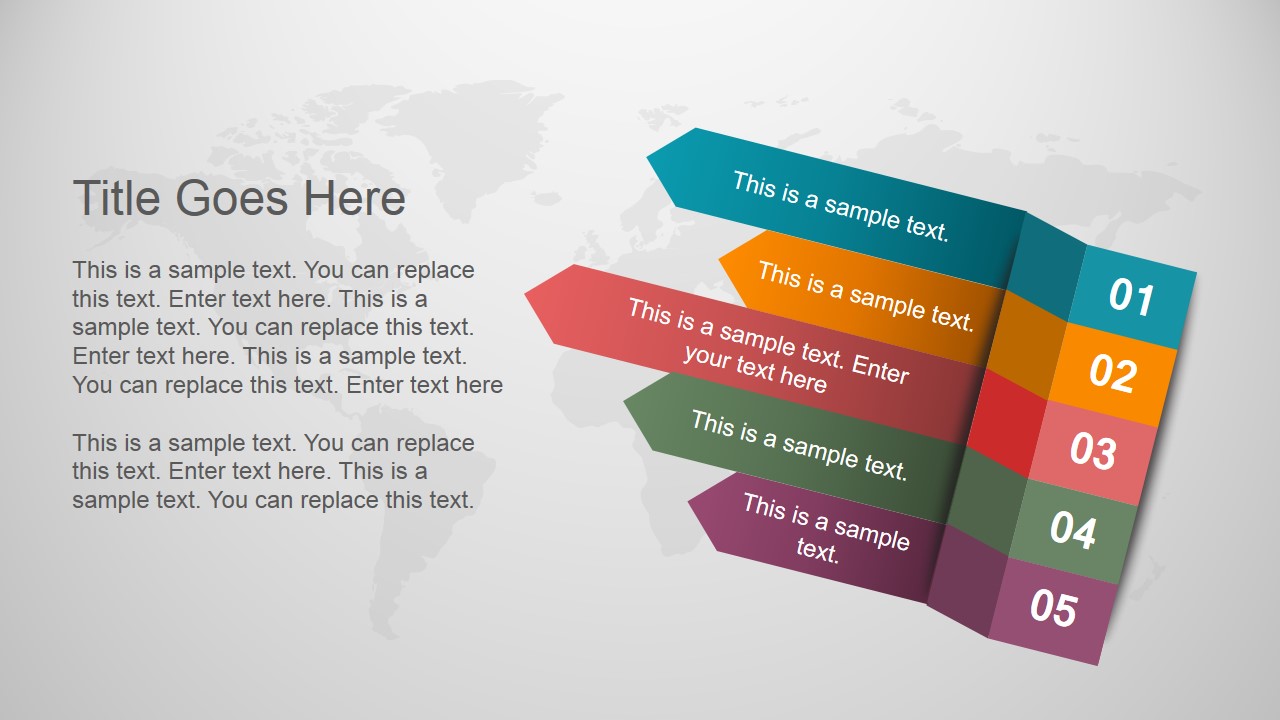
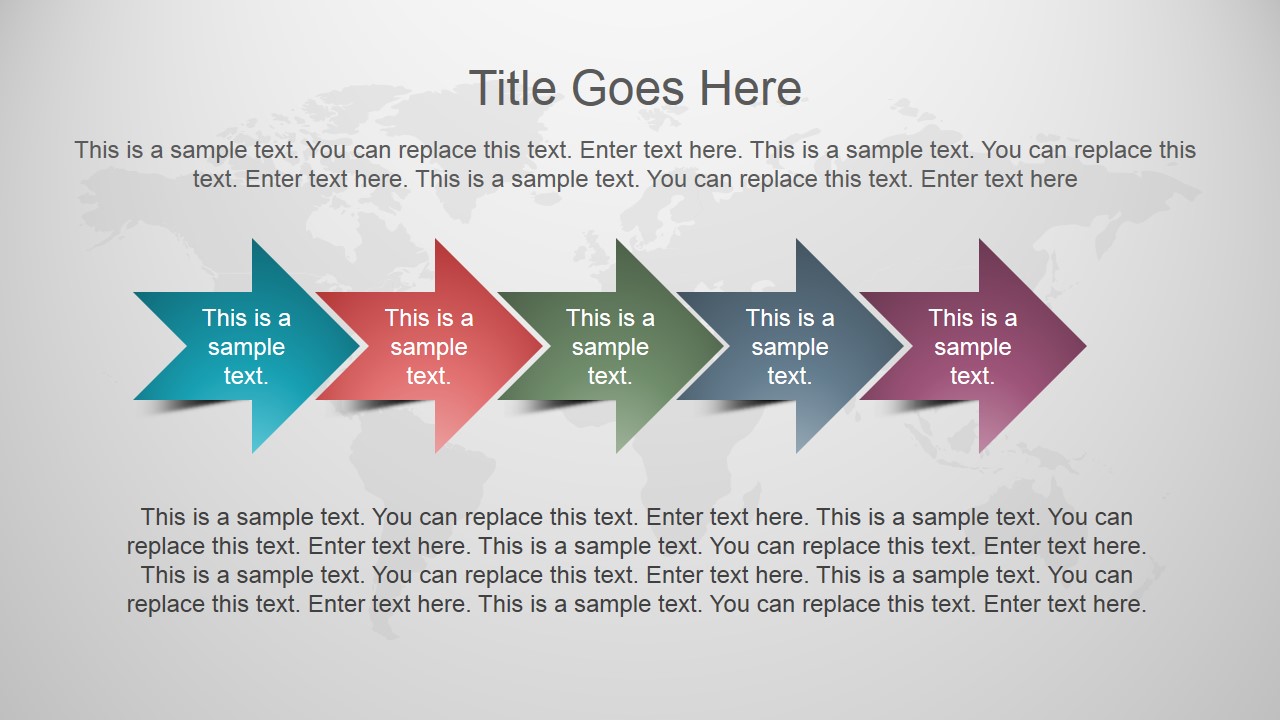
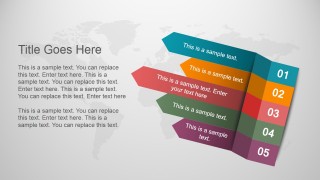
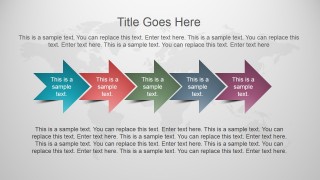
- A project manager can present milestone progress to stakeholders using the five-step ribbon timeline and chevron process slides to show sequence and ownership.
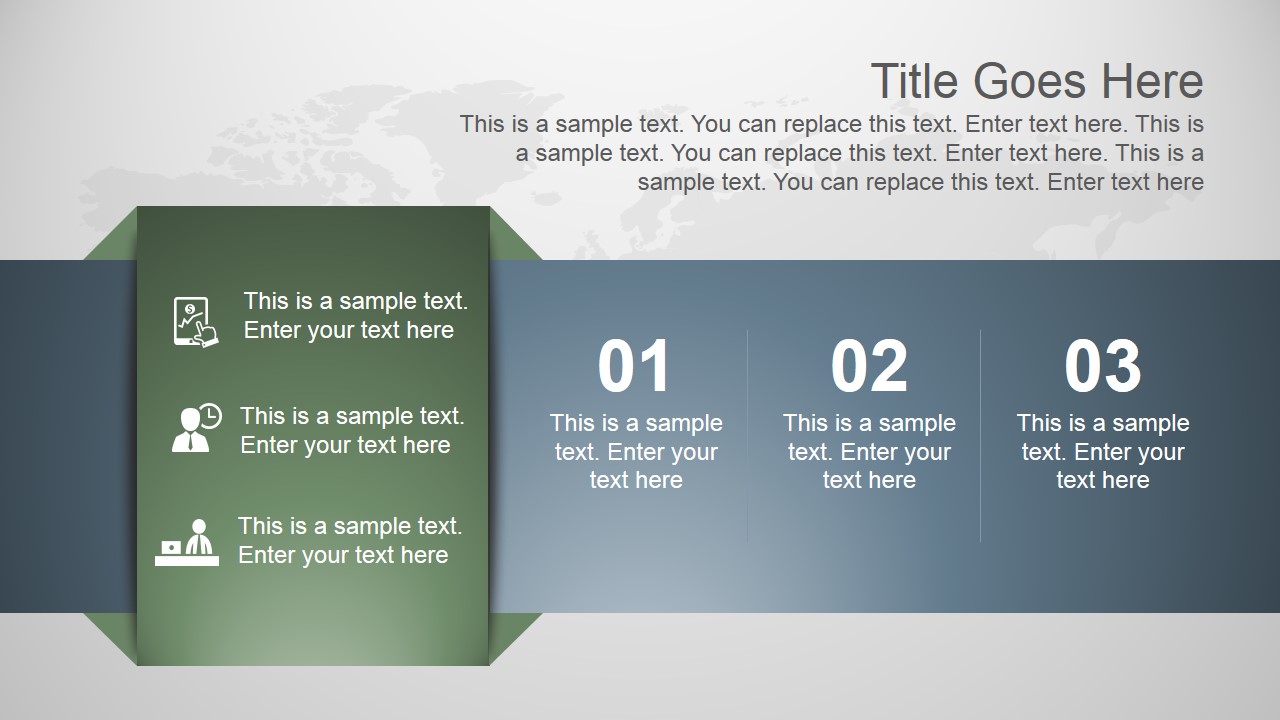
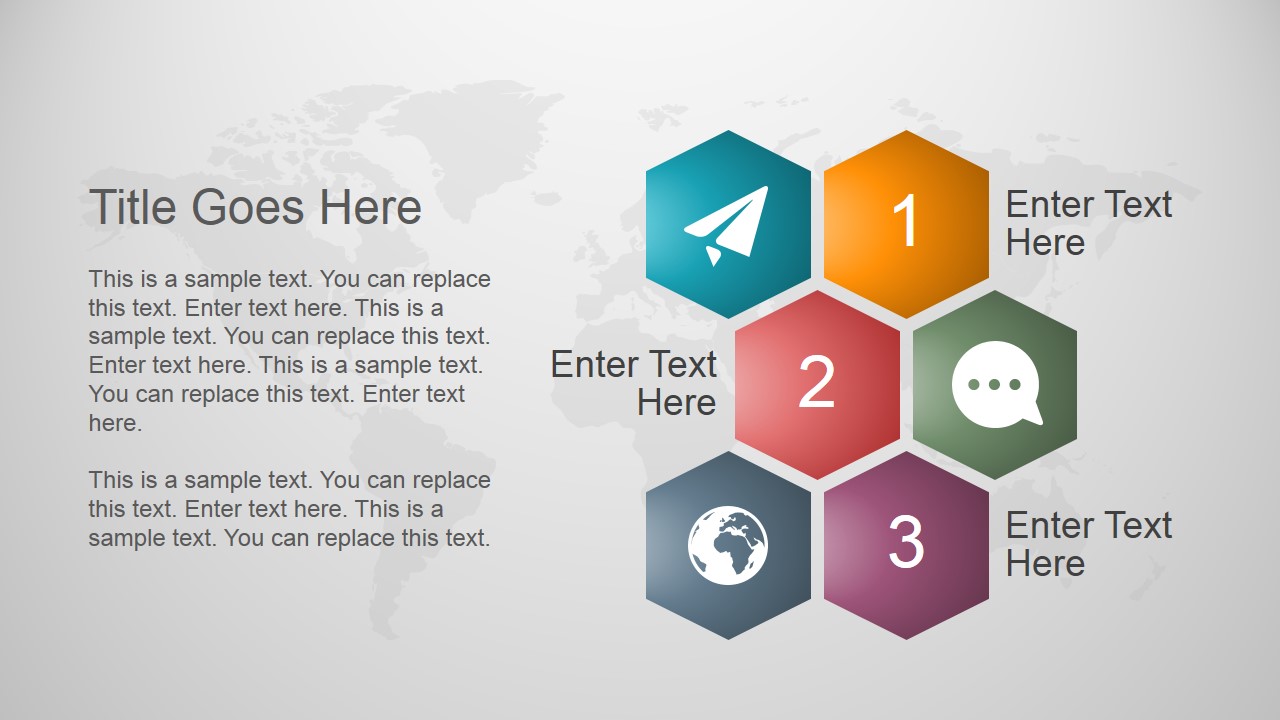
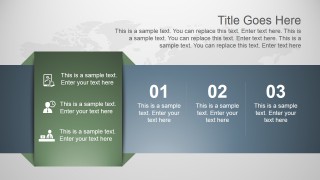
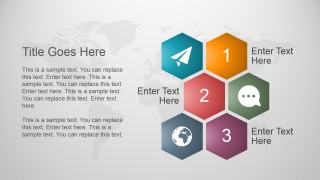
- An educator can introduce a lesson module with the agenda panel, hexagon options, and icon callouts to separate topics visually.
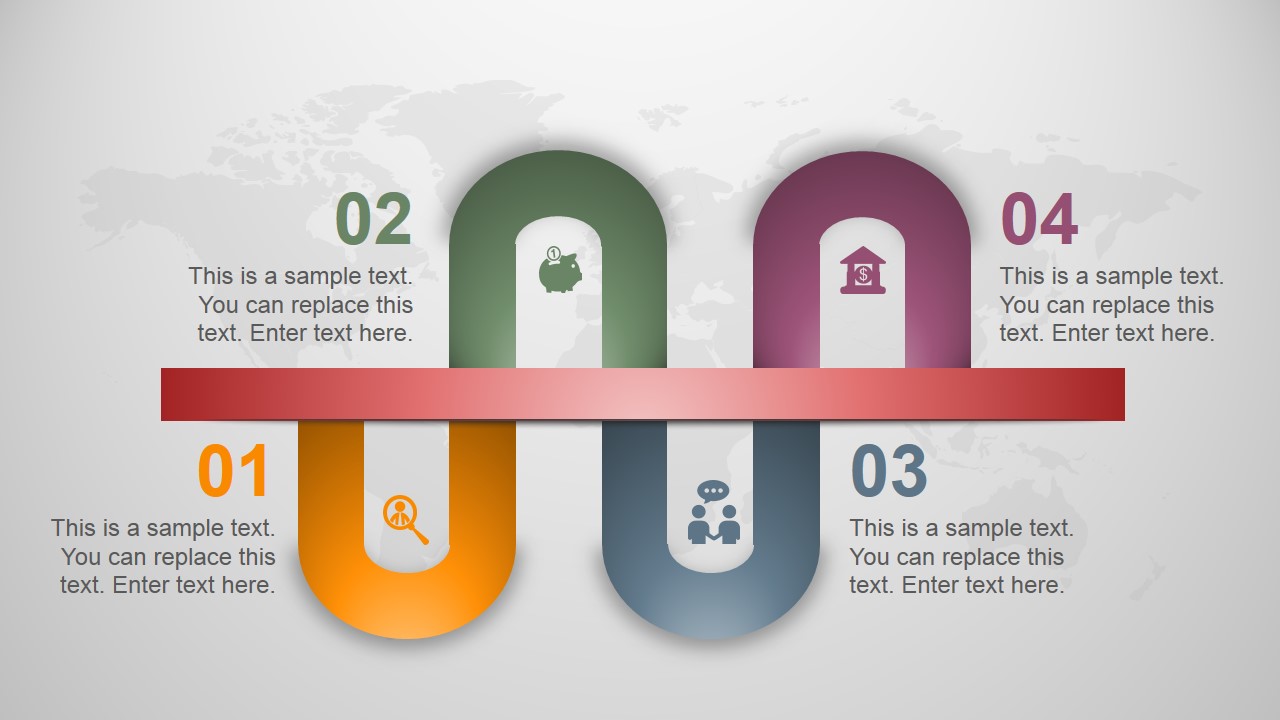
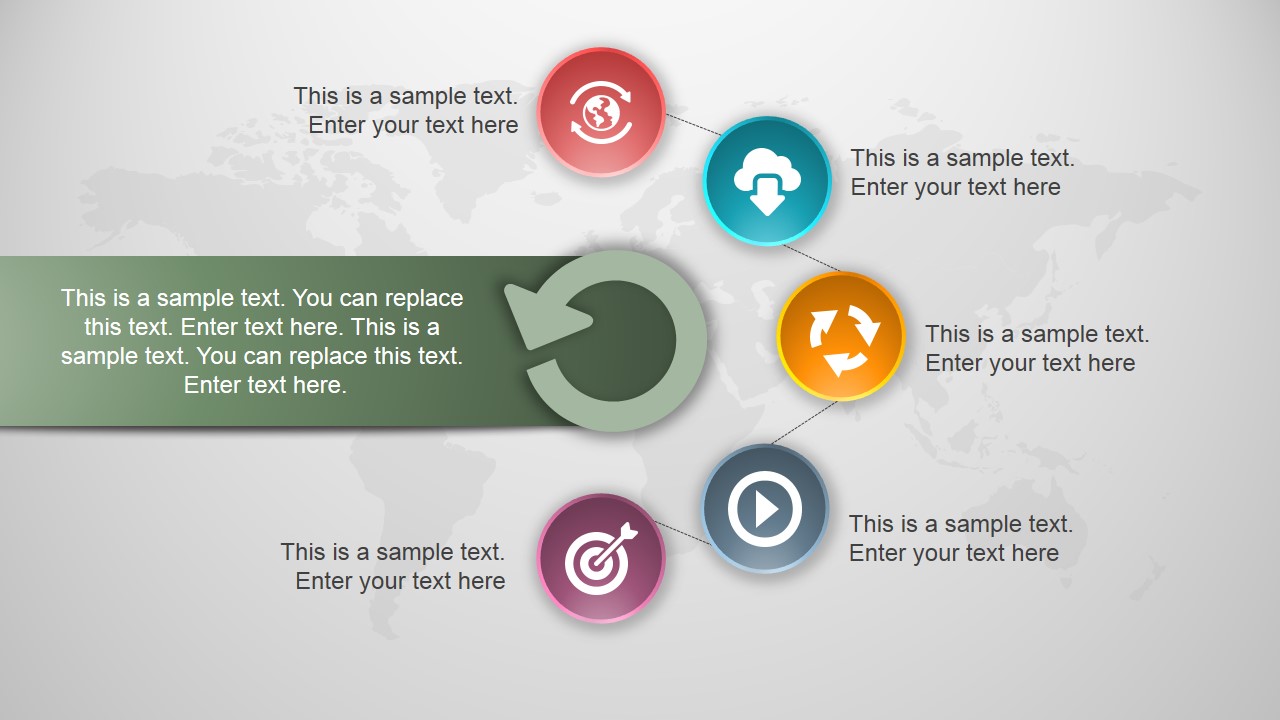
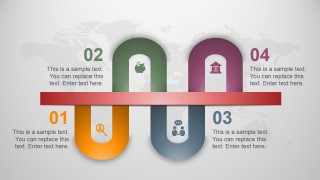
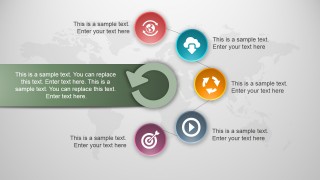
- A trainer can guide a workshop opening by using the circular icon cycle to explain repeated behaviors, review loops, or learning stages.
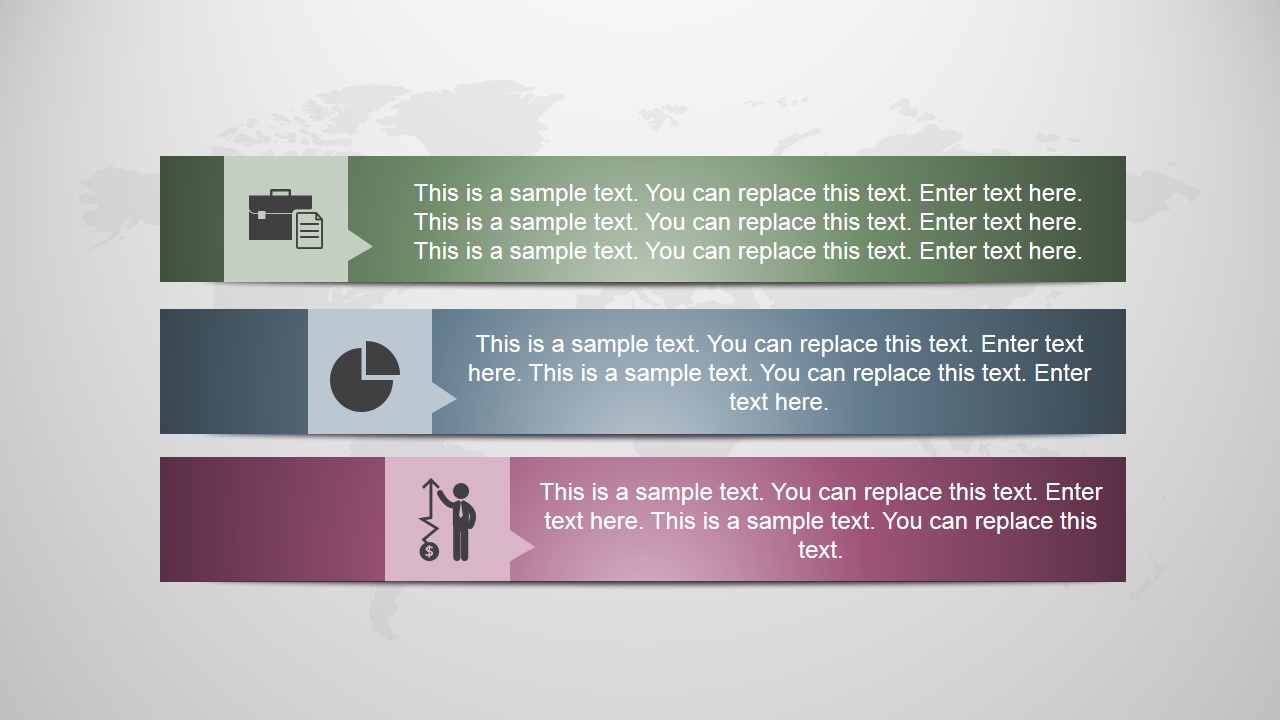
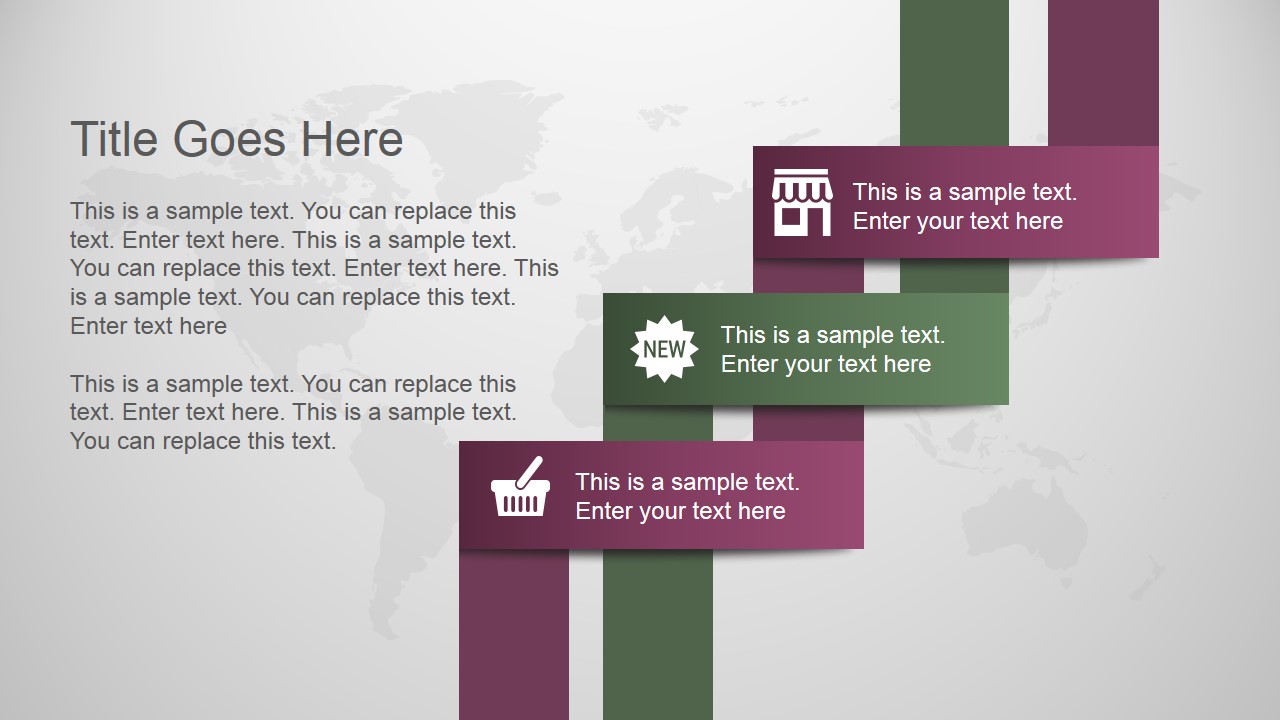
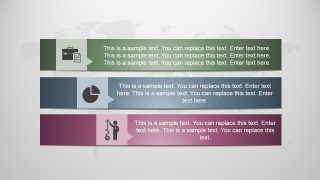
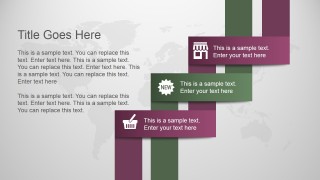
- A business presenter can summarize service categories or internal initiatives with the three horizontal ribbon callouts and staggered ribbon labels.
Features
- 100% editable presentation template
- Compatible with Microsoft PowerPoint and Google Slides
- 16:9 aspect ratio slides
- Scalable vector shapes, icons and illustrations
- Ready with Animations & Transitions in PowerPoint
- AI-Ready for Microsoft Copilot and Claude
- Instant access and download
Frequently asked questions
Q: How should a presenter organize content so the colorful slides stay clear?
A: Assign one message type to each layout. Use Slide 1 for the agenda, Slide 2 or Slide 5 for ordered steps, Slide 3 for choices, and Slide 6 for a cycle or repeated process. Keep each colored shape to a short phrase, then explain the detail verbally or in the speaker notes.
Q: Who is this template best suited for?
A: This template fits presenters who need a creative overview rather than a dense report. Educators, trainers, project managers, and business presenters can use the agenda panel, timeline ribbons, and icon callouts to structure a short session, lesson introduction, or progress briefing without relying on heavy text pages.
Q: Why do the map background, ribbons, and icon shapes help the message?
A: The pale world-map texture gives the slides a broad, natural context while staying behind the content. The saturated ribbons, hexagons, and circular icons create clear visual anchors, so viewers can distinguish sequence, category, and action. This contrast is useful when the speaker needs quick recognition of sections.
Animated Natural PowerPoint Template with Vibrant Colors
8-slide animated presentation template with agenda, timeline diagrams, and vibrant natural backgrounds for business and education
Animated Natural PowerPoint Template with Vibrant Colors is an 8-slide presentation template with agenda panels, ribbon timelines, hexagon options, chevron process arrows, and circular icon cycles on soft world-map backgrounds. It is designed for business, education, and general-purpose presentations in Microsoft PowerPoint and Google Slides.
- Category
- Template Backgrounds
- Rating


 Loading...
- Aspect ratio
- 16:9
- Item ID
- 4057-01
- Colors
 Microsoft PowerPoint
  Microsoft Copilot
  Claude for PowerPoint
 Other formats supported
Subscribe today and get immediate
access to download our PowerPoint templates.