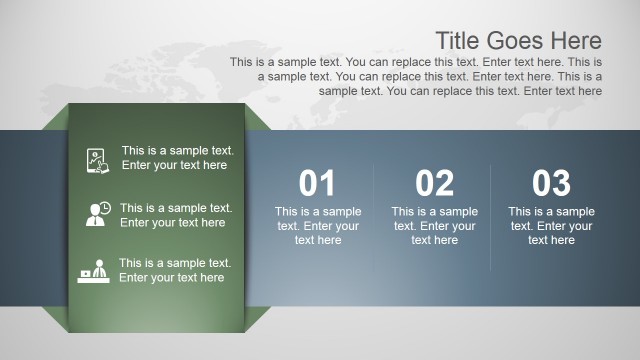
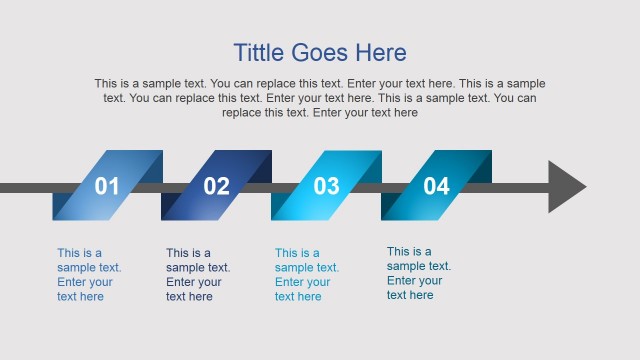
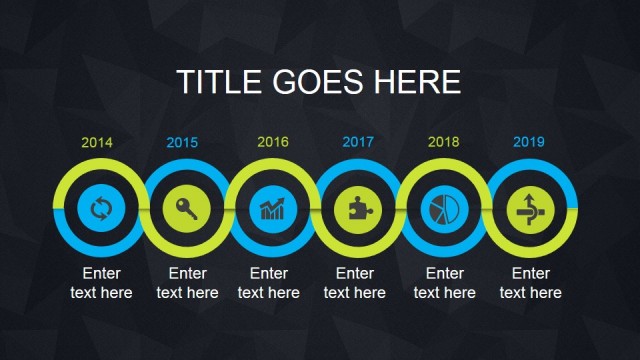
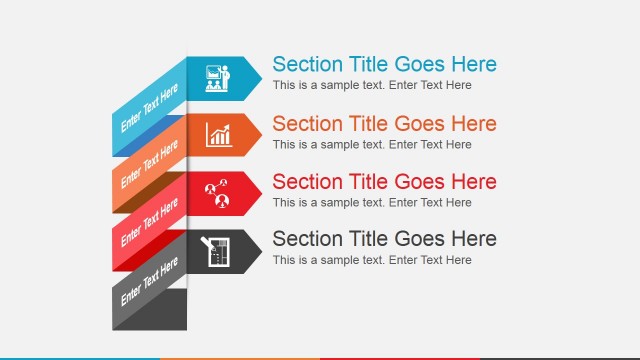
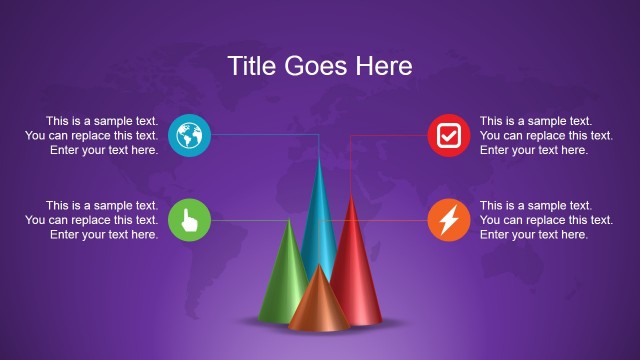
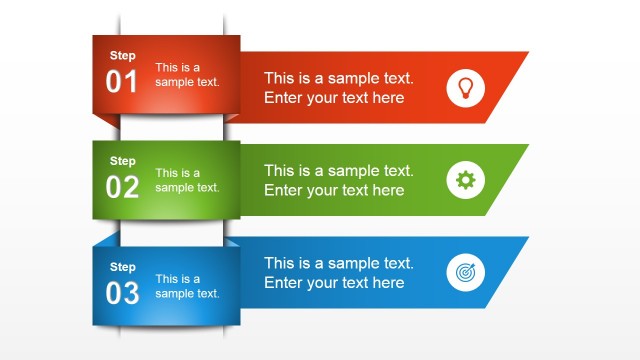
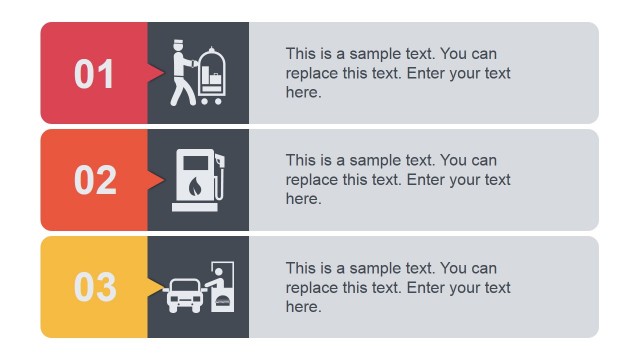
Animated Vibrant PowerPoint Template with Bright Backgrounds is a presentation template containing bright backgrounds and animated slide designs that can help you to make amazing presentations using Microsoft PowerPoint.
You can see a live preview here:
Alternatively you can download other presentation slides and templates for Microsoft PowerPoint or download the free bundle template for evaluation.
What’s inside this template
Example presentation scenarios
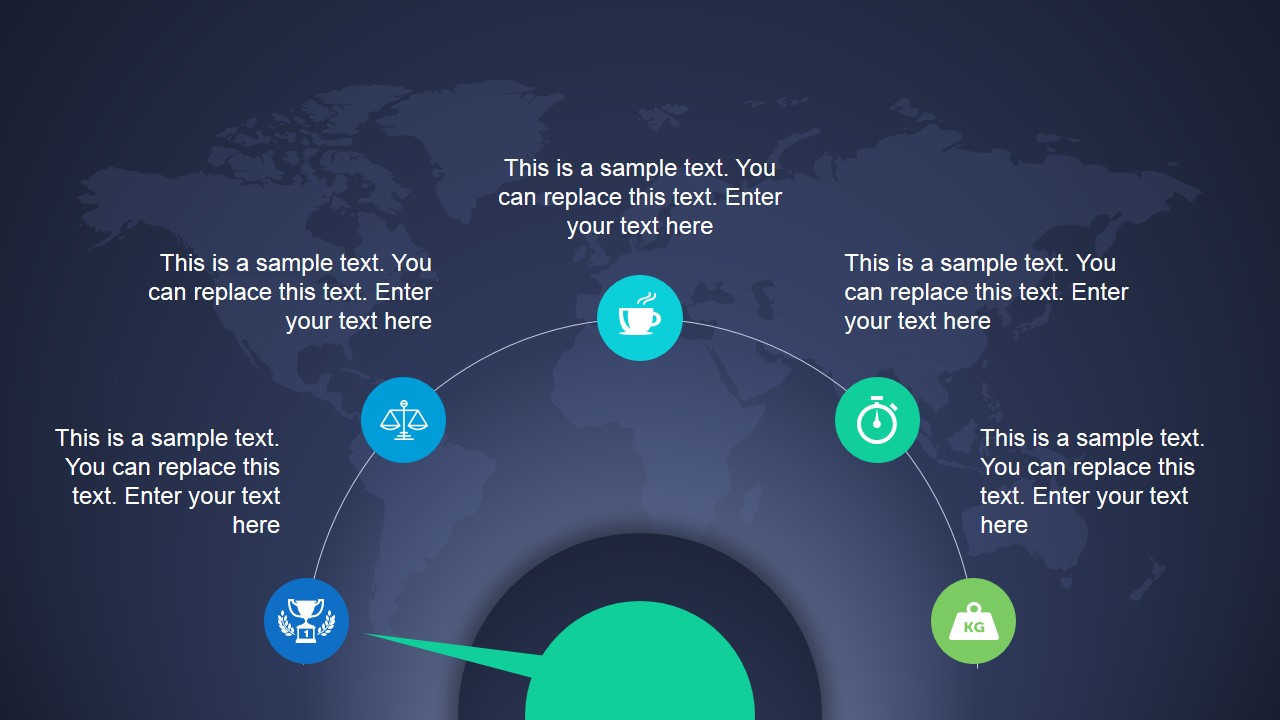
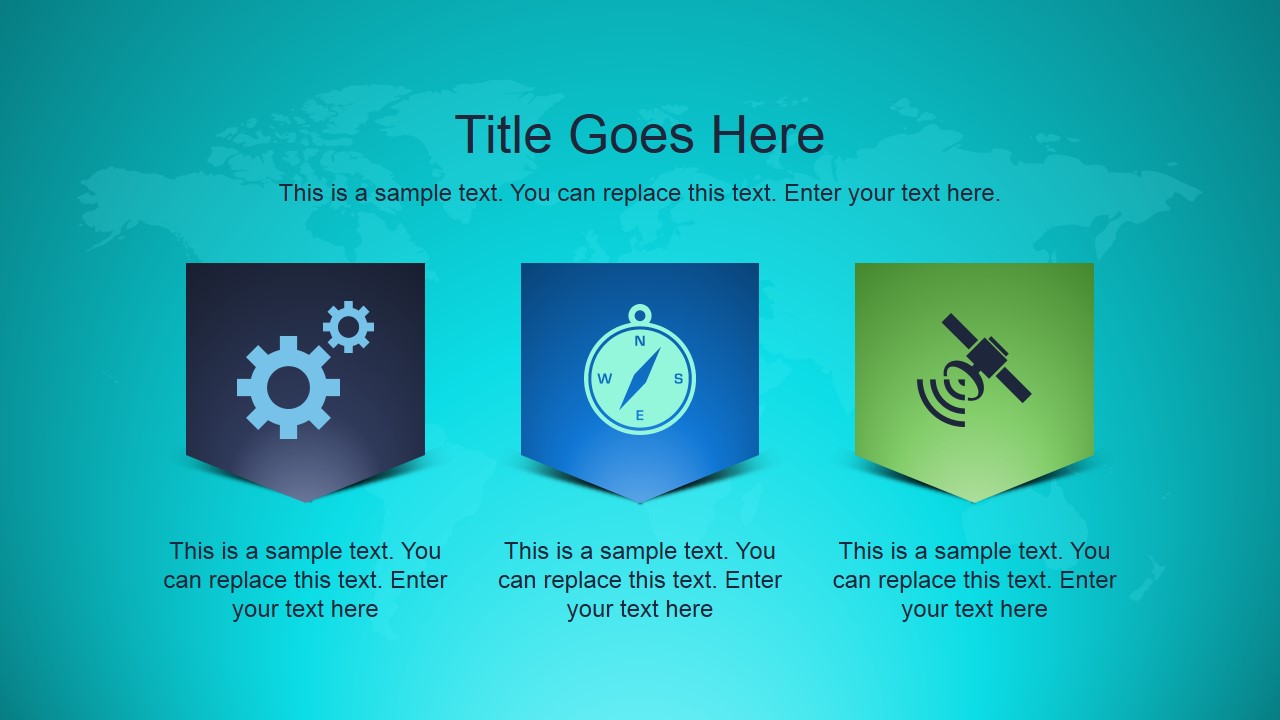
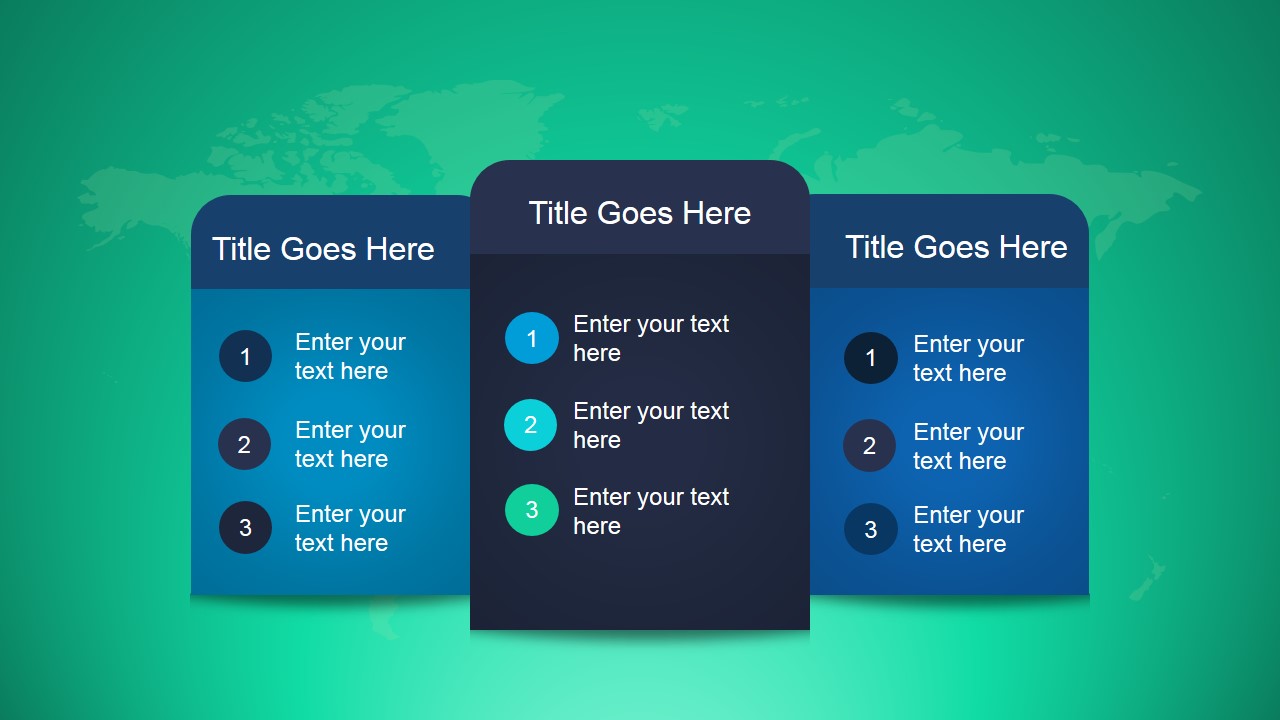
- A marketing manager can introduce a campaign framework by using the radial process slide to group themes and the three-card slide to separate message pillars.
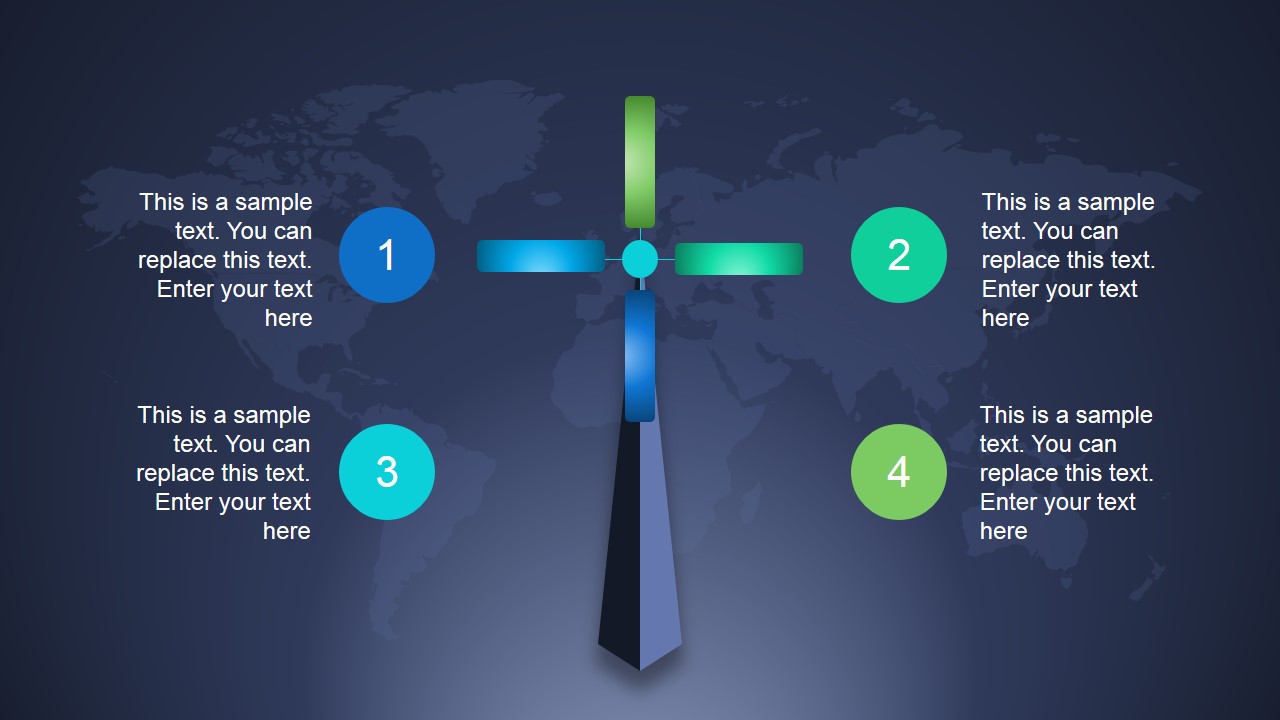
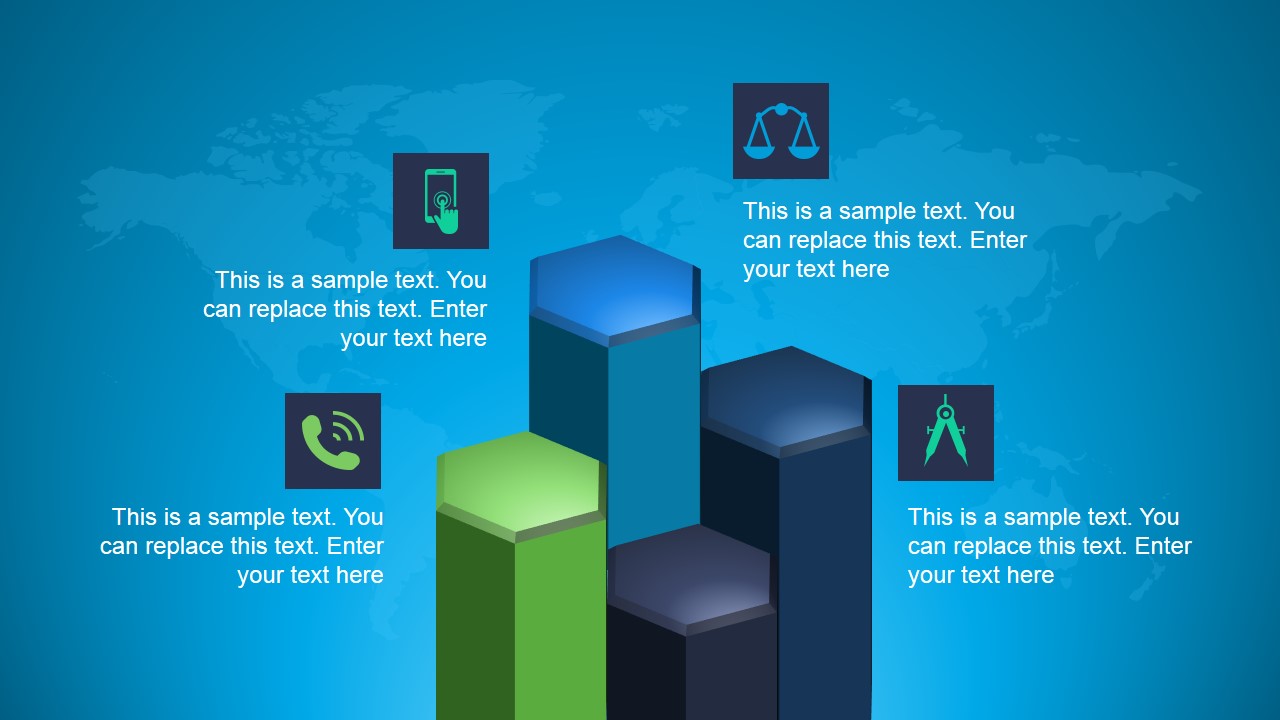
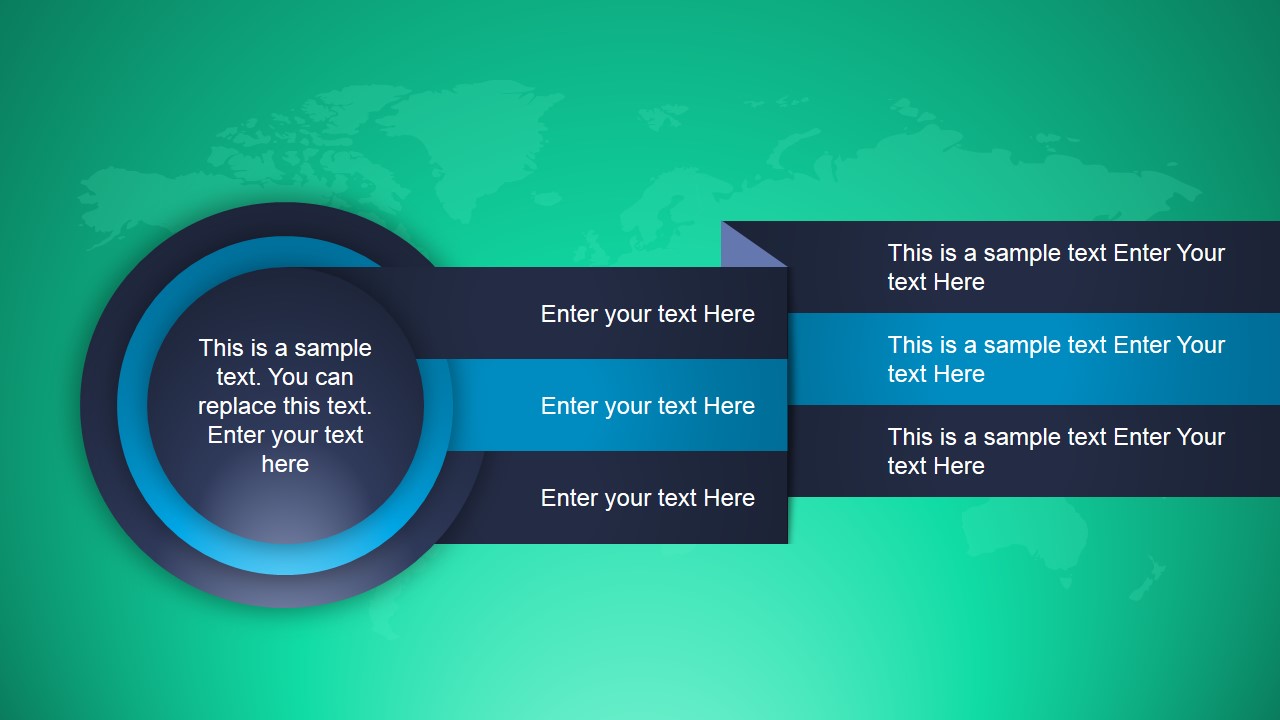
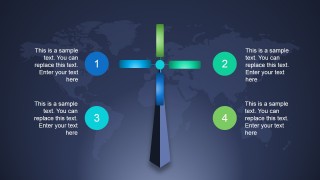
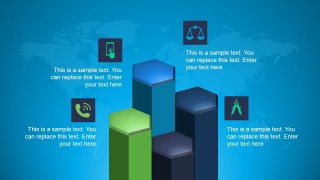
- A consultant can present a client briefing by using the four-step cross diagram for decision factors and the 3D bar infographic for a high-level comparison.
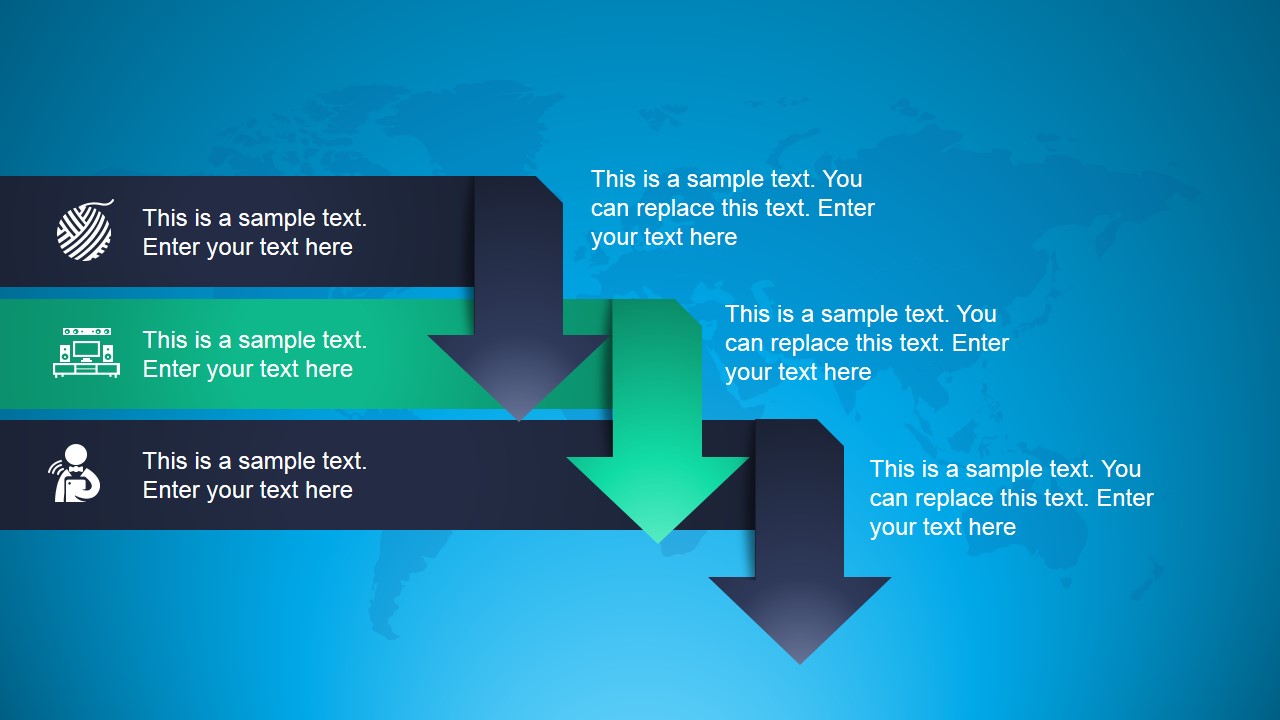
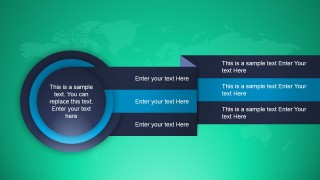
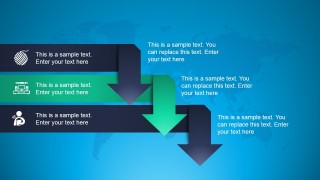
- A trainer can open a workshop module by using the horizontal list slide to outline activities and the descending arrow process to show the learning flow.
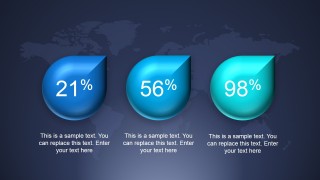
- A startup founder can explain product traction by placing headline metrics in the percentage callout slide and using the card panels for customer or feature categories.
Features
- 100% editable presentation template
- Compatible with Microsoft PowerPoint and Google Slides
- 16:9 aspect ratio slides
- Scalable vector shapes, icons and illustrations
- Ready with Animations & Transitions in PowerPoint
- AI-Ready for Microsoft Copilot and Claude
- Instant access and download
Frequently asked questions
Q: How should a presenter structure a short message with this template?
A: Start with the title and three-card slide to establish the topic and its main categories. Move into the radial or cross diagram when explaining relationships or decision factors. Use the 3D bar or percentage slide only for the few figures that matter most, then close with the descending arrow process to show the next steps.
Q: Who is this template best suited for?
A: This deck fits presenters who need a short, visual, high-energy explanation rather than a dense report. Marketing teams, consultants, trainers, and startup speakers can use the bright backgrounds, icon callouts, and compact list layouts to keep attention on categories, process steps, and headline metrics.
Q: Why do the circular nodes, arrows, and 3D-style shapes help the message?
A: The circular process, cross diagram, and descending arrows act as visual metaphors for movement, comparison, and progression. They reduce the need for long paragraphs by assigning each idea a visible place. The bright gradients and dark panels also separate foreground text from the background, which helps the audience scan the slide quickly.


Animated Vibrant PowerPoint Template with Bright Backgrounds
8-slide animated presentation template with bright backgrounds, radial process diagrams, lists, and percentage callouts
Animated Vibrant PowerPoint Template with Bright Backgrounds is an 8-slide 16:9 presentation template for Microsoft PowerPoint and Google Slides. It uses bright map backgrounds with a radial process diagram, three-card title layout, four-step cross diagram, 3D bar infographic, horizontal list, percentage callouts, and descending arrow process for business presenters.
- Category
- Template Backgrounds
- Rating


 Loading...
- Aspect ratio
- 16:9
- Item ID
- 4054-01
- Colors
 Microsoft PowerPoint
  Microsoft Copilot
  Claude for PowerPoint
 Other formats supported
Subscribe today and get immediate
access to download our PowerPoint templates.