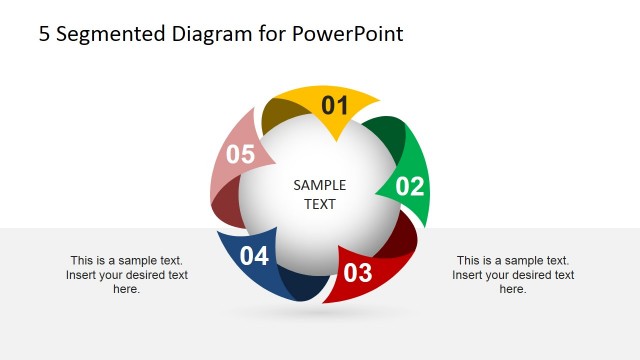
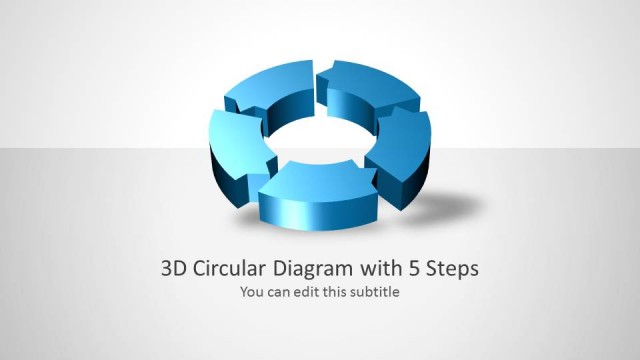
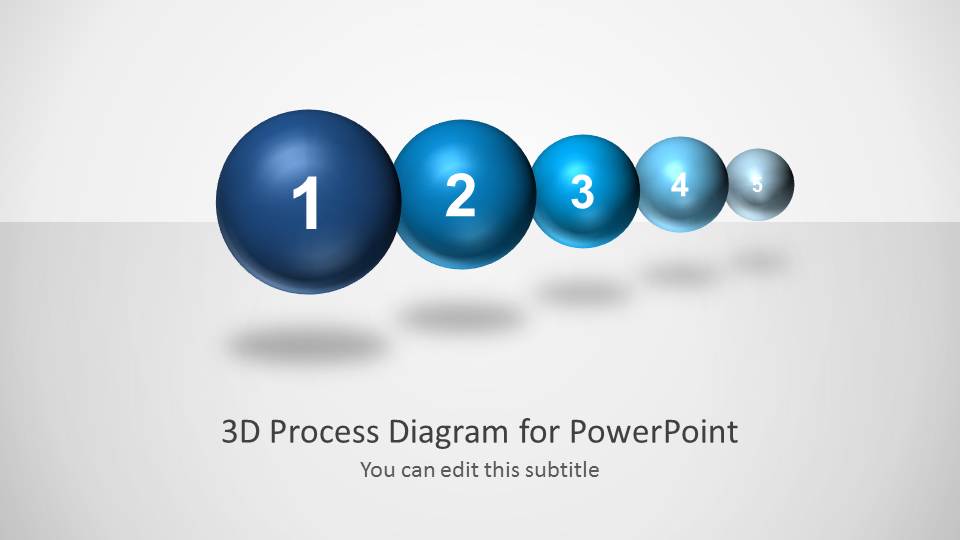
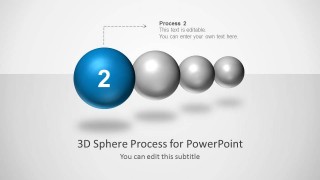
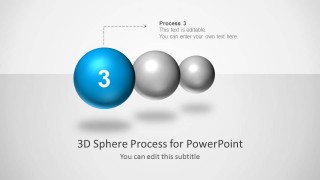
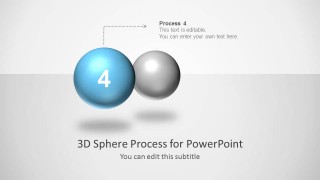
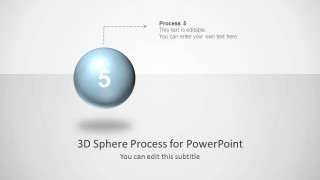
3D Spheres process diagram for PowerPoint with consecutive spheres in a slide design. You can download this pre-designed template for PowerPoint to describe a process flow of up to five steps or as a business analogy. You can also use the spheres process diagram template to represent a business timeline with five milestones.
What’s inside this template
Example presentation scenarios
- A project manager can present a phased implementation plan by introducing the five-sphere overview, then using the enlarged step slides to explain responsibilities and deadlines for each phase.
- A consultant can explain a client transformation roadmap by assigning each sphere to a milestone and using the dotted callout labels to keep each recommendation focused.
- An operations leader can brief staff on a new workflow by using the single-step emphasis slides to show what changes at each stage of the process.
- A trainer can teach a repeatable method by moving from the full sphere sequence to the highlighted step layouts, allowing learners to follow one action at a time.
Features
- 100% editable presentation template
- Compatible with Microsoft PowerPoint
- 16:9 aspect ratio slides
- Scalable vector shapes, icons and illustrations
- AI-Ready for Microsoft Copilot and Claude
- Instant access and download
Frequently asked questions
Q: How should a presenter structure the message with this five-sphere process design?
A: Start with the overview slide to name the five stages before explaining details. Then dedicate one highlighted sphere slide to each stage, keeping the callout text short and action-oriented. This sequence works best when each step is comparable in weight and the audience needs to remember the order.
Q: What type of presentation is this template best suited for?
A: This template fits presenters who need to explain a linear process, milestone path, or phased plan without adding data-heavy visuals. Project managers, consultants, and trainers can use the five numbered spheres to make the order clear while the individual step slides provide room for definitions, responsibilities, or decisions.
Q: Why use 3D spheres instead of a flat numbered list?
A: The 3D spheres create a visual metaphor for progress: larger highlighted objects pull attention to the current stage while smaller or gray spheres show the remaining path. This helps the audience understand sequence, focus, and movement through the process more quickly than a text-only list.


3D Spheres Process Diagram for PowerPoint
6-slide PowerPoint process diagram template with 3D spheres and five-step milestone flow
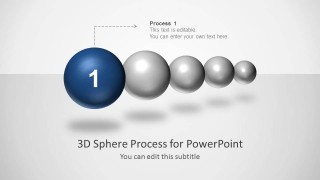
3D Spheres Process Diagram for PowerPoint is a 6-slide 16:9 process diagram template for showing up to five sequential stages. It includes a five-sphere overview, single-step emphasis slides, dotted callout labels, and perspective sphere chains for business process, milestone, or timeline presentations in Microsoft PowerPoint.
- Category
- Process Diagrams
- Rating


 Loading...
- Aspect ratio
- 16:9
- Item ID
- 6017
- Colors
 Microsoft PowerPoint
  Microsoft Copilot
  Claude for PowerPoint
 Other formats supported
Subscribe today and get immediate
access to download our PowerPoint templates.