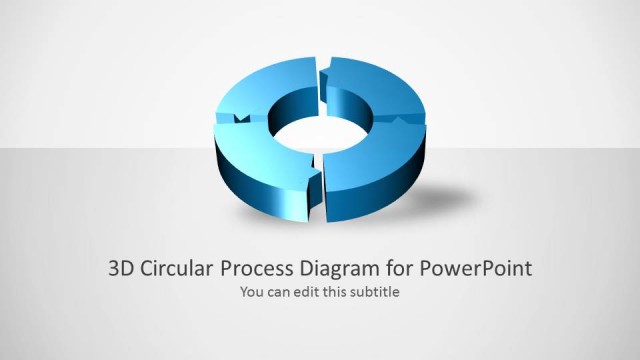
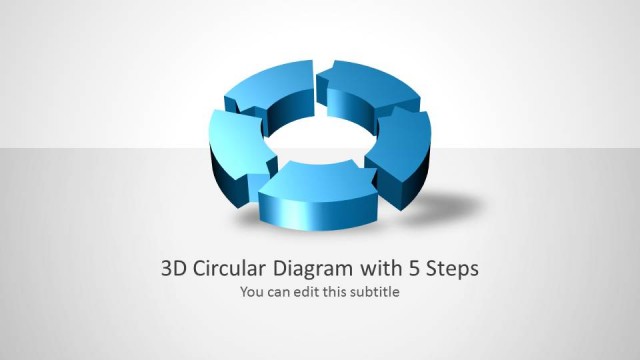
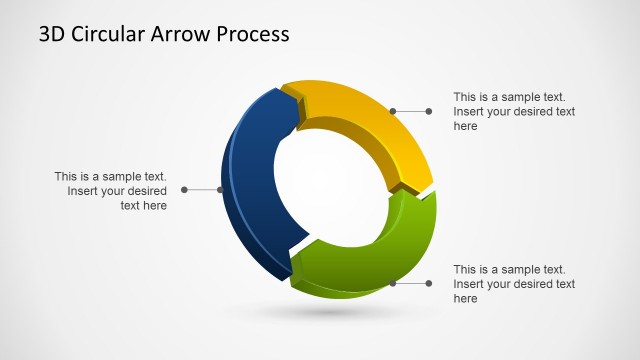
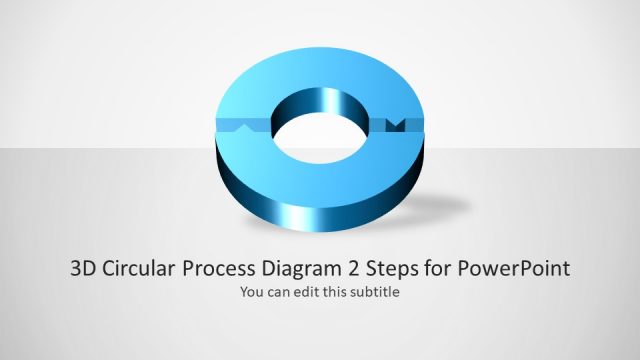
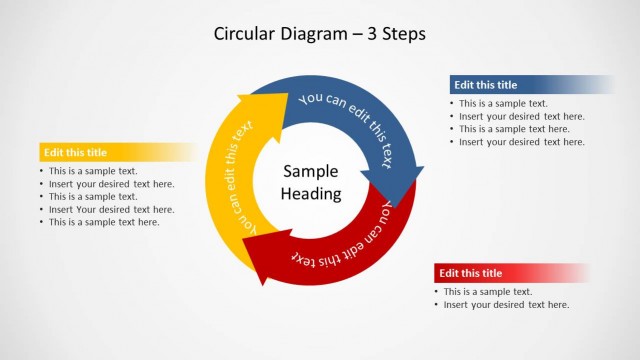
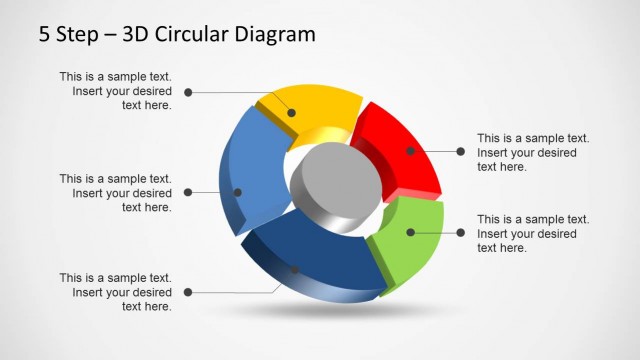
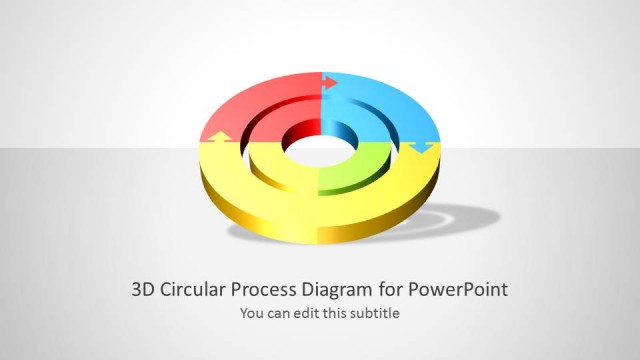
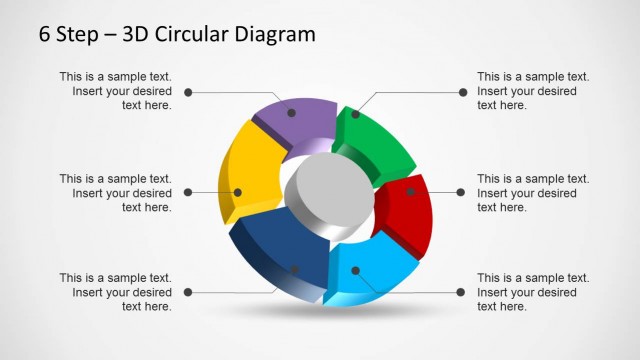
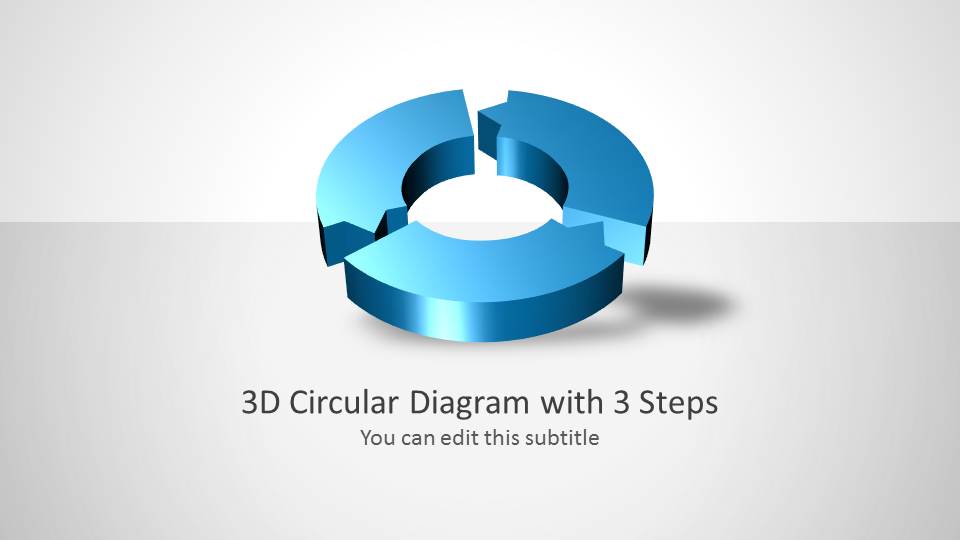
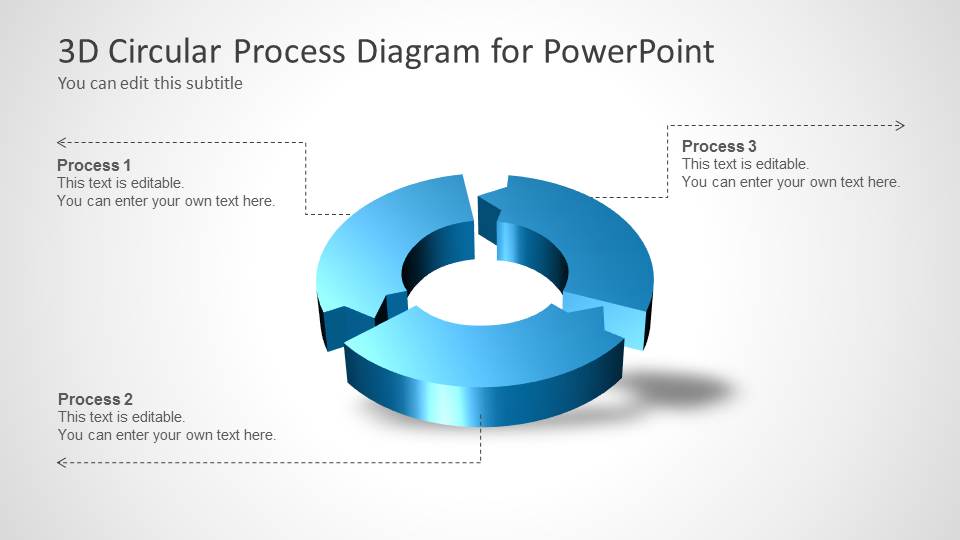
This is a 3D Circular Process diagram for PowerPoint presentations with 3 steps. You can use this 3D diagram design for Microsoft PowerPoint presentations to describe a process of three steps.
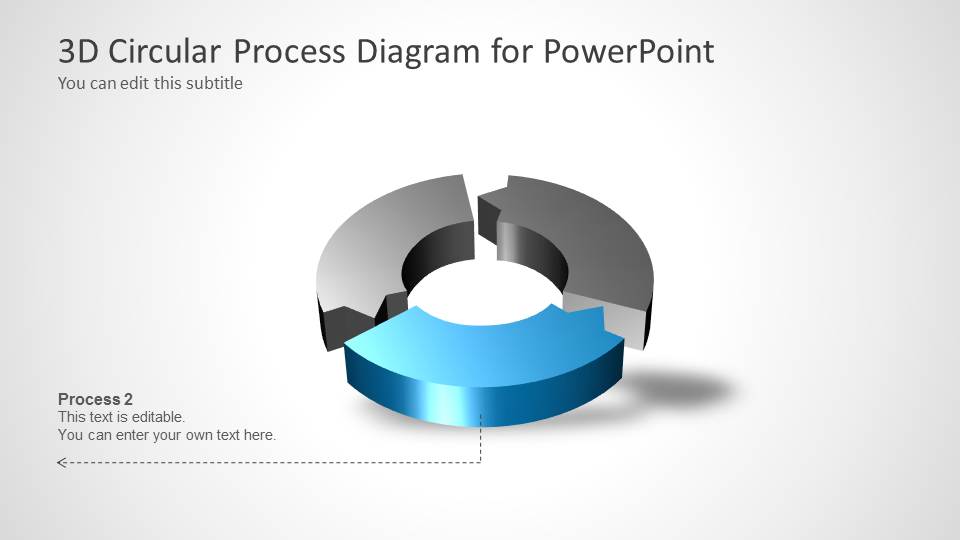
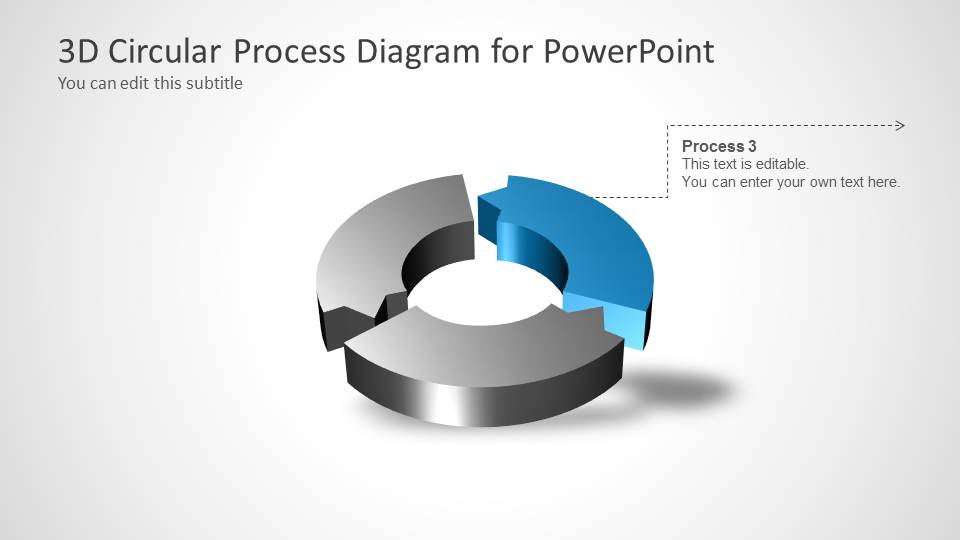
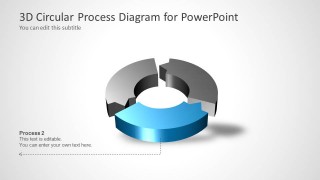
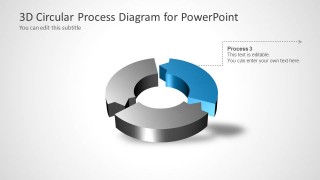
The 3D circular process template comes with different slide designs showing a different state for the diagram, which makes it good to describe a process step on each slide.
As an alternative, you can download other 3D PowerPoint designs and presentation templates.
What’s inside this template
Example presentation scenarios
- A project manager can use the overview diagram to explain how three phases connect before assigning responsibilities for each phase.
- A consultant can present a client workflow by showing the full cycle first, then using the Process 1, Process 2, and Process 3 highlight slides to discuss each activity.
- An operations leader can use the segmented 3D ring to describe a recurring improvement cycle and clarify which step is active at each point.
- A training presenter can introduce a simple procedure with the cover slide, then teach each step through the dedicated callout slides.
Features
- 100% editable presentation template
- Compatible with Microsoft PowerPoint
- 16:9 aspect ratio slides
- Scalable vector shapes, icons and illustrations
- AI-Ready for Microsoft Copilot and Claude
- Instant access and download
Frequently asked questions
Q: How should a presenter explain the three-step cycle without making it feel repetitive?
A: Start with the full cycle slide to establish the complete process, then move through the three focus slides as separate speaking beats. On each step slide, keep the callout text short and action-oriented. The gray inactive segments help the audience see that one part is being discussed while the whole cycle remains connected.
Q: Who is this template best suited for in a business presentation?
A: This template is best for presenters who need to explain a simple closed-loop process, such as a project phase model, service workflow, operational routine, or training sequence. It fits audiences that need a quick mental map of three related actions rather than a dense process map with many branches.
Q: Why does the 3D circular ring work well for this message?
A: The circular shape signals repetition, feedback, or continuity, while the three separated segments make the process easy to divide into stages. The 3D depth gives the diagram a focal point on otherwise minimal slides. The step highlight versions reduce visual competition by coloring only the active segment.

3D Circular Process Diagram 3 Steps for PowerPoint
5-slide PowerPoint presentation template with 3D circular process diagram and three-step cycle layouts
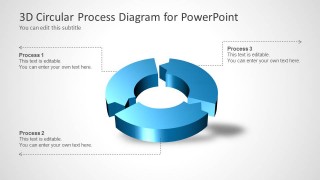
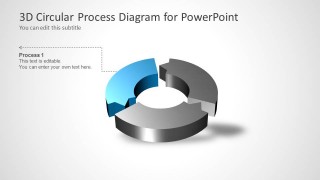
This 5-slide PowerPoint template presents a 3-step circular process using a 3D segmented ring diagram. It includes a cover slide, a full cycle overview, and three focused step slides with callout text for Process 1, Process 2, and Process 3. It is intended for process explanations in Microsoft PowerPoint.
- Category
- Process Diagrams
- Rating


 Loading...
- Aspect ratio
- 16:9
- Item ID
- 6015-03
- Colors
 Microsoft PowerPoint
  Microsoft Copilot
  Claude for PowerPoint
 Other formats supported
Subscribe today and get immediate
access to download our PowerPoint templates.