Slide 5 of 6 from 3D Spheres Process Diagram for PowerPoint
6017-3d-sphere-process-wide-5
3D Sphere Process Step Four Slide
- Diagram
- Process Flow
- Process Slide
- 16:9
- 100% Editable
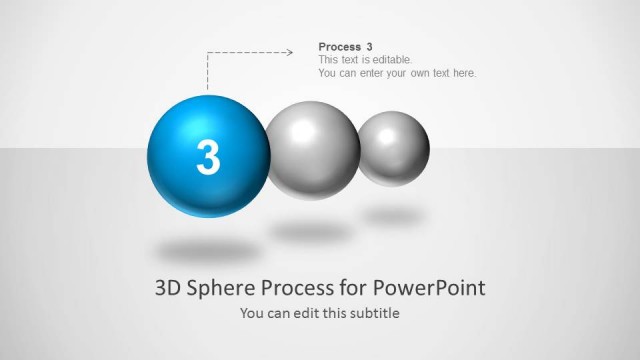
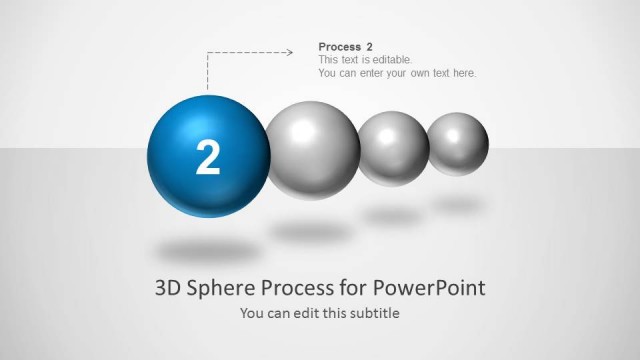
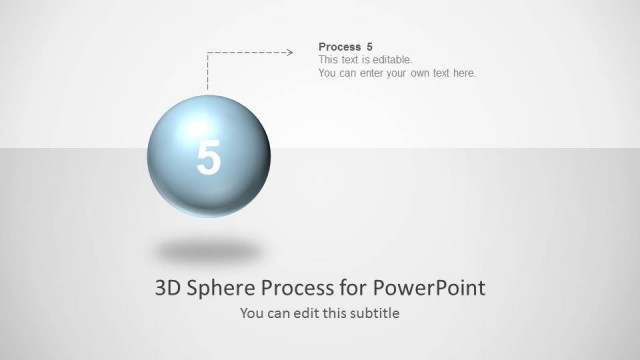
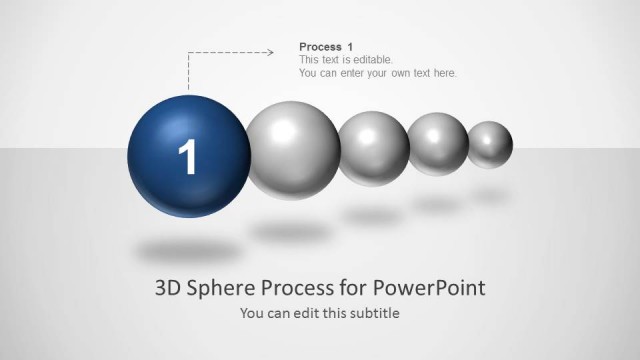
The Process Step Four with Spheres slide from the 3D Spheres Process Diagram for PowerPoint template offers a clear visual to emphasize the fourth stage in a workflow or project milestone. This slide template integrates editable shapes and vector icons within a business presentation or pitch deck template, making it suitable for illustrating sequential processes in corporate presentations or strategic planning sessions.
What’s on This Slide
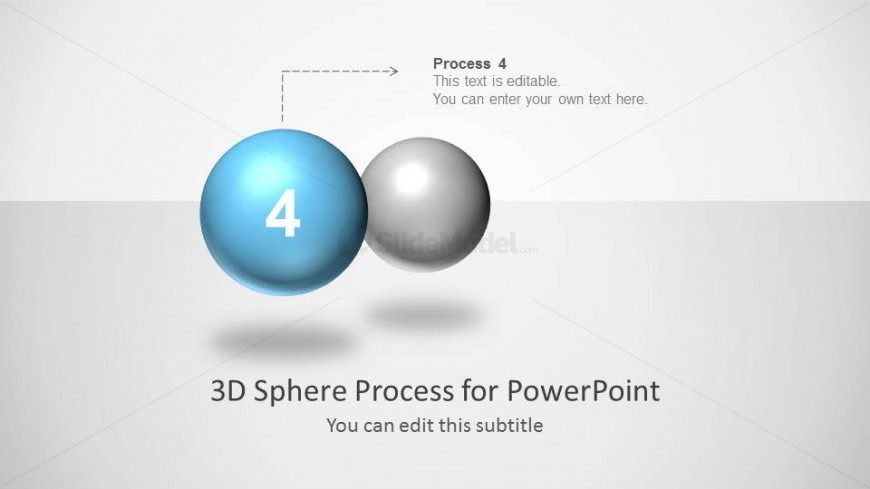
The layout features two spheres positioned centrally, with the left sphere in blue and the right sphere in gray. The blue sphere displays the number '4' prominently in white. Above the spheres, there is an editable text placeholder labeled 'Process 4' with an arrow pointing from it to the blue sphere. Below the spheres, another editable text placeholder reads '3D Sphere Process for PowerPoint,' with a smaller placeholder stating 'You can edit this subtitle.' The background is light gray, enhancing the visual clarity of the spheres.
How to Use It
This layout serves as a single-step emphasis within a sequential process diagram, ideal for highlighting the fourth stage in a multi-step presentation. It fits well in a business context where processes are outlined, such as project milestones or workflow stages. The design allows for clear communication of progress and can be used in various scenarios, including training sessions, project updates, or strategic planning discussions.
Text Placeholders & Capacity
Keep your copy within these limits so it fits without resizing. Text slots are moderate, allowing for concise content in each area.
| Placeholder | Count | Max characters (approx.) |
|---|---|---|
| Item heading | 1 | 10 |
| Item body | 1 | 50 |
| Slide title | 1 | 40 |
| Subtitle | 1 | 40 |
Slide Keywords
Download unlimited PowerPoint templates, charts and graphics for your presentations with our annual plan.
DOWNLOADReturn to 3D Spheres Process Diagram for PowerPoint.