Slide 3 of 6 from 3D Spheres Process Diagram for PowerPoint
6017-3d-sphere-process-wide-3
3D Sphere Process Step for PowerPoint
- Diagram
- Arrow Sequence
- Process Slide
- 16:9
- 100% Editable
The 3D Sphere Process Step slide from the 3D Spheres Process Diagram for PowerPoint template offers a clear visual for illustrating sequential steps in workflows or project milestones. This slide layout uses editable shapes and vector icons to emphasize key process stages, making it a practical choice for business presentations and corporate slide decks requiring precise process explanations.
What’s on This Slide
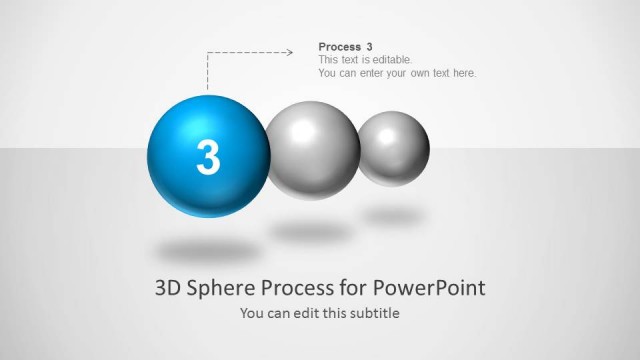
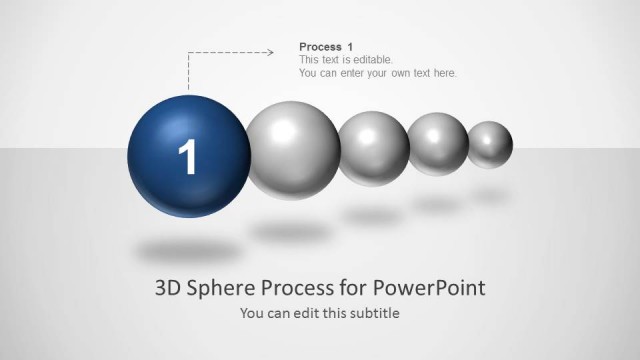
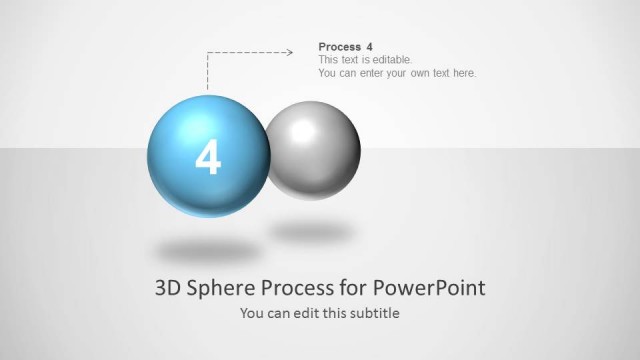
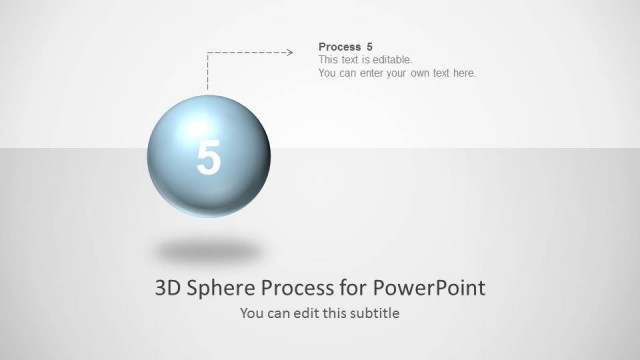
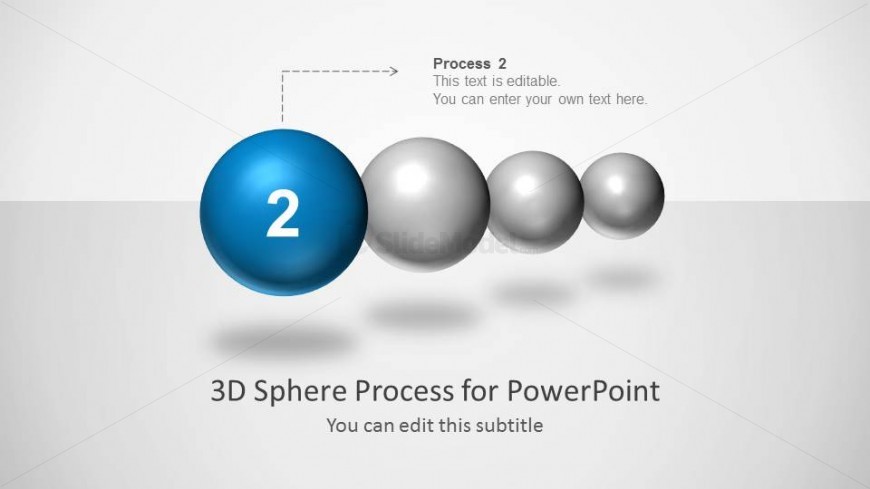
The slide features a prominent blue sphere positioned centrally, labeled with the number '2'. To the left, a dotted arrow points towards the blue sphere from a text box containing 'Process 2' and a placeholder for additional text. To the right, four smaller gray spheres are arranged in a row, decreasing in size. The background is light gray, providing contrast to the spheres. At the bottom, there is a title placeholder stating '3D Sphere Process for PowerPoint' and a subtitle placeholder for further details. The overall layout emphasizes the central sphere as the focal point.
How to Use It
This layout serves to illustrate a specific step in a multi-step process, making it suitable for presentations that require sequential explanations. It fits well in a series of process diagrams, particularly in business contexts where stages of a project or workflow are outlined. This slide can be used to highlight key actions or milestones in a process, making it effective for training sessions, project updates, or strategic planning discussions.
Text Placeholders & Capacity
Keep your copy within these limits so it fits without resizing. Body slots can accommodate roughly 8-10 words each.
| Placeholder | Count | Max characters (approx.) |
|---|---|---|
| Item heading | 1 | 1 |
| Item body | 1 | 40 |
| Body paragraph | 1 | 50 |
| Slide title | 1 | 40 |
| Subtitle | 1 | 40 |
Slide Keywords
Download unlimited PowerPoint templates, charts and graphics for your presentations with our annual plan.
DOWNLOADReturn to 3D Spheres Process Diagram for PowerPoint.