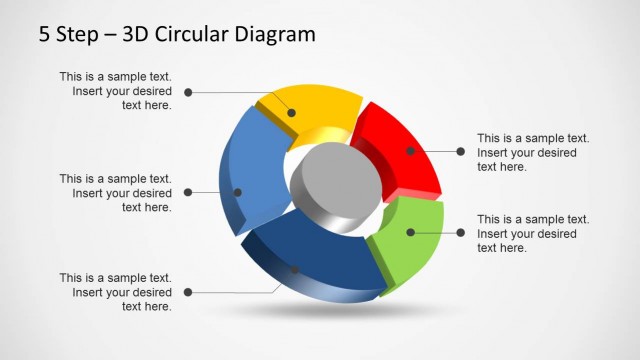
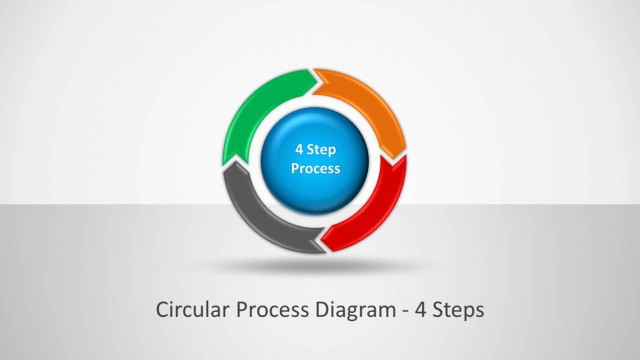
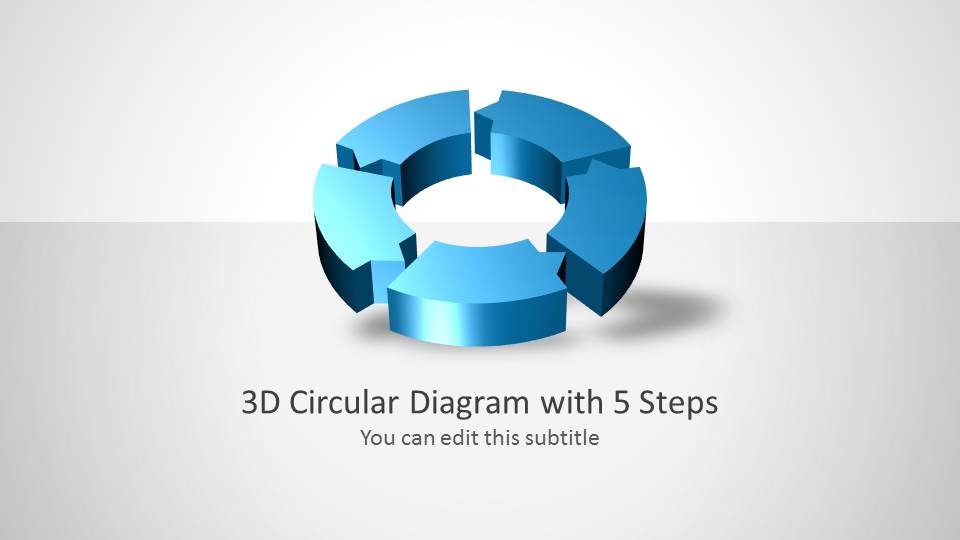
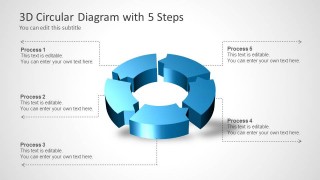
3D Circular Process Diagram 5 Steps for PowerPoint– a circular diagram template for 5 steps process or cycle presentations. The design is intended to be generic. It can showcase numerous key topics as long as the composition is of 5 phases. Develop catchy visuals using 3D Circular Process Diagram 5 Steps for PowerPoint.
The Office template is ideal for 5 steps process diagrams. Its design is fully customizable. Thus, the user can opt to modify the layout to suit a particular theme or report. The slides are perfect for both standalone diagram presentations and in supplementing a larger topic. It can be used in business concepts like company planning, marketing and project management. In science, it can show a life cycle or represent the steps of a scientific method. There are more ideas that can apply these PowerPoint shapes- history, medicine, personal, organization, etc.
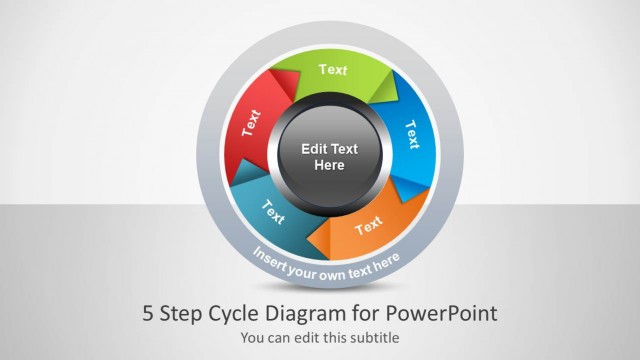
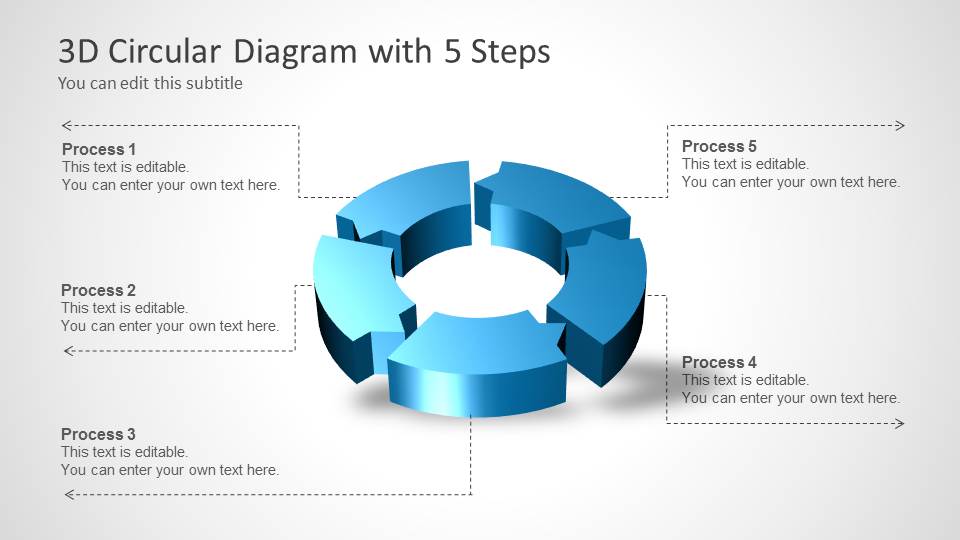
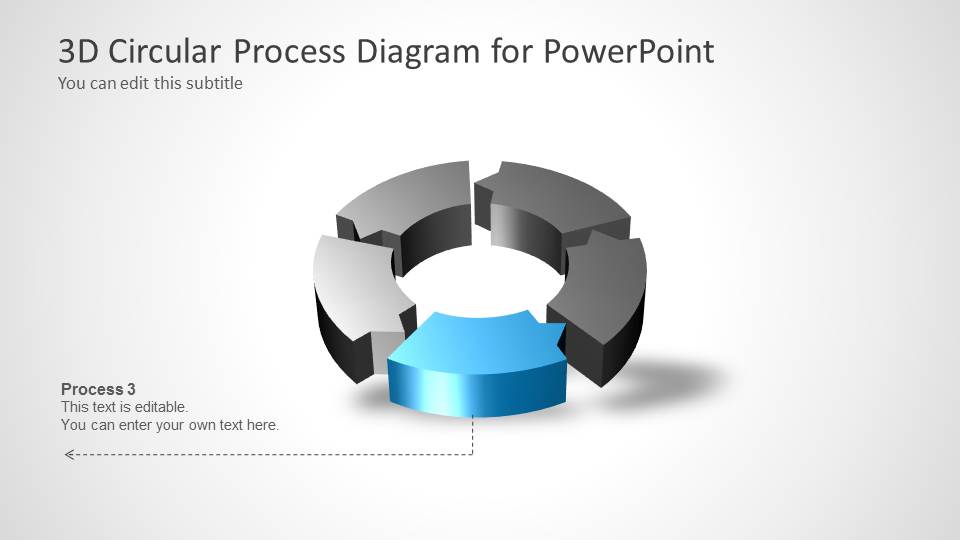
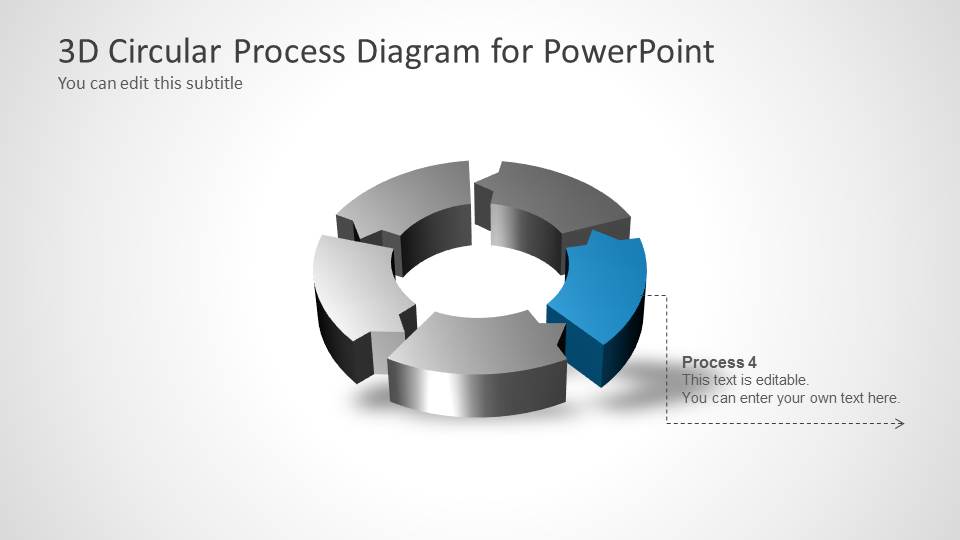
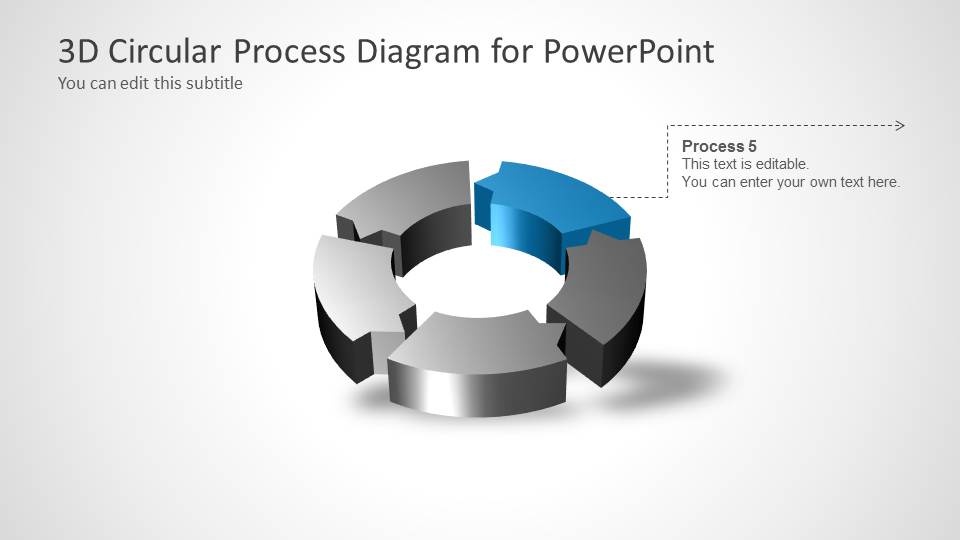
Circular Process Diagram is considered as the simplest form of chart. It is made up of curving arrows that form a circle shape when put together. The labels are written either in text boxes between the arrows or in the arrows itself when the shape can accommodate the text like in this design. The diagram illustrates the connection and relationship between the steps. It captures how one step ends after the task is done and how the next one starts. The flow goes smoothly. The graphics symbolize continuity and methodology.
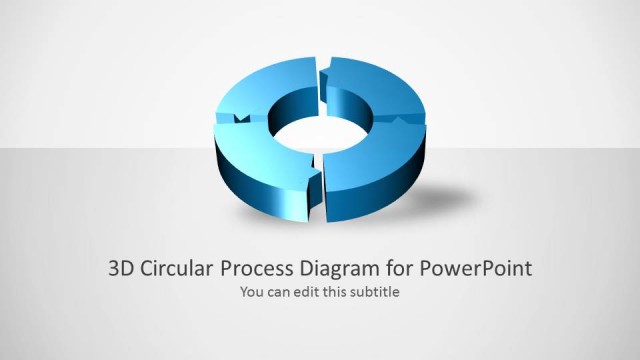
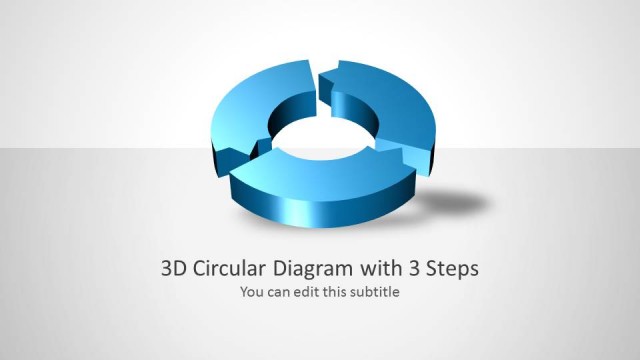
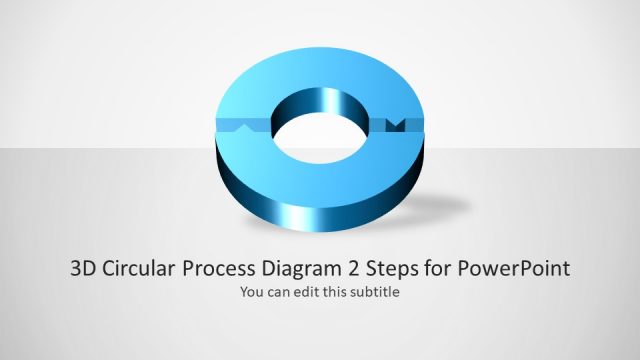
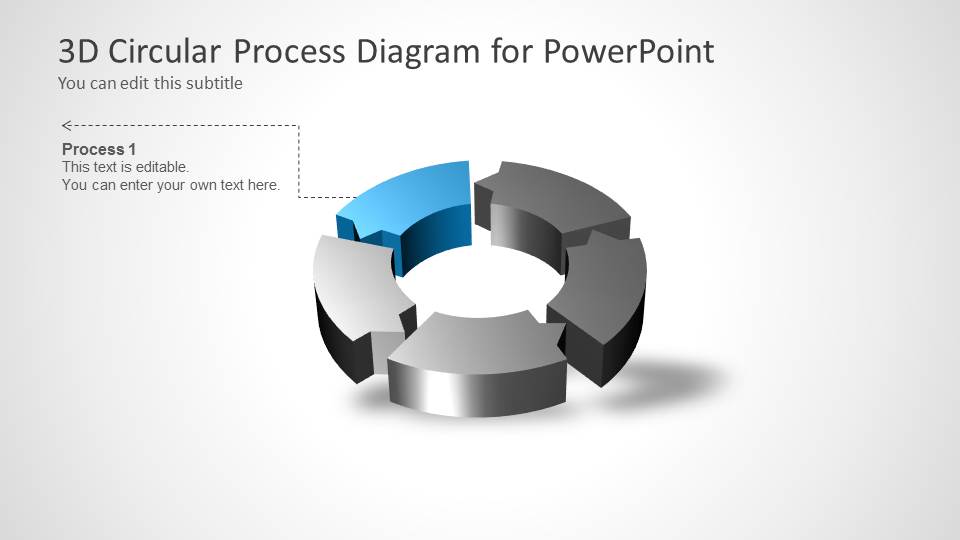
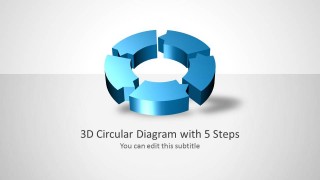
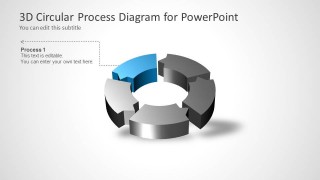
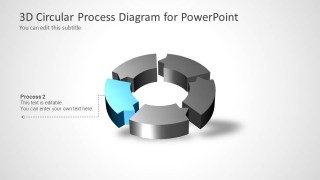
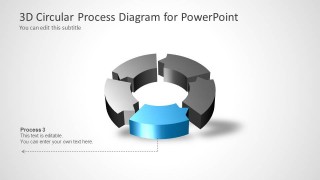
The PowerPoint template is composed of 8 intricate and unique slides. In the first and second slides, the user can find a full blue circular flow chart. The following slides provide an individual venue for every step to be explained. The user can detail on the initial step with the 3rd slide, and so on.
Captivate global audiences with 3D Circular Process Diagram 5 Steps for PowerPoint. Checkout more downloadable layouts at the SlideModel gallery Circular PowerPoint Templates & Diagrams for Presentation.
What’s inside this template
Example presentation scenarios
- A project manager can present a delivery lifecycle by using the full five-step cycle slide to orient stakeholders and the step-focus slides to explain each project phase.
- A marketing team can explain a campaign workflow by assigning each arrow segment to planning, production, launch, measurement, and optimization.
- A consultant can map a client operating model by using the circular process diagram to show how activities repeat rather than stop at a final step.
- A trainer can teach a repeatable method by introducing the full 3D cycle first, then using the highlighted segment slides for guided discussion.
Features
- 100% editable presentation template
- Compatible with Microsoft PowerPoint and Google Slides
- Scalable vector shapes, icons and illustrations
- AI-Ready for Microsoft Copilot and Claude
- Instant access and download
Frequently asked questions
Q: How should a presenter explain the five-step cycle without making it feel repetitive?
A: Start with Slide 2 to establish the full circular logic, then move through Slides 3 to 7 as short chapter slides. Keep each stage label action-oriented and use the callout text for the decision, input, or output of that stage. This keeps the audience focused on movement through the process, not just the diagram shape.
Q: Who is this template best suited for?
A: This template fits managers, consultants, marketers, and trainers who need to explain a repeatable five-part process. It is strongest when the message involves ongoing cycles, such as planning, execution, review, and improvement. It is less suited to one-time milestones because the circular arrows imply recurrence and continuity.
Q: Why use a 3D circular arrow metaphor for this message?
A: The 3D ring makes each phase feel connected to the next while the open center keeps the slide visually light. Highlighted single-step slides reduce cognitive load by focusing attention on one segment at a time. The circular metaphor is useful when the end of the process feeds back into the beginning.

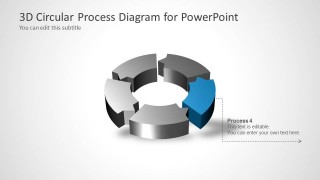
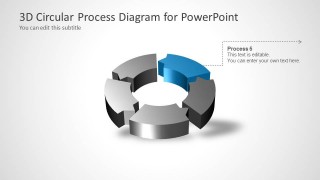
3D Circular Process Diagram 5 Steps for PowerPoint
7-slide PowerPoint presentation template for five-step circular process, cycle diagrams, and workflow steps
3D Circular Process Diagram 5 Steps for PowerPoint is a 7-slide process diagram template for presenting a five-phase cycle. It includes a title cover, a full five-step circular process, and individual step-focus slides with callout text. Business, project, marketing, and training presenters can use it for repeatable workflows in PowerPoint.


 Loading...
 Microsoft PowerPoint
  Microsoft Copilot
  Claude for PowerPoint
 Other formats supported
Subscribe today and get immediate
access to download our PowerPoint templates.