Slide 6 of 6 from 3D Spheres Process Diagram for PowerPoint
6017-3d-sphere-process-wide-6
5th Process Sphere in 3D Diagram
- Diagram
- Process Flow
- Process Slide
- 16:9
- 100% Editable
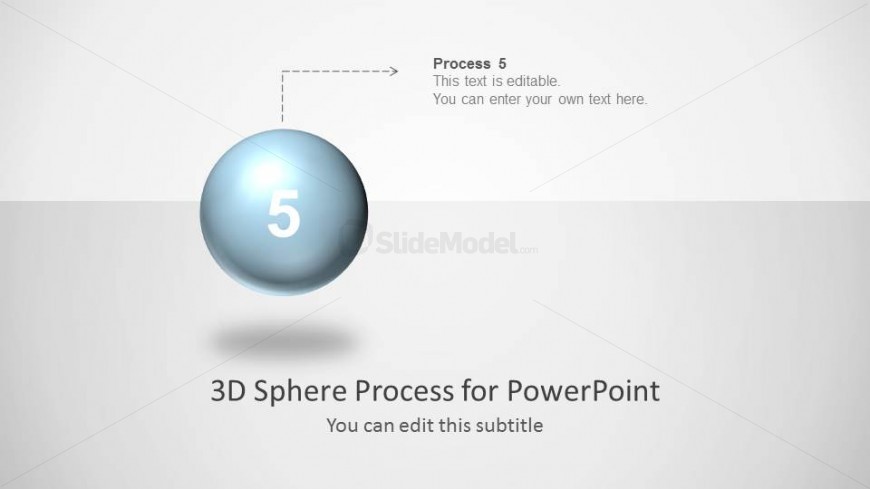
The 5th Process Sphere slide from the 3D Spheres Process Diagram for PowerPoint template highlights the final stage in a process flow using a central 3D sphere. This layout is ideal for business presentations and project summaries, offering editable shapes and clear visual emphasis to enhance corporate presentation slide decks.
What’s on This Slide
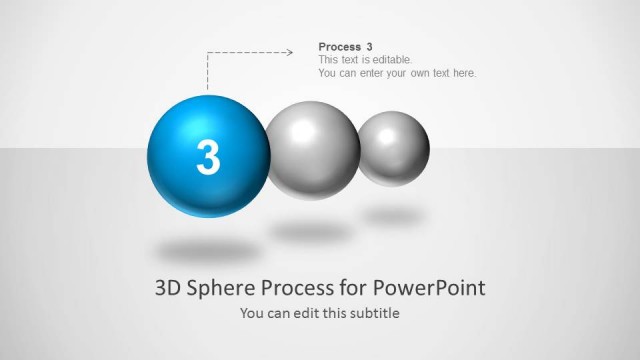
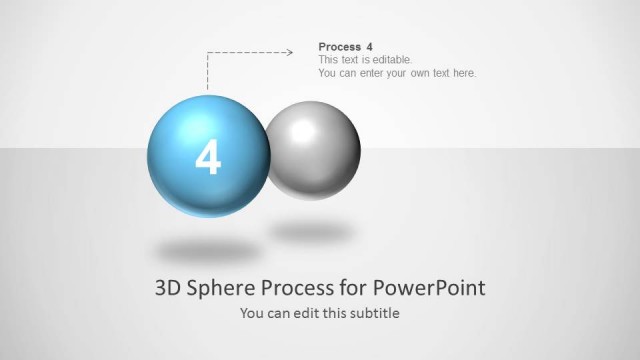
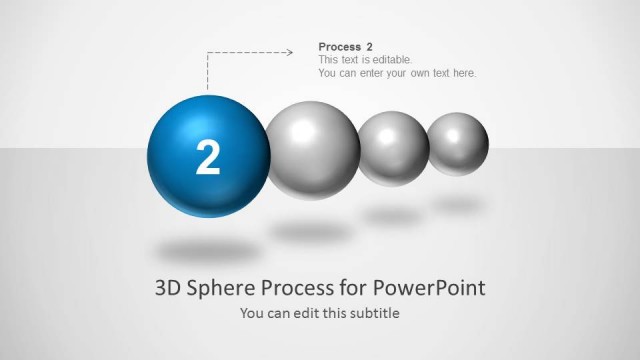
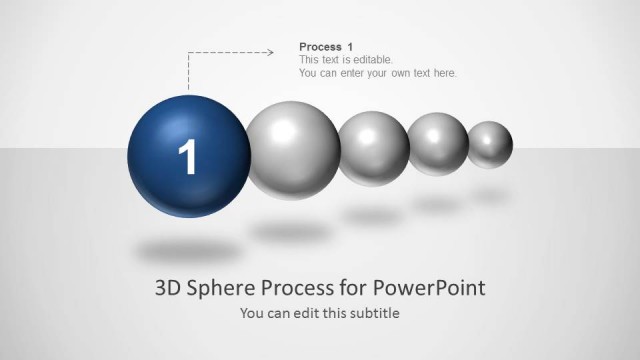
The slide features a central 3D sphere positioned prominently in the middle. This sphere is labeled with the number '5' and is surrounded by a light gradient background. Above the sphere, there is a text placeholder aligned to the left, indicating 'Process 5' with an arrow pointing towards the sphere. Below the sphere, another text placeholder states '3D Sphere Process for PowerPoint,' centered and larger than the top label. A smaller subtitle placeholder is also present beneath the main title, indicating it can be edited. The overall layout emphasizes the central sphere.
How to Use It
This layout serves as a single-step emphasis slide within a sequential process diagram. It is effective for highlighting the final stage of a process, making it suitable for presentations that outline steps in a business process or project timeline. It fits well at the end of a sequence, summarizing key points or actions. This slide can be used in various business contexts, such as project management, product development, or strategic planning, to convey the final phase of a process clearly.
Text Placeholders & Capacity
Keep your copy within these limits so it fits without resizing. Node body slot can hold approximately 10-12 words comfortably.
| Placeholder | Count | Max characters (approx.) |
|---|---|---|
| Item heading | 1 | 10 |
| Item body | 1 | 50 |
| Slide title | 1 | 40 |
| Subtitle | 1 | 30 |
Slide Keywords
Download unlimited PowerPoint templates, charts and graphics for your presentations with our annual plan.
DOWNLOADReturn to 3D Spheres Process Diagram for PowerPoint.