Porter’s Generic Strategy PowerPoint Template. Michael Porter defined the Generic Strategies as a category scheme consisting of 3 general types of strategies that are commonly used by businesses to achieve and maintain competitive advantage. The strategies are defined along the following dimensions: strategic scope and strategic strength. This Generic Strategy PowerPoint template contains useful slide layouts and diagrams that you can use to represent the Generic Strategies in PowerPoint presentations. The Porter template for PowerPoint can help you to prepare awesome presentations in Microsoft PowerPoint using the Generic Strategies concepts and describing the Cost Leadership or Differentiation strategies.
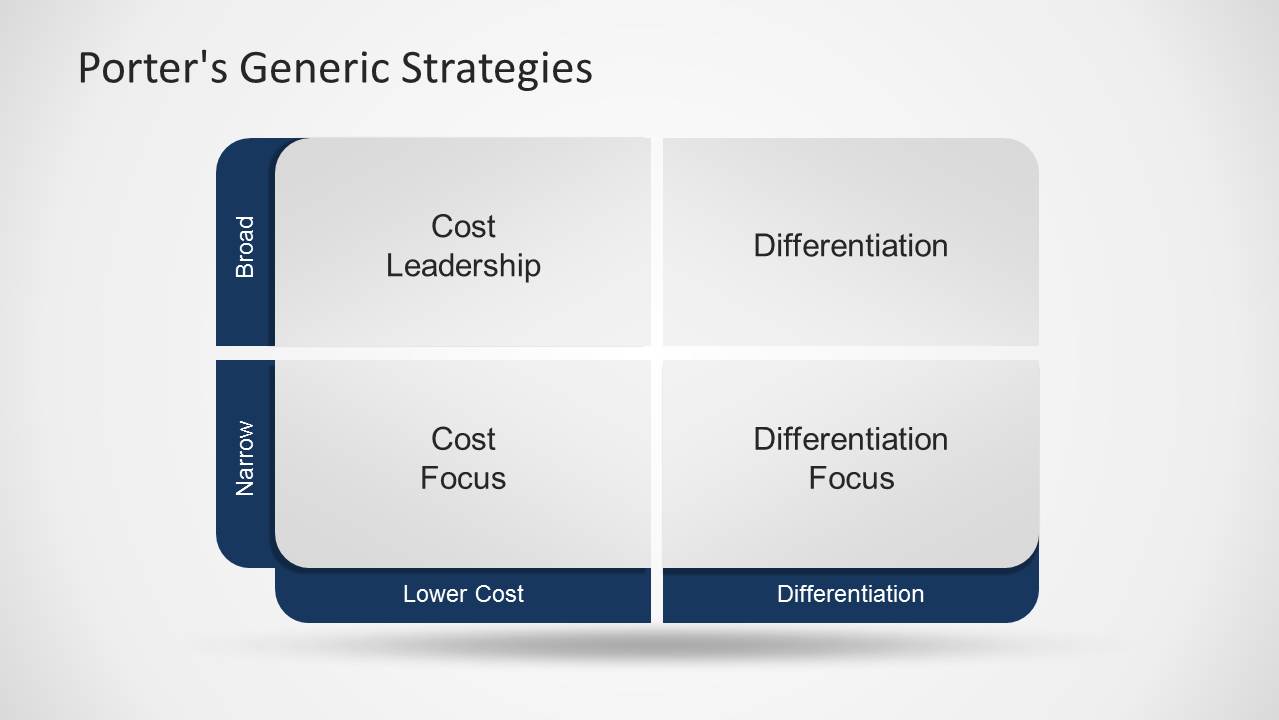
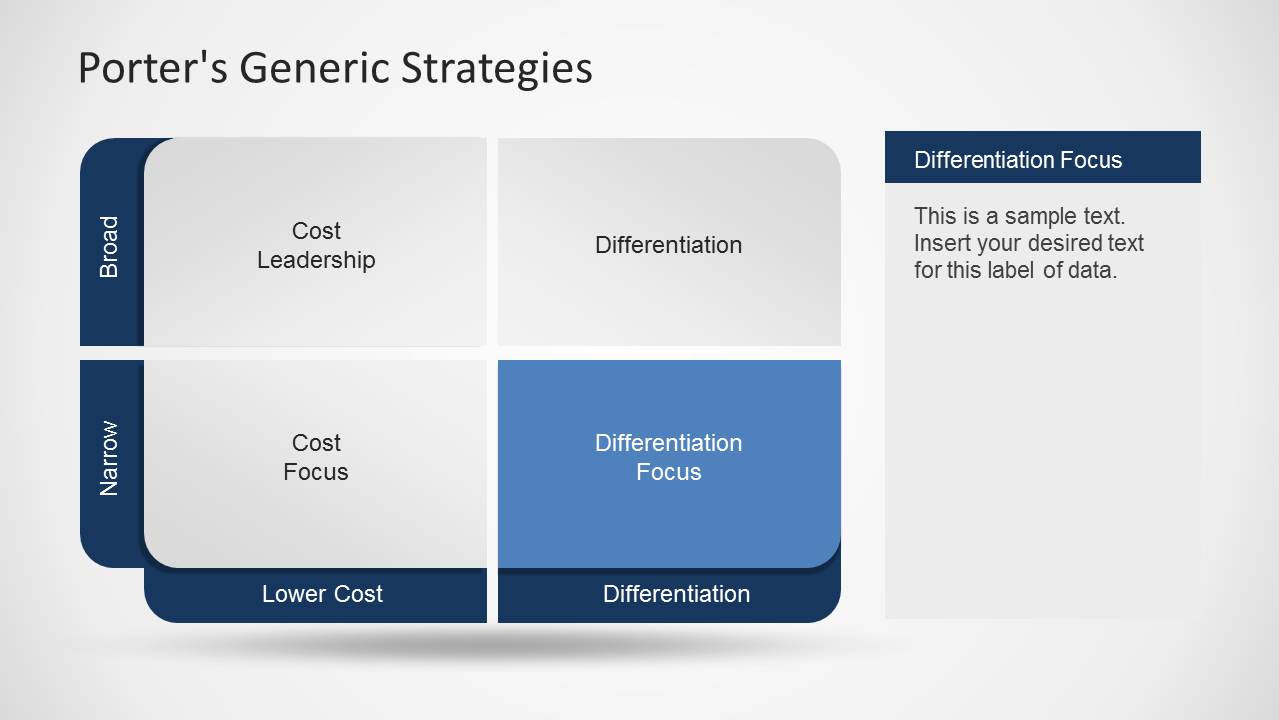
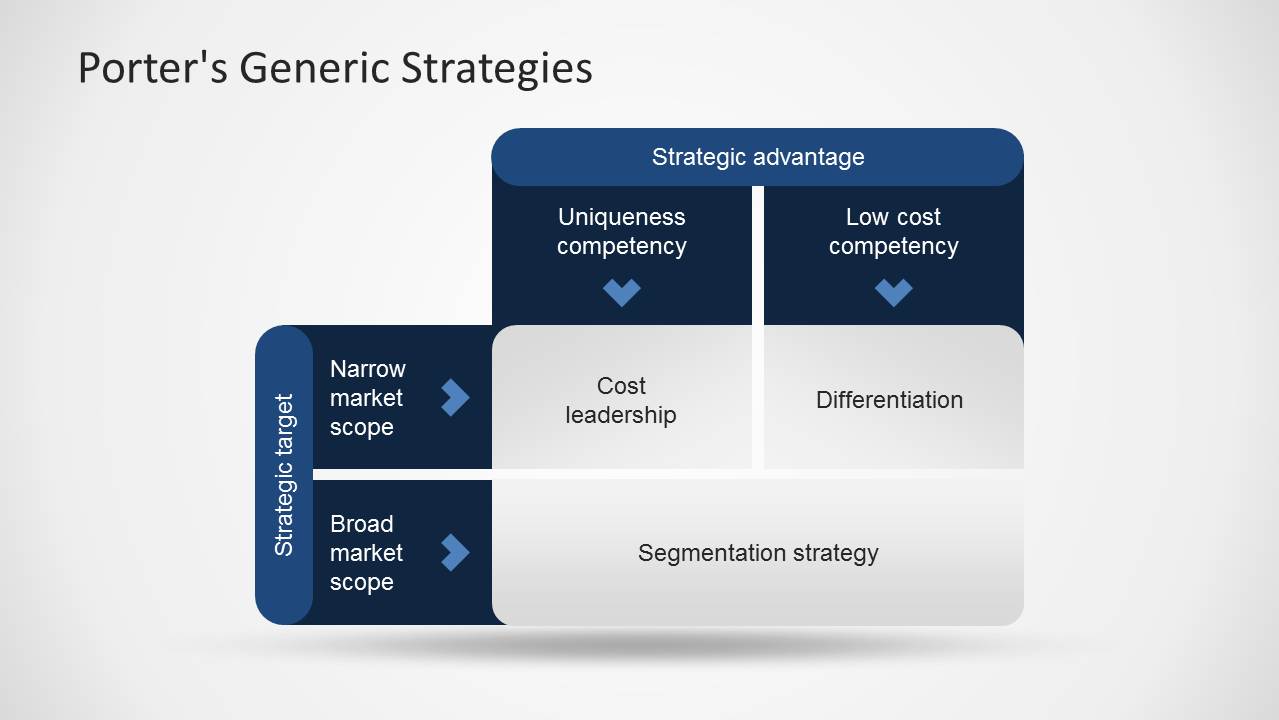
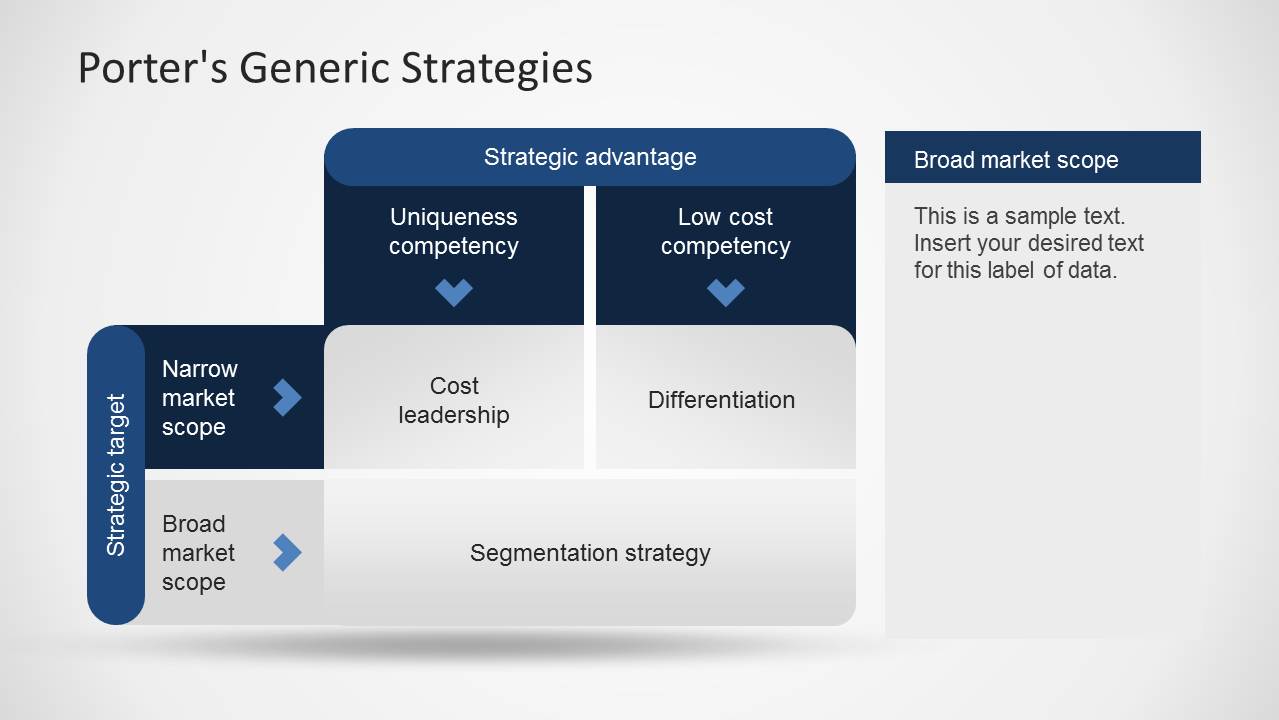
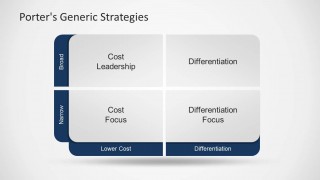
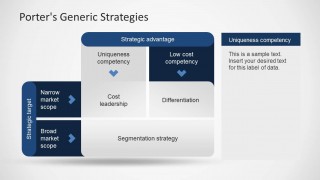
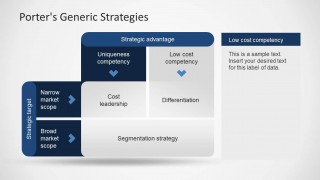
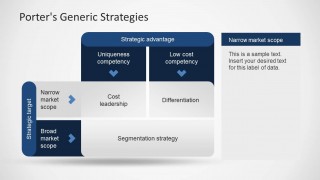
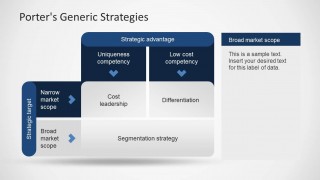
Inside this Generic Strategy PowerPoint Template you can find useful slide designs with the Porter’s generic strategies matrix diagram created with PowerPoint shapes.
What’s inside this template
Example presentation scenarios
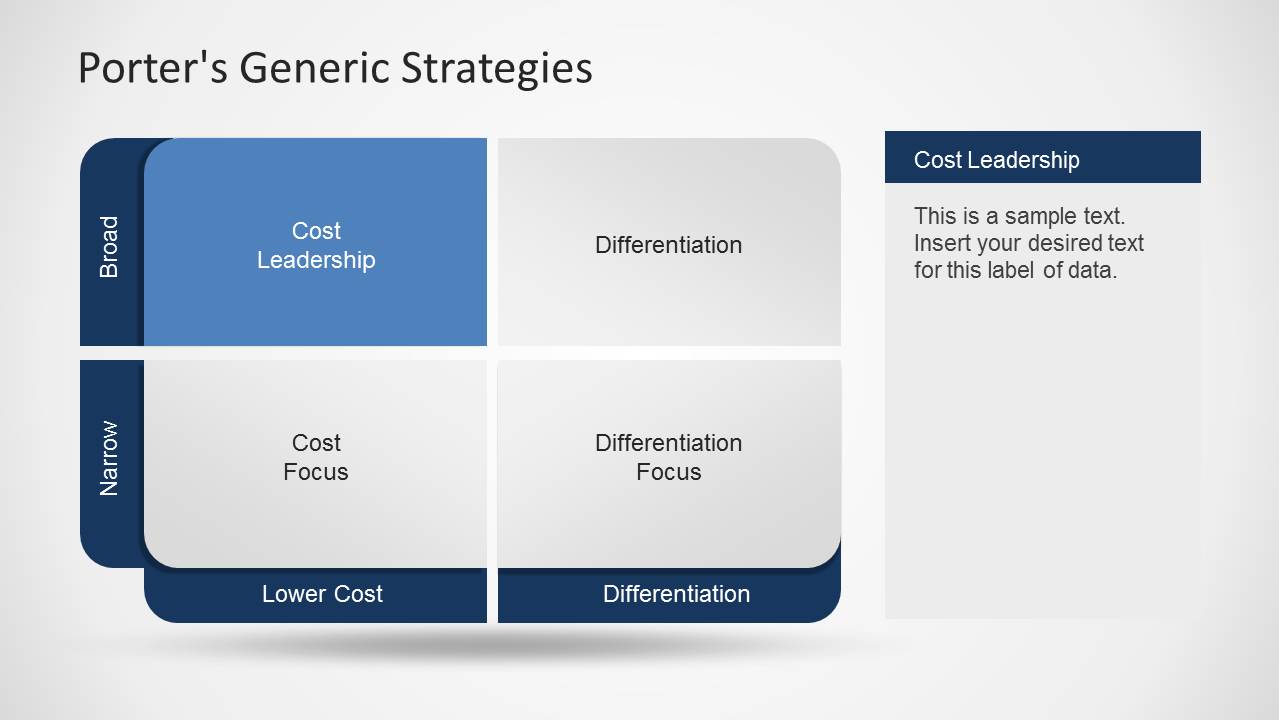
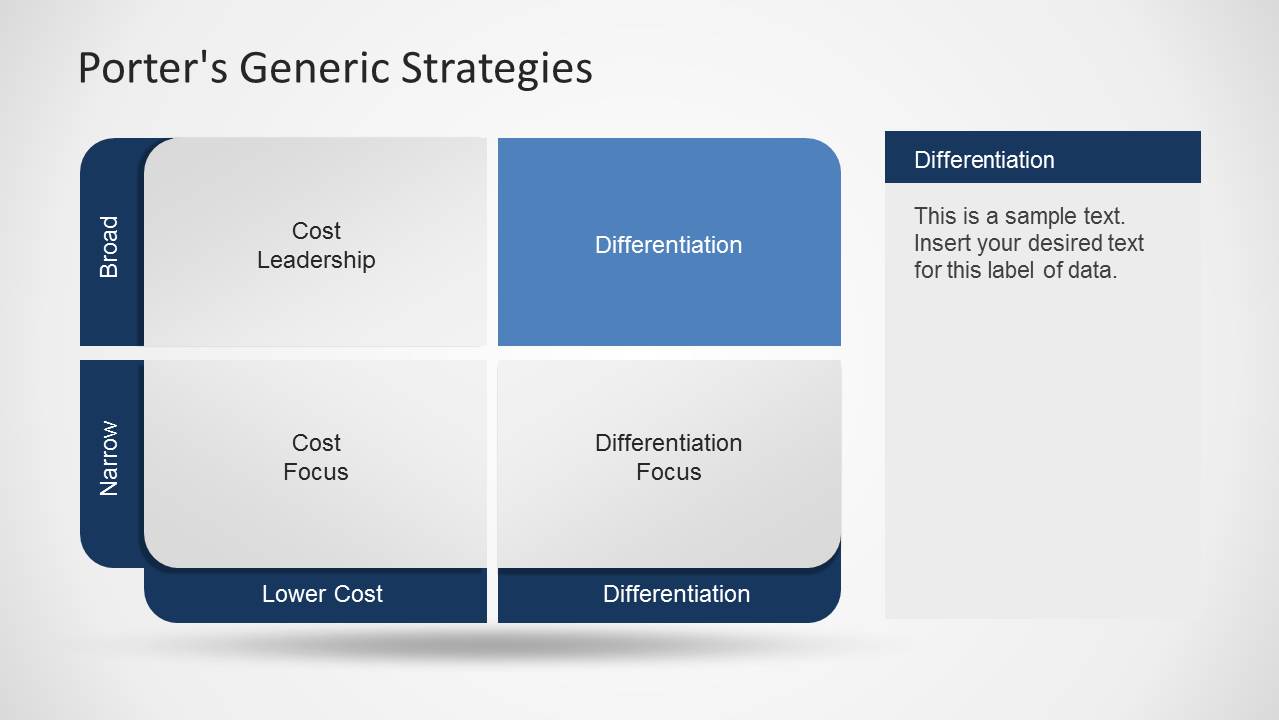
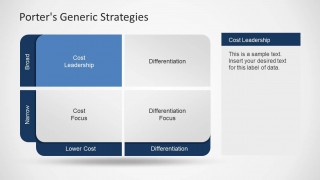
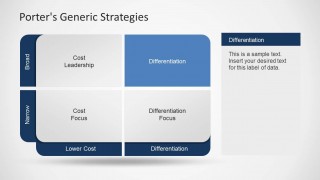
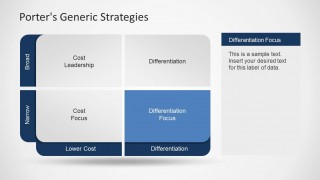
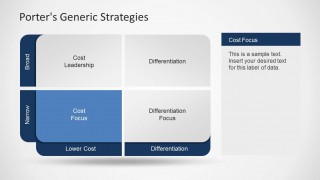
- A strategy consultant can use the highlighted quadrant slides to explain why a client may fit cost leadership, differentiation, cost focus, or differentiation focus.
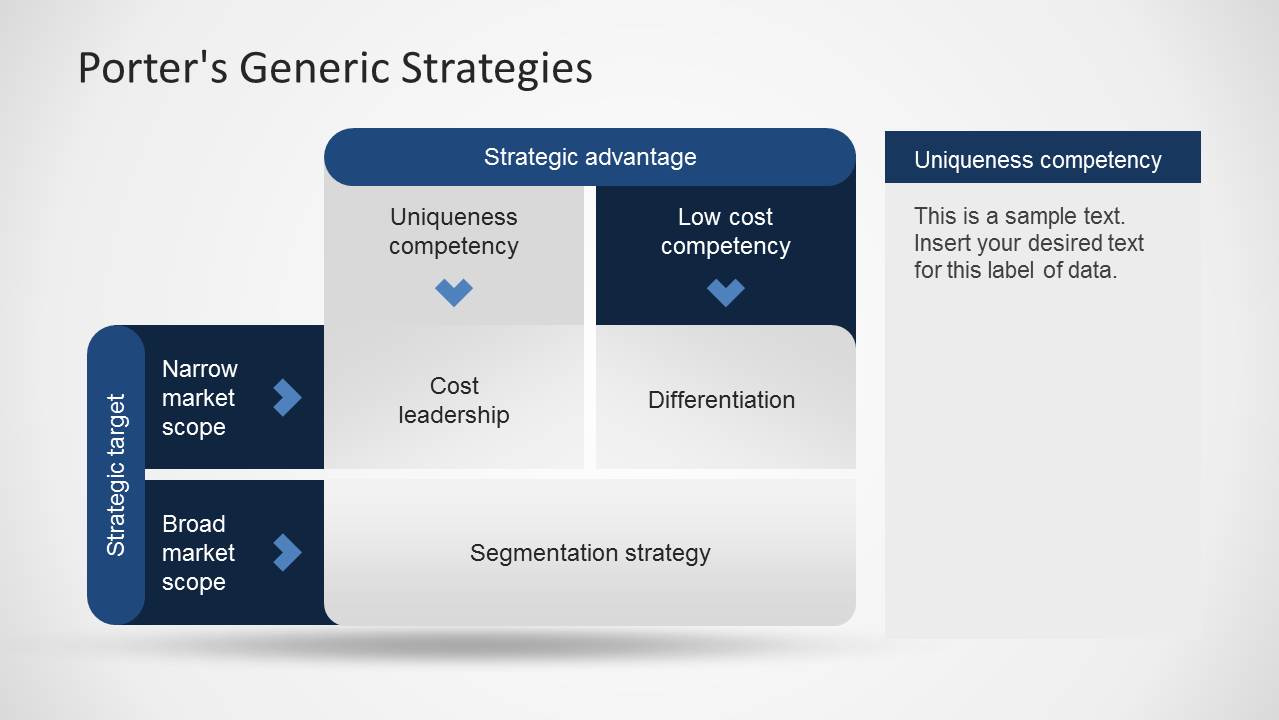
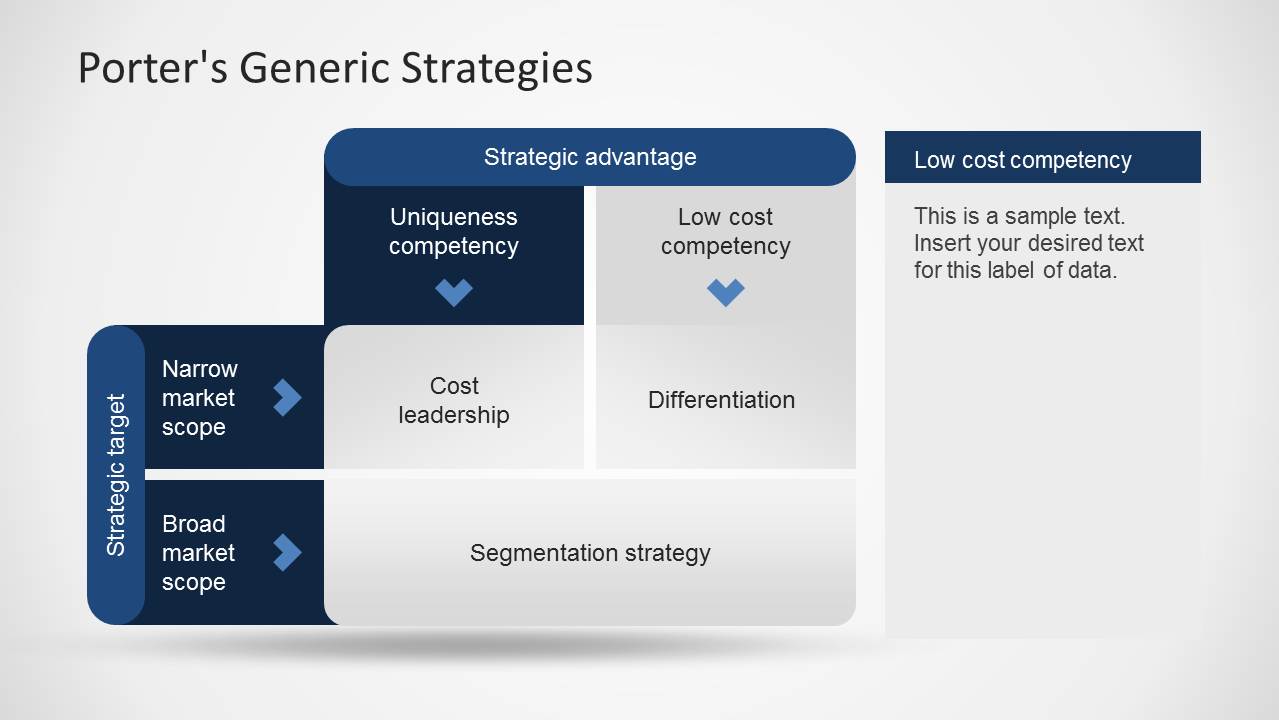
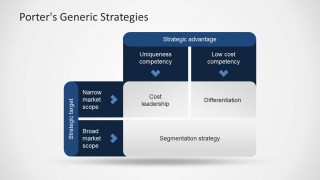
- An MBA instructor can teach Porter's framework by starting with the 2x2 matrix and then moving to the strategic advantage versus strategic target diagram.
- A product strategy team can compare market positioning choices by editing the quadrant labels and using the side callout panels for evidence or assumptions.
- A business manager can summarize a positioning recommendation with the text summary slide after walking stakeholders through the matrix options.
Features
- 100% editable presentation template
- Compatible with Microsoft PowerPoint and Google Slides
- Scalable vector shapes, icons and illustrations
- AI-Ready for Microsoft Copilot and Claude
- Instant access and download
Frequently asked questions
Q: How should a presenter explain the four generic strategies without overwhelming the audience?
A: Start with the full 2x2 matrix so the audience sees the two decision dimensions: scope and basis of advantage. Then use the four highlighted quadrant slides one at a time. Each callout panel should state the strategic choice, the market condition that supports it, and one implication for execution.
Q: Who is this template best suited for in a strategy discussion?
A: This template fits consultants, instructors, and business managers who need to teach or compare positioning choices rather than report operational results. The matrix slides are strongest when the discussion centers on competitive advantage, target market breadth, cost position, and differentiation rather than detailed financial modeling.
Q: Why does the matrix metaphor work well for Porter's generic strategy?
A: The matrix metaphor turns an abstract strategy theory into a placement decision. By separating scope on one axis and advantage on the other, the audience can see why cost leadership, differentiation, and focus are distinct choices. The highlighted cells reduce cognitive load by isolating one option per slide.


Porter’s Generic Strategy PowerPoint Template
11-slide presentation template for Porter's generic strategy matrices, cost leadership, differentiation, and focus analysis
This 11-slide PowerPoint template explains Porter's generic strategy through editable 2x2 strategy matrices, highlighted quadrant slides for cost leadership, differentiation, cost focus, and differentiation focus, plus strategic advantage and strategic target diagrams. It is built for business strategy, MBA, and management presenters who need to compare competitive positioning choices.


 Loading...
 Microsoft PowerPoint
  Microsoft Copilot
  Claude for PowerPoint
 Other formats supported
Subscribe today and get immediate
access to download our PowerPoint templates.