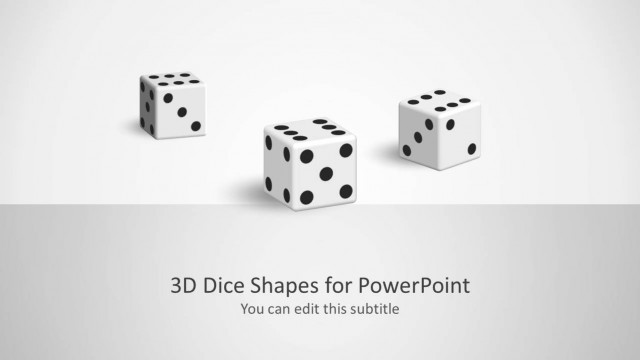
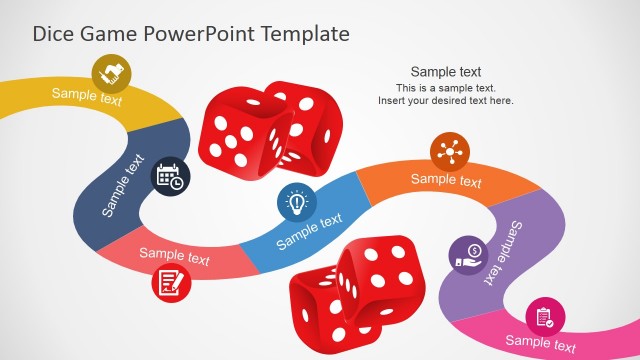
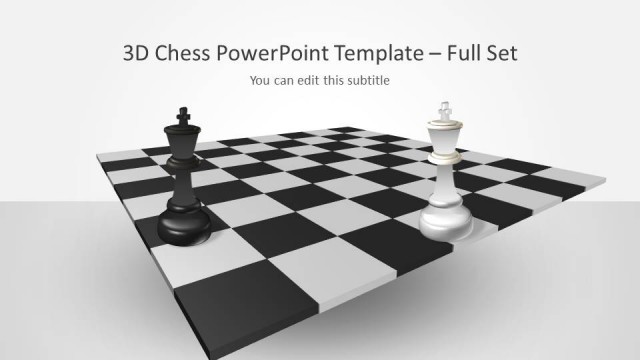
3D Dice Shapes for PowerPoint is a presentation design with awesome dice illustrations that you can use to make presentations on games but also as a metaphor in your business presentations.
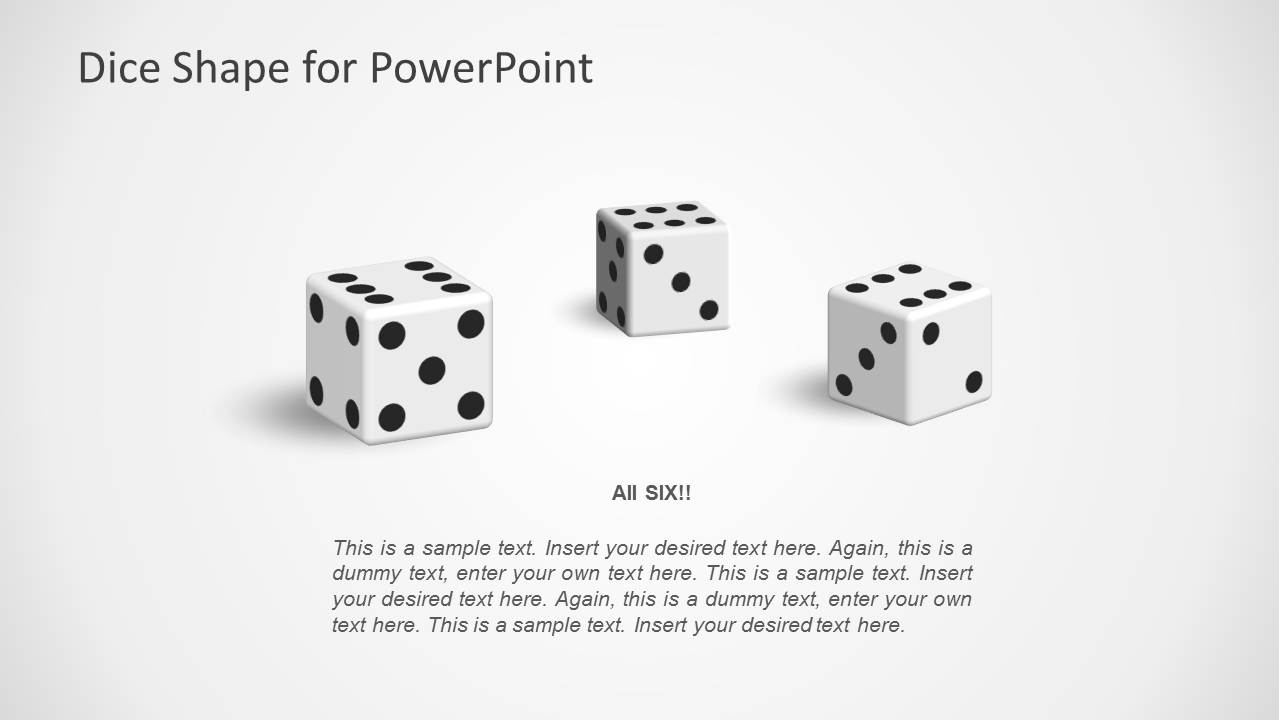
This presentation design template with dice shapes for PowerPoint contains many different slide designs with dice shapes in different colors and variants. For example, you may use the all six slide design to represent a good business scenario or decision.
What’s inside this template
Example presentation scenarios
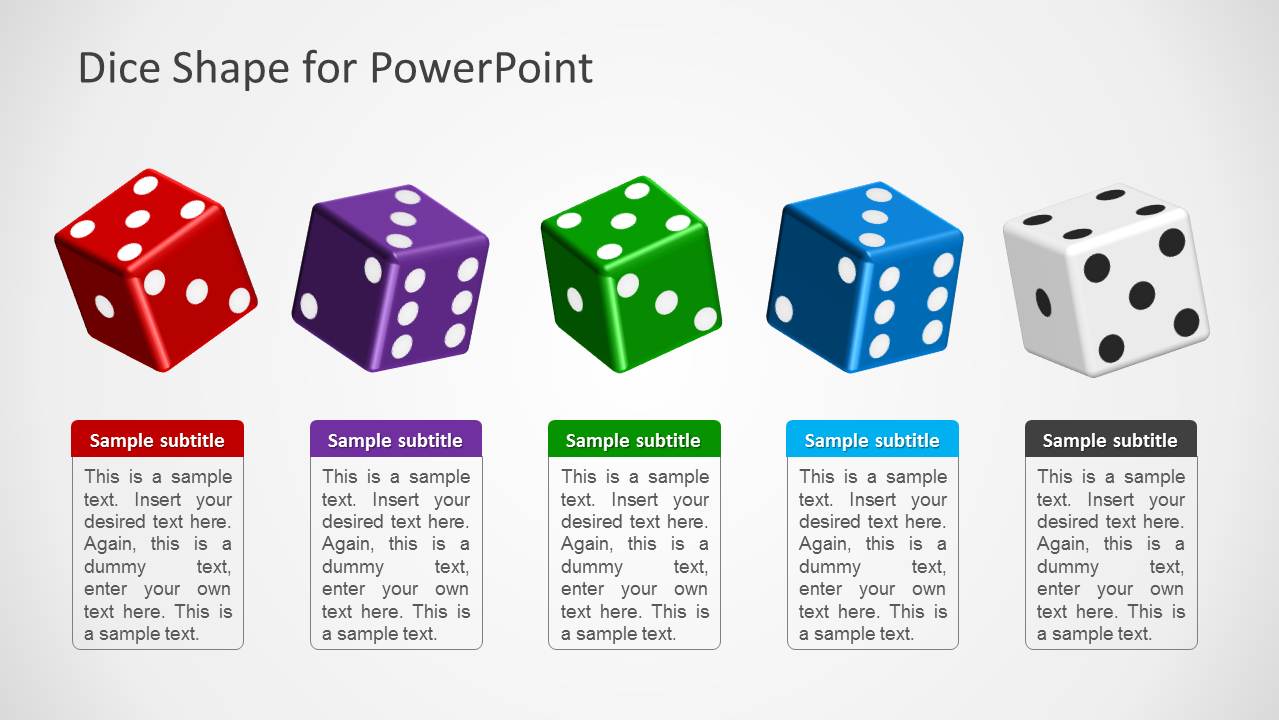
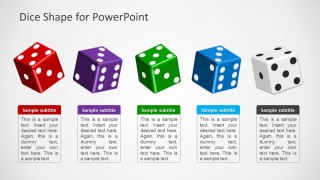
- A strategy consultant can use the five-dice comparison layout to present competing options and explain how uncertainty affects each possible decision.
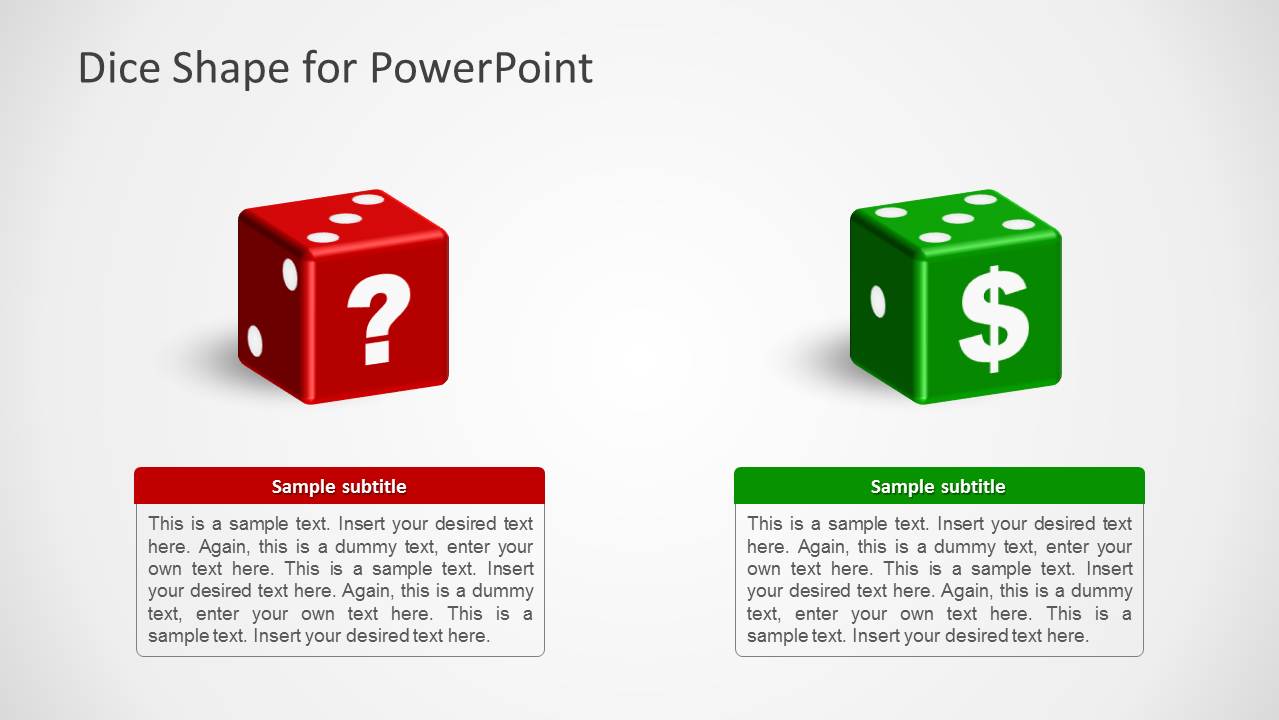
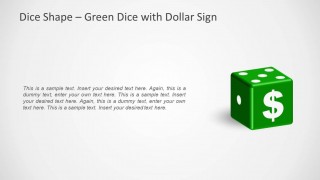
- A finance presenter can use the green dollar sign dice slide to introduce a revenue upside, investment bet, or payoff scenario during a planning discussion.
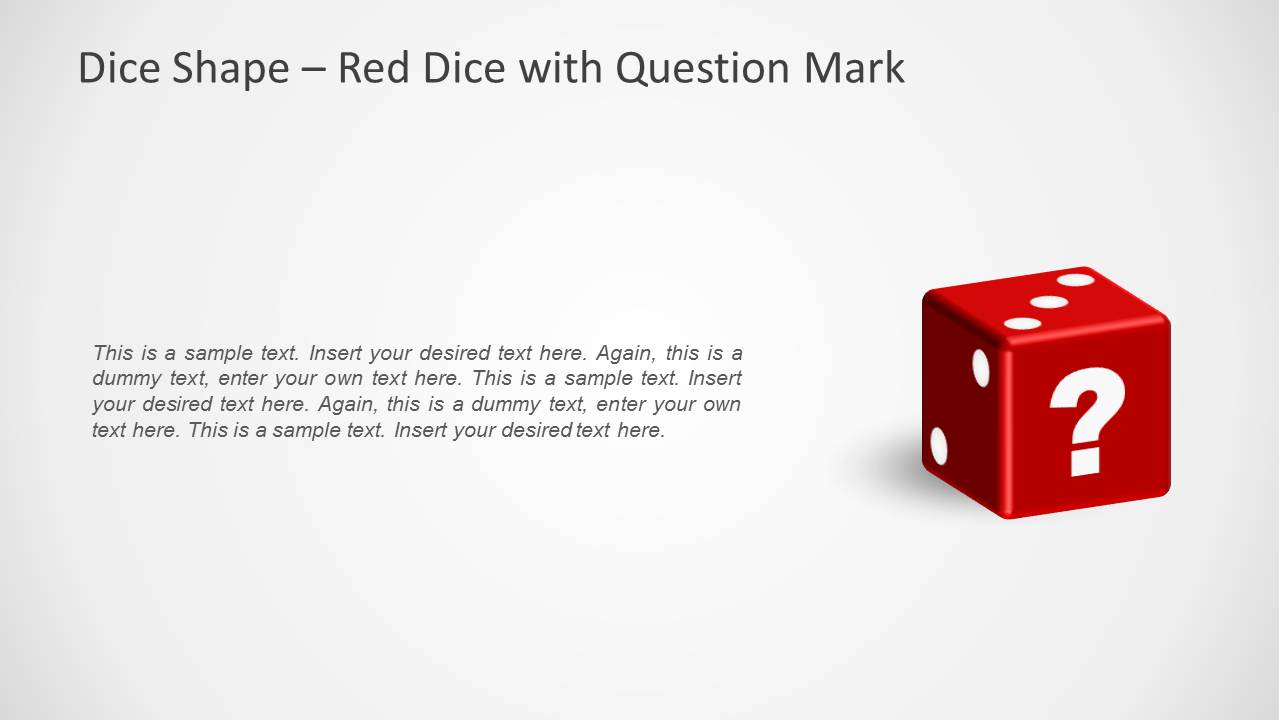
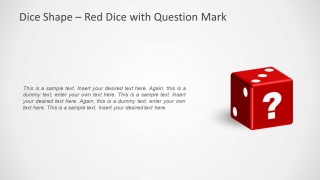
- A trainer can use the red question mark dice slide to start a problem-solving exercise and ask participants to identify unknowns before choosing a path.
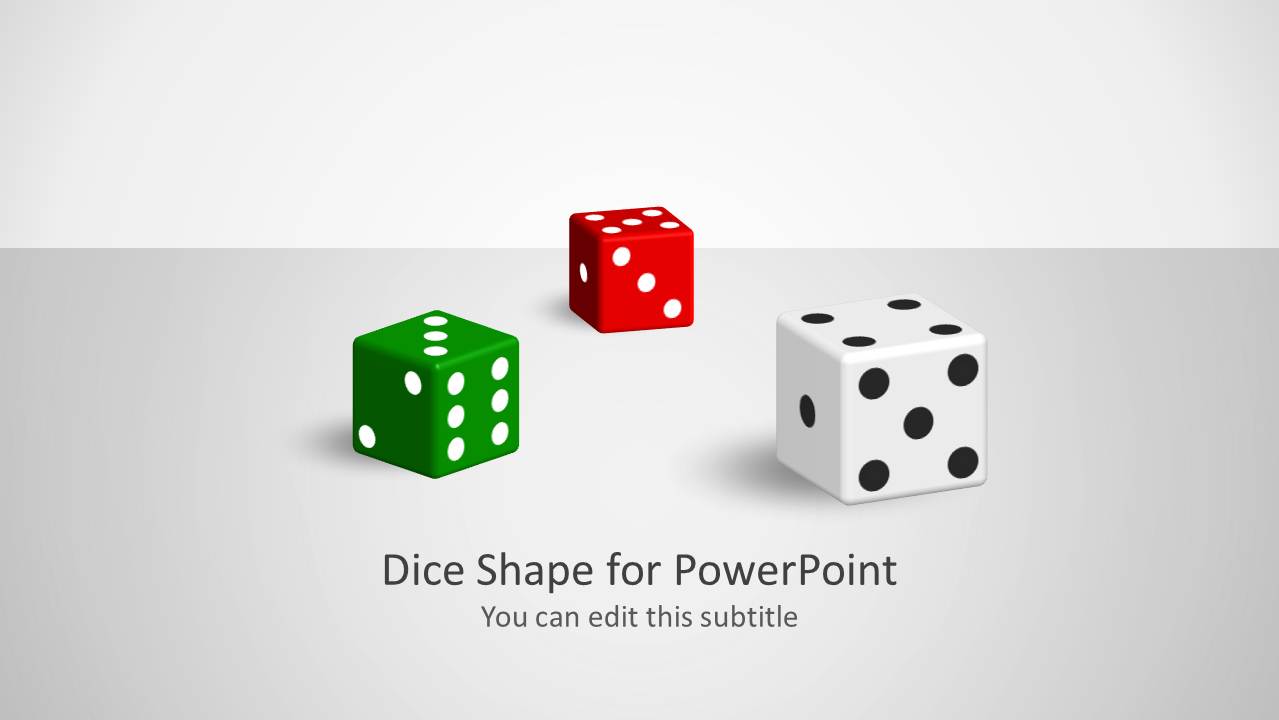
- A game or event presenter can use the title slide and all-six dice layout to introduce game rules, probability concepts, or luck-based activities.
Features
- 100% editable presentation template
- Compatible with Microsoft PowerPoint
- 16:9 aspect ratio slides
- Scalable vector shapes, icons and illustrations
- AI-Ready for Microsoft Copilot and Claude
- Instant access and download
Frequently asked questions
Q: How should a presenter make the dice metaphor clear without making the message feel random?
A: State what each dice represents before discussing the slide. On the five-dice comparison layout, label the cards as options, risks, or scenarios so the audience connects the visual with the decision. Use the dice as a prompt for probability or uncertainty, then support the point with the short text fields below.
Q: Who is this template best suited for in a business presentation?
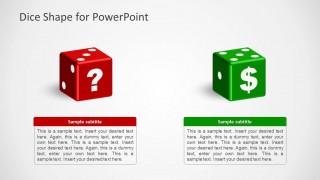
A: It fits presenters who need to discuss uncertain outcomes in a simple visual way, such as consultants, strategy teams, trainers, finance presenters, and facilitators. The question mark dice is useful for open issues, the dollar sign dice fits payoff discussions, and the paired layout helps compare uncertainty against reward.
Q: Why does the dice visual work as a communication device for decisions and risk?
A: Dice are an immediate metaphor for chance, probability, and outcomes. The 3D treatment draws attention, while the simple white background keeps the emphasis on the decision cue. Pairing the red question mark dice with the green dollar sign dice creates a clear visual contrast between unknown risk and potential value.

3D Dice Shapes for PowerPoint
8-slide presentation template with 3D dice shapes for decisions, risk, games, and chance metaphors
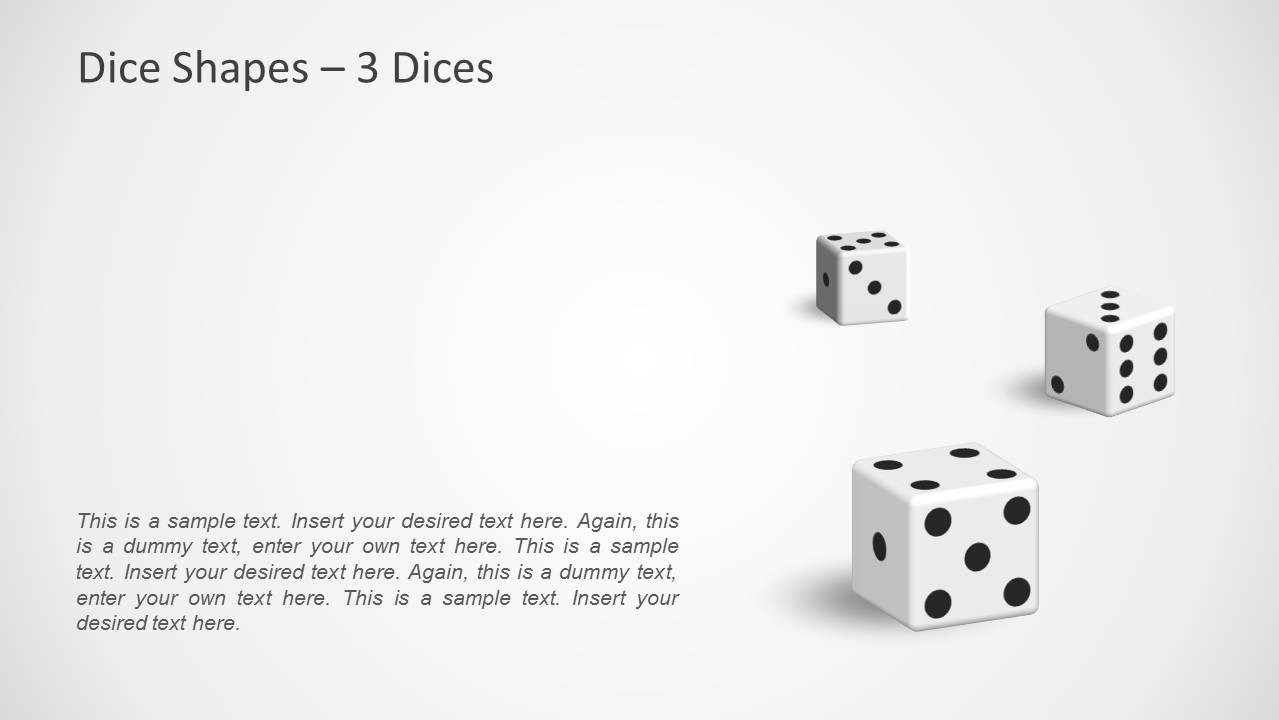
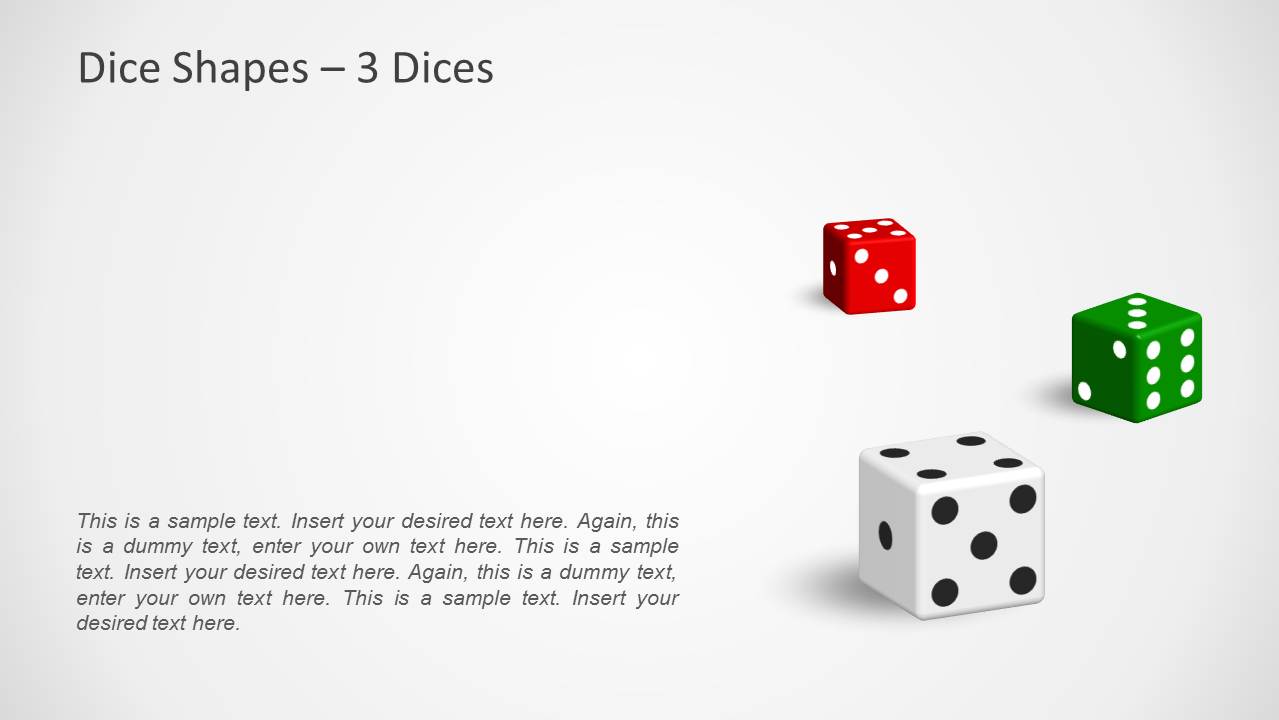
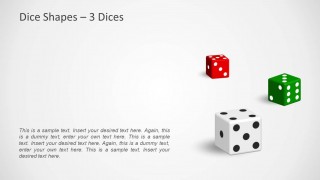
3D Dice Shapes for PowerPoint is an 8-slide set of editable dice illustrations for decision, risk, game, and luck-themed presentations. It includes a title slide, five-dice comparison cards, all-six dice layout, three-dice scenes, question mark dice, dollar sign dice, and a two-option decision layout for Microsoft PowerPoint.
- Category
- Shapes
- Rating


 Loading...
- Aspect ratio
- 16:9, 4:3
- Item ID
- 1185
- Colors
 Microsoft PowerPoint
  Microsoft Copilot
  Claude for PowerPoint
 Other formats supported
Subscribe today and get immediate
access to download our PowerPoint templates.