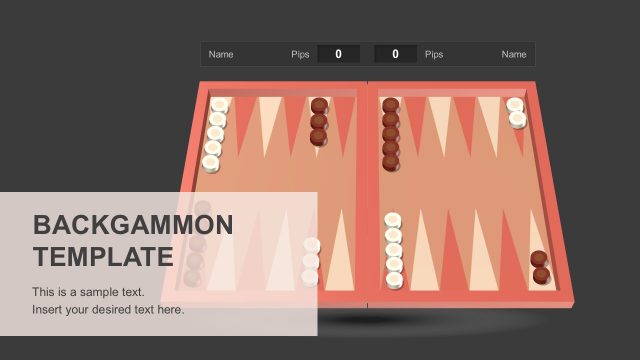
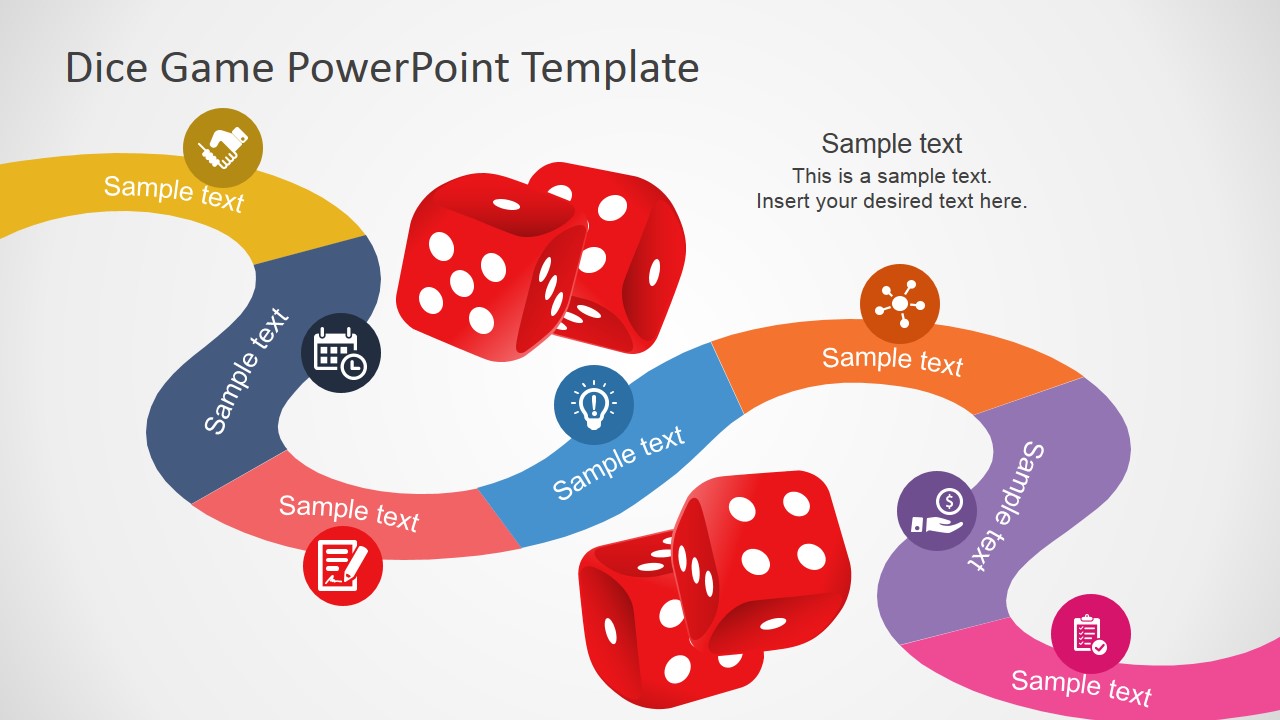
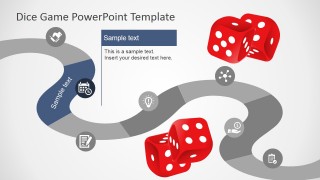
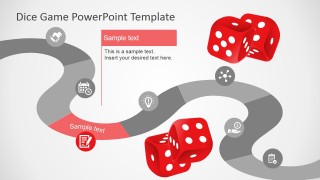
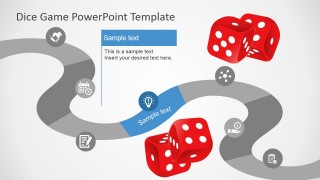
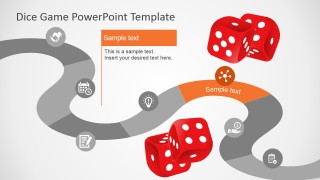
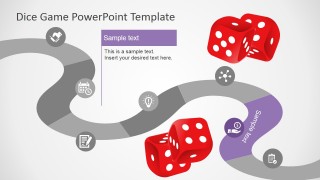
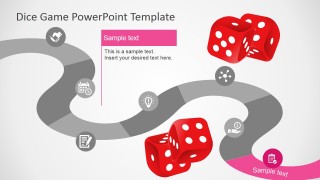
The Board Game PowerPoint Template is a creative design using a game board and dice shapes as metaphor for the Theme. The template provides a seven segments game board individually created as PowerPoint shapes.Each segment can be edited and customized by the user. The segments are decorated with icons; the user can choose to replace the clipart with any alternative from our PowerPoint Icons gallery.
Ideal for creating educational roadmaps, like the back to school. Create alternative timelines with a playful theme where the user can use each segment of the board game as a milestone.
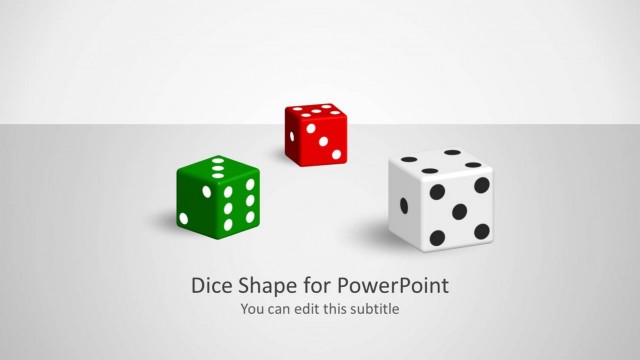
The PowerPoint Template provides a set of Dice PowerPoint Shapes. Each shape is 100% editable and can be applied to existing presentations without losing quality or resolution. Also, check our collection of game PowerPoint templates.
What’s inside this template
Example presentation scenarios
- A teacher can use the full board game overview to introduce a unit plan, then assign each colored path segment to a learning objective or classroom activity.
- A corporate trainer can present a workshop agenda by moving through the highlighted milestone slides, using the icons and dice metaphor to make each module feel like a stage in a game.
- A project manager can explain a lightweight implementation plan by labeling each board segment with a phase, deadline, or owner and using the single-color focus slides for discussion.
- An event host or game show presenter can use the dice graphics and path layout to explain rules, rounds, scoring checkpoints, or prize stages before the activity begins.
Features
- 100% editable presentation template
- Compatible with Microsoft PowerPoint and Google Slides
- 16:9 aspect ratio slides
- Scalable vector shapes, icons and illustrations
- AI-Ready for Microsoft Copilot and Claude
- Instant access and download
Frequently asked questions
Q: How should a presenter explain a roadmap with this board game layout without making it feel too casual?
A: Anchor the playful metaphor to a serious sequence. Start with the full board overview to define the path, then use each highlighted milestone slide for one decision, lesson, or deliverable. Keep labels short, connect icons to specific actions, and use the dice as a visual cue for progress rather than decoration.
Q: Who benefits most from using this template instead of a standard timeline?
A: This template fits educators, trainers, facilitators, and project leads who need participation, recall, or step-by-step motivation. A standard timeline communicates dates, but the board game path makes progress feel active. It works best when each milestone represents a challenge, activity, checkpoint, or learning achievement.
Q: Why does the board game metaphor help communicate a process?
A: The winding path gives the audience an intuitive start-to-finish route, while the colored segments create natural pauses for each milestone. The dice suggest movement and chance, which is useful for workshops, lessons, and game-style briefings. Highlighting one segment per slide keeps attention on the current step.


Board Game PowerPoint Template
8-slide presentation template with board game roadmap, dice graphics, and milestone timeline layouts
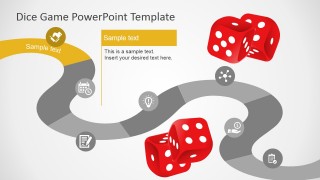
The Board Game PowerPoint Template is an 8-slide presentation template for turning a process, lesson, or plan into a board game roadmap. It includes a full game board overview, seven highlighted milestone slides, dice illustrations, and icon callouts for educators, trainers, and planners using Microsoft PowerPoint or Google Slides.
- Category
- Timelines & Planning
- Rating


 Loading...
- Aspect ratio
- 16:9, 4:3
- Item ID
- 7067-01
- Colors
 Microsoft PowerPoint
  Microsoft Copilot
  Claude for PowerPoint
 Other formats supported
Subscribe today and get immediate
access to download our PowerPoint templates.