Simple and creative 3D Hexagonal Diamond Shapes for PowerPoint, can enhance any professional presentation to its finest. It is a quality addition to a wide array of use. The PowerPoint shapes are colorful and adjustable, making them perfect decorations.
The PowerPoint template is ideal for numerous subject matters with its generic design. The shapes can supplement broader reports. It can be used to represent a concept with 6 key points. It can be utilized in a professional or personal presentation. Ideas for academics, science, business, environment, social media, technology, economics, theology, etc, can be decorated with the selection. The PowerPoint shapes can serve as bullet points or a dashboard.
Hexagons are polygon shapes with 6 sides. This collection has multiple sets of diamond hexagons. The 3-dimensional style has a physical aspect of being present and a realistic structure. It is a unique shape that is reusable to the presenter. Each side of the hexagon can symbolize a particular step of factor on a specific concept.
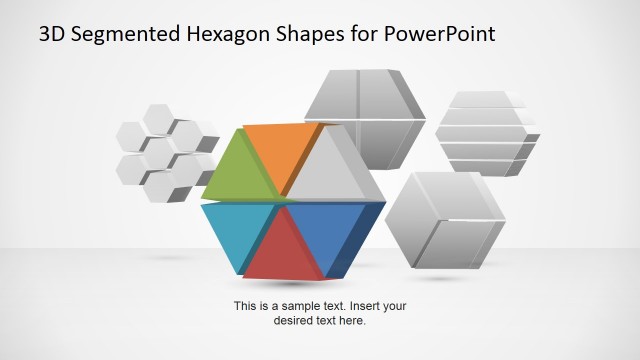
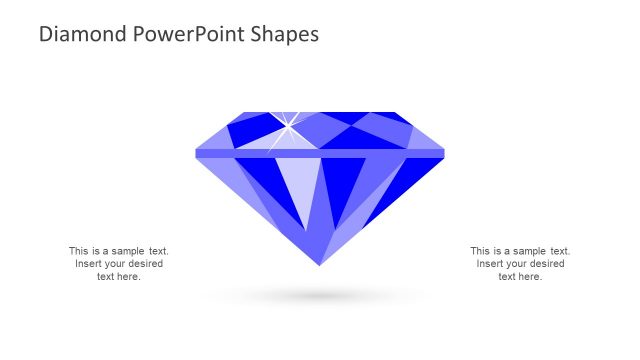
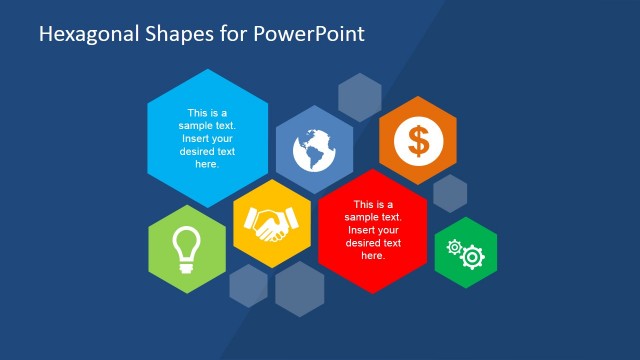
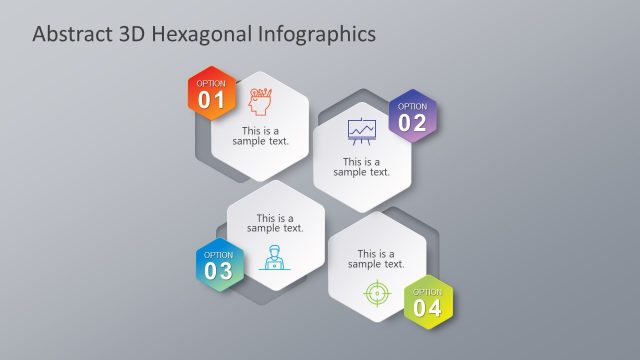
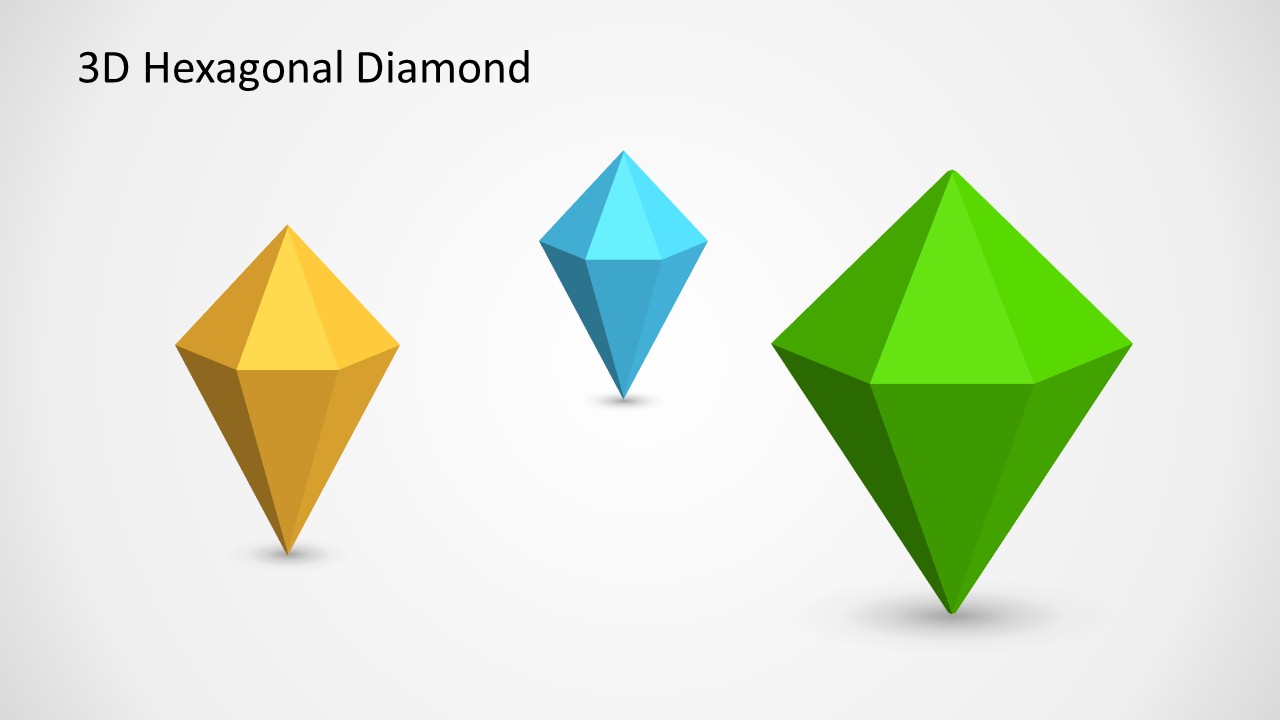
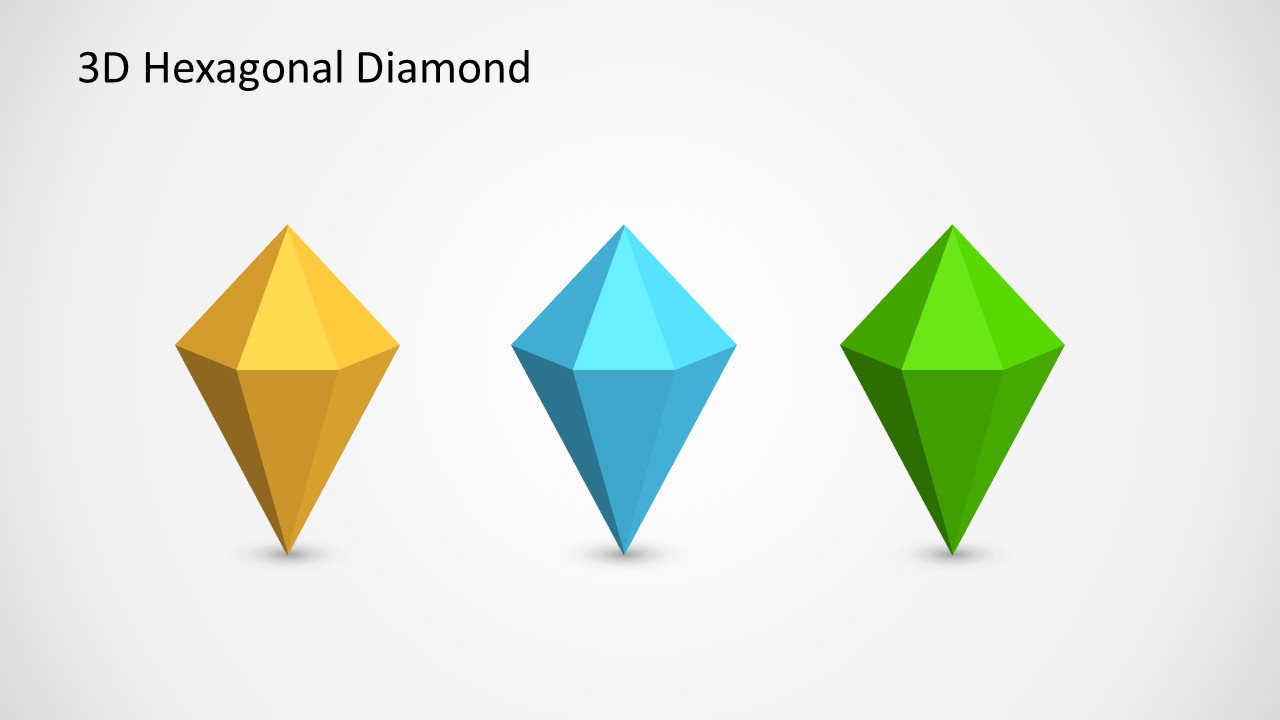
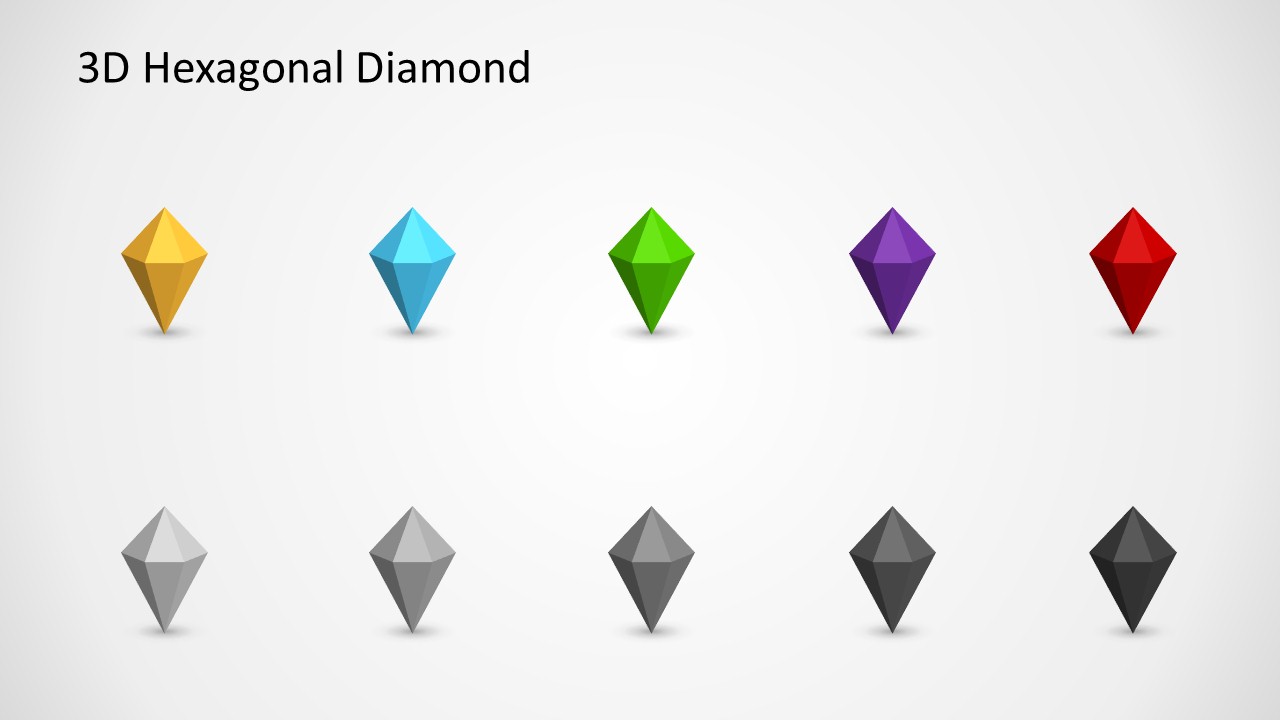
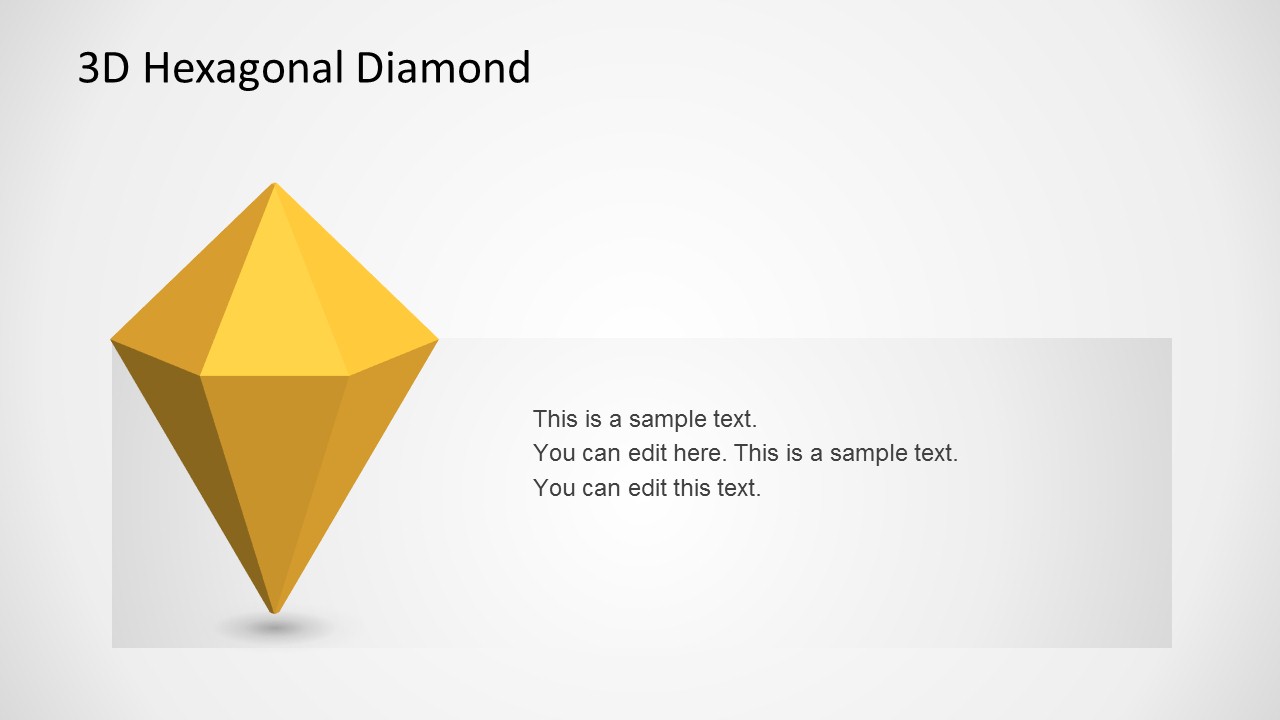
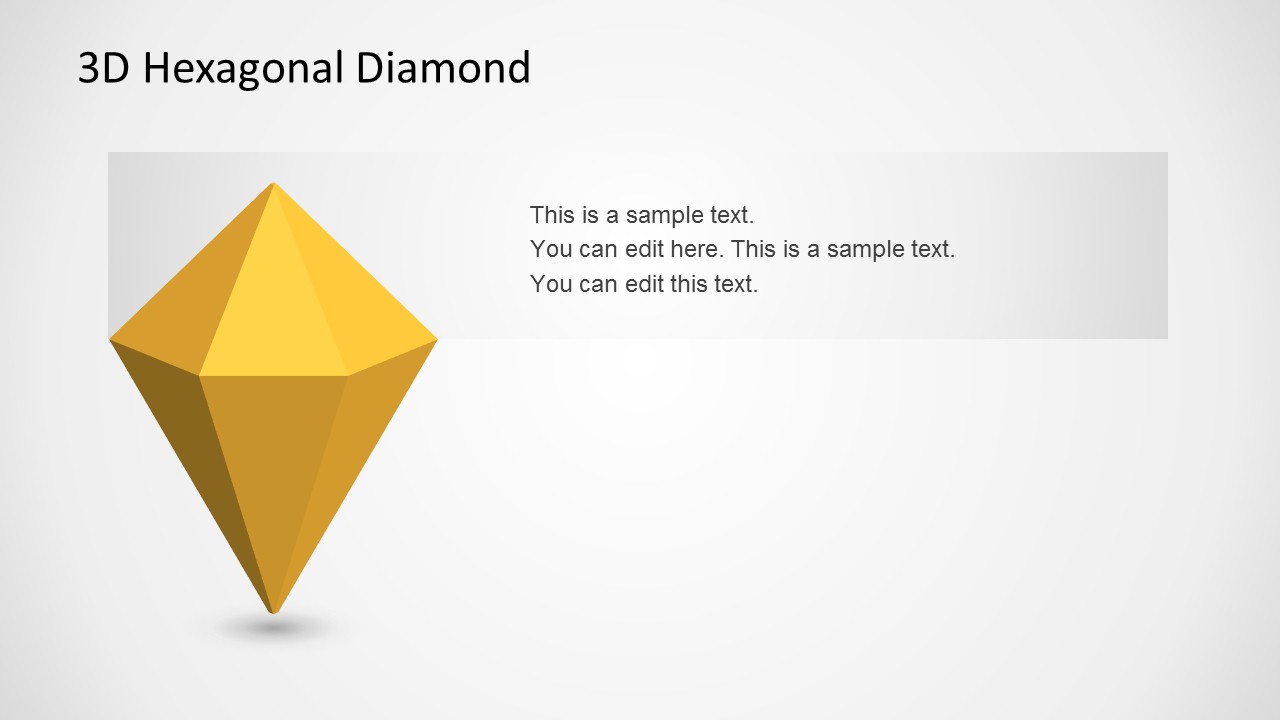
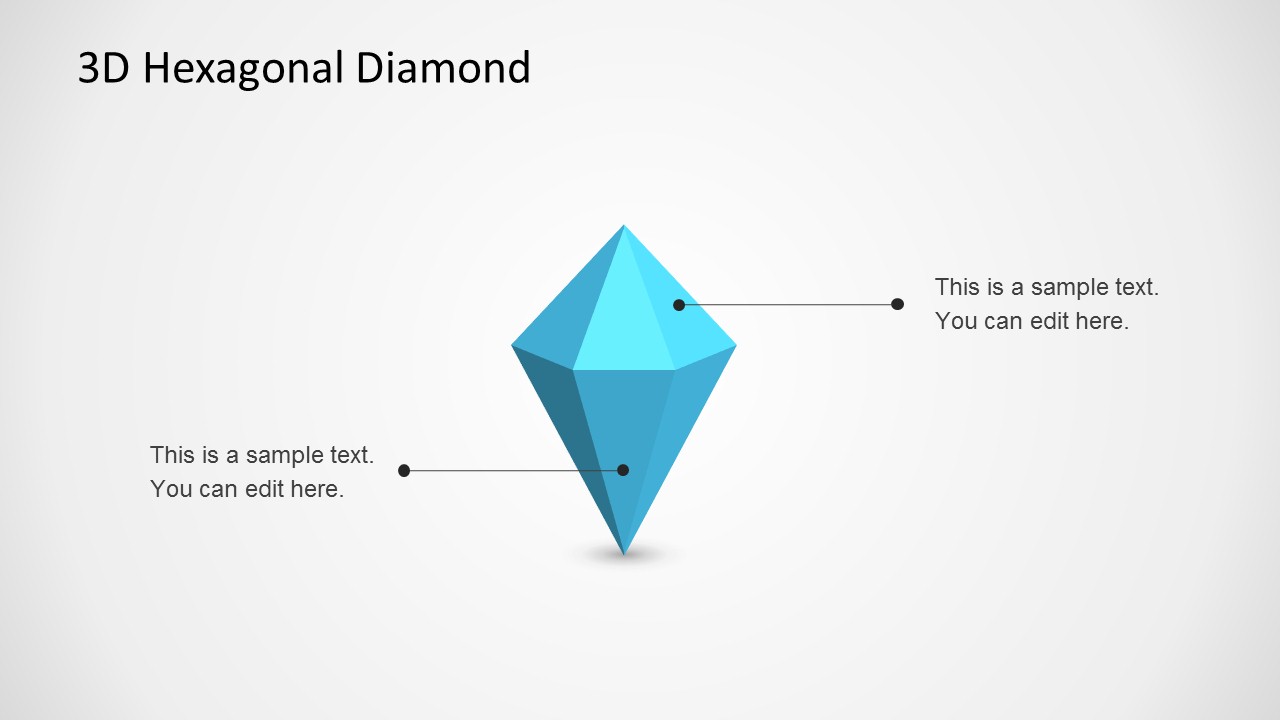
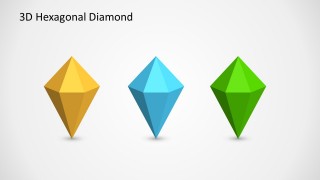
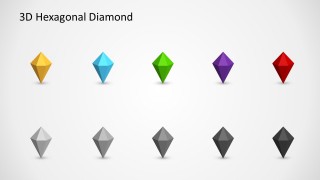
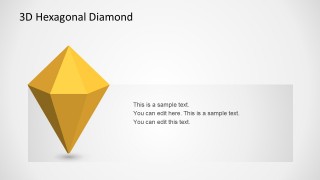
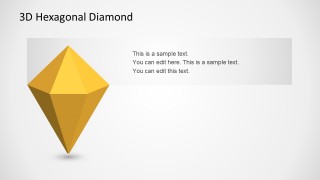
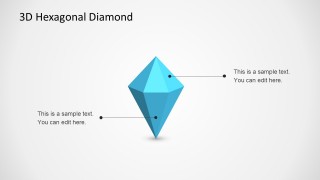
There are six slide designs with novel shapes. They come in a variation of colors- yellow, blue, green, purple, red, white, shades of gray and black. The first slide design features diamond shapes in 3D with different sizes. The arrangement creates a perspective effect. There are shadows at the bottom of each object, adding a touch of lifelike visuals. In the second PowerPoint slide, the 3 colored diamonds are aligned. The 3rd slide is the most interesting with multiple graphics with a variation of colors. The user can simply copy and paste them to add to different slides. The remaining 3 slides illustrate a single hexagonal diamond shape. It has a corresponding text placeholder. The presenter can utilize it to provide a quick description to a key point that it represents.
Generate classic presentations using 3D Hexagonal Diamond Shapes for PowerPoint. See Download Shapes for PowerPoint category at the SlideModel gallery.
What’s inside this template
Example presentation scenarios
- A consultant can use the aligned trio layout to compare three strategic priorities and assign each diamond to a distinct workstream or decision area.
- An educator can use the color palette grid to introduce categories in a lesson, then reuse individual diamond shapes as visual labels across later slides.
- A business analyst can use the single-diamond callout slides to explain one metric, risk, or insight with a short text note and a prominent geometric marker.
- A presentation designer can use the perspective diamond set as decorative section imagery for reports that need a clean geometric motif.
Features
- 100% editable presentation template
- Compatible with Microsoft PowerPoint and Google Slides
- Scalable vector shapes, icons and illustrations
- AI-Ready for Microsoft Copilot and Claude
- Instant access and download
Frequently asked questions
Q: How should a presenter use these 3D diamond shapes without making the slide feel decorative only?
A: Assign each diamond a clear meaning before placing it on a slide. For example, use the aligned trio for three priorities, the color grid for category coding, and the callout slides for one emphasized idea. Keep text short so the faceted shape acts as a visual anchor rather than an unrelated ornament.
Q: Who is this template best suited for in a business presentation?
A: This template fits presenters who need symbolic visuals for concepts, categories, or key points rather than a full narrative deck. Consultants, analysts, educators, and marketing teams can use the diamonds as reusable markers in strategy summaries, dashboard covers, training modules, or section dividers.
Q: Why does the hexagonal diamond metaphor work for abstract concepts?
A: The faceted diamond form suggests value, focus, and dimensionality, while the hexagonal structure naturally supports grouped ideas. The slides use shadows, perspective, and color variation to create hierarchy, helping an audience distinguish the main point, related categories, and supporting annotations quickly.
3D Hexagonal Diamond Shapes for PowerPoint
6-slide PowerPoint shape template with 3D hexagonal diamonds and callout layouts
This 6-slide PowerPoint shape template provides editable 3D hexagonal diamond graphics for concept decoration and visual emphasis. Visible layouts include a perspective size set, an aligned trio, a color palette grid, and text callout slides. It is intended for presenters who need reusable geometric visuals in PowerPoint.


 Loading...
 Microsoft PowerPoint
  Microsoft Copilot
  Claude for PowerPoint
 Other formats supported
Subscribe today and get immediate
access to download our PowerPoint templates.