Slide 7 of 8 from 3D Dice Shapes for PowerPoint
1185-dice-shape-for-powerpoint-wide-7
Red Dice with Question Mark for Presentations
- Media Layout
- Other
- Concept Explanation Slide
- 16:9
- 100% Editable
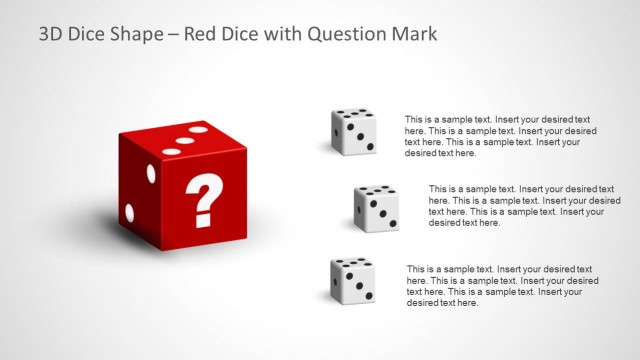
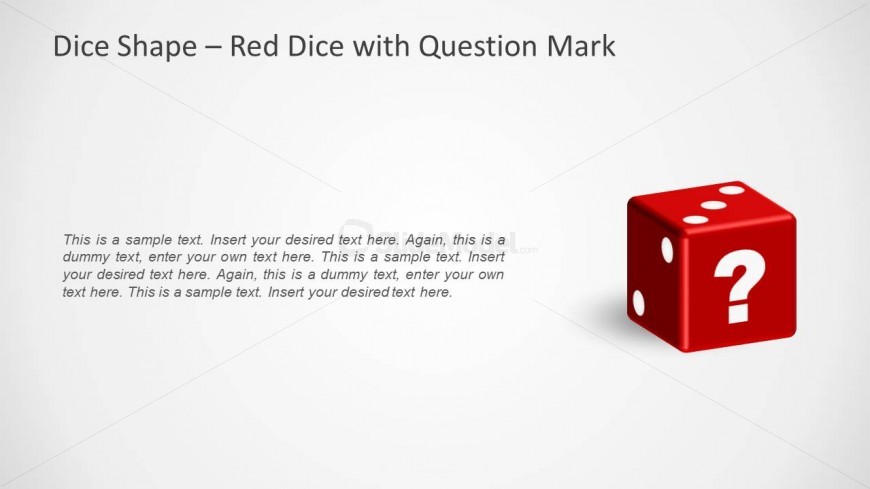
The Dice Shape - Red Dice with Question Mark slide from the 3D Dice Shapes for PowerPoint template offers a clear visual aid for decision-making and risk assessment discussions. This slide layout uses editable shapes and text placeholders alongside a three-dimensional red die to facilitate brainstorming and strategic planning in corporate presentations or pitch decks.
What’s on This Slide
The slide features a prominent red die positioned on the right side, displaying a question mark on one face. The die is three-dimensional, casting a subtle shadow on the background. To the left, there are multiple text placeholders arranged vertically. The top placeholder is larger, indicating a title or main point, while the subsequent placeholders are smaller, suggesting supporting text. The background is a light gradient, providing a neutral canvas that enhances the visibility of the die and text. The overall layout is balanced, with clear visual separation between the die and text elements.
How to Use It
This layout serves as a visual prompt for discussions around decision-making or uncertainty, fitting well in presentations about risk or strategy. It can be used after problem-framing slides to introduce questions or options. The red die with a question mark symbolizes inquiry, making it suitable for scenarios such as brainstorming sessions or strategic planning discussions. It is effective in engaging audiences by prompting them to consider various outcomes or decisions. This slide can be used in business, educational, or gaming contexts.
Text Placeholders & Capacity
Keep your copy within these limits so it fits without resizing. Body slots can hold roughly 15-20 words each.
| Placeholder | Count | Max characters (approx.) |
|---|---|---|
| Slide title | 1 | 50 |
| Body paragraph | 5 | 120 |
Slide Keywords
Download unlimited PowerPoint templates, charts and graphics for your presentations with our annual plan.
DOWNLOADReturn to 3D Dice Shapes for PowerPoint.