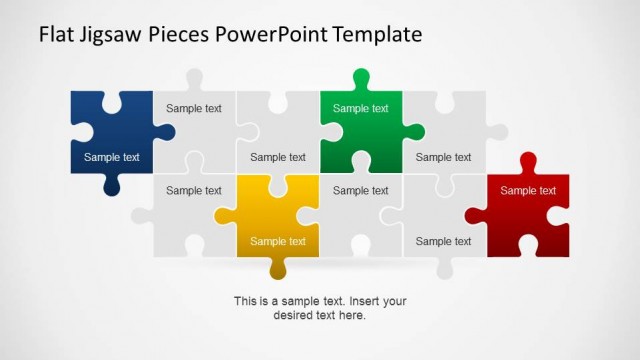
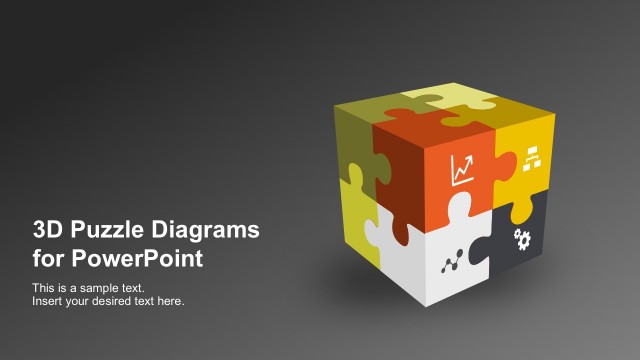
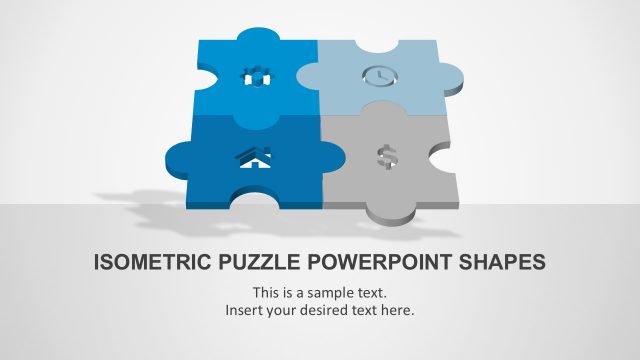
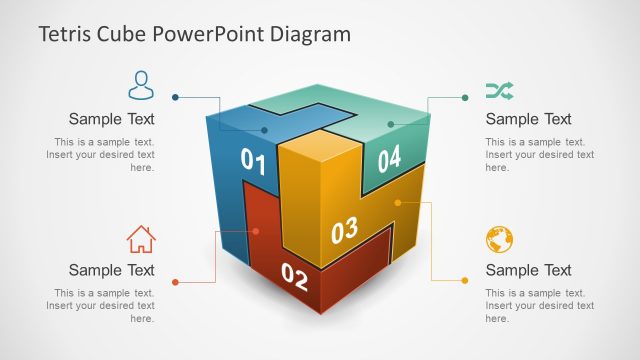
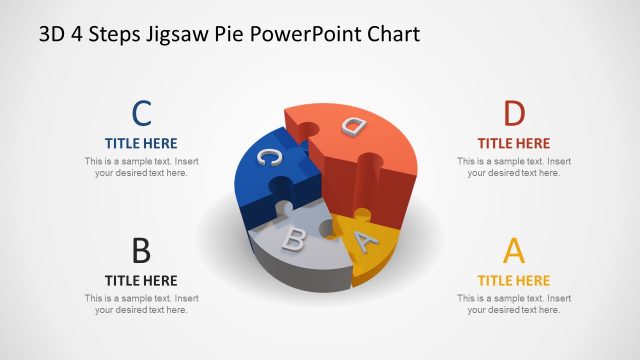
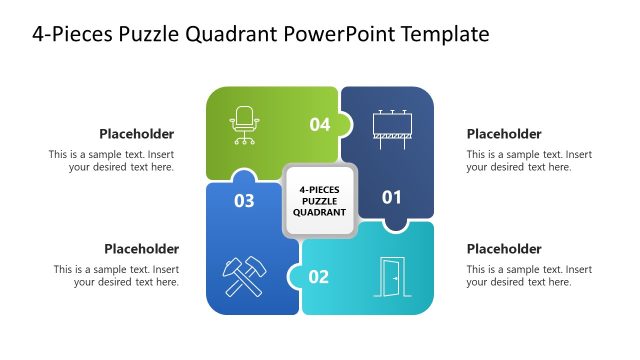
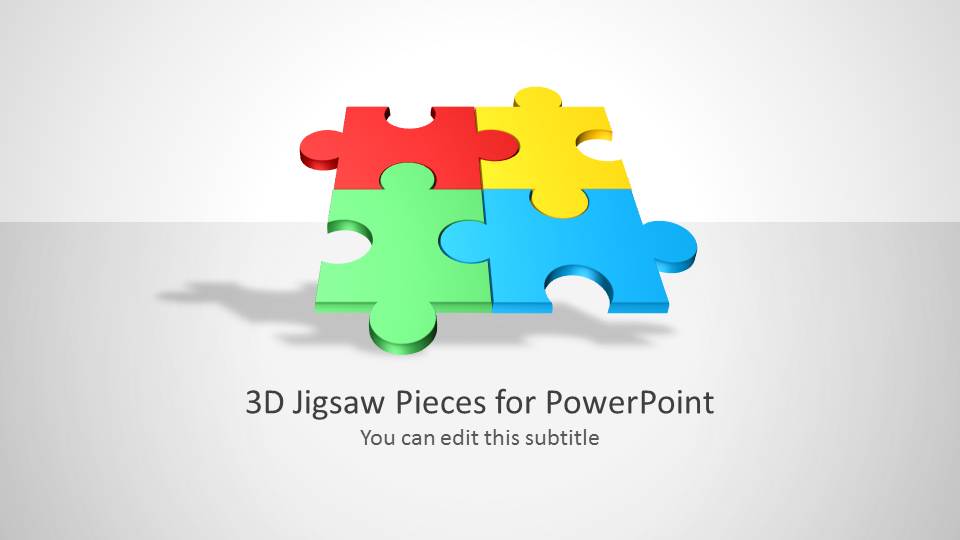
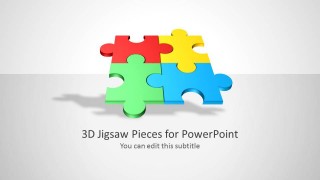
3D Jigsaw Piece Shapes for PowerPoint is a presentation template containing slide designs with 4 jigsaw pieces that you can use as metaphors for business and strategy presentations. The slide designs can be used to model a puzzle with colorful jigsaw pieces.
You can download puzzle piece templates for Microsoft PowerPoint presentations to decorate your slides with creative clipart designs and styles.
What’s inside this template
Example presentation scenarios
- A consultant can use the four colorful jigsaw layout to explain how strategy, operations, people, and technology connect within a transformation plan.
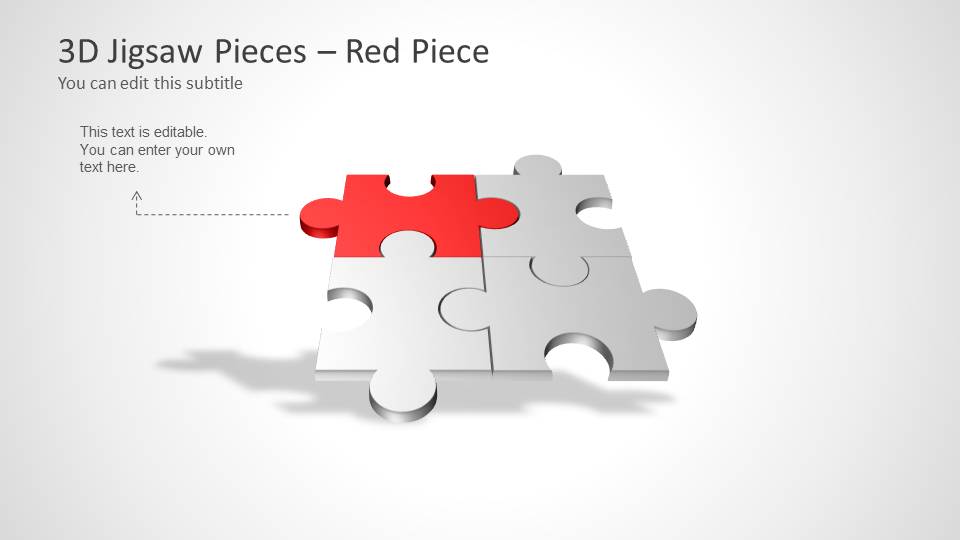
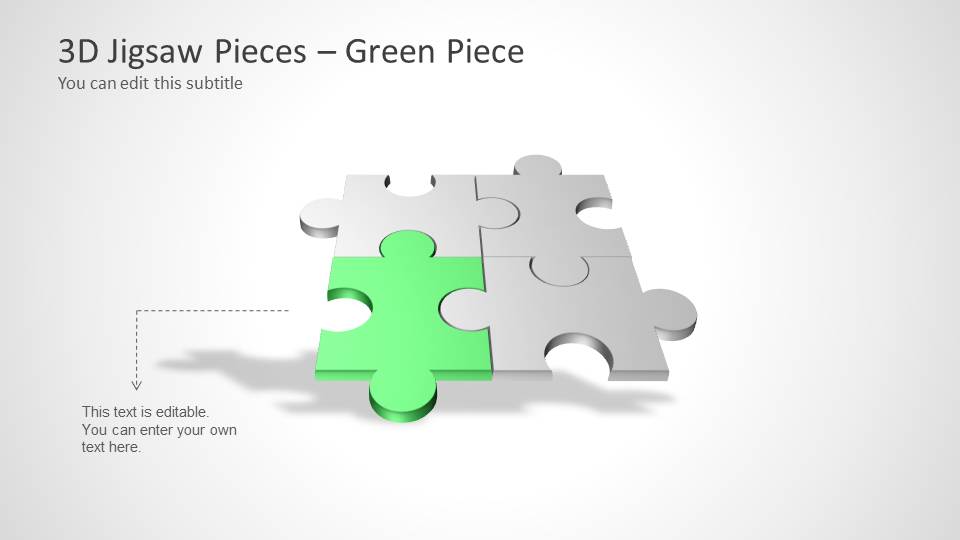
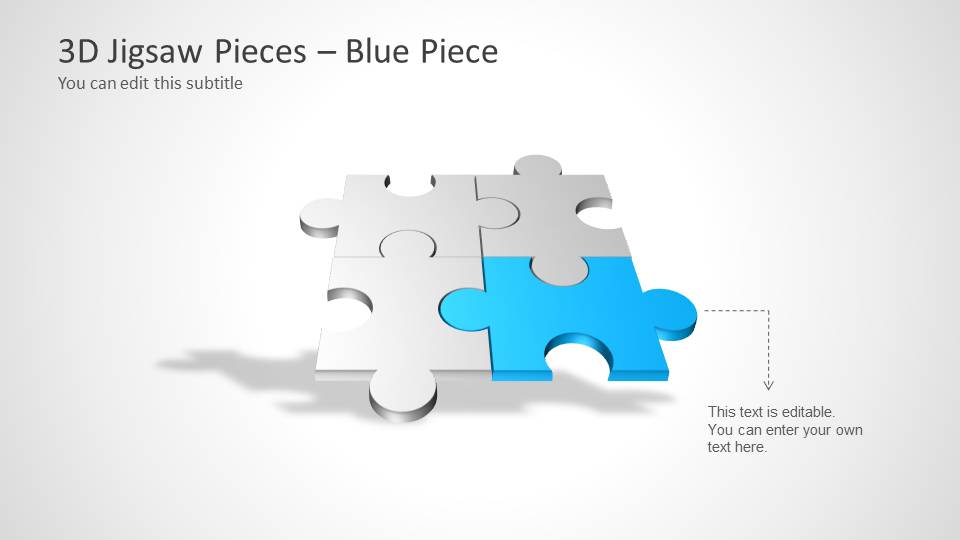
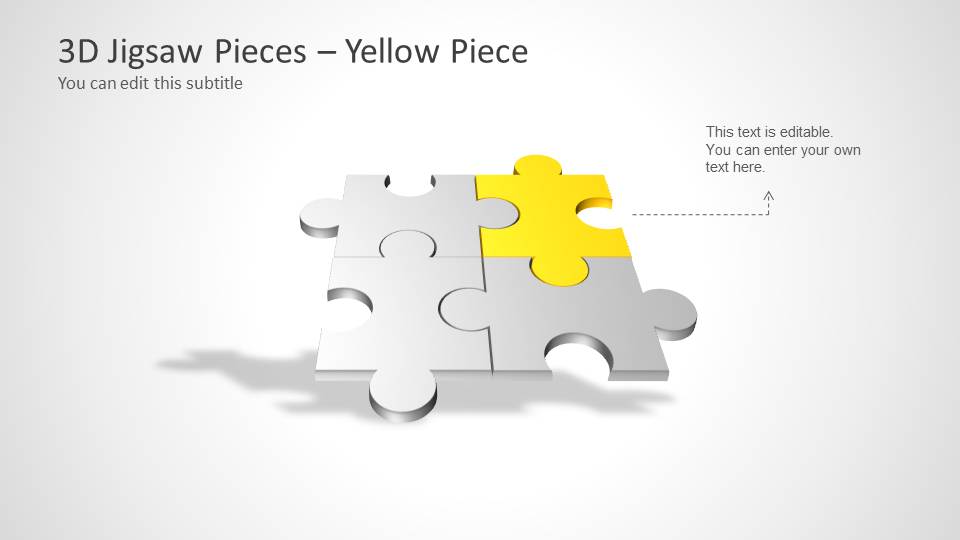
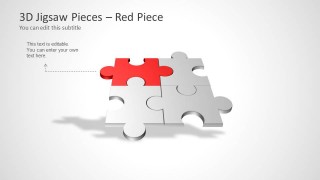
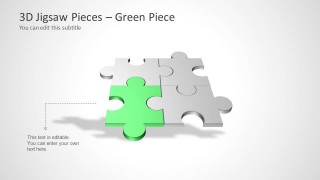
- A project manager can use the red, green, blue, and yellow emphasis slides to walk stakeholders through separate workstreams while keeping the full puzzle in view.
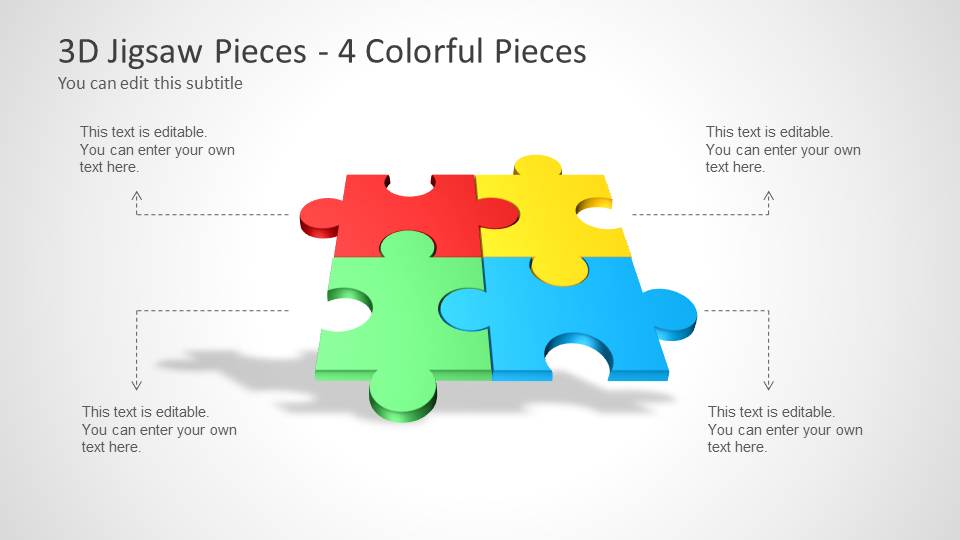
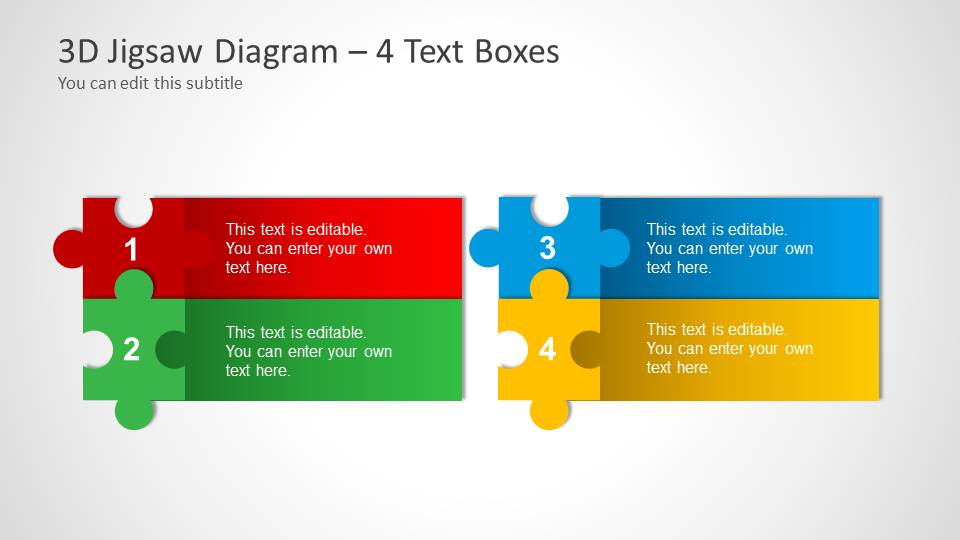
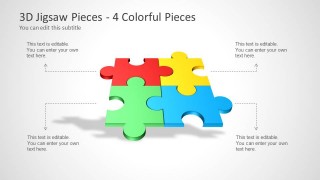
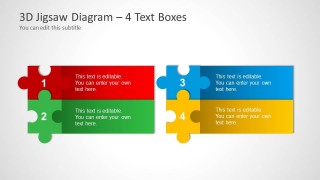
- A trainer can use the four text-box jigsaw diagram to teach a model with four required behaviors, steps, or competencies.
- A sales presenter can use the puzzle metaphor to show how four service components combine into one customer solution.
Features
- 100% editable presentation template
- Compatible with Microsoft PowerPoint and Google Slides
- 16:9 aspect ratio slides
- Scalable vector shapes, icons and illustrations
- AI-Ready for Microsoft Copilot and Claude
- Instant access and download
Frequently asked questions
Q: How should a presenter structure the message with this puzzle template?
A: Start with the complete four-piece puzzle to define the whole idea, then use the red, green, blue, and yellow emphasis slides to explain each component one at a time. Close with the four text-box jigsaw diagram so the audience can see the labels, responsibilities, or actions together in one summary view.
Q: What presentation situations fit this jigsaw metaphor best?
A: This template works best when the audience must understand interdependence: four departments in a plan, four features in a product, four roles in a team, or four phases of an initiative. The puzzle format is less about sequence and more about fit, dependency, and completion.
Q: Why use puzzle pieces instead of a standard four-quadrant diagram?
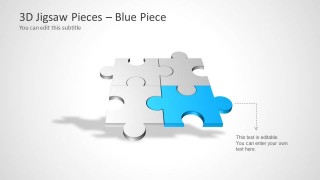
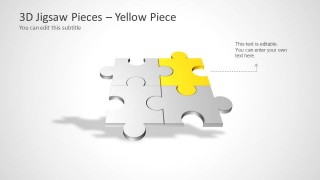
A: Puzzle pieces imply that each part has a specific place and that the message is incomplete without all four elements. The single-color emphasis slides also make focus easy: the highlighted piece becomes the current topic while the gray pieces remind the audience of the larger system.
3D Jigsaw Piece Shapes for PowerPoint
7-slide presentation template with 3D jigsaw pieces, puzzle diagrams, and four-part text boxes
3D Jigsaw Piece Shapes for PowerPoint is a 7-slide puzzle diagram template for Microsoft PowerPoint and Google Slides. It includes a cover slide, a four-piece colorful jigsaw layout, single highlighted red, green, blue, and yellow piece views, and a four text-box jigsaw diagram for strategy, teamwork, and component-based messages.
- Category
- Shapes
- Rating


 Loading...
- Aspect ratio
- 16:9
- Item ID
- 6024
- Colors
 Microsoft PowerPoint
  Microsoft Copilot
  Claude for PowerPoint
 Other formats supported
Subscribe today and get immediate
access to download our PowerPoint templates.