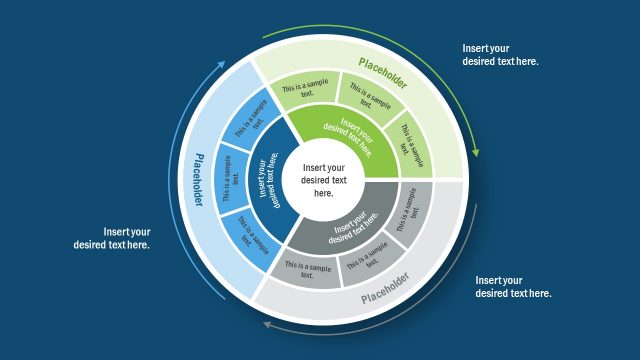
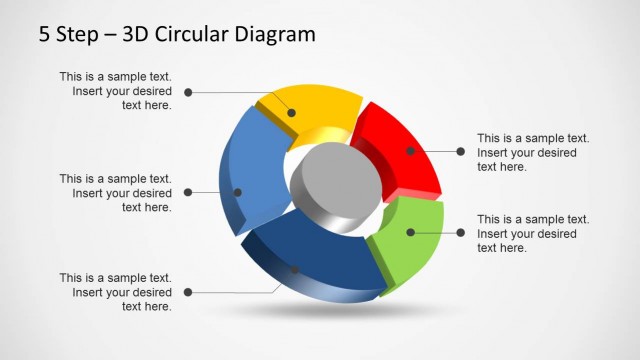
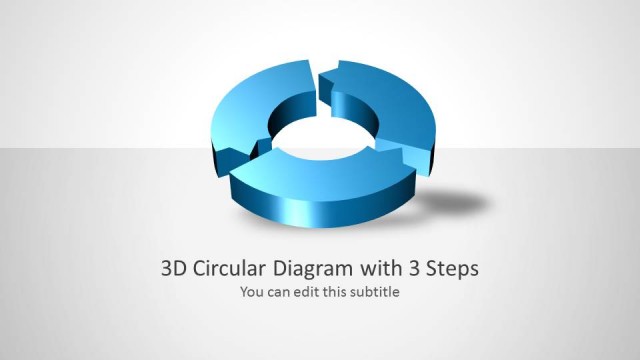
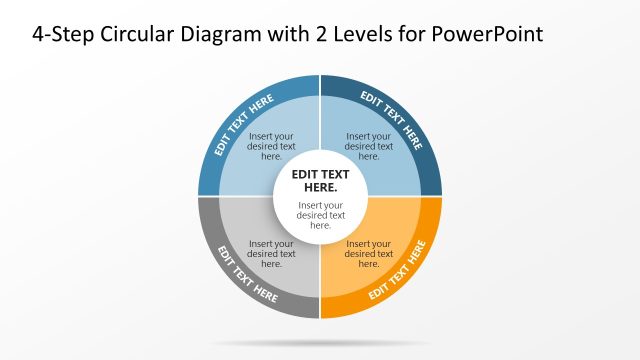
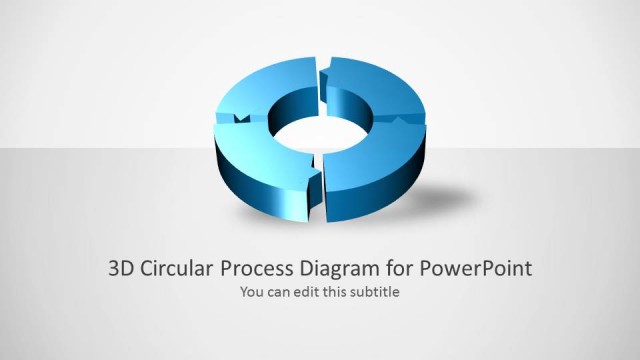
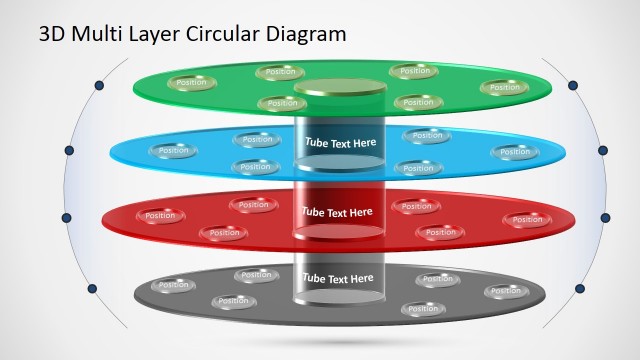
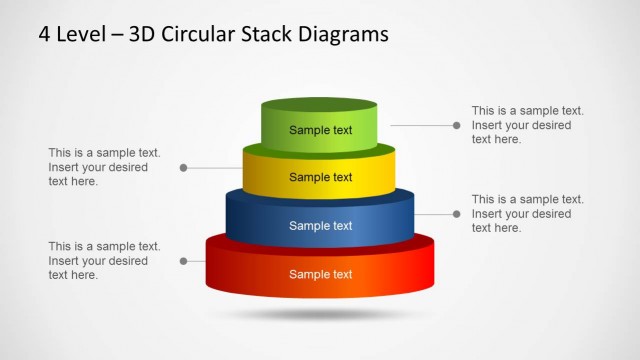
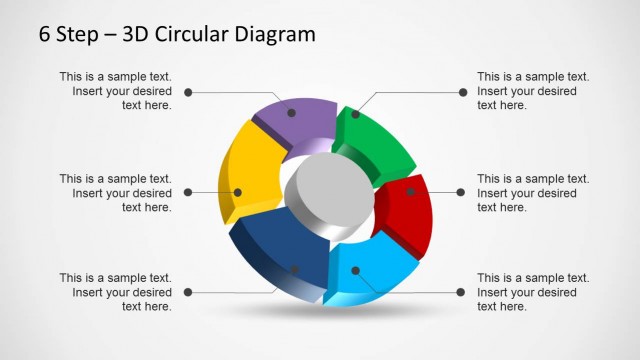
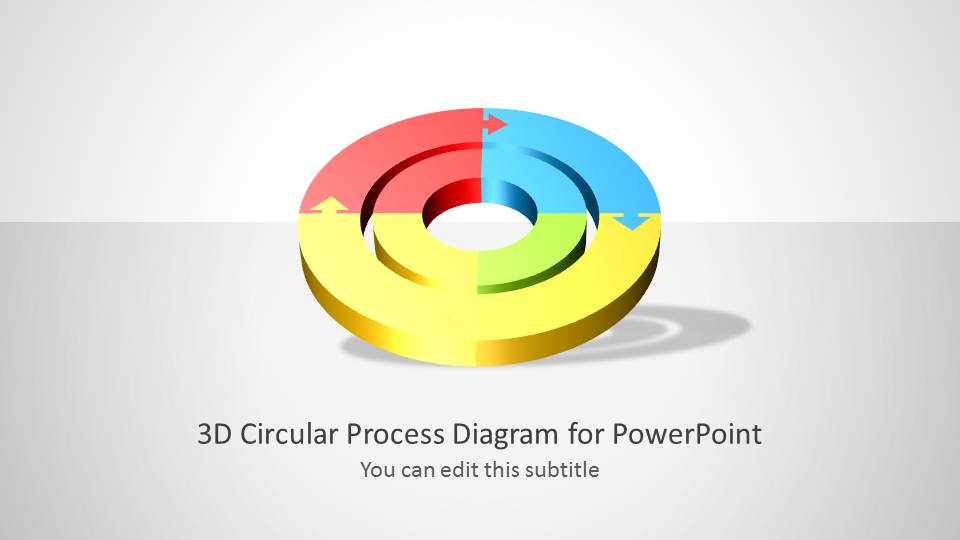
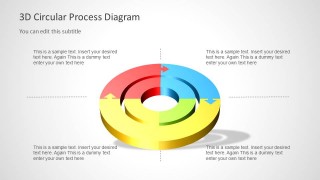
3D Circular Diagram for PowerPoint with 2 Levels is a presentation template for Microsoft PowerPoint containing useful slide designs with a creative circular process diagram that you can use to describe a complex process of up to 4 steps.
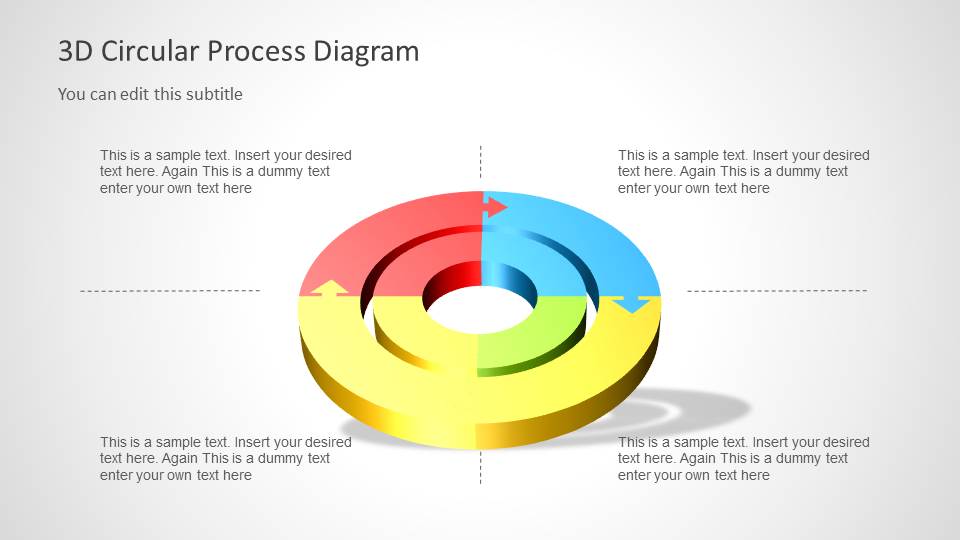
The circular diagram template has two concentric circles which makes this very useful to describe processes with hierarchy levels. Alternatively you can download other circular diagrams for PowerPoint with 3D and perspective effects.
What’s inside this template
Example presentation scenarios
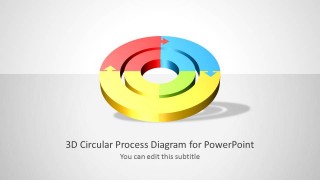
- A process manager can use the four-quadrant overview to explain how four recurring workflow stages connect in a continuous cycle.
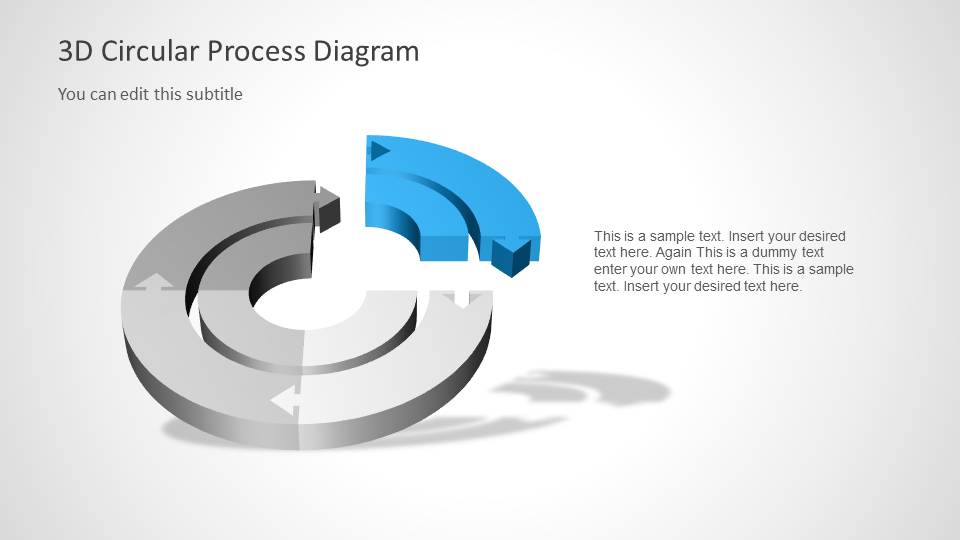
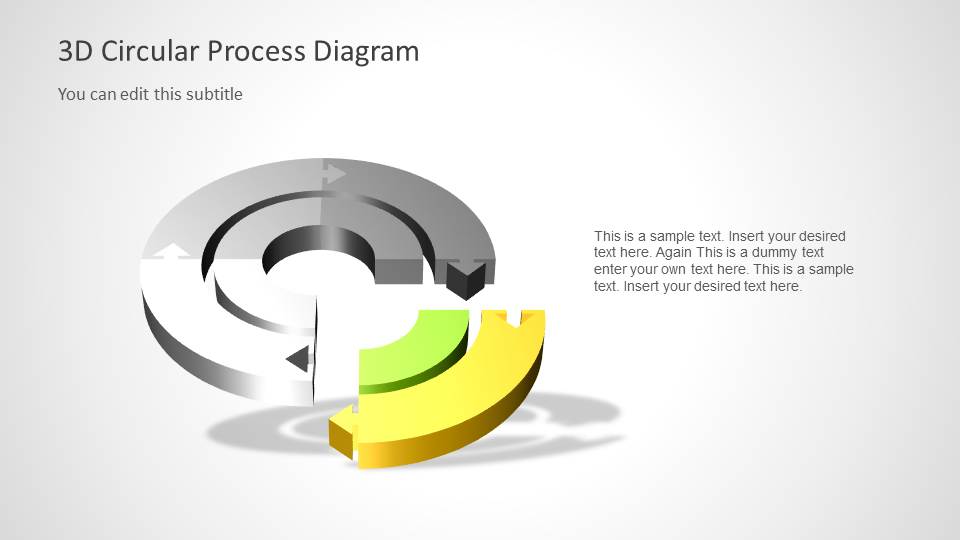
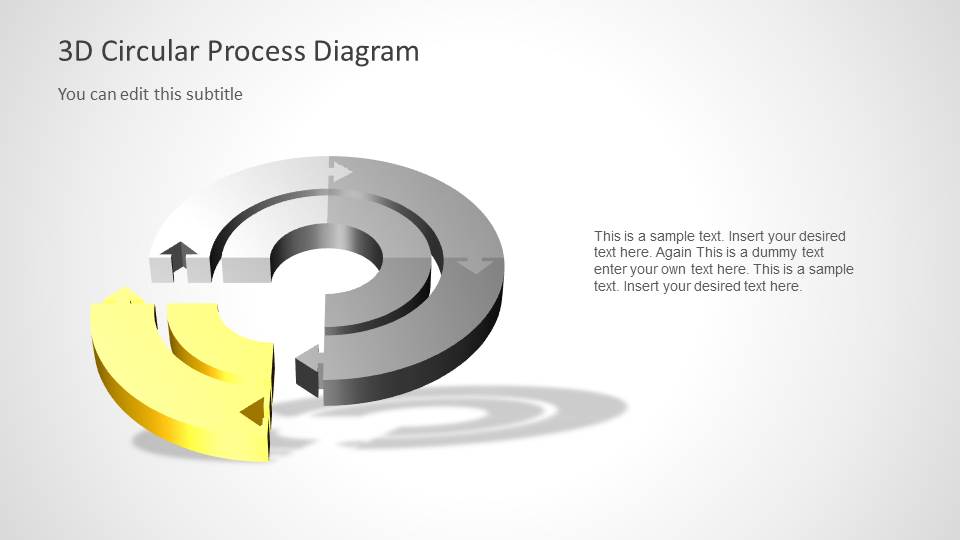
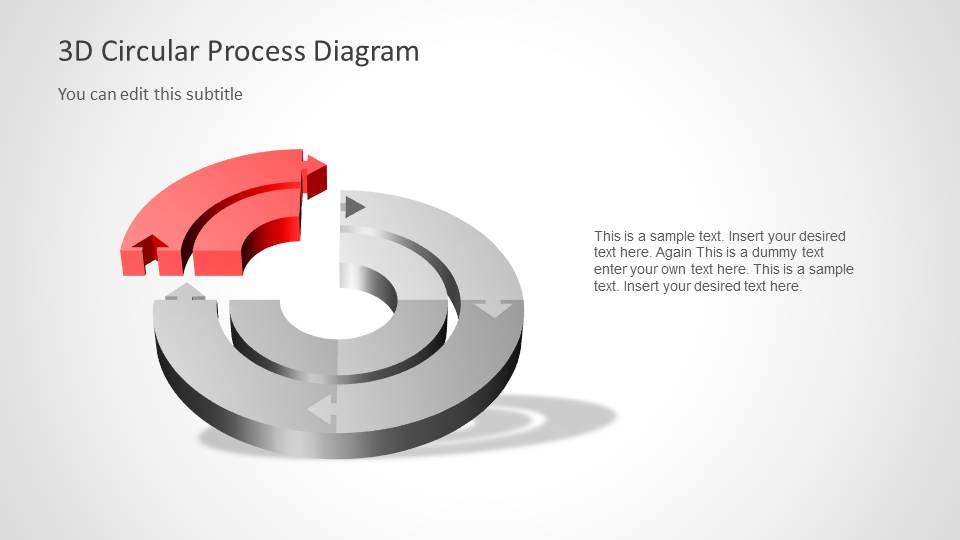
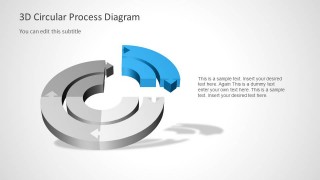
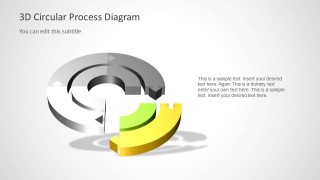
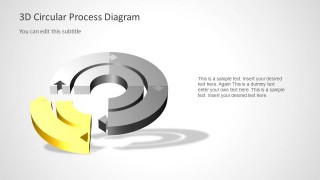
- A consultant can use the single-segment highlight slides to walk executives through one phase at a time after showing the full process.
- A training facilitator can use the two-level circular diagram to show primary steps on the outer ring and related sub-steps or responsibilities on the inner ring.
- A project lead can use the colored segment layouts to assign ownership, timing, or decision points to each part of a repeating business process.
Features
- 100% editable presentation template
- Compatible with Microsoft PowerPoint and Google Slides
- Scalable vector shapes, icons and illustrations
- AI-Ready for Microsoft Copilot and Claude
- Instant access and download
Frequently asked questions
Q: How should a presenter explain the two-level circular process without overcrowding the slide?
A: Start with slide 2 as the complete map, then move to the segment highlight slides for detail. Keep the outer ring for the main four stages and use the inner ring for the related layer, such as responsibilities, dependencies, or supporting actions. The callout text should explain decisions, not repeat the segment labels.
Q: Who is this circular diagram best suited for?
A: This template works best for process owners, consultants, trainers, and business analysts who need to explain a recurring workflow or staged operating model. The 3D circular diagram is useful when the audience must understand both the full cycle and the importance of each individual stage.
Q: Why does the separated segment design help communication?
A: The separated segment acts like a spotlight. After the full cycle establishes context, the gray background ring keeps the whole process visible while one colored segment carries the current point. This reduces cognitive load because the audience can focus on one stage without losing the relationship to the complete loop.
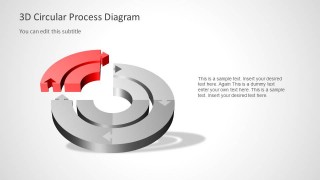
3D Circular Diagram for PowerPoint with 2 Levels
6-slide presentation template with 3D circular process diagram, two-level cycle, and quadrant callouts
The 3D Circular Diagram for PowerPoint with 2 Levels is a 6-slide process diagram template with a two-level circular cycle, four-quadrant overview, and single-segment highlight layouts. It is intended for presenters explaining cyclical processes, hierarchies, or staged workflows in PowerPoint using editable 3D-style shapes and vector graphics.


 Loading...
 Microsoft PowerPoint
  Microsoft Copilot
  Claude for PowerPoint
 Other formats supported
Subscribe today and get immediate
access to download our PowerPoint templates.