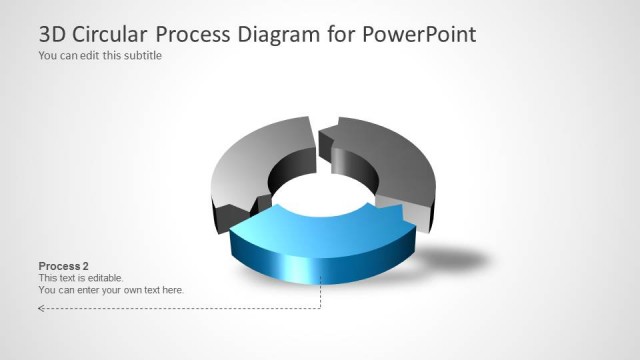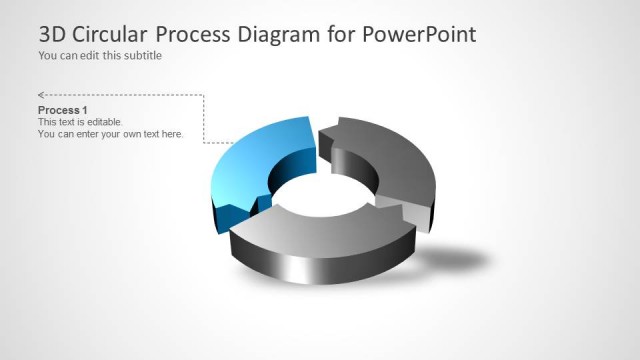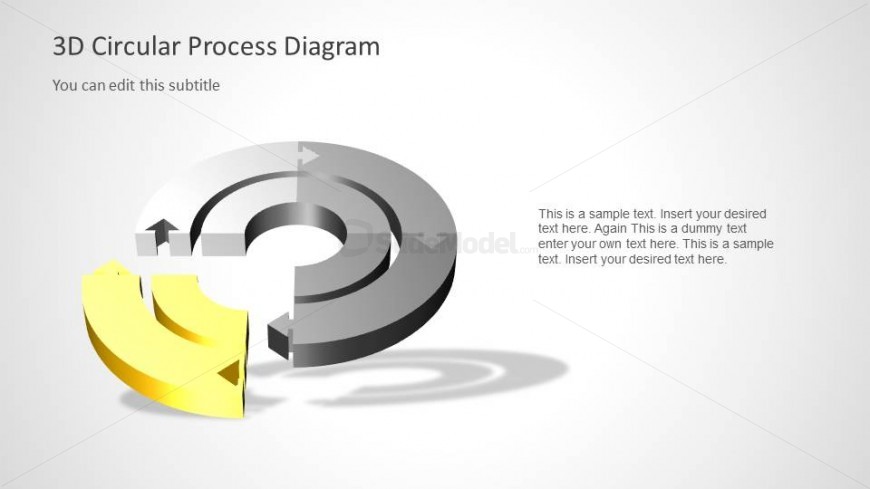
Slide 5 of 6 from 3D Circular Diagram for PowerPoint with 2 Levels
6049-01-3d-circular-process-5
3D Circular Process Diagram for Presentations
- Diagram
- Circular Cycle
- Process Slide
- 16:9
- 100% Editable
The 3D Circular Process Diagram slide from the 3D Circular Diagram for PowerPoint with 2 Levels template offers a clear visual tool for illustrating cyclical workflows and hierarchical stages. Designed with editable shapes and vector icons, this slide template supports business presentations by simplifying complex processes into an engaging circular flow, ideal for project management or strategic planning discussions within a corporate presentation or pitch deck template.
What’s on This Slide
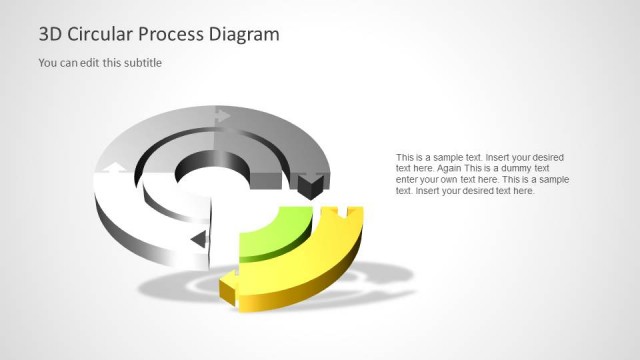
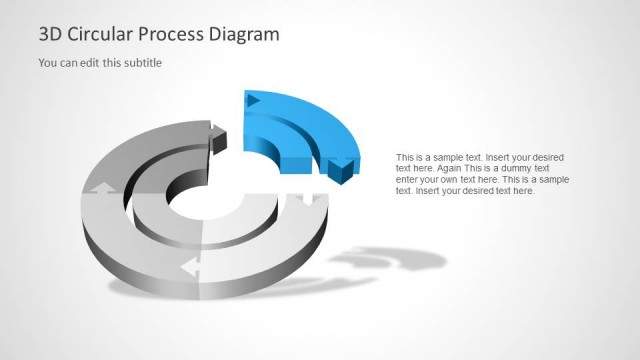
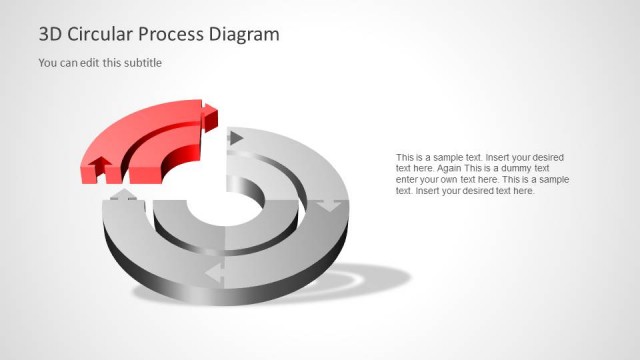
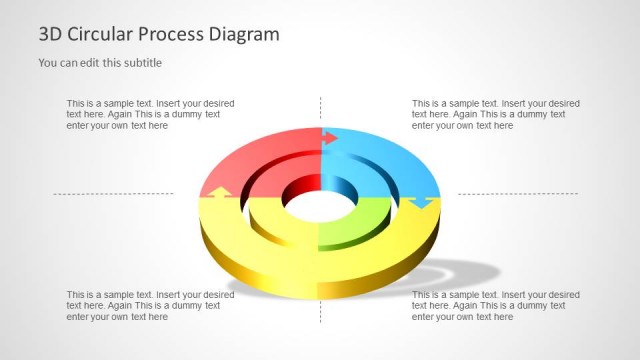
The slide features a 3D circular diagram with two levels. The central area is hollow, surrounded by circular segments in gray and yellow. Arrows indicate flow direction, with a prominent yellow segment highlighted. Text placeholders are positioned on the left and right, with the title at the top. The left placeholder is larger, while the right one is smaller and aligned to the right. The background is light, enhancing the diagram's visibility. The overall composition is balanced, with a clear visual hierarchy emphasizing the circular flow.
How to Use It
This layout serves as a process diagram, illustrating cyclical workflows or hierarchies. It fits well in presentations discussing processes, stages, or workflows. The circular format allows for easy representation of interconnected steps. It is suitable for business scenarios such as project management, product development, or strategic planning. This slide can be used to visually communicate complex processes in a simplified manner, making it easier for the audience to grasp the information presented.
Text Placeholders & Capacity
Keep your copy within these limits so it fits without resizing. Body slots can accommodate roughly 15-20 words each.
| Placeholder | Count | Max characters (approx.) |
|---|---|---|
| Slide title | 1 | 30 |
| Subtitle | 1 | 50 |
| Body paragraph | 3 | 80 |