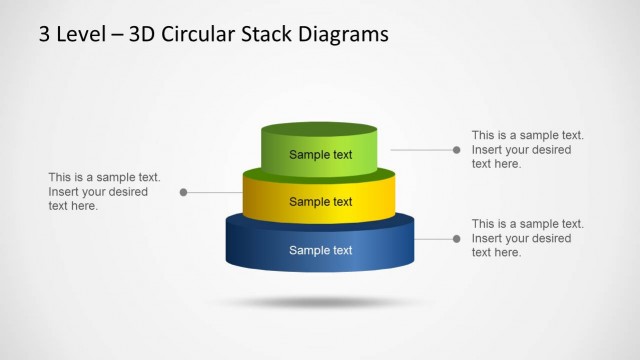
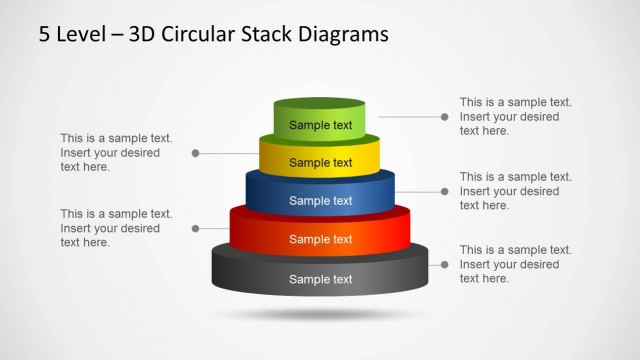
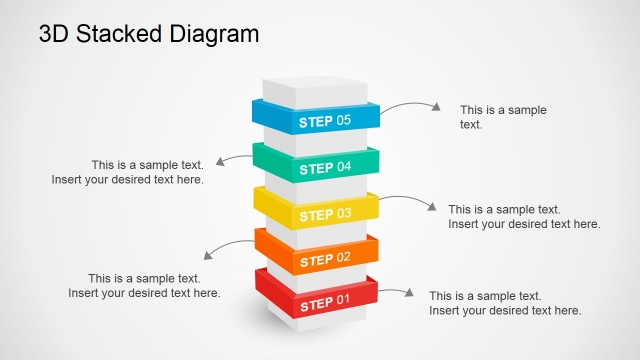
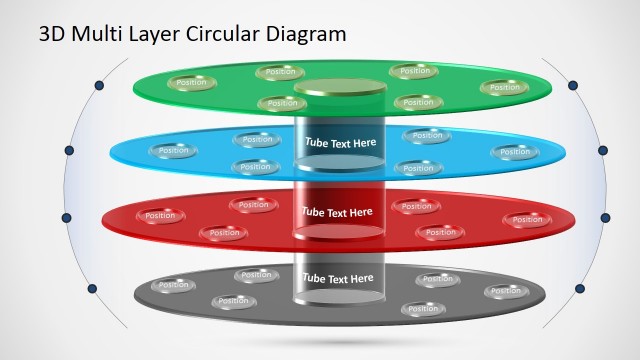
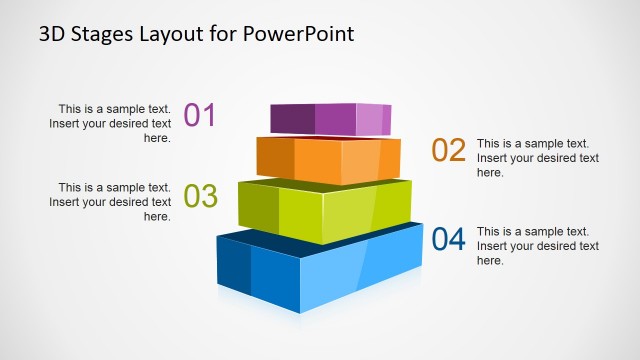
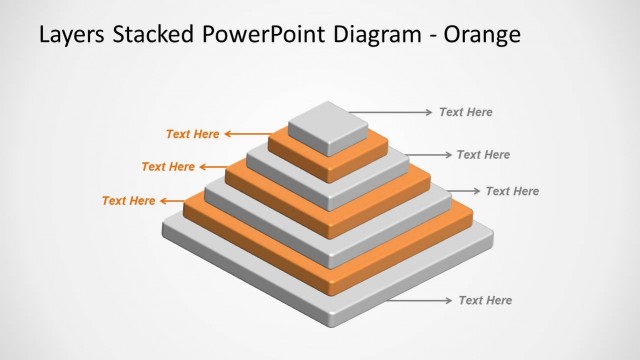
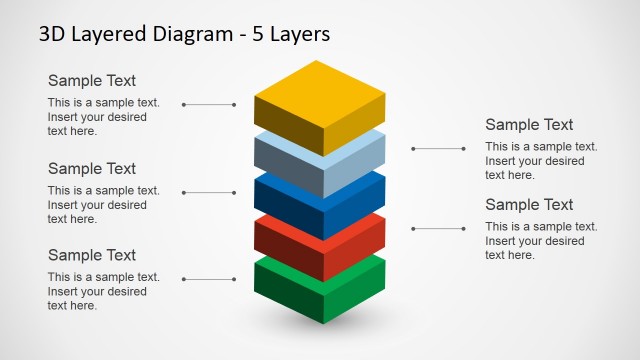
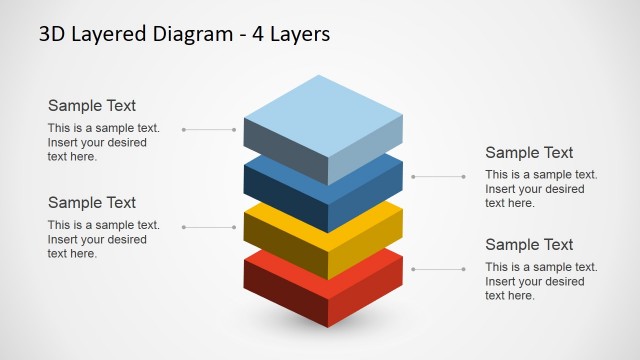
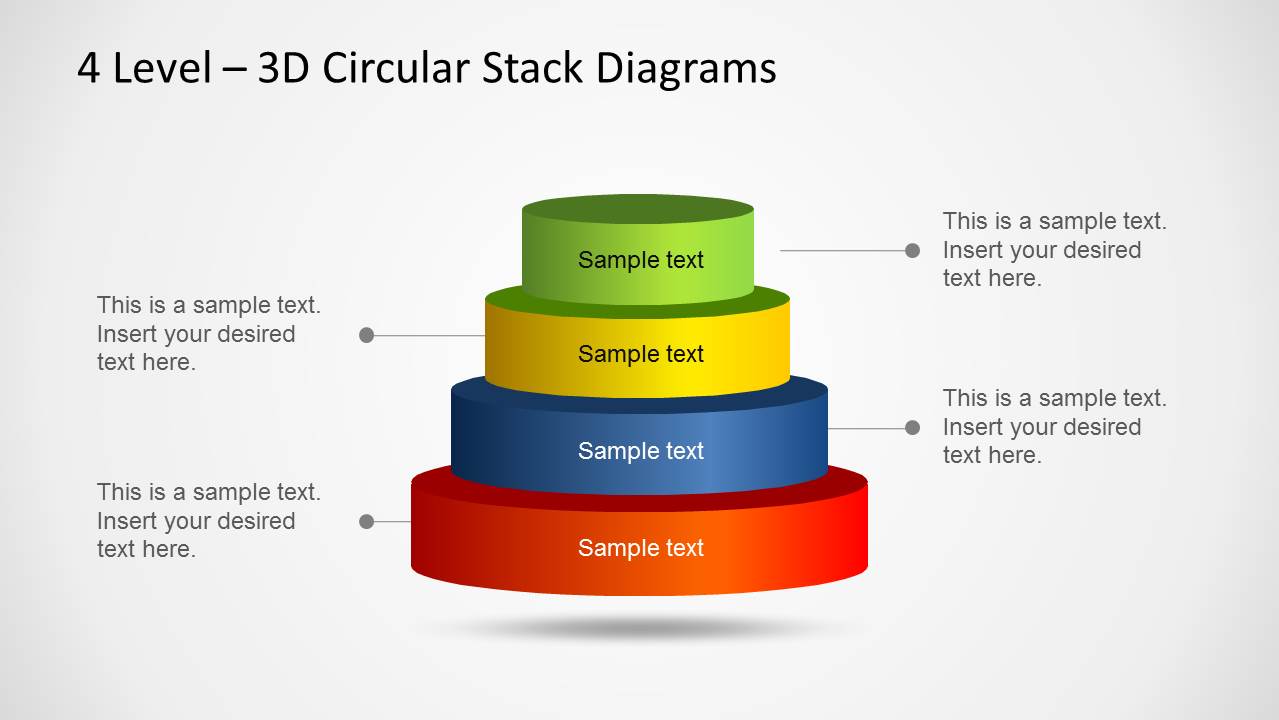
3D Circular Stack Diagram for PowerPoint with 4 Levels is an awesome stacked diagram or multi-layered diagram design for PowerPoint presentations.
Like the 3 Level Stack Diagram Template for PowerPoint, this template is also highly customizable and you can create and explain the different levels of your stack diagram both as a complete diagram and as different levels that make up the complete model.
What’s inside this template
Example presentation scenarios
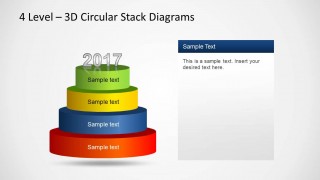
- A strategy consultant can use the full four-level stack to explain how foundational capabilities support higher-value business outcomes in an executive briefing.
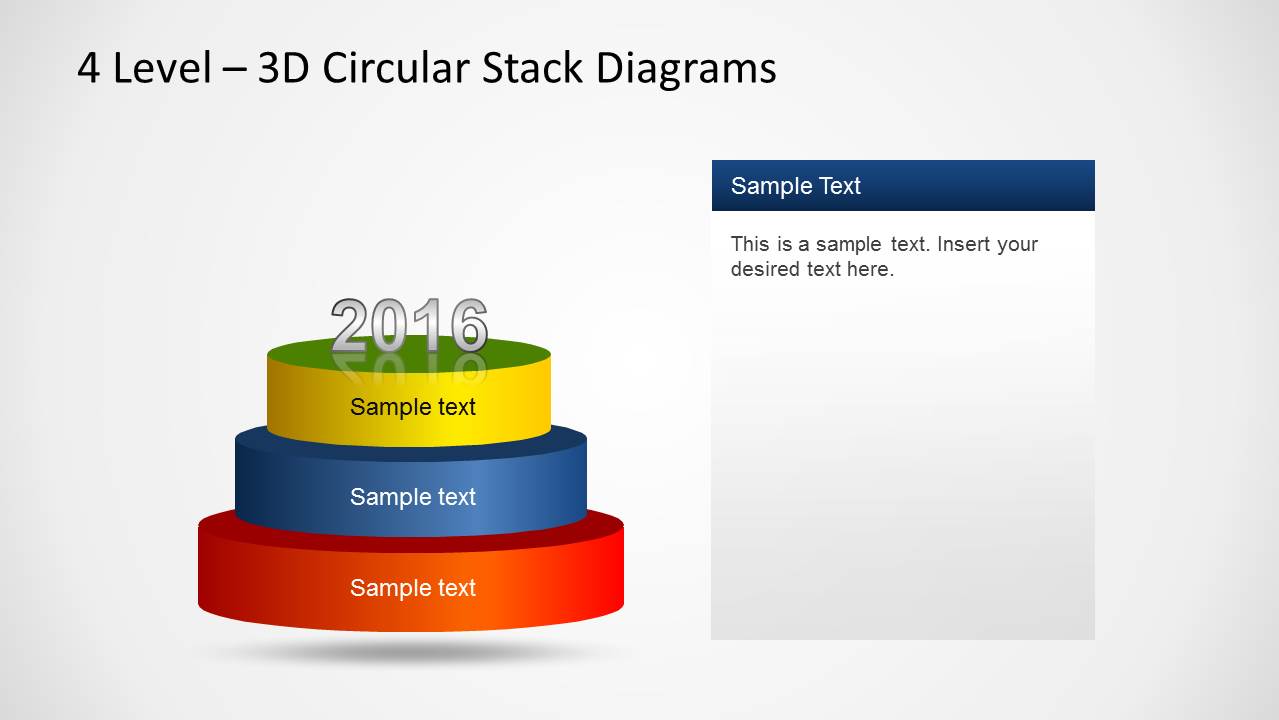
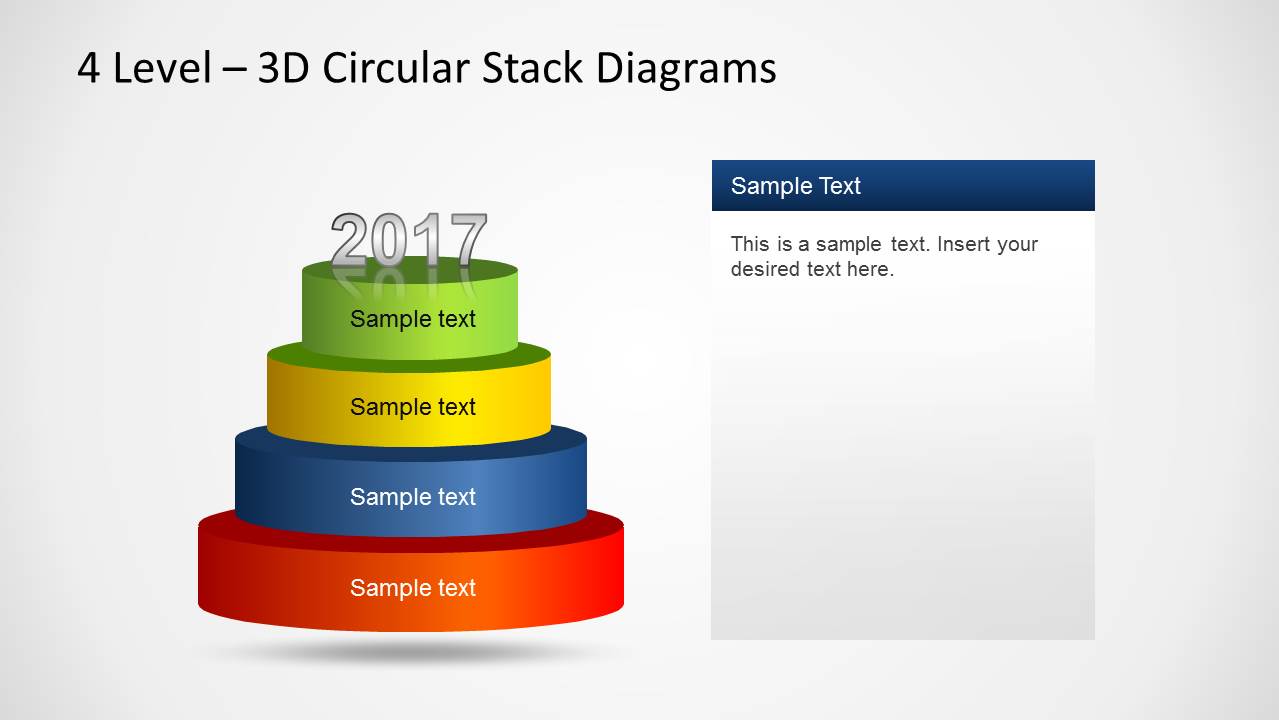
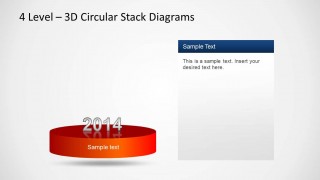
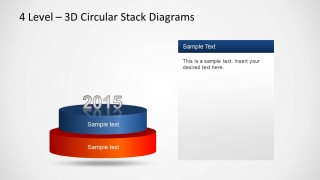
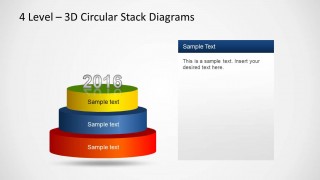
- A product manager can present a roadmap or maturity sequence by moving through the one-, two-, three-, and four-level stack slides with the year markers.
- A training facilitator can teach a layered framework by isolating each stack level and using the right-side text panel to define the concept before adding the next layer.
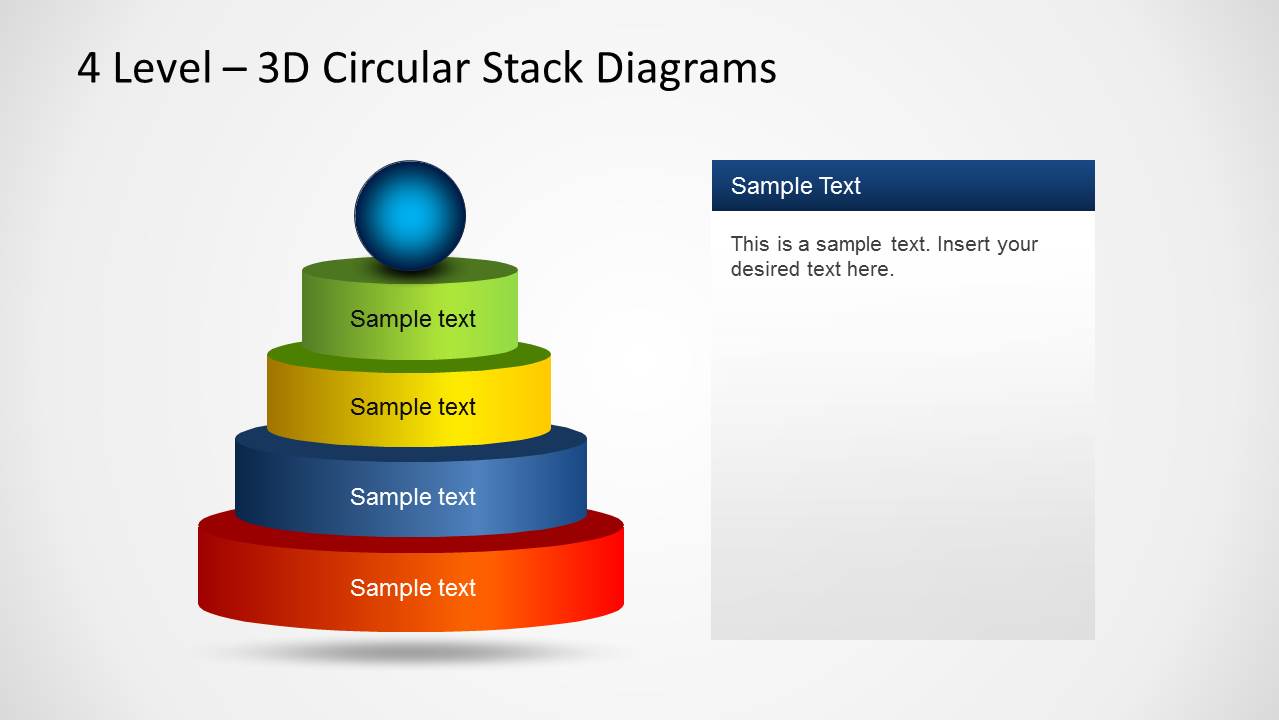
- An operations leader can show process dependencies by assigning each cylinder to a workflow layer and using the final sphere slide to mark the target state or outcome.
Features
- 100% editable presentation template
- Compatible with Microsoft PowerPoint
- 16:9 aspect ratio slides
- Scalable vector shapes, icons and illustrations
- AI-Ready for Microsoft Copilot and Claude
- Instant access and download
Frequently asked questions
Q: How should a presenter explain the four-level stack without overloading the audience?
A: Start with the completed stack so the audience sees the whole model, then move through the single-level, two-level, three-level, and four-level build slides. Keep each cylinder label short and use the side text panel for one key explanation per level. This pacing makes the relationship between foundation and upper layers easier to follow.
Q: What presentation situations fit this 3D circular stack diagram best?
A: This template works best when the presenter needs to show levels that depend on each other, such as capability maturity, service tiers, implementation phases, or a layered strategy model. It is a strong fit for consultants, trainers, analysts, and managers who need a visual hierarchy rather than a linear timeline or numeric chart.
Q: Why use stacked cylinders as the visual metaphor for this message?
A: The circular stack metaphor shows that upper levels rest on lower ones, so it naturally communicates dependency, growth, and structure. The 3D depth helps separate the layers, while the incremental slides prevent the audience from treating the model as one static object. The top sphere can represent a target, outcome, or final achievement.

3D Circular Stack Diagram for PowerPoint with 4 Levels
6-slide 16:9 PowerPoint presentation template for 3D circular stack diagrams and layered steps
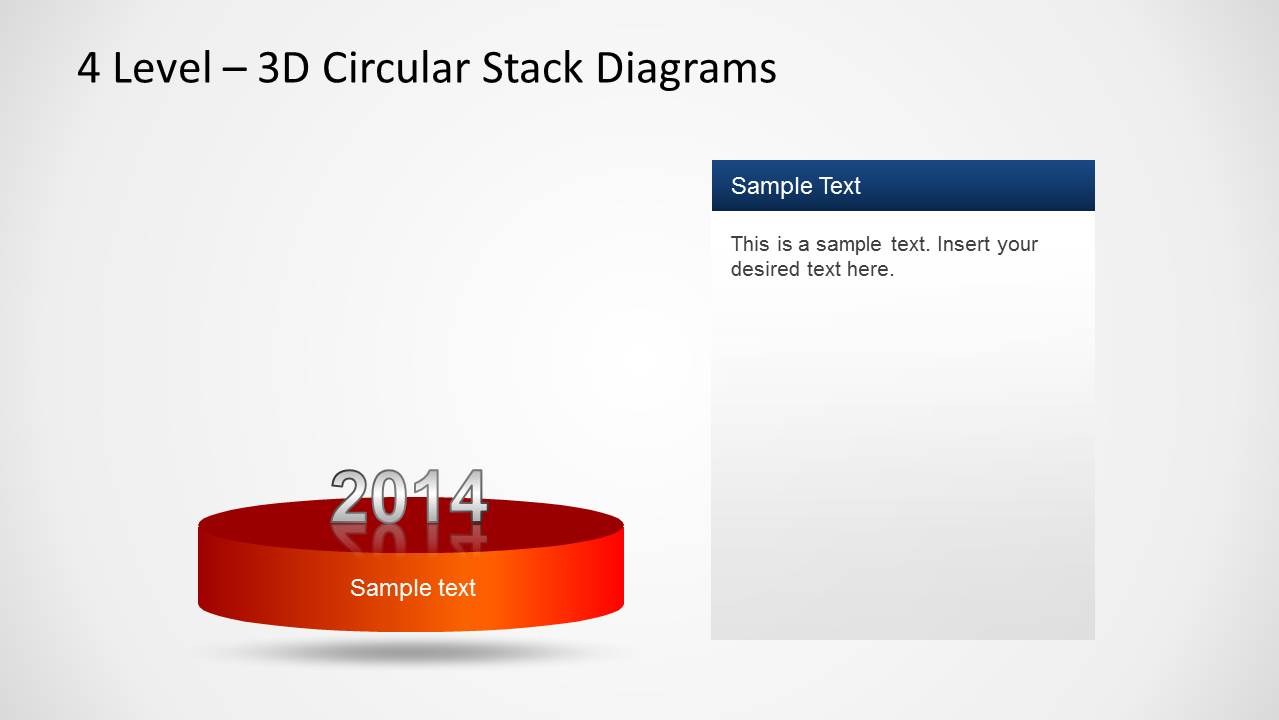
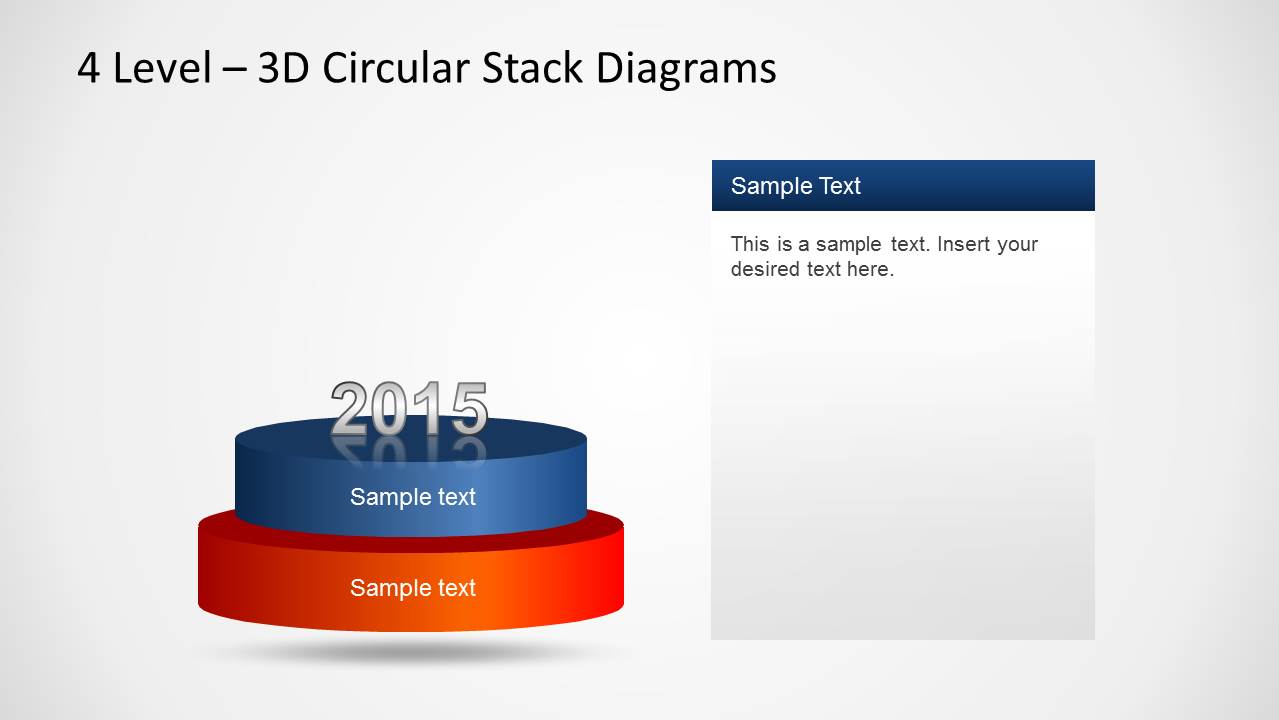
3D Circular Stack Diagram for PowerPoint with 4 Levels is a 6-slide diagram template for presenting layered models in Microsoft PowerPoint. It includes a complete four-tier circular stack, incremental one-, two-, three-, and four-level build slides, and a final stack with a sphere marker for process, roadmap, or maturity discussions.
- Category
- Diagrams
- Rating

 Loading...
- Aspect ratio
- 16:9
- Item ID
- 6341-01
- Colors
 Microsoft PowerPoint
  Microsoft Copilot
  Claude for PowerPoint
 Other formats supported
Subscribe today and get immediate
access to download our PowerPoint templates.