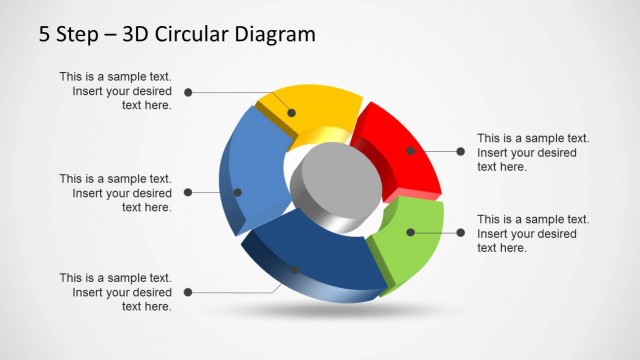
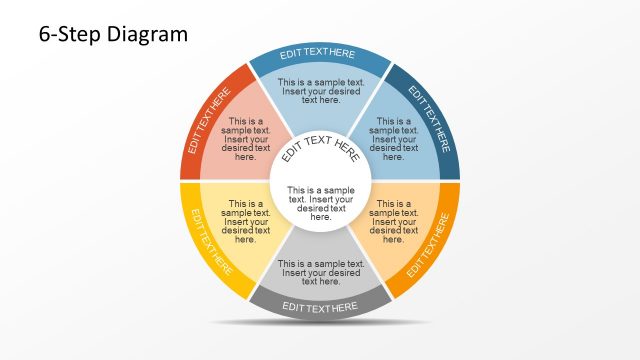
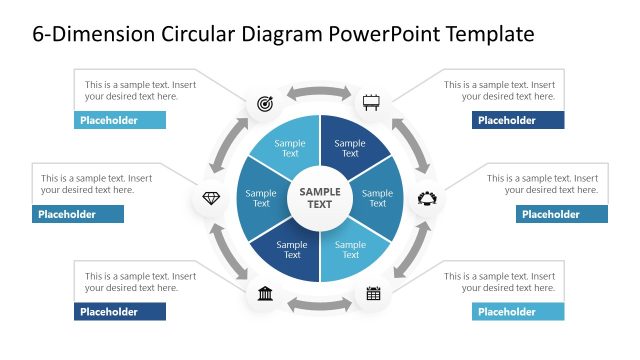
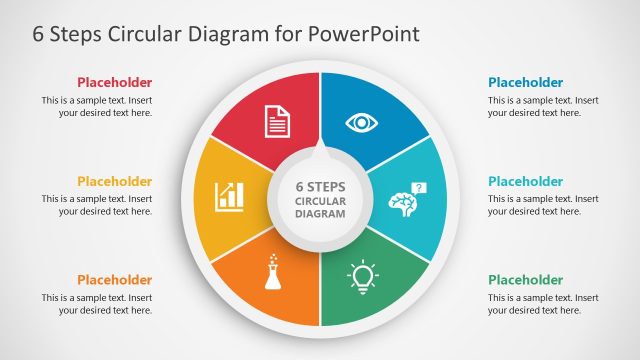
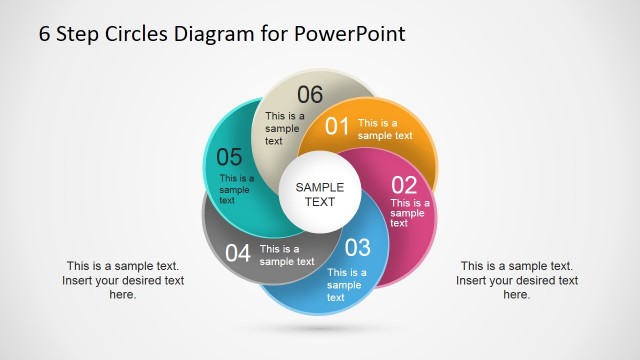
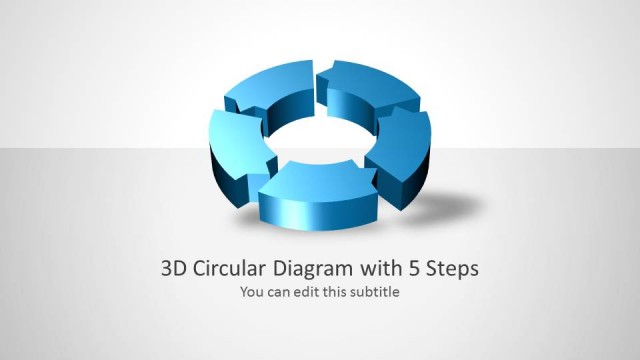
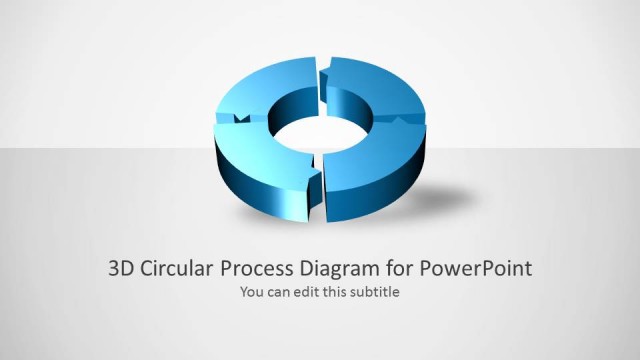
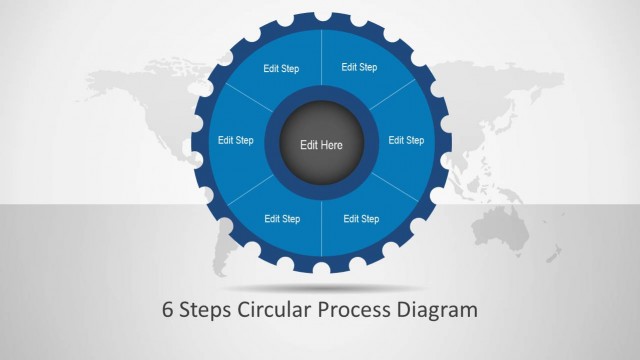
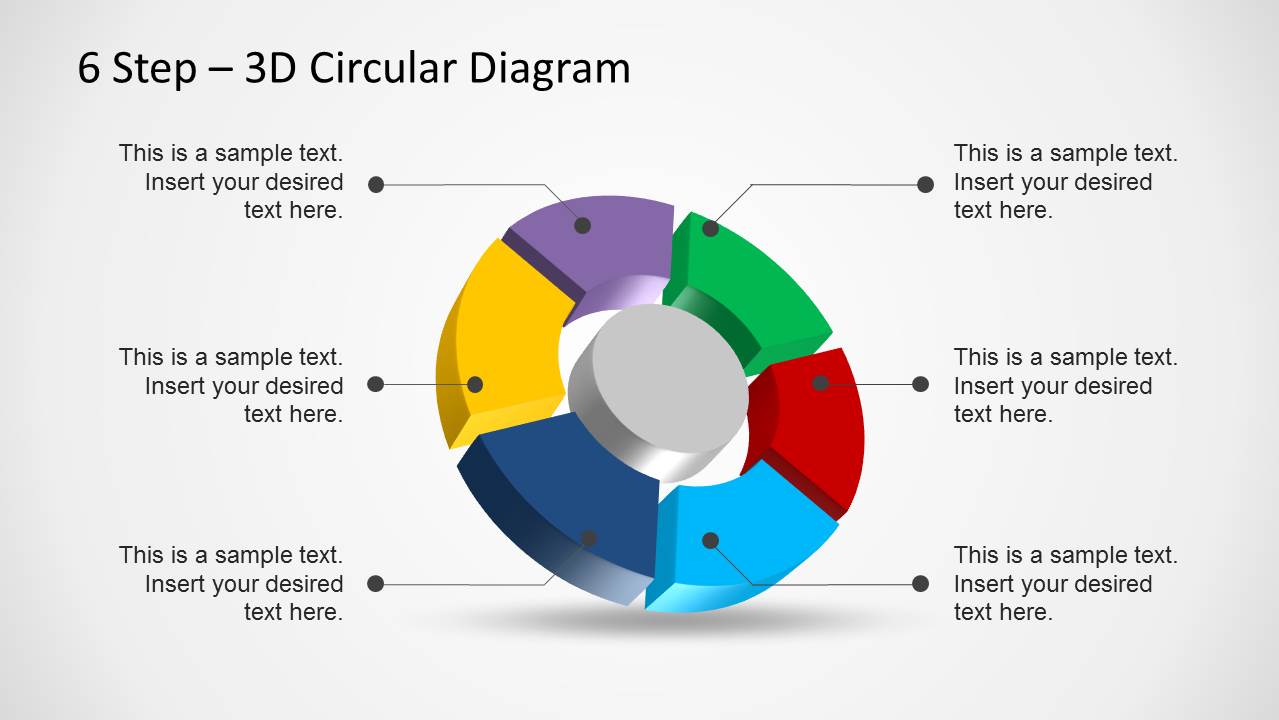
The 6 Step 3D Circular Diagram Template for PowerPoint is among our collection of Circular Diagram Templates for PowerPoint which can be used for creating a process diagram.
With the help of this template you can easily show a six step process with a visually appealing layout. Be it a production process, marketing model, business diagram or a financial plan, infographic or generic illustration.
You can use this 3D template with PowerPoint 2013 and older versions such as PowerPoint 2010.
What’s inside this template
Example presentation scenarios
- A project manager can present a repeatable delivery workflow by opening with the full 3D circular diagram and then using the segment highlight slides to explain each phase.
- A marketing lead can explain a six-part customer engagement model with the color legend slide to connect each segment to a campaign activity.
- A finance presenter can outline a recurring planning process by using the percentage view for high-level emphasis and the text-panel slides for step details.
- An operations manager can train a team on a production cycle by using the gray-and-highlight layouts to focus attention on one step at a time.
Features
- 100% editable presentation template
- Compatible with Microsoft PowerPoint and Google Slides
- Scalable vector shapes, icons and illustrations
- AI-Ready for Microsoft Copilot and Claude
- Instant access and download
Frequently asked questions
Q: How should a presenter explain the six-step process without making the circular diagram feel repetitive?
A: Start with Slide 1 to define the full cycle, then use Slide 2 only if the audience needs a legend or quantitative emphasis. Move through the single-color highlight slides as short chapters. Keep each text panel focused on one decision, action, or outcome so the audience understands both the individual step and its place in the loop.
Q: What type of business message is this template best suited for?
A: This template works best for a recurring process with six related parts, such as a production workflow, marketing model, finance planning cycle, or service delivery method. It is a good choice for managers, consultants, and analysts who need to explain sequence and interdependence rather than show a long list of unrelated tasks.
Q: Why does the 3D circular metaphor help communicate the process?
A: The ring shape signals that the steps belong to one connected system, not isolated boxes. The 3D segments make the six parts easy to separate visually, while the single-segment highlight slides reduce cognitive load. This design is useful when the audience must remember the whole cycle and understand one stage at a time.


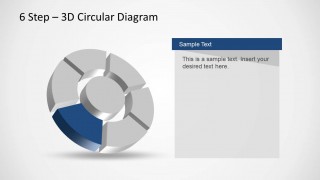
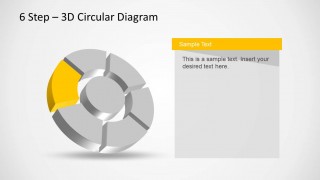
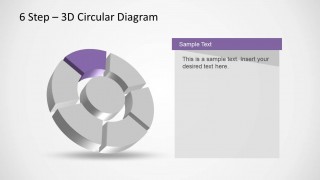
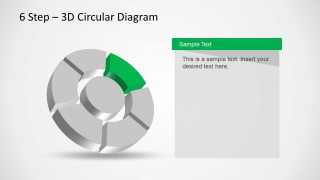
6 Step 3D Circular Diagram Template for PowerPoint
8-slide PowerPoint diagram template for 3D process cycles and six-step circular workflows
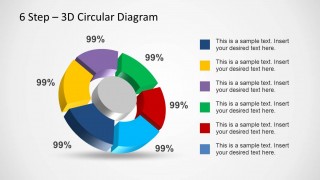
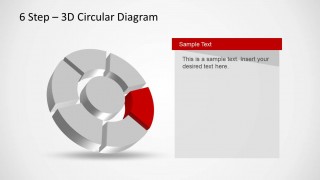
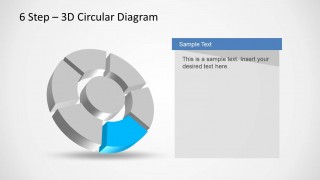
The 6 Step 3D Circular Diagram Template for PowerPoint is an 8-slide PowerPoint diagram template for explaining a six-part cycle or process. It includes a complete 3D circular diagram, a percentage and legend view, and six highlight slides with one segment emphasized beside a text panel. It suits business process, marketing model, finance, or workflow explanations.


 Loading...
 Microsoft PowerPoint
  Microsoft Copilot
  Claude for PowerPoint
 Other formats supported
Subscribe today and get immediate
access to download our PowerPoint templates.