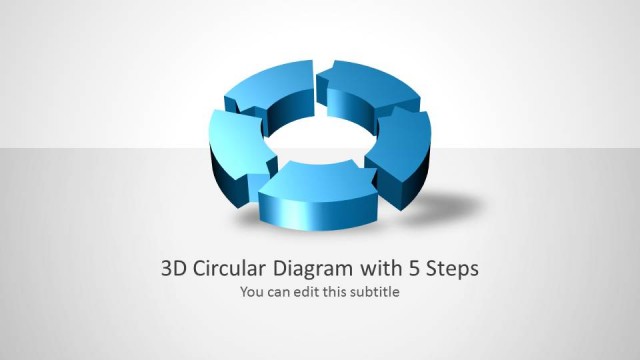
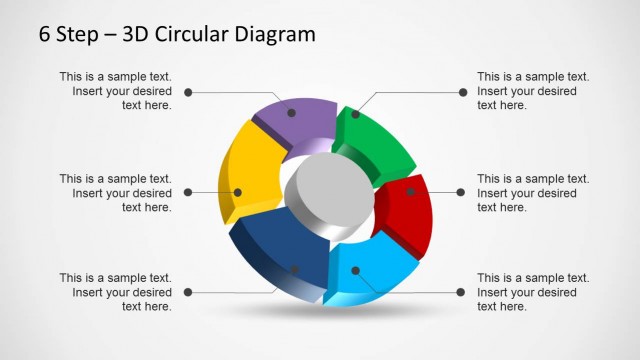
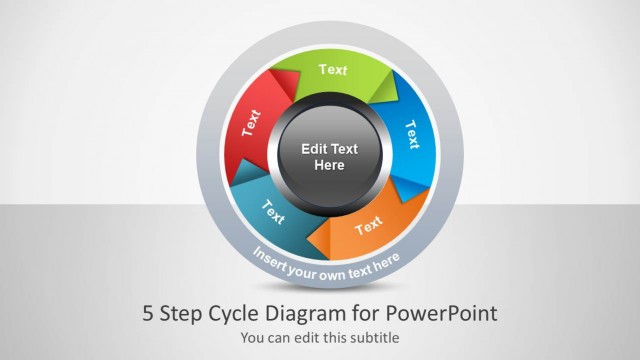
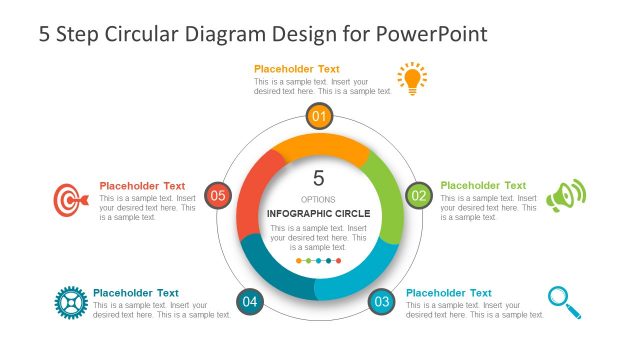
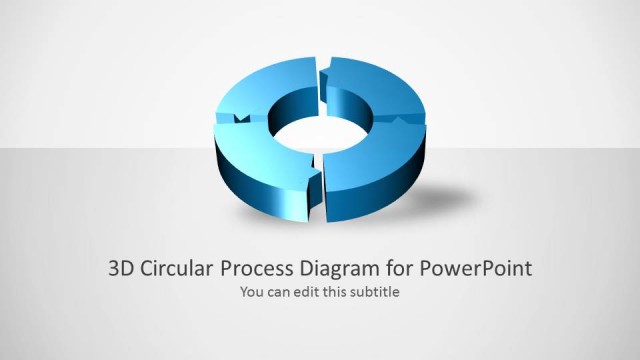
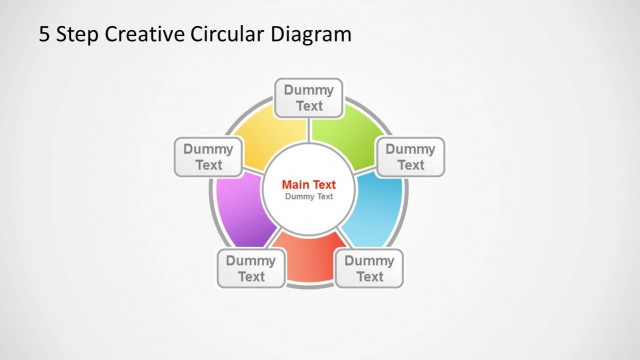
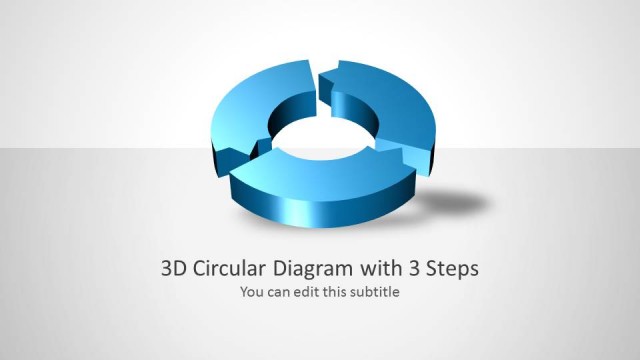
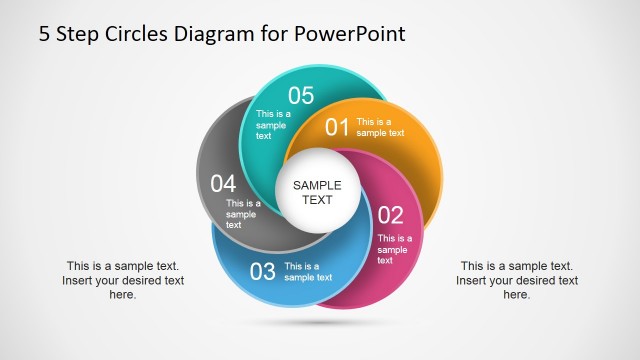
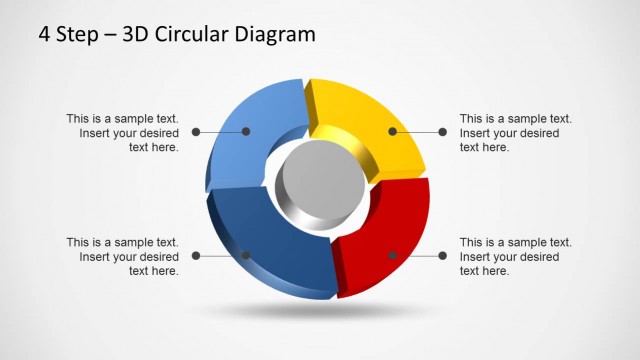
Download 5 Step 3D Circular Diagram Template for PowerPoint. This customizable template provides editable slide designs for displaying a five step process in the form of a circular diagram.
With this template you can create the most complex diagrams with ease, using editable 3D illustrations of a circular diagram which can be used for displaying anything from the various steps of a production process to a business process or product lifecycle.
You can use this template with PowerPoint 2010 and PowerPoint 2013.
What’s inside this template
Example presentation scenarios
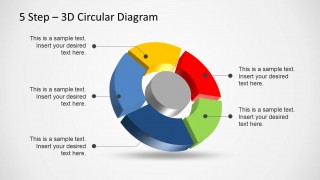
- An operations manager can use the full circular diagram to explain how five workflow stages connect into a repeating process during a team review.
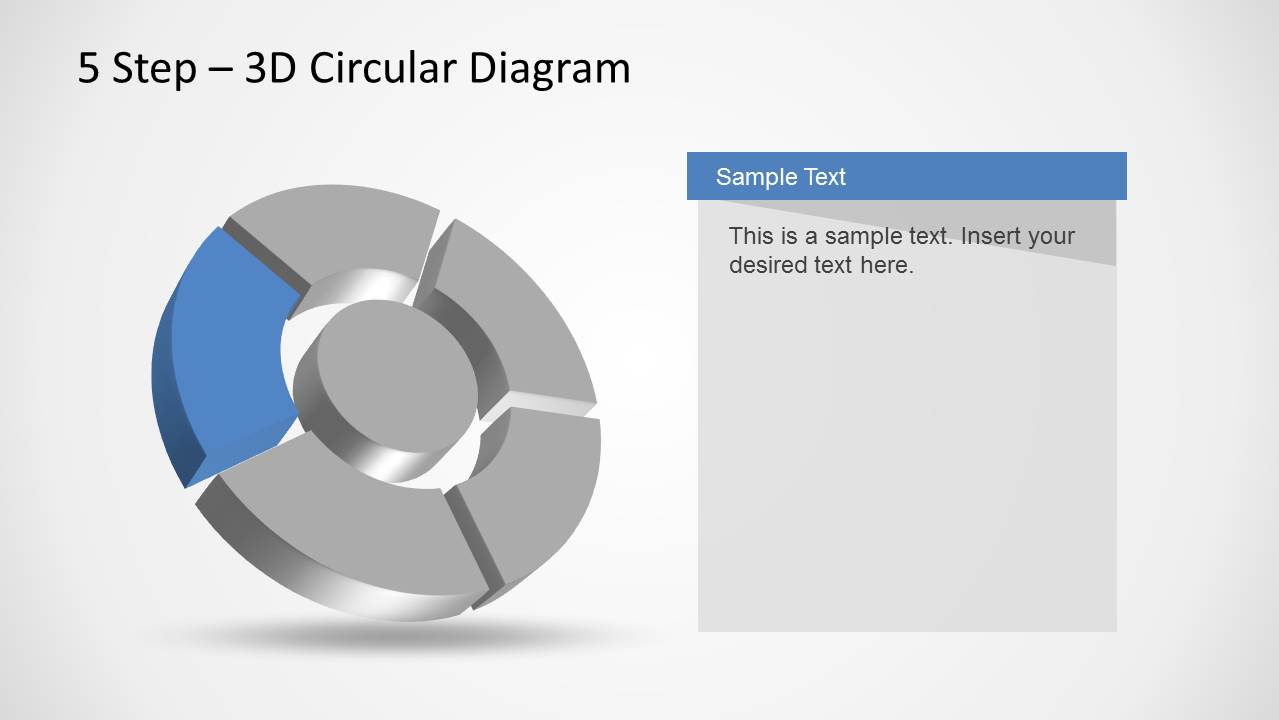
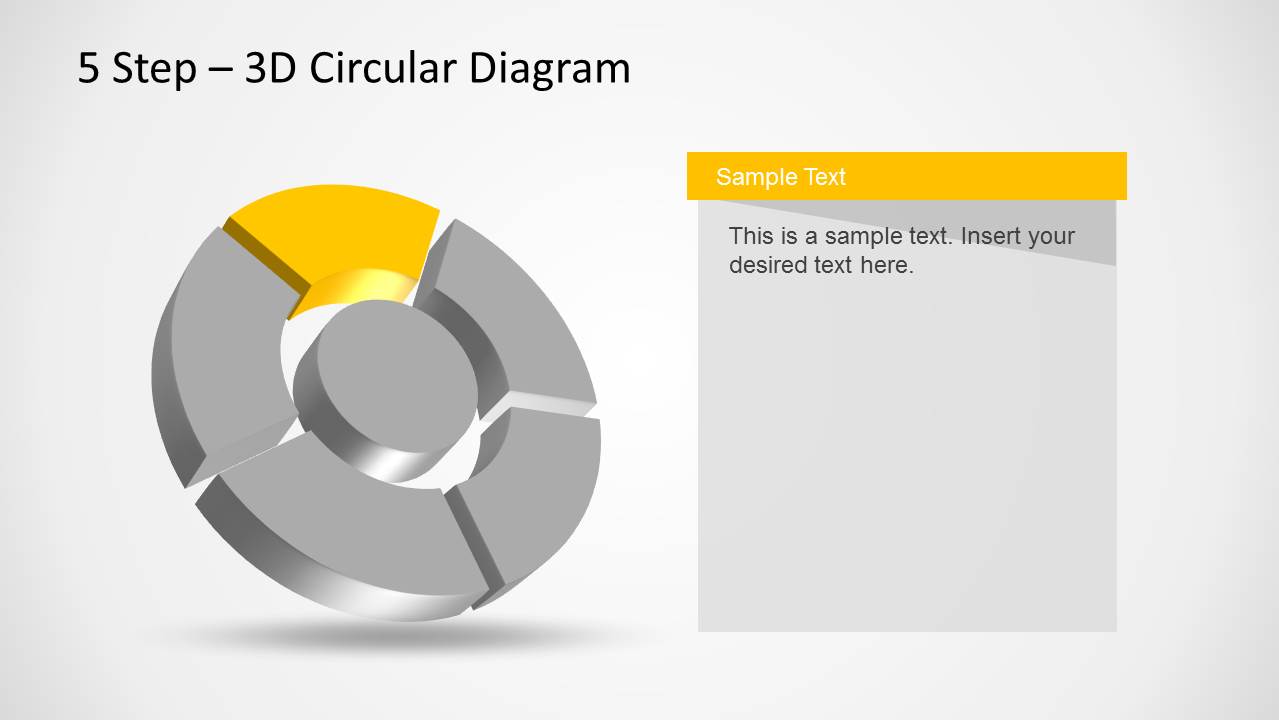
- A product manager can use the single-step highlight slides to walk stakeholders through each phase of a product lifecycle without crowding all details onto one page.
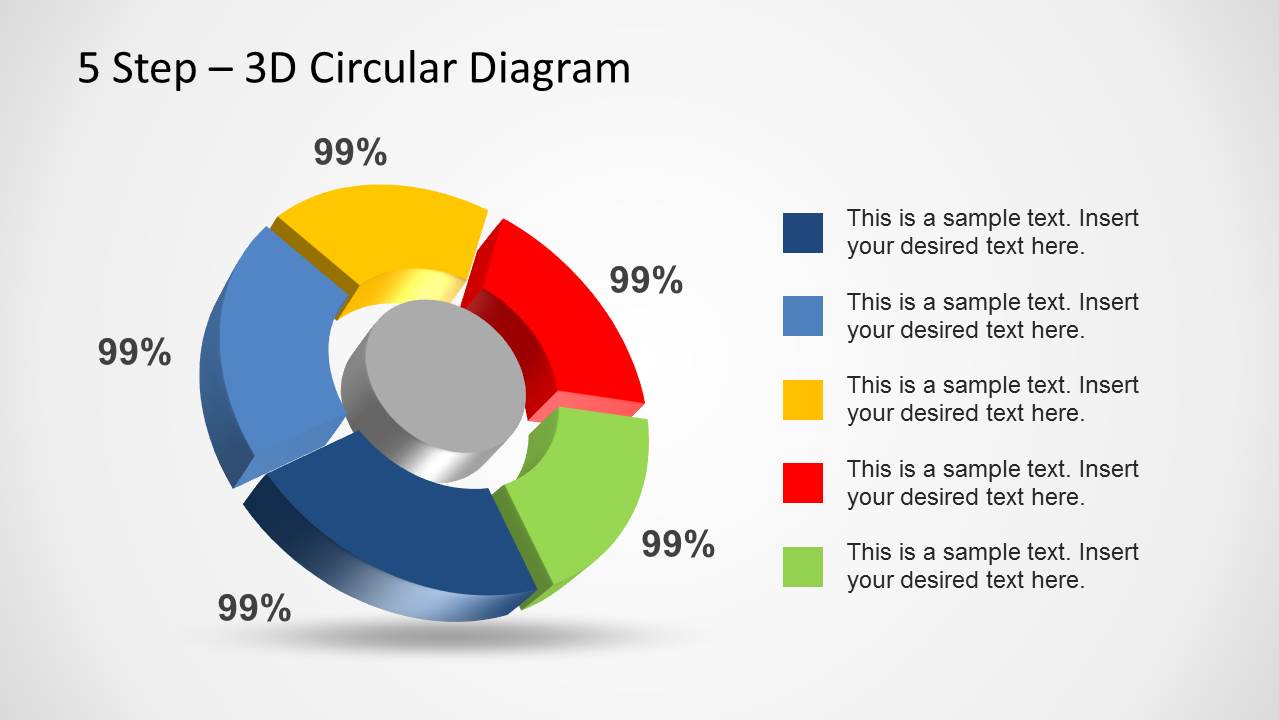
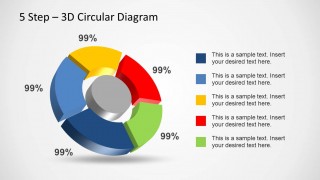
- A consultant can use the percentage and legend layout to compare the relative weight or completion status of five process areas in an executive briefing.
- A trainer can use the color-coded segment slides to teach a five-part method and pause on each step for examples, responsibilities, or discussion points.
Features
- 100% editable presentation template
- Compatible with Microsoft PowerPoint and Google Slides
- Scalable vector shapes, icons and illustrations
- AI-Ready for Microsoft Copilot and Claude
- Instant access and download
Frequently asked questions
Q: How should a presenter explain a five-step cycle without making the 3D diagram feel decorative?
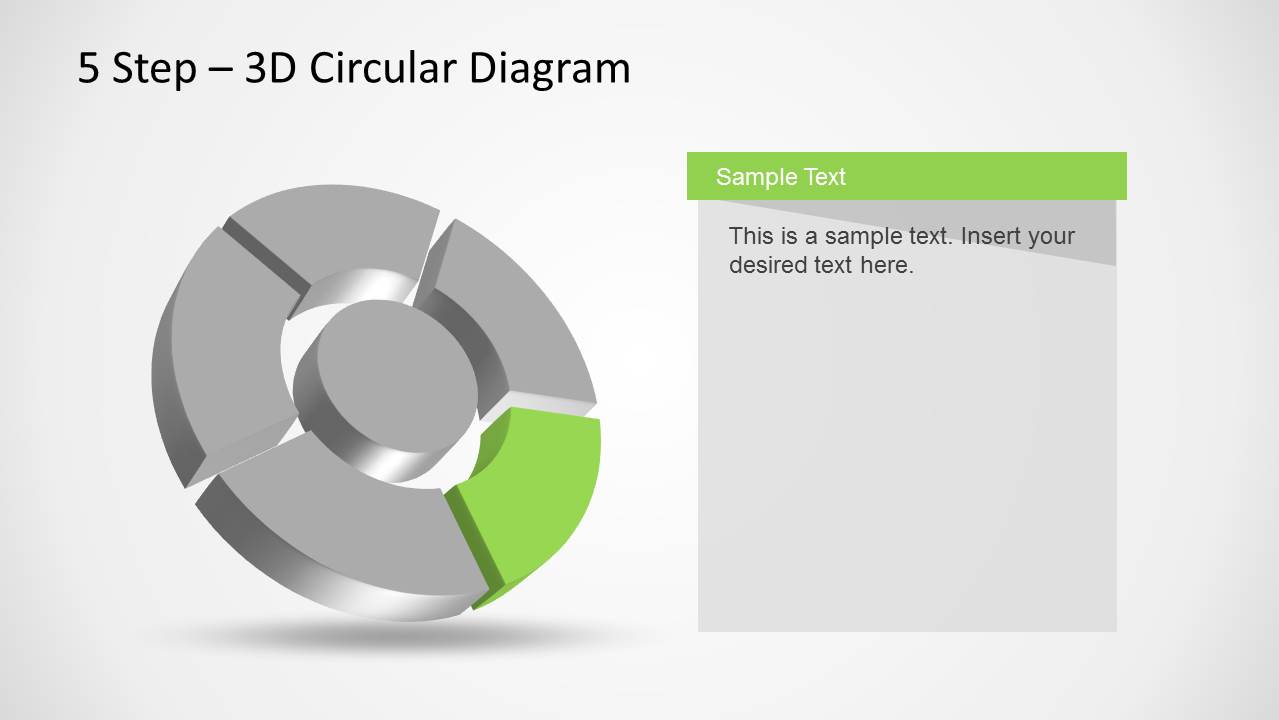
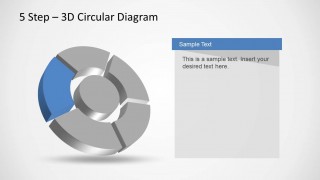
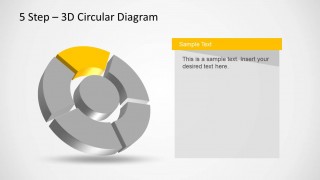
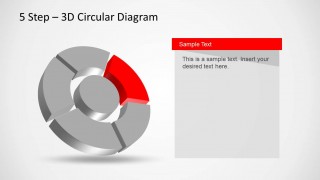
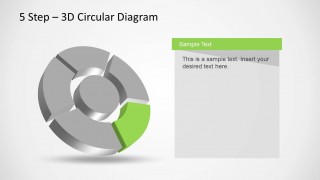
A: Start with Slide 1 to name all five stages and explain why the process repeats. Then move to the individual highlight slides and give each segment one clear role, owner, or outcome. Keep the center of the circular diagram as the shared system, and use the right text panel for evidence or decisions.
Q: Who is this template best suited for?
A: This template is best for presenters who need to explain a repeatable process with exactly five parts, such as operations managers, product teams, consultants, and trainers. It fits meetings where audiences must understand sequence, dependency, and ownership, especially when a full cycle view and step-by-step detail are both needed.
Q: Why use a circular 3D diagram instead of a numbered list?
A: The circular layout makes the message feel continuous rather than linear, which is useful for process cycles, feedback loops, and lifecycle models. The 3D segments create separation between stages, while the gray-to-color highlight slides direct attention to one active step without losing the context of the whole cycle.



5 Step 3D Circular Diagram Template for PowerPoint
7-slide presentation template for a 5-step circular diagram and process cycle storytelling
The 5 Step 3D Circular Diagram Template for PowerPoint is a 7-slide process diagram deck for explaining cyclical workflows. It includes a full 3D circular diagram with callouts, a percentage and legend layout, and five single-step highlight slides. It is intended for business, operations, training, and product lifecycle presentations.


 Loading...
 Microsoft PowerPoint
  Microsoft Copilot
  Claude for PowerPoint
 Other formats supported
Subscribe today and get immediate
access to download our PowerPoint templates.