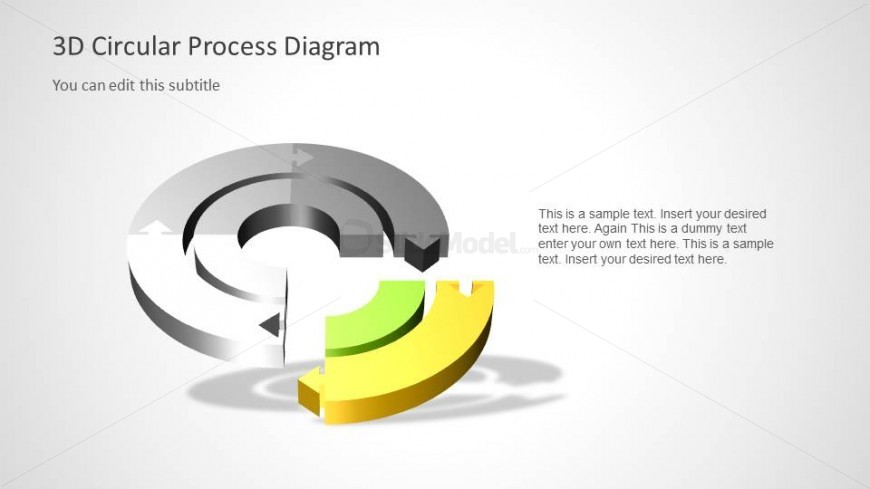
Slide 4 of 6 from 3D Circular Diagram for PowerPoint with 2 Levels
6049-01-3d-circular-process-4
3D Circular Process Diagram for Presentations
- Diagram
- Circular Cycle
- Process Slide
- 16:9
- 100% Editable
The 3D Circular Process Diagram slide from the 3D Circular Diagram for PowerPoint with 2 Levels template offers a clear visual tool for illustrating cyclical workflows and project stages. This slide layout integrates editable shapes and vector icons to emphasize process flow and hierarchy, making it a practical choice for business presentations or corporate slide decks focused on strategic planning and project management.
What’s on This Slide
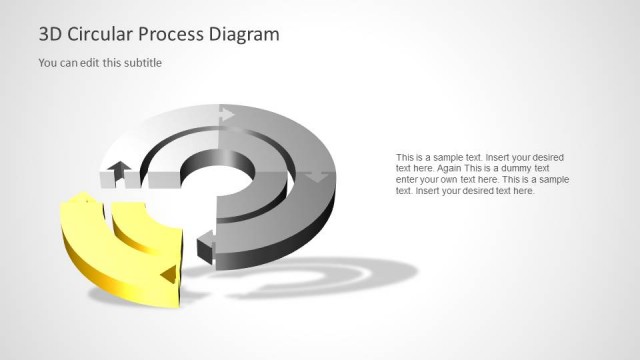
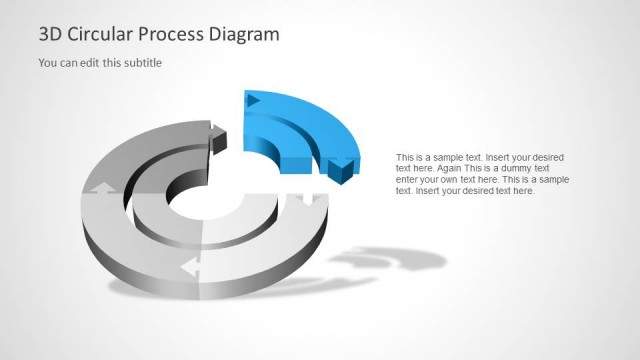
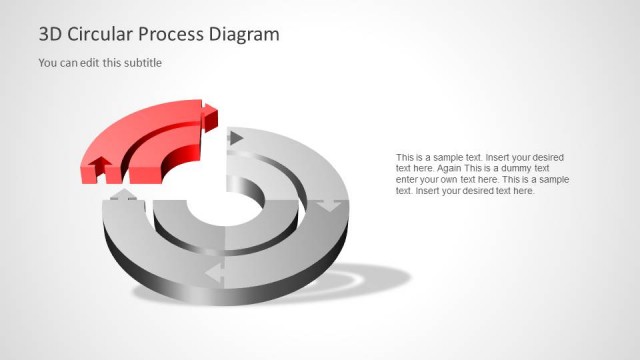
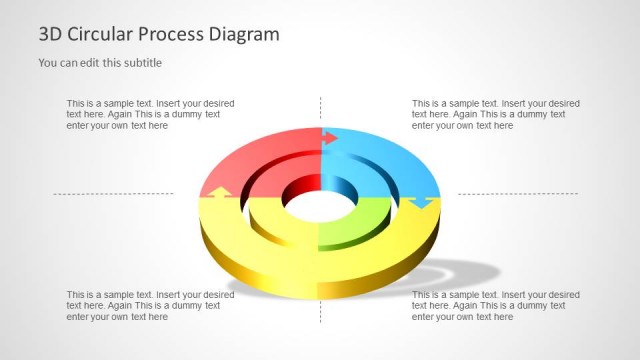
The layout features a 3D circular diagram with two levels. The outer circle is segmented into three sections, colored in gray, green, and yellow, with arrows indicating flow direction. The inner circle is a solid black circle. Text placeholders are positioned to the right, with a title at the top and a subtitle below it. The main text area contains three text placeholders, arranged vertically. The background is light gray, enhancing the visibility of the diagram and text elements. Overall, the composition emphasizes the circular flow and hierarchy.
How to Use It
This layout serves as a visual representation of cyclical processes or workflows, suitable for business presentations. It can be used to illustrate stages in a process, show relationships between components, or highlight key phases in a project. This slide fits well in a sequence following a problem-framing slide, leading into a detailed discussion of the process. It is applicable in contexts such as project management, product development, or strategic planning.
Text Placeholders & Capacity
Keep your copy within these limits so it fits without resizing. Node body slots can hold roughly 15-20 words each.
| Placeholder | Count | Max characters (approx.) |
|---|---|---|
| Slide title | 1 | 30 |
| Subtitle | 1 | 40 |
| Item body | 3 | 100 |