Slide 6 of 6 from 3D Circular Diagram for PowerPoint with 2 Levels
6049-01-3d-circular-process-6
3D Circular Process Diagram for Presentations
- Diagram
- Circular Cycle
- Process Slide
- 16:9
- 100% Editable
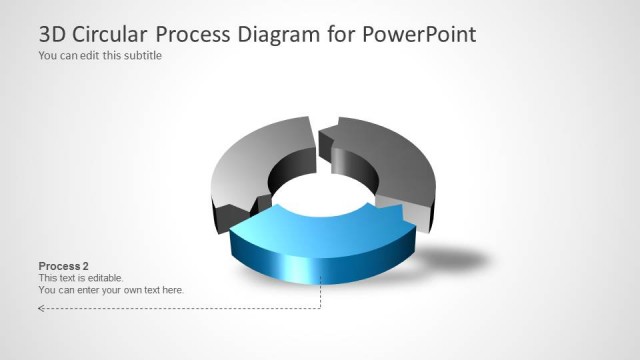
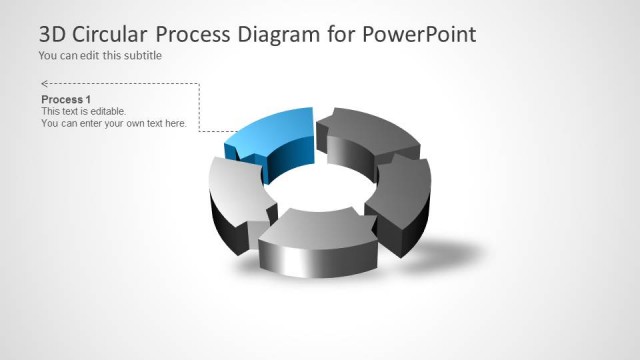
The 3D Circular Process Diagram slide from the 3D Circular Diagram for PowerPoint with 2 Levels template offers a clear visual for illustrating workflows and project stages. This slide layout uses editable shapes and vector icons to emphasize cyclical processes, making it suitable for business presentations and corporate slide decks that require detailed process summaries and flow direction clarity.
What’s on This Slide
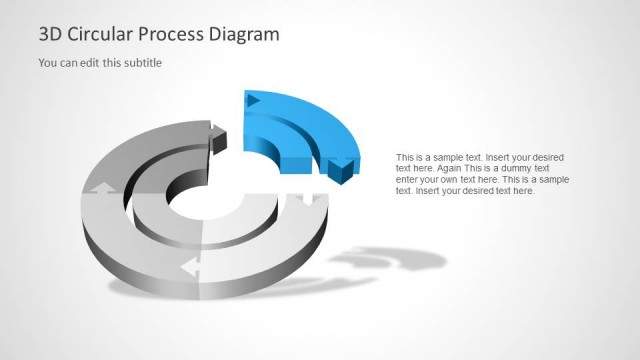
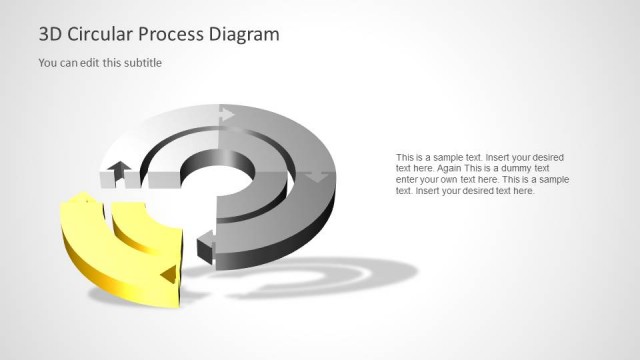
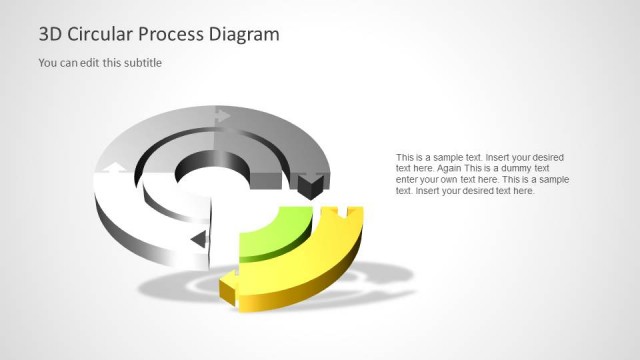
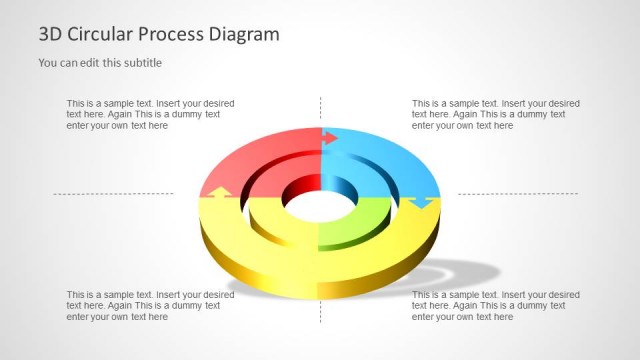
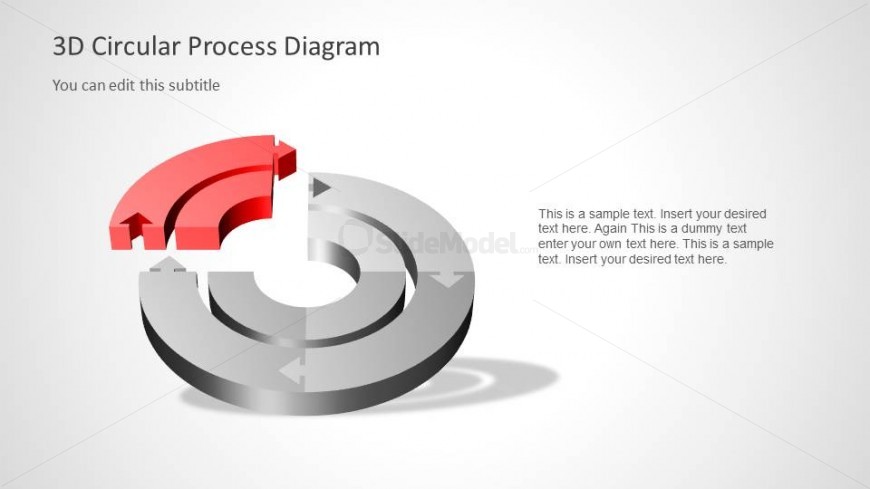
The slide features a 3D circular diagram with two levels. The top level is highlighted in red, while the lower level is gray. Arrows indicate flow direction, connecting the segments. Text placeholders are positioned on the left and right sides, with the title at the top center. The left text box is aligned vertically, while the right box contains multiple lines of sample text. The overall layout emphasizes the circular structure, with a clean background enhancing visibility and focus on the diagram.
How to Use It
This layout serves as a visual representation of cyclical processes or workflows. It can be used in presentations to illustrate stages in a project, product development cycles, or hierarchical relationships. Positioned towards the end of a presentation, it summarizes key points or outlines next steps. This structure is suitable for business scenarios where clarity in process flow is essential, such as strategic planning or operational reviews.
Text Placeholders & Capacity
Keep your copy within these limits so it fits without resizing. Body slots can accommodate around 20-30 words each.
| Placeholder | Count | Max characters (approx.) |
|---|---|---|
| Slide title | 1 | 30 |
| Subtitle | 1 | 50 |
| Body paragraph | 2 | 150 |