Slide 1 of 6 from 3D Circular Diagram for PowerPoint with 2 Levels
6049-01-3d-circular-process-1
3D Circular Process Diagram for PowerPoint
- Diagram
- Circular Cycle
- Process Slide
- 16:9
- 100% Editable
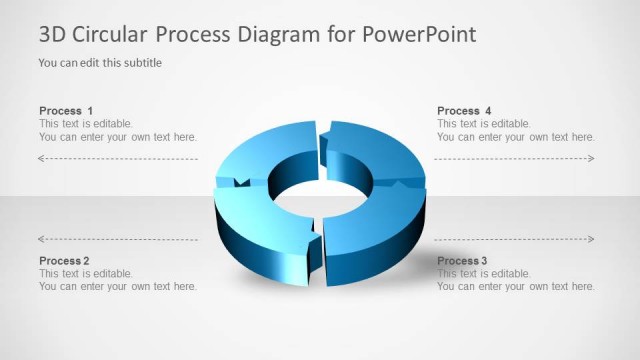
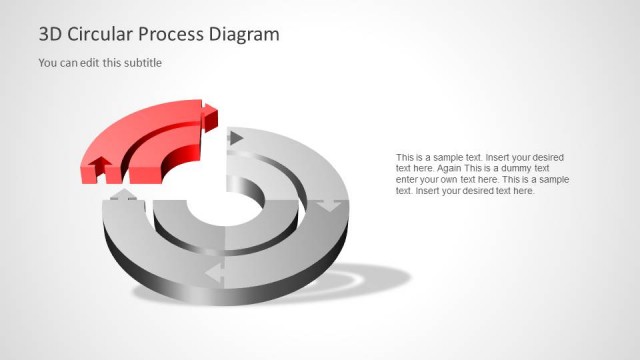
The 3D Circular Process Diagram slide from the 3D Circular Diagram for PowerPoint with 2 Levels template offers a clear visual for presenting cyclical workflows and hierarchical relationships. This slide layout is ideal for business presentations and pitch deck templates that require illustrating project phases or operational processes using editable shapes and vector icons. Its balanced design enhances comprehension in corporate presentations and slide decks focused on process explanation.
What’s on This Slide
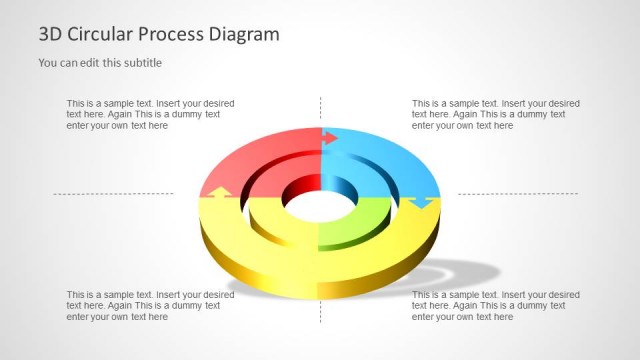
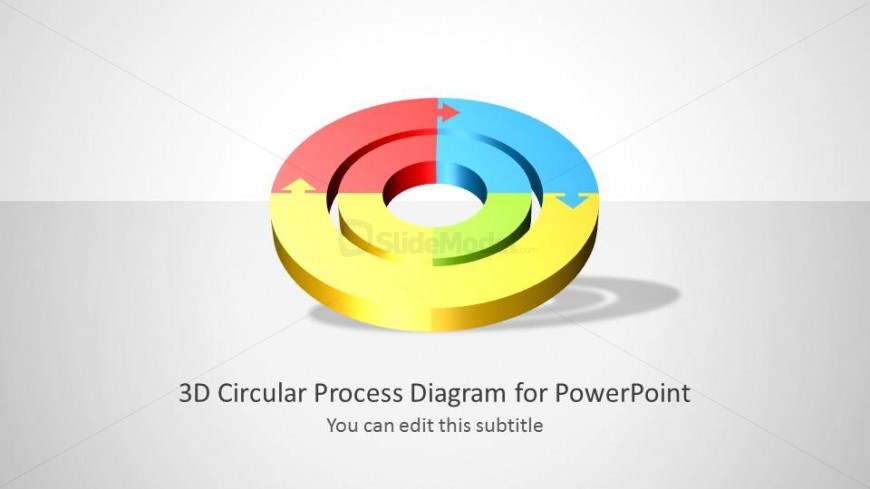
The slide features a 3D circular diagram with two levels. The outer ring is divided into four colored segments: red, blue, green, and yellow, each with arrows indicating flow direction. The center of the diagram is a white circle, providing a focal point. Below the diagram, there are two text placeholders: the title is centered and large, while the subtitle is smaller and positioned directly beneath the title. The background is light gray, enhancing the visibility of the diagram. The overall layout is balanced, with a clear visual hierarchy.
How to Use It
This layout serves as a process diagram, illustrating cyclical workflows or hierarchical relationships. It fits well in presentations discussing processes, strategies, or stages of development. Suitable for business contexts, it can be used to explain product life cycles, project phases, or operational processes. This slide can precede detailed discussions or serve as a summary of key points, making it versatile in various presentation sequences.
Text Placeholders & Capacity
Keep your copy within these limits so it fits without resizing. Title slot can hold about 8 words; subtitle slot can hold around 10 words.
| Placeholder | Count | Max characters (approx.) |
|---|---|---|
| Slide title | 1 | 40 |
| Subtitle | 1 | 50 |