How to Memorize a Presentation: Guide + Templates
Become a proficient presenter by mastering the art of how to memorize a presentation. Nine different techniques + PPT templates here.
How To Add Drop Shadows in PowerPoint Presentations
Improve your presentation’s design by mastering drop shadows in PowerPoint. In this article, we introduce you to the step-by-step process with cliparts for impressive shadow effects.
How to Create an Hyperlink in PowerPoint and Google Slides
In this How To we explain different techniques on How To Add Hyperlinks in PowerPoint and Google Slide to information outside or in the same document.

A Quick Guide to Presenting an Online Master’s Thesis
A Master thesis is one of the most important career times, and can be the make it or break it of years of study. Learn more in this article on how to make it amazing.
How to Download Google Slides Templates
Become a master of presentations by always having your designs available regardless of the network connection. Join us to learn how to download Google Slides Templates.

How to Make a Venn Diagram in Google Slides
Learn how to represent Venn Diagrams in Google Slides using three different methods to create them. A step-by-step guide for Google Slides users.
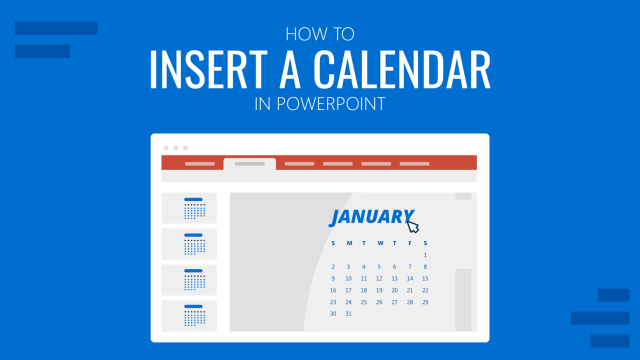
How To Insert a Calendar in PowerPoint
Get the most out of calendar templates for PowerPoint by learning how to insert them into your presentation projects. A step-by-step guide for inserting and customizing the calendar template to your style.
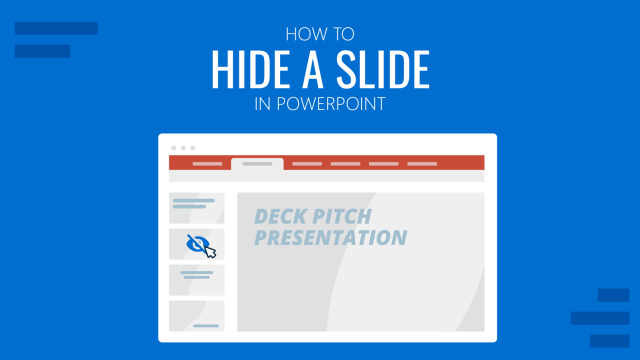
How to Hide a Slide in PowerPoint Presentations
Discover how to quickly hide a slide in PowerPoint presentations by following one of these two methods. Print settings for hidden slides listed as well.

How to Add a GIF to Google Slides
With this guide we teach you how to make presentations more interesting by adding GIF images to Google Slides.
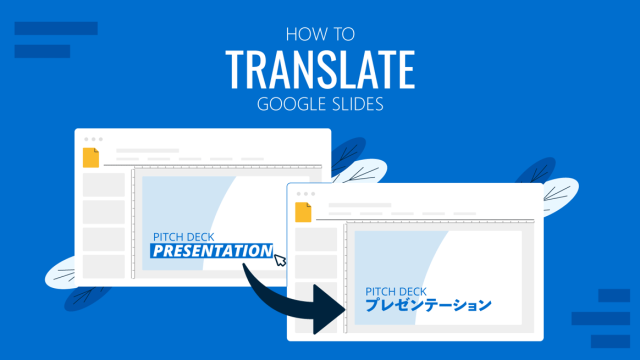
How to Translate Google Slides
Whereas Google Slides doesn’t allow to natively translate slides, such process is possible thanks to third-party add-ons. Learn how to translate Google Slides with this guide!
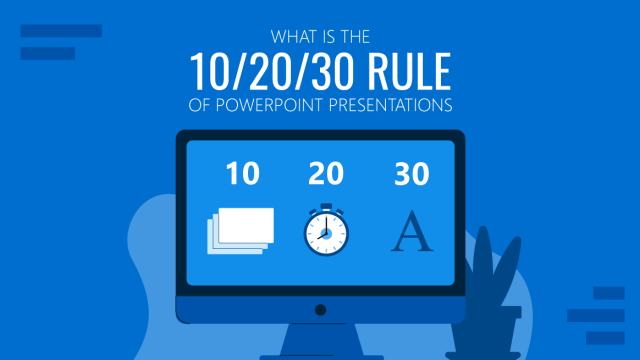
Understanding the 10/20/30 Rule of PowerPoint Presentations
The 10/20/30 Rule of PowerPoint presentations is a framework created by Guy Kawasaki, with the aim of maximizing presentation efficiency. Learn all the details to master this technique with our guide.
How to Add Subscript and Superscript in PowerPoint
Using subscript and superscript in PowerPoint shouldn’t be a challenge. Learn how to properly use these two special type symbols with this guide.