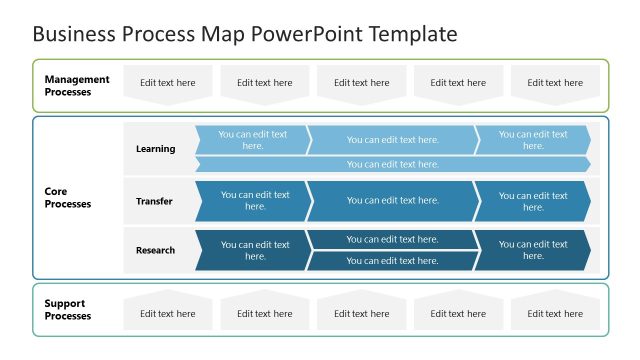
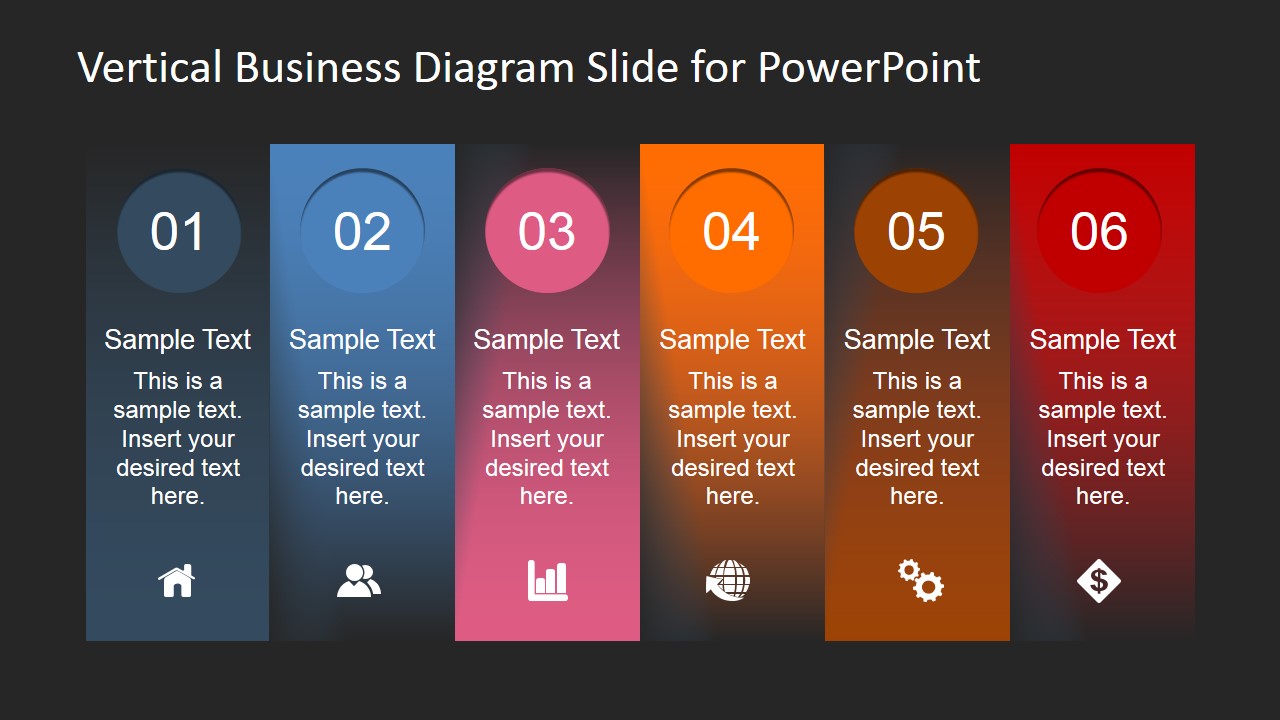
Vertical Business Diagram Slide for PowerPoint – Create a striking presentation of business processes using the Vertical Business Diagram Slide for PowerPoint. This template is perfect for processes that require more attention to detail and quick recognition. There is a lot of business standard operating procedure that needs to be easily understood by the entire organization such as a company’s Recruitment Process, Company Procurement Process, Manufacturing Procedures and a lot more. In these type processes that needs a mass orientation in the company; handing out procedure manuals and training can be time consuming. With the help of illustrations such as this PowerPoint template, staff comprehension is assisted and therefore reducing required time for the training.
I’m pretty sure I’m not the only noticing how nice this template is. It’s quite pretty in a classy way. This PowerPoint template looks highly professional. It’s simple and concise yet brings out a big impact in a presentation. I bet this design costs quite a lot if you are to hire designer. Thankfully, we have a great team of designers who are always ready to astound you with expertly constructed templates such as this one. The best part of our designs such as the Vertical Business Diagram is that it’s completely editable and reusable.
Presenting your business materials in this template definitely sends out to your audience that what you’re about to discuss is important and their attention is mandatory. With that effect in mind, this template is a great tool for creating marketing materials. It’s great for infographic campaigns to create public awareness in the public. This high-impact design will make sure that your audience will have the desired data retention and recognition for your campaigns.
This PowerPoint template is inspired by the well known 6-Step Planning Process. One of the prominent users of this process is the US Army Corps of Engineers.
What’s inside this template
Example presentation scenarios
- An operations manager can explain a standard operating procedure by mapping each activity into the 6-step vertical process layout with one icon per stage.
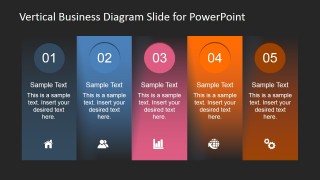
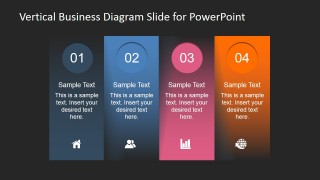
- An HR presenter can introduce a recruitment or onboarding path with the 5-step or 4-step layout, using the numbered circles to keep candidates, documents, interviews, and approvals in order.
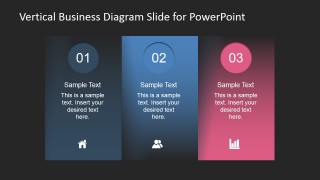
- A trainer can use the 3-step layout to teach a simplified process and reserve the body text under each column for actions, owners, and expected outcomes.
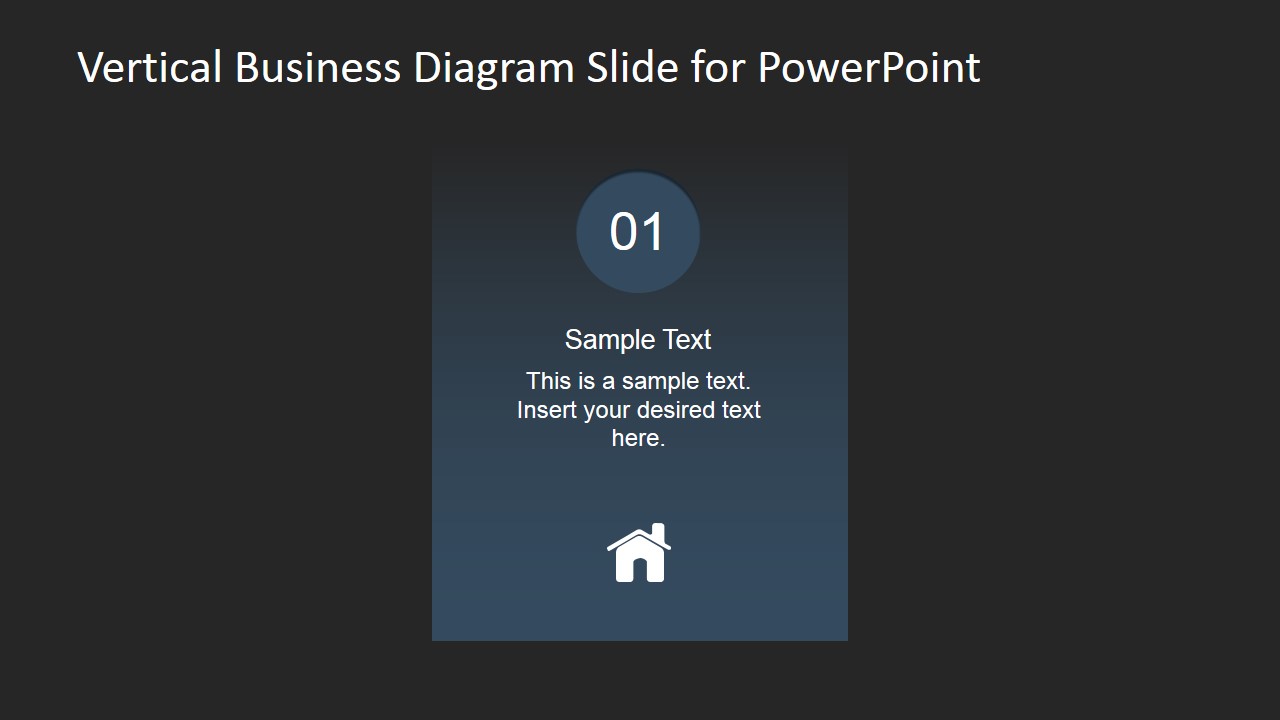
- A marketing lead can present a campaign awareness flow with the 2-step or single-step slide to focus attention on a launch phase, audience action, or next priority.
Features
- 100% editable presentation template
- Compatible with Microsoft PowerPoint and Google Slides
- 16:9 aspect ratio slides
- Scalable vector shapes, icons and illustrations
- AI-Ready for Microsoft Copilot and Claude
- Instant access and download
Frequently asked questions
Q: How should I present a process with these vertical step diagrams?
A: Treat the diagram as a guided walk-through, not a storage place for copy. Start with the slide that matches the real number of stages, write one action headline per column, then use the short text area for the decision, owner, or expected output. Keep the icons consistent so they act as memory cues.
Q: Who is this template best suited for in a business presentation?
A: This template is a strong fit for operations managers, HR presenters, trainers, and project leads who need a shared view of a repeatable procedure. Use the 6-step or 5-step slide for end-to-end process orientation, then switch to the 2-step or single-step slide when discussing a handoff, gate, or priority stage.
Q: Why use vertical columns and numbered circles instead of a table?
A: The tall columns make each stage feel like a milestone, while the numbered circles set reading order before the audience reaches the text. The dark background and colored panels create a spotlight effect, which is useful for process training because it separates steps more clearly than a paragraph or table.


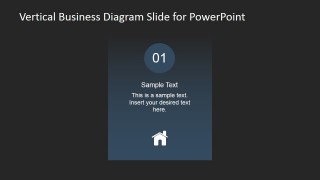
Vertical Business Diagram Slide for PowerPoint
6-slide presentation template with vertical process steps, numbered columns, and business icons
Vertical Business Diagram Slide for PowerPoint is a 6-slide diagram template for showing business processes as numbered vertical columns. It includes 6-step, 5-step, 4-step, 3-step, 2-step, and single-step layouts with icon callouts and text blocks. It fits operations, HR, training, and marketing presentations in Microsoft PowerPoint and Google Slides.
- Category
- Diagrams
- Rating


 Loading...
- Aspect ratio
- 16:9, 4:3
- Item ID
- 6777-01
- Colors
 Microsoft PowerPoint
  Microsoft Copilot
  Claude for PowerPoint
 Other formats supported
Subscribe today and get immediate
access to download our PowerPoint templates.