Slide 2 of 5 from Tree Diagram Template for PowerPoint
6029-01-tree-diagram-template-2
Tree Diagram for PowerPoint - Slide 2
- Diagram
- Tree Hierarchy
- Concept Explanation Slide
- 16:9
- 100% Editable
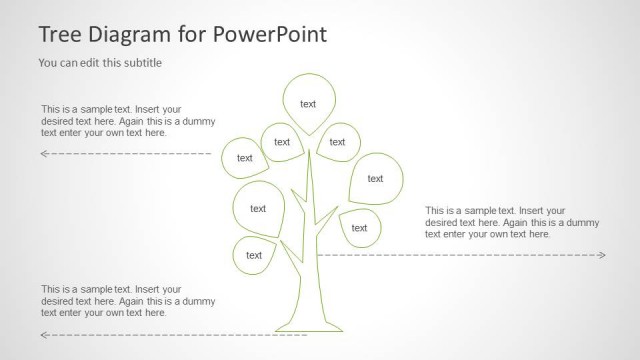
The Tree Diagram with Text Labels slide from the Tree Diagram Template for PowerPoint offers a clear way to visualize hierarchical structures and relationships. This slide layout uses editable shapes and text placeholders to illustrate growth concepts and organizational categories, making it suitable for business presentations and pitch deck templates that require structured, easy-to-understand diagrams.
What’s on This Slide
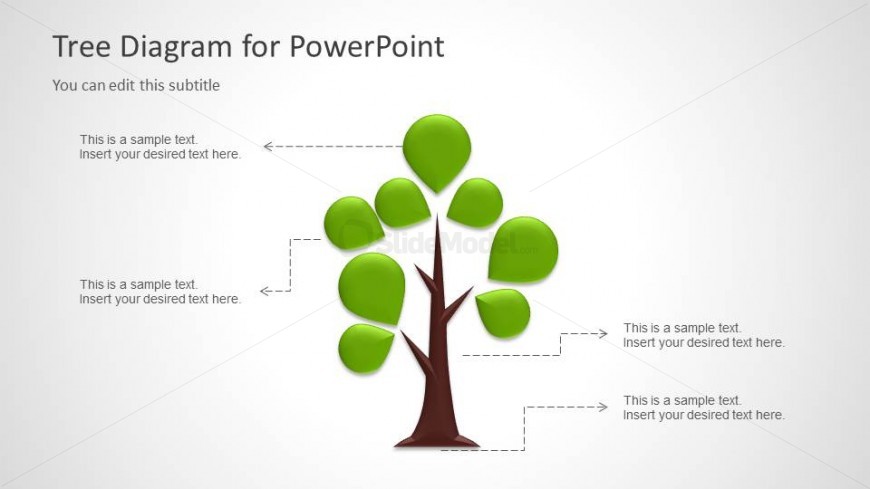
The slide features a central tree diagram with a brown trunk and green leaves. The tree branches extend outward, with four leaf nodes positioned at the top and sides. Each leaf node has a dashed line connecting it to a text placeholder, which is aligned to the left of the leaves. The title is positioned at the top center, with a subtitle beneath it. There are multiple text placeholders, each labeled 'This is a sample text' and aligned to the left, indicating where additional information can be inserted. The background is light gray, providing contrast to the tree diagram.
How to Use It
This layout serves as a visual representation of hierarchical relationships or categories, suitable for illustrating concepts like organizational structures or processes. It fits well in a presentation sequence after an introduction slide and before detailed content. This structure can be used in business scenarios such as project planning, team organization, or growth strategies, allowing for clear communication of ideas in a visually engaging manner.
Text Placeholders & Capacity
Keep your copy within these limits so it fits without resizing. Node labels can accommodate roughly 30 characters each.
| Placeholder | Count | Max characters (approx.) |
|---|---|---|
| Slide title | 1 | 30 |
| Subtitle | 1 | 30 |
| Item heading | 4 | 30 |
Slide Keywords
Download unlimited PowerPoint templates, charts and graphics for your presentations with our annual plan.
DOWNLOADReturn to Tree Diagram Template for PowerPoint.