Slide 4 of 5 from Tree Diagram Template for PowerPoint
6029-01-tree-diagram-template-4
Tree Diagram for PowerPoint Slide
- Diagram
- Tree Hierarchy
- Process Slide
- 16:9
- 100% Editable
What’s on This Slide
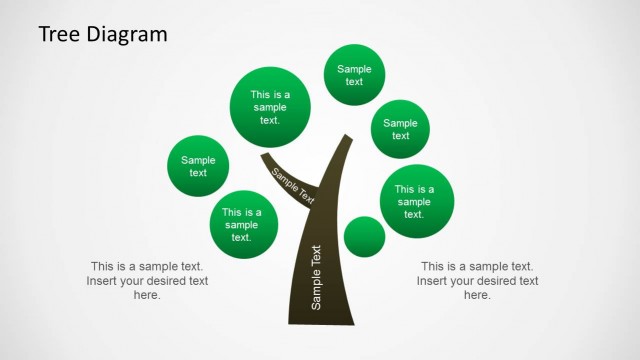
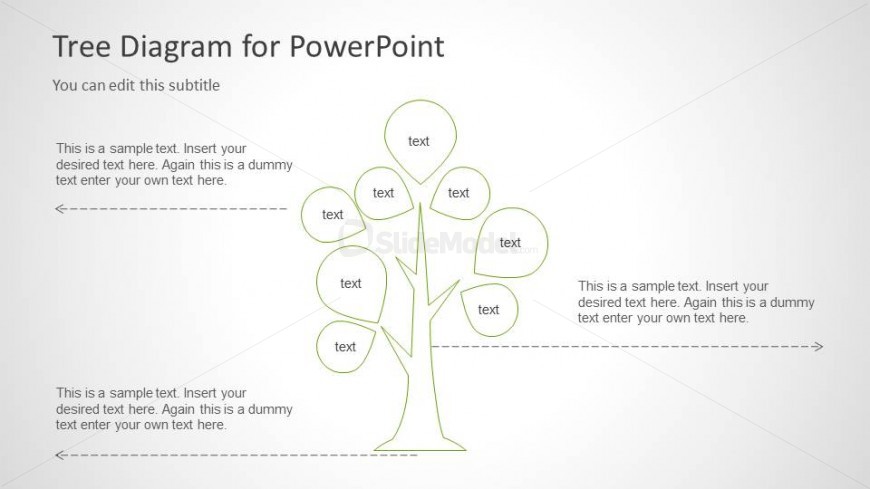
The layout features a tree diagram with a central trunk and multiple branches extending outward. Each branch has circular nodes positioned at the top, left, and right, containing text placeholders. The trunk is centrally located, with branches radiating in various directions. Text placeholders are aligned within the nodes and at the bottom, providing space for additional information. The background is light, enhancing the visibility of the green outlines of the tree structure. Arrows are present on either side of the trunk, indicating flow or direction.
How to Use It
This layout serves as a visual representation of hierarchical relationships or processes, ideal for illustrating concepts like organizational structures or project phases. It fits well in a presentation sequence after problem identification and before detailing solutions or strategies. This structure is useful in business contexts, such as presenting growth strategies, brainstorming ideas, or mapping out project components, allowing for clear communication of complex information.
Text Placeholders & Capacity
Keep your copy within these limits so it fits without resizing. Node labels can accommodate roughly 20 characters each.
| Placeholder | Count | Max characters (approx.) |
|---|---|---|
| Slide title | 1 | 30 |
| Subtitle | 1 | 50 |
| Item heading | 5 | 20 |
| Body paragraph | 4 | 100 |
Slide Keywords
Download unlimited PowerPoint templates, charts and graphics for your presentations with our annual plan.
DOWNLOADReturn to Tree Diagram Template for PowerPoint.