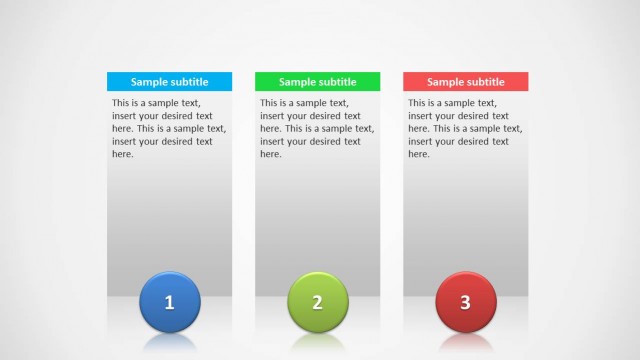
Textboxes Template for PowerPoint with Red, Green and Blue Color Header. Display different types of information in a colorful layout with this textbox template.
The slides in this template provide different types of textbox designs, which can be helpful in making slides where you might require differentiating different types of information and might wish to make it easy for your audience to grasp.
What’s inside this template
Example presentation scenarios
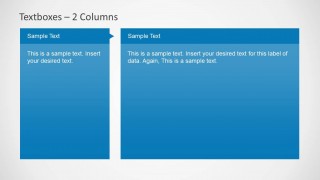
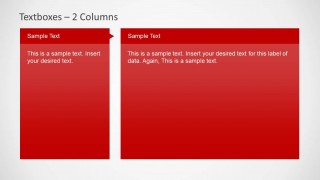
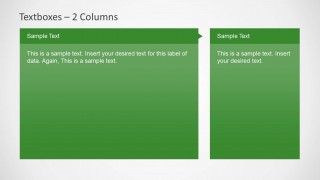
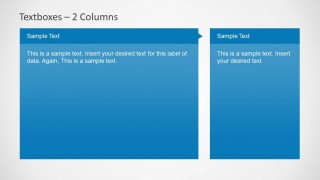
- A project manager can use the two-column layouts to compare workstreams, risks, or action areas while keeping each topic in a clearly labeled textbox.
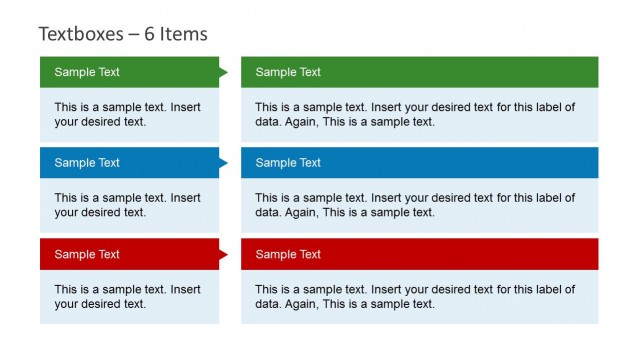
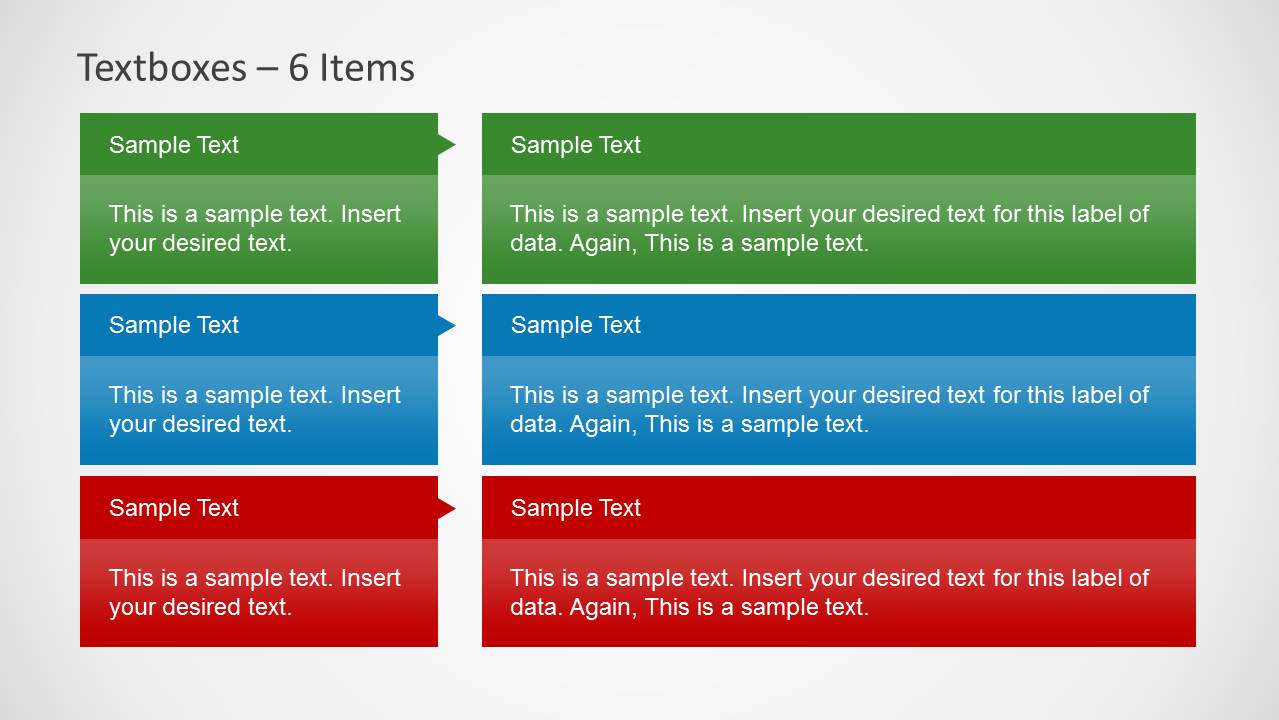
- A consultant can use the six-item grid to summarize findings by category, separating short observations from longer explanatory notes.
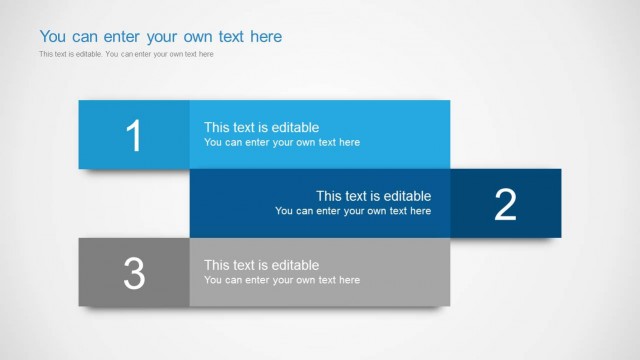
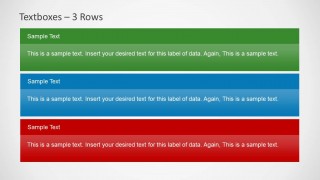
- A trainer can use the three-row slide to present three learning points, process stages, or rules with color-coded emphasis for easier recall.
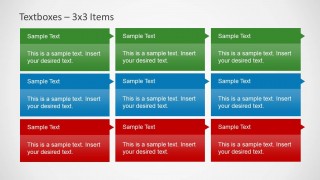
- An operations lead can use the 3x3 matrix to organize responsibilities, issues, or improvement ideas across three categories and three groups.
Features
- 100% editable presentation template
- Compatible with Microsoft PowerPoint and Google Slides
- Scalable vector shapes, icons and illustrations
- AI-Ready for Microsoft Copilot and Claude
- Instant access and download
Frequently asked questions
Q: How should a presenter decide which textbox layout to use for a message?
A: Start with the relationship between the points. Use the equal two-column slides when two topics deserve equal attention, the wide-plus-narrow layouts when one idea needs supporting context, and the 3x3 matrix when the audience must scan several small categories at once. Keep each body area short so the color blocks remain easy to read.
Q: Who benefits most from this red, green, and blue textbox template?
A: This template is best for presenters who need to organize text rather than visualize numerical data. Project managers, analysts, consultants, and trainers can use it for summaries, category comparisons, status notes, and grouped recommendations. The color-coded rows and columns help audiences separate ideas quickly during internal meetings or explanatory briefings.
Q: Why does the color-coded textbox structure improve communication?
A: The repeated header-and-body pattern gives every point the same reading path: label first, explanation second. Red, green, and blue create visual grouping without requiring extra legends. The column, row, and matrix variations let the presenter match the layout to the logic of the content instead of forcing every message into a bullet list.


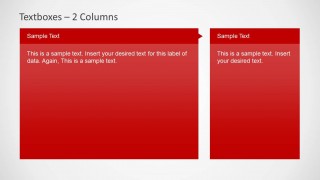
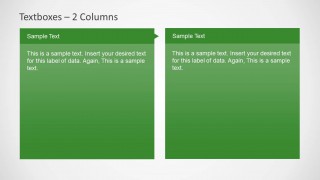
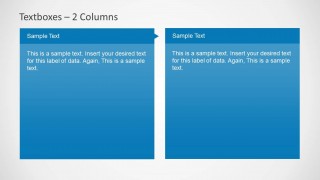
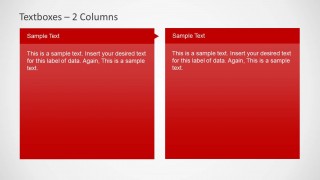
Textboxes Template for PowerPoint with Red, Green and Blue Header Color
12-slide PowerPoint textbox presentation template with columns, rows, and color-coded matrix layouts
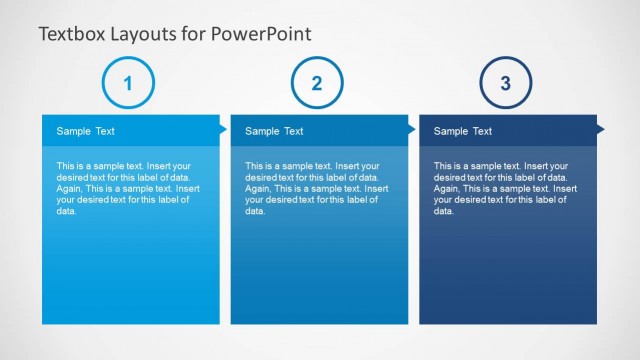
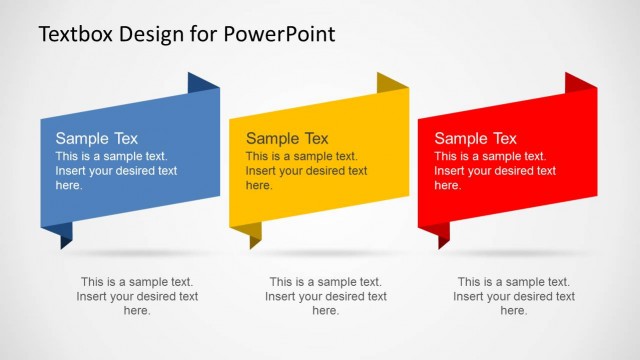
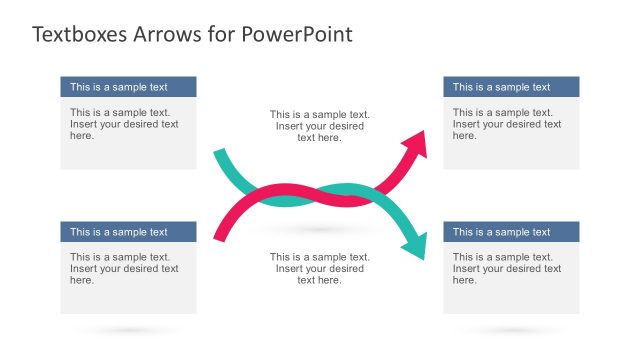
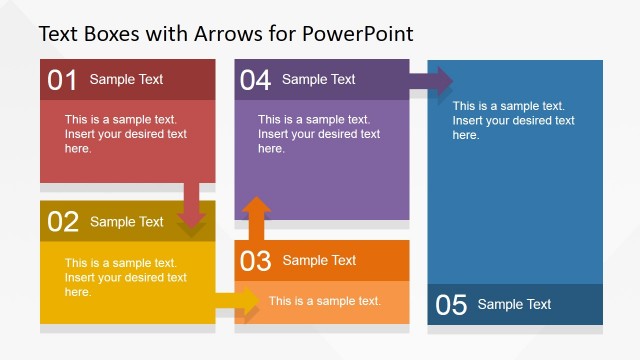
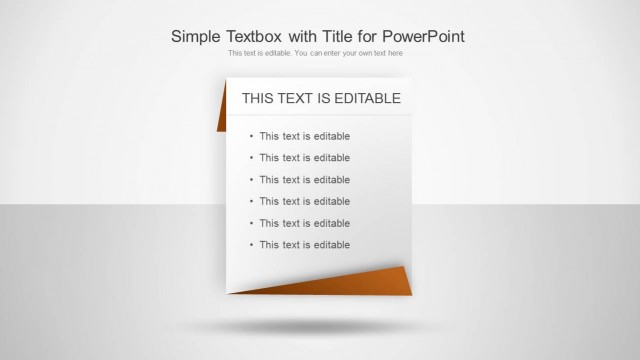
Textboxes Template for PowerPoint with Red, Green and Blue Header Color is a 12-slide PowerPoint template for organizing text into colored information blocks. Visible layouts include a six-item textbox grid, multiple two-column panels, three horizontal row strips, and a 3x3 matrix for presenters structuring comparisons, summaries, and labeled content.


 Loading...
 Microsoft PowerPoint
  Microsoft Copilot
  Claude for PowerPoint
 Other formats supported
Subscribe today and get immediate
access to download our PowerPoint templates.