Slide 10 of 12 from Textboxes Template for PowerPoint with Red, Green and Blue Header Color
6185-02-textbox-10
Textboxes - 2 Columns Layout for Presentations
- Text Layout
- Two Column Text
- Comparison Slide
- 16:9
- 100% Editable
The Textboxes - 2 Columns slide from the Textboxes Template for PowerPoint with Red, Green and Blue Header Color offers a clear two-column layout ideal for business presentations. This slide template supports effective comparison of products or ideas by using editable shapes and textboxes with distinct red headers, making it a practical choice within slide decks for summarizing key points and displaying dual perspectives in a corporate presentation.
What’s on This Slide
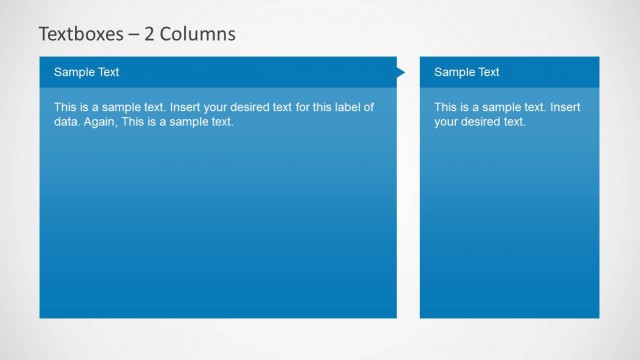
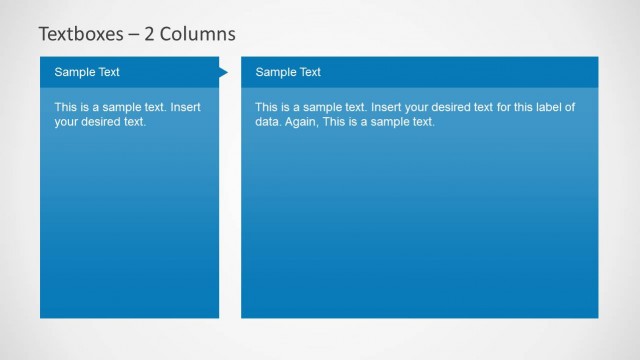
The layout features two vertical textboxes positioned side by side. Each textbox has a red header with a triangular tab at the top left. The left textbox contains a title placeholder labeled 'Sample Text' and a body placeholder for additional text below it. The right textbox mirrors this structure, also with a red header and similar placeholders. The overall background is light, enhancing the visibility of the red elements. Text placeholders are aligned centrally within their respective boxes, maintaining a clear visual hierarchy.
How to Use It
This layout serves as a two-column comparison or information display, ideal for presenting related data side by side. It is effective in business presentations for summarizing key points, comparing features, or displaying dual perspectives. This structure fits well in the middle of a presentation, following an introductory slide and leading into detailed discussions or conclusions. It can be used to clarify distinctions or similarities between two concepts or items.
Text Placeholders & Capacity
Keep your copy within these limits so it fits without resizing. Body slots can hold roughly 25-30 words each.
| Placeholder | Count | Max characters (approx.) |
|---|---|---|
| Slide title | 1 | 30 |
| Item heading | 2 | 30 |
| Item body | 2 | 150 |
Slide Keywords
Download unlimited PowerPoint templates, charts and graphics for your presentations with our annual plan.
DOWNLOADReturn to Textboxes Template for PowerPoint with Red, Green and Blue Header Color.