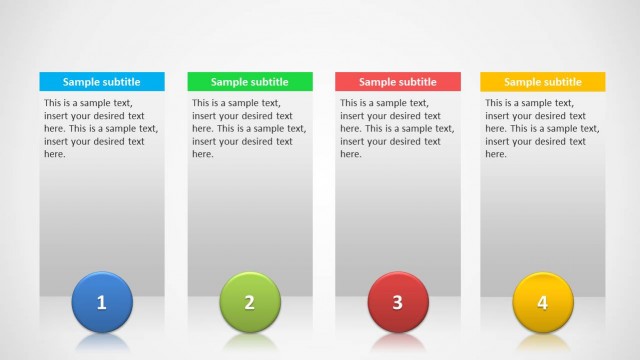
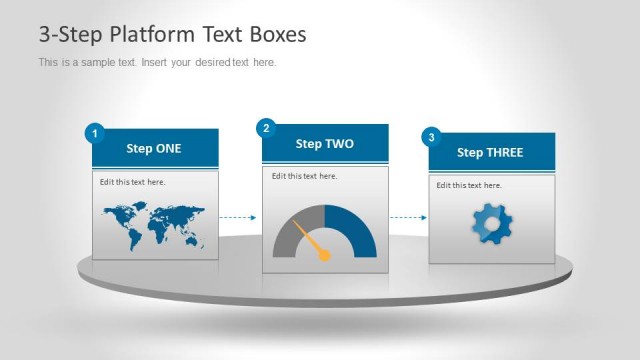
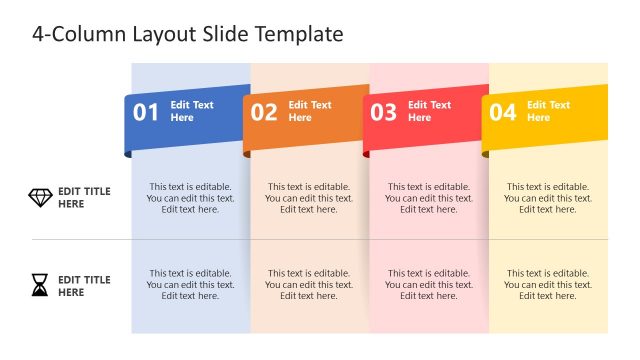
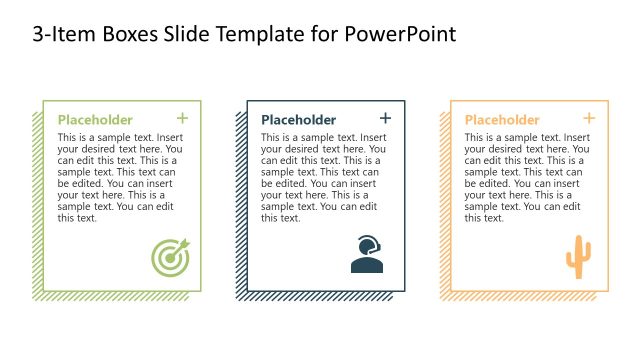
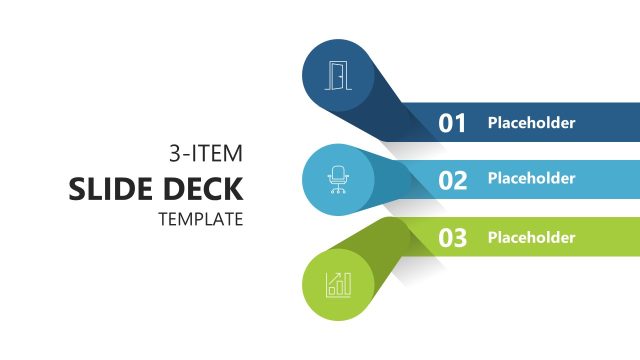
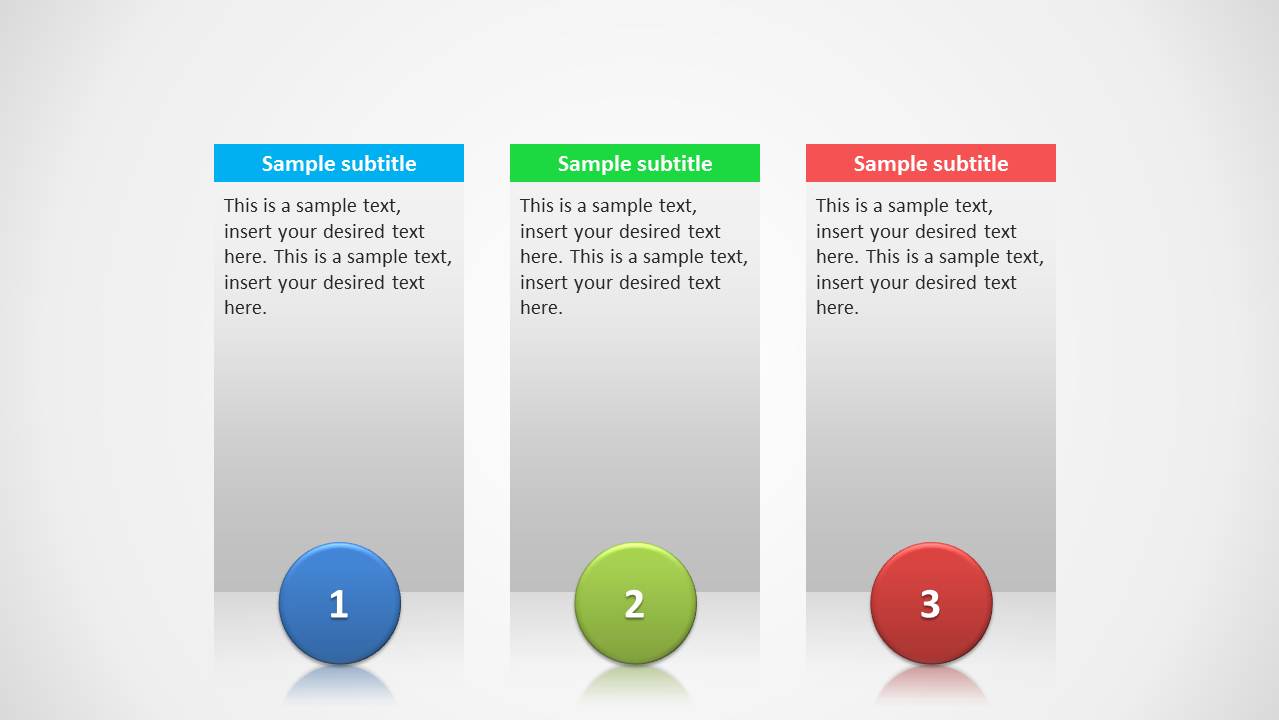
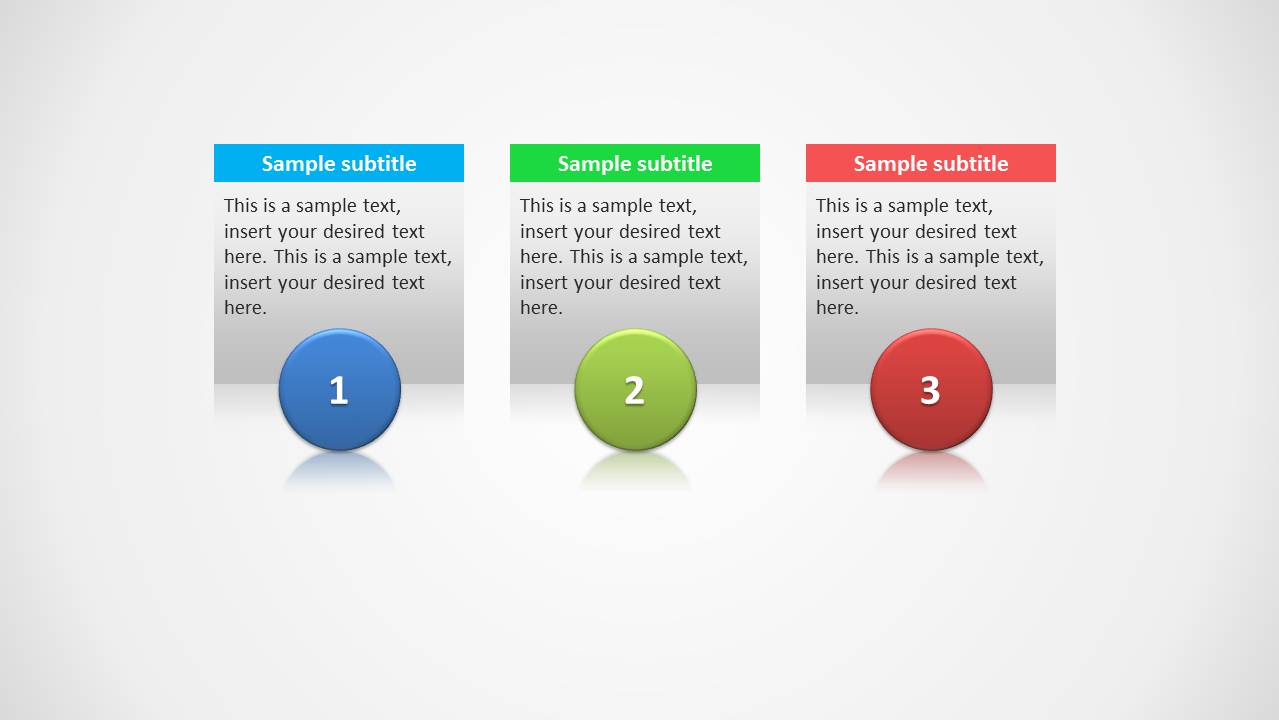
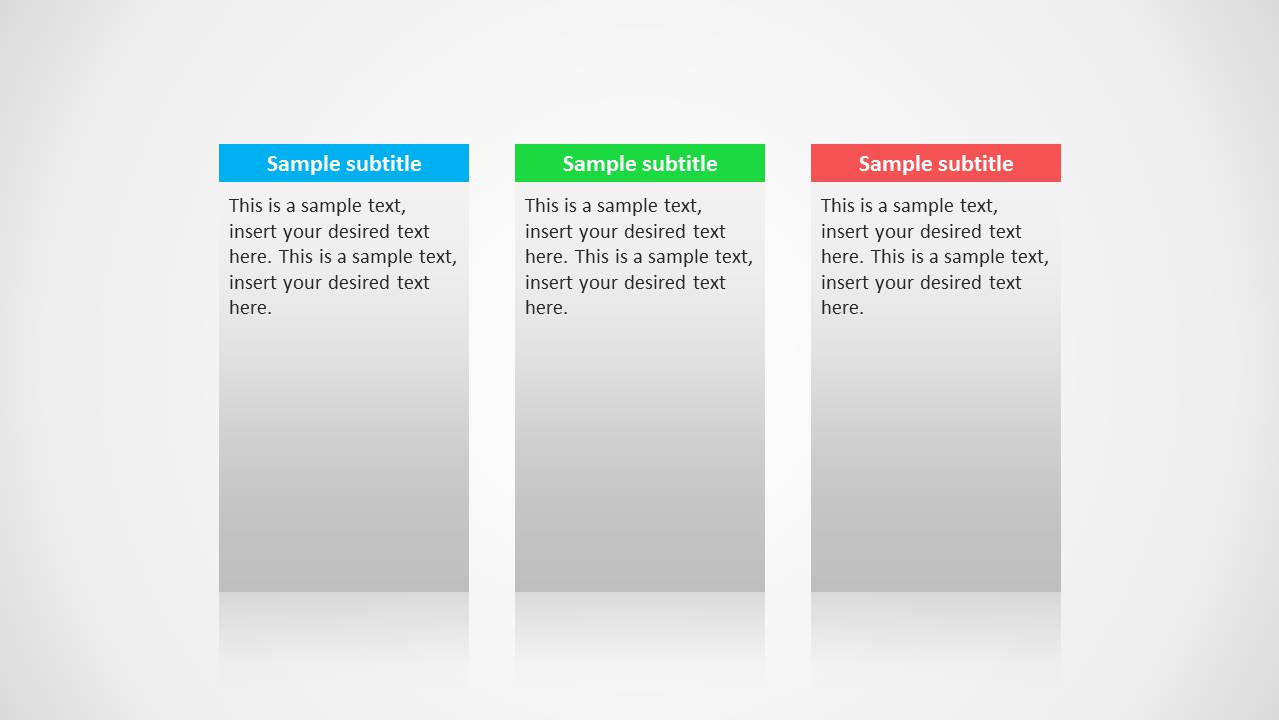
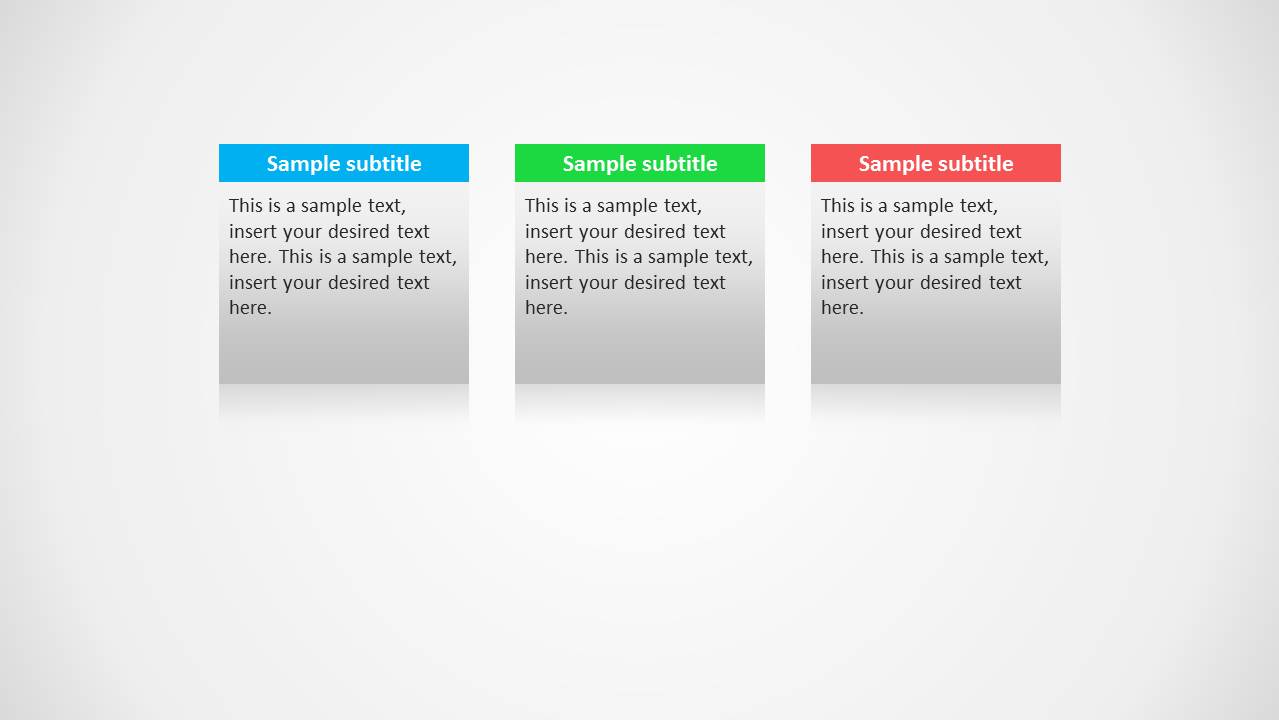
3 Columns Slide Design for PowerPoint provides three colorful columns to create text based slides in style.
The three column layouts can be used for a variety of purposes, such as to create comparison slides, timelines or to present different options or ideas with the aid of text presented in a nice clean layout.
What’s inside this template
Example presentation scenarios
- A consultant can use the numbered column card slide to compare three strategic options and guide executives through recommendation criteria.
- A project manager can use the plain three-column text layout to summarize three workstreams, each with a short description and color-coded header.
- A sales presenter can use the compact three-card layout to explain three service packages without overcrowding the slide.
- A trainer can use the lower-numbered columns to introduce a three-step method and give each step a clear visual anchor.
Features
- 100% editable presentation template
- Compatible with Microsoft PowerPoint and Google Slides
- Scalable vector shapes, icons and illustrations
- AI-Ready for Microsoft Copilot and Claude
- Instant access and download
Frequently asked questions
Q: How should a presenter write content for the three-column structure?
A: Keep each column parallel in length and grammar so the audience can compare quickly. Use the colored header for the category name, the body area for two to four concise lines, and the numbered circles only when the sequence matters. Avoid turning one column into a long paragraph while the others stay short.
Q: Who benefits most from this template during a business presentation?
A: This template fits presenters who need to show three choices, three steps, or three categories without building a complex diagram. Consultants, project managers, sales teams, and trainers can use it to organize a focused message where each option deserves equal visual space and the audience must see differences at a glance.
Q: Why do the colored headers and numbered circles improve communication?
A: The layout creates a simple scan path: header first, explanation second, number last. Color separates the columns, while the circles add sequence or priority when needed. Because all three cards share the same size and alignment, the design signals that the ideas are comparable rather than unrelated points.
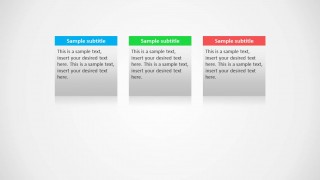
3 Columns Slide Design for PowerPoint
4-slide PowerPoint presentation template for three-column text boxes, comparisons, and numbered options
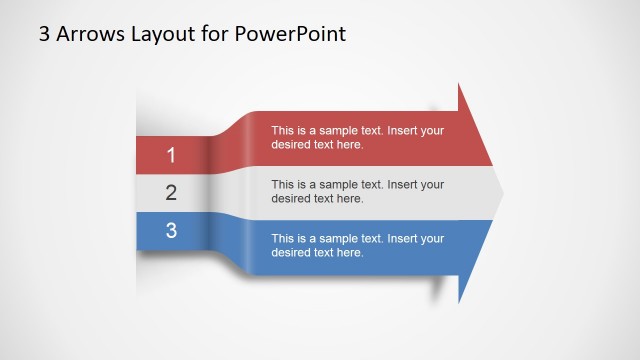
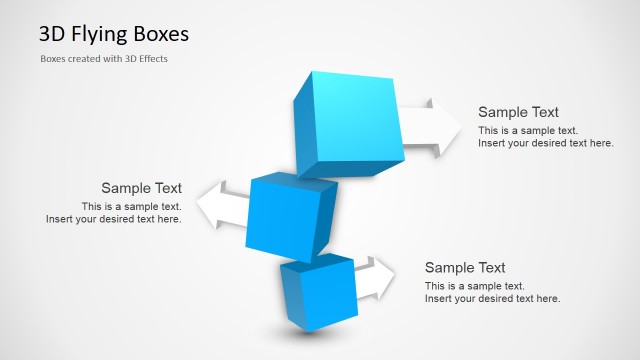
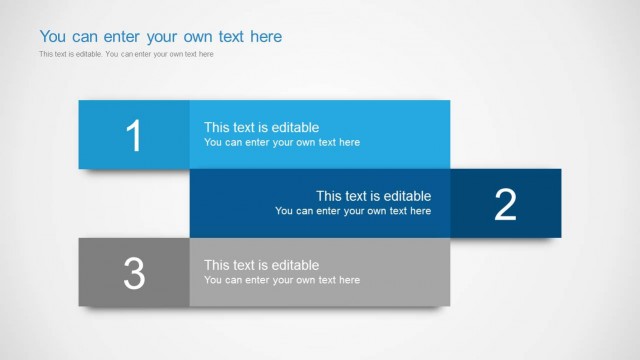
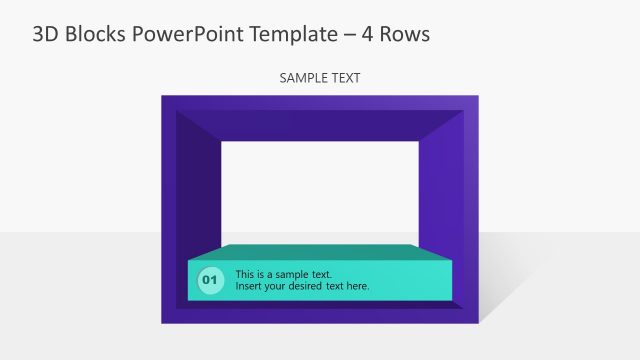
3 Columns Slide Design for PowerPoint is a 4-slide text layout template for presenting three parallel ideas. The slides show three-column comparison cards, numbered column cards, plain text-box columns, and a compact three-card layout. It is suited to business presenters who need option comparisons, short timelines, or grouped messages in PowerPoint.


 Loading...
 Microsoft PowerPoint
  Microsoft Copilot
  Claude for PowerPoint
 Other formats supported
Subscribe today and get immediate
access to download our PowerPoint templates.