Slide 2 of 4 from Text Boxes with Tag Shapes for PowerPoint
6095-01-text-boxes-with-tags-2
Text Boxes with Tags for Presentations
- Text Layout
- Other
- Promotion Slide
- 16:9
- 100% Editable
The Text Boxes with Tags slide layout from the Text Boxes with Tag Shapes for PowerPoint template offers a clear design for marketing presentations and sales pitches. This slide features editable shapes and a prominent percentage tag to emphasize key promotional details, making it a practical choice for product launches and corporate presentations requiring focused visual hierarchy.
What’s on This Slide
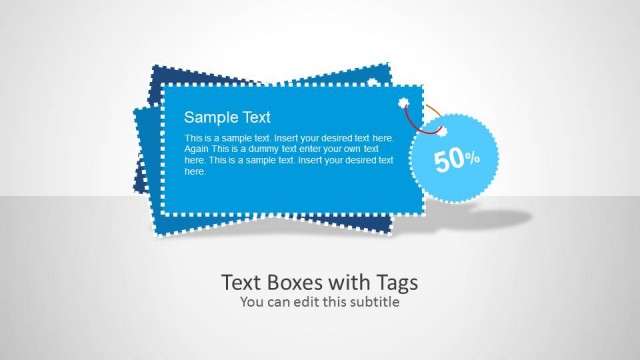
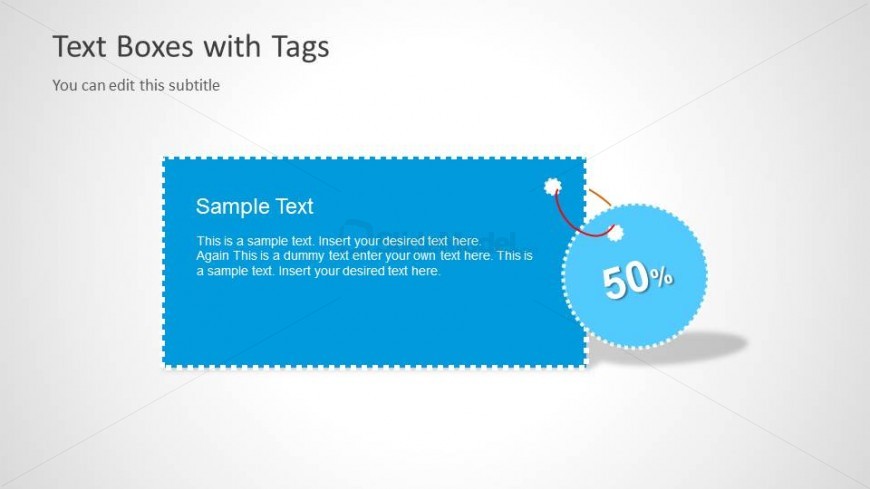
The layout features a large rectangular text box positioned centrally with rounded corners. Inside, there are two lines of text, with the title in a larger font at the top and body text below. A circular tag with the percentage '50%' is placed to the right, connected by a curved line. The background is light gray, providing contrast to the blue text box. There are placeholders for a subtitle above the main text box and additional text below. The overall visual hierarchy emphasizes the main text box and the percentage tag.
How to Use It
This layout serves as a promotional or informational slide, ideal for highlighting offers or discounts. It fits well in a presentation sequence following an introductory slide and before a detailed explanation. Suitable scenarios include marketing presentations, product launches, or sales pitches where key information needs to be visually emphasized. The design allows for easy customization of text, making it adaptable for various messaging needs.
Text Placeholders & Capacity
Keep your copy within these limits so it fits without resizing. Body slots can accommodate roughly 25-30 words each.
| Placeholder | Count | Max characters (approx.) |
|---|---|---|
| Slide title | 1 | 30 |
| Subtitle | 1 | 50 |
| Item body | 1 | 150 |
| Item heading | 1 | 20 |
| Callout | 1 | 10 |
Slide Keywords
Download unlimited PowerPoint templates, charts and graphics for your presentations with our annual plan.
DOWNLOADReturn to Text Boxes with Tag Shapes for PowerPoint.