Tag Shapes for PowerPoint – Spruce up your business presentations with the Tag Shapes for PowerPoint. This modern slide template is perfect for creating unconventional decoration for you brochures, banners and other business materials. These cool PowerPoint shapes are a new addition in our gallery of trendy designs.
Constantly creating an impressive material for your products and services is one of the key moves that will put you ahead of the competition – as famously quoted in the marketing world “Image is everything.” Constructing these materials presents an opportunity to introduce your products, services and ideas in the manner that you want them perceived by the public. What you show on your presentations becomes your products identity. There’s nothing more effective in making your products a “Premium Choice” than putting a tag on it that says it’s “The Premium Choice.” That’s one of the most effective way to open up people’s mind in trying anything you introduce to them. Of course, the rest is up to the product itself but as far as marketing or introducing an item, labeling serves more than its purpose.
A PowerPoint presentation template for business is a great tool. It saves time, guides the direction of your topic and sometimes, also brings in new ideas. However, using the same template for a long period of time can make it monotonous. The Tag Shapes for PowerPoint is a great add-on to freshen up any PowerPoint template. It adds a different element in the usual objects found in the common designs and enhances excitement in the material. People get bored easily so you always have to be prepared for something new to perk up their interest. What’s great about this innovative template is that you can alter its sizes and colors without losing its quality. You can place it in different presentations and reuse them with different effects.
What’s inside this template
Example presentation scenarios
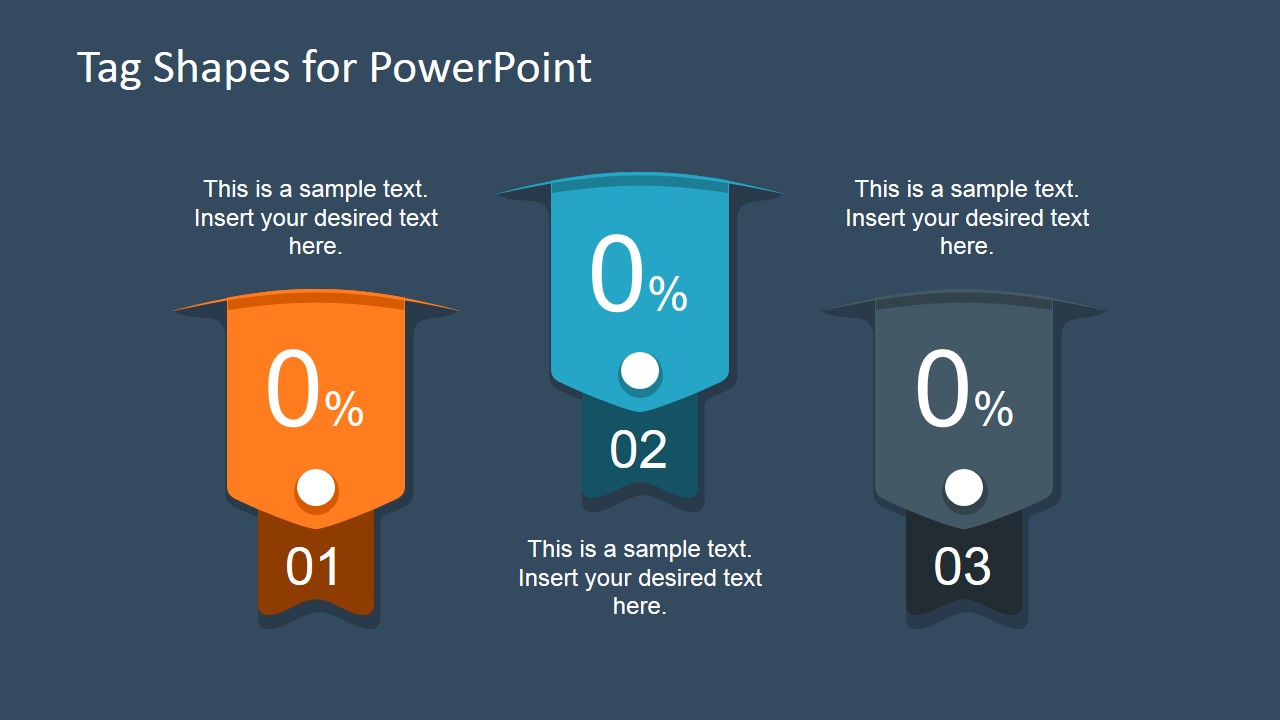
- A marketing manager can present three campaign offers by assigning each offer to a numbered tag badge and using the surrounding caption areas for short supporting copy.
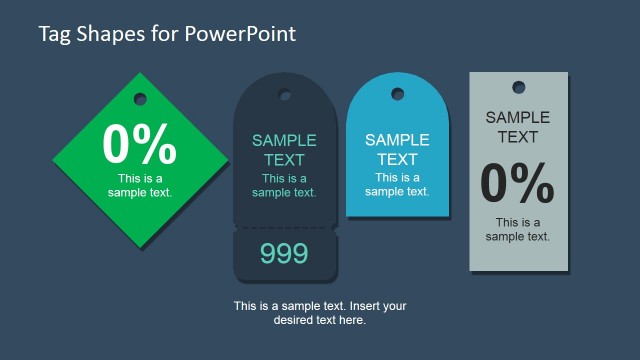
- A product manager can introduce feature tiers by placing each tier inside the vertical tag shapes and using the numbered ribbon tabs to show priority or order.
- A sales presenter can mark a preferred package, limited offer, or value proposition with the large tag shapes so the audience notices the label before reading the detail.
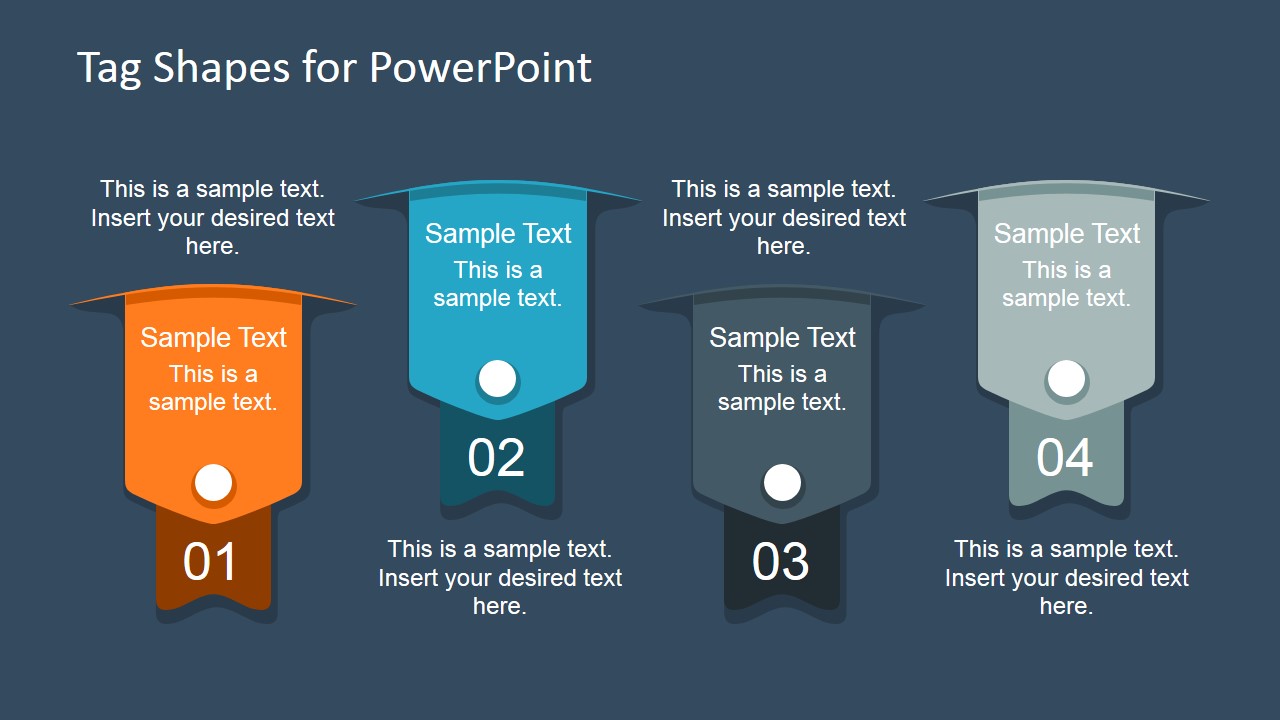
- A presentation designer can add these ribbon labels to a brochure-style deck, using the four-tag layout to organize service categories or promotional messages.
Features
- 100% editable presentation template
- Compatible with Microsoft PowerPoint and Google Slides
- 16:9 aspect ratio slides
- Scalable vector shapes, icons and illustrations
- AI-Ready for Microsoft Copilot and Claude
- Instant access and download
Frequently asked questions
Q: How should a presenter use the tag shapes without making the slide feel decorative only?
A: Assign each tag one clear message, such as a feature, offer, ranking, or decision point. Keep the main phrase inside the tag and use the nearby caption space for one supporting sentence. The numbered tabs should carry meaning, such as sequence or priority, rather than being left as generic decoration.
Q: Who is this template best suited for in a business presentation?
A: This template fits marketing, sales, and product presenters who need quick visual labels for offers, bundles, feature sets, or promotional claims. It works best when the message is short and categorical, such as three benefits, four service packages, or a highlighted product promise that should stand out from the surrounding slide content.
Q: Why use tag and ribbon metaphors instead of standard text boxes?
A: Tags suggest labeling, pricing, selection, or featured status, so they help the audience interpret the content as a callout or assigned category. The ribbon bottoms and pin circles make each item feel attached and intentional, while the repeated badge structure supports scanning across three or four comparable points.
Tag Shapes for PowerPoint
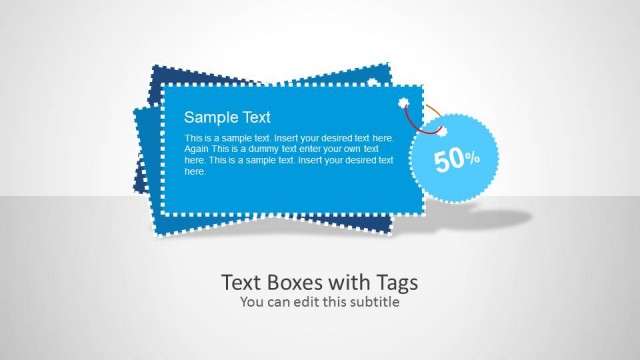
3-slide tag shapes presentation template with ribbon labels for marketing banners and product callouts
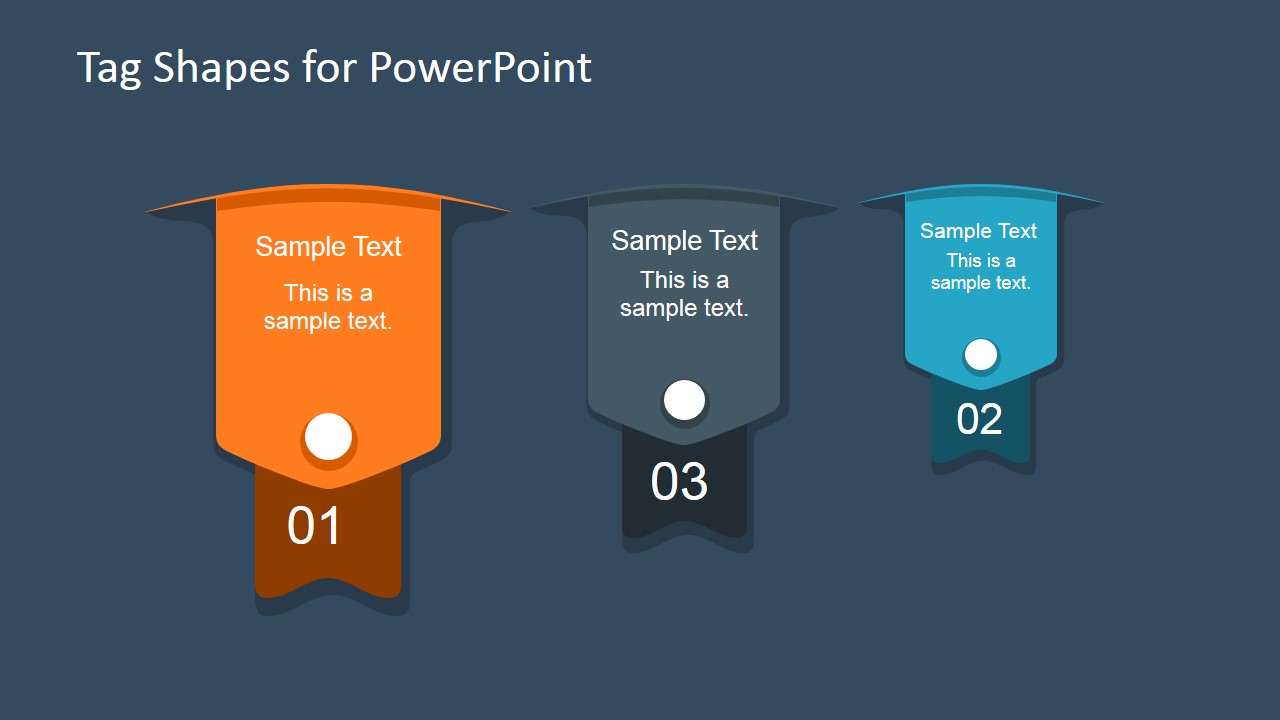
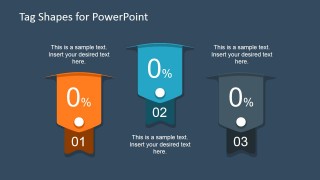
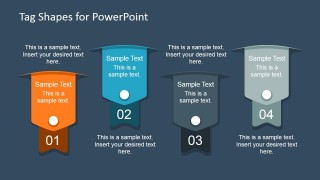
Tag Shapes for PowerPoint is a 3-slide presentation template of editable ribbon tag graphics for marketing labels, product badges, and banner-style callouts. The slides show three-tag, four-tag, and compact badge arrangements with sample text areas, number tabs, and percentage placeholders for Microsoft PowerPoint and Google Slides.
- Category
- Shapes
- Rating

 Loading...
- Aspect ratio
- 16:9, 4:3
- Item ID
- 6779-01
- Colors
 Microsoft PowerPoint
  Microsoft Copilot
  Claude for PowerPoint
 Other formats supported
Subscribe today and get immediate
access to download our PowerPoint templates.