Slide 4 of 4 from Text Boxes with Tag Shapes for PowerPoint
6095-01-text-boxes-with-tags-4
Text Boxes with Tags for Presentations
- Text Layout
- List Blocks
- Comparison Slide
- 16:9
- 100% Editable
The Text Boxes with Tags slide from the Text Boxes with Tag Shapes for PowerPoint template offers a structured layout ideal for business presentations that require clear comparison of product features or promotional offers. This slide uses editable shapes and vector icons arranged horizontally to maintain audience focus, making it a practical choice for corporate presentation slide decks and pitch deck templates.
What’s on This Slide
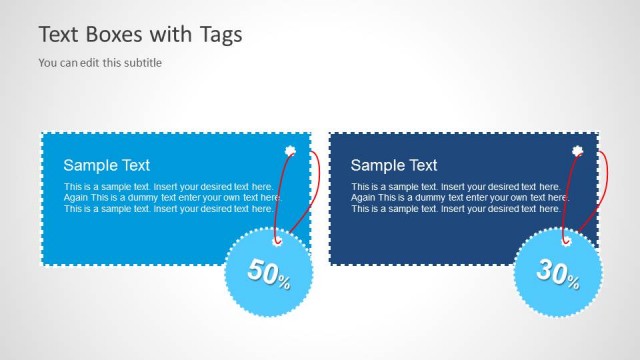
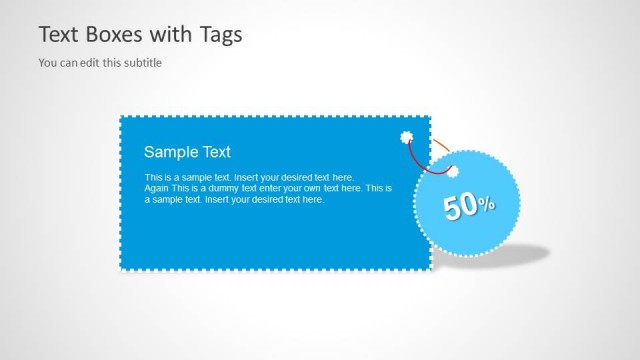
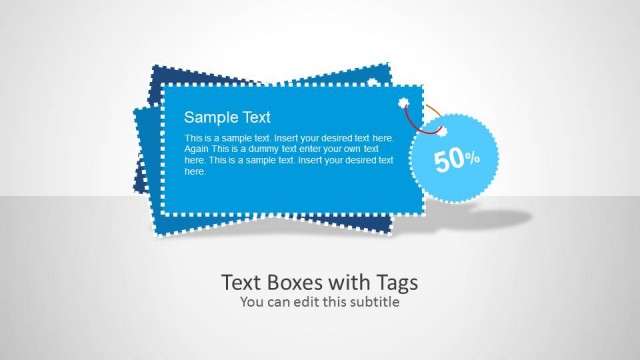
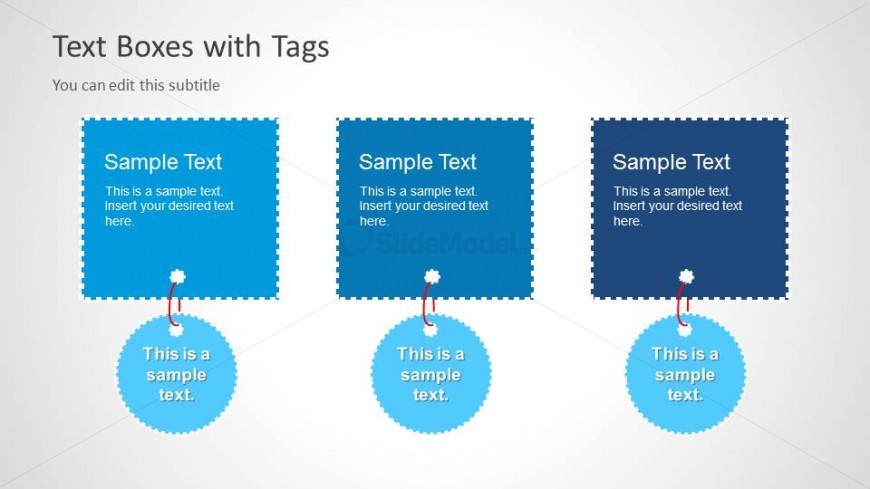
The layout features three square text boxes arranged horizontally at the top, each with a scalloped edge. Below each box is a circular tag, connected by a short line. The text boxes are filled with a dark blue color, while the tags are light blue. Text placeholders are present in each box, aligned centrally, with a subtitle placeholder at the top. The overall composition is balanced, with equal spacing between the elements. The background is a light gradient, enhancing the visibility of the shapes.
How to Use It
This layout serves as a comparison or promotional display, suitable for highlighting multiple offers or features. It fits well in a presentation sequence after introducing a concept or problem, allowing for clear communication of key points. Ideal scenarios include marketing presentations, product showcases, or service highlights where distinct categories need emphasis. The structured arrangement aids in maintaining audience focus on each point.
Text Placeholders & Capacity
Keep your copy within these limits so it fits without resizing. Body slots can accommodate roughly 15-20 words each.
| Placeholder | Count | Max characters (approx.) |
|---|---|---|
| Slide title | 1 | 30 |
| Subtitle | 1 | 50 |
| Item heading | 3 | 30 |
| Item body | 3 | 100 |
| Callout | 3 | 30 |
Slide Keywords
Download unlimited PowerPoint templates, charts and graphics for your presentations with our annual plan.
DOWNLOADReturn to Text Boxes with Tag Shapes for PowerPoint.