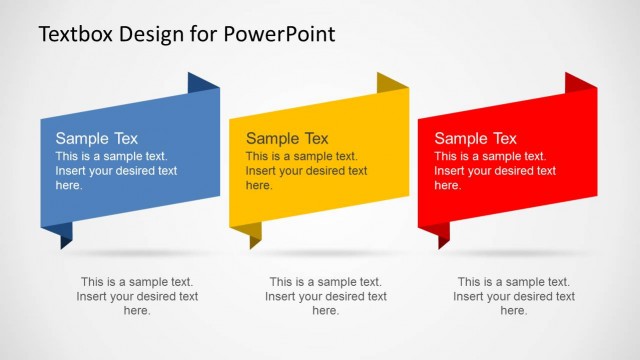
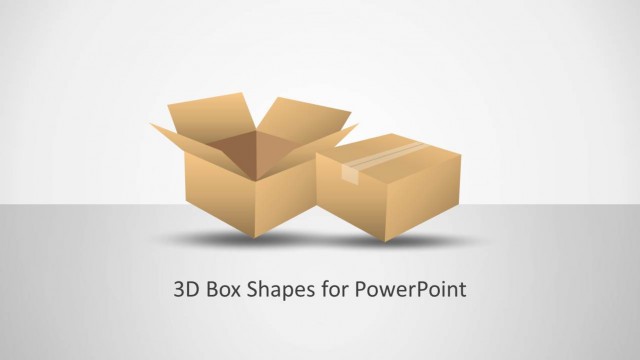
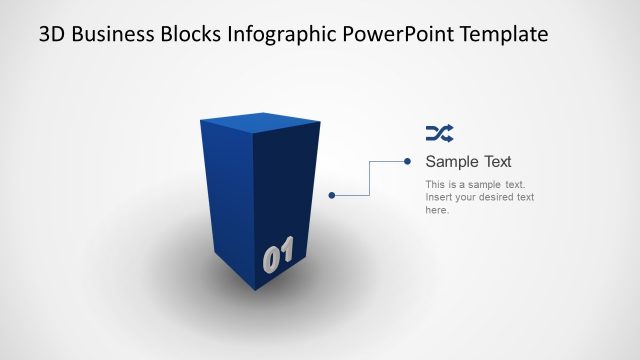
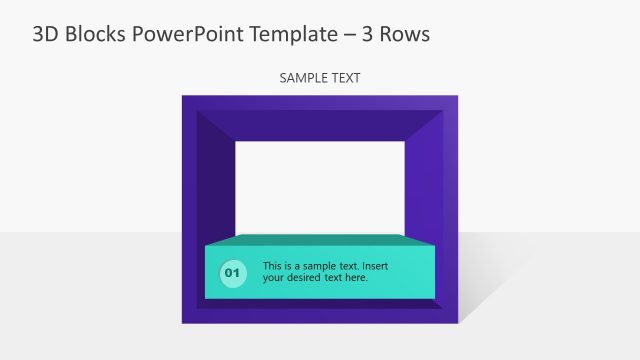
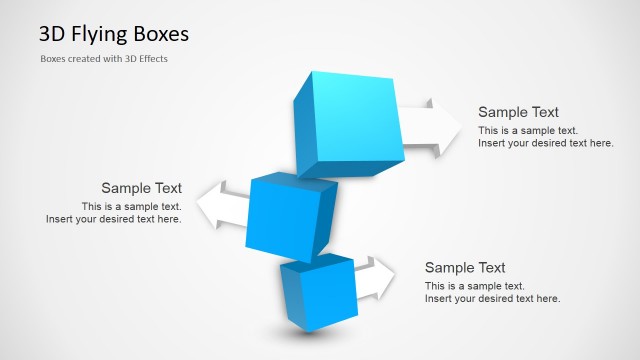
3D Box Diagrams with Text Boxes for PowerPoint is a presentation containing useful 3D Boxes in a PowerPoint template that you can use to represent business models or share ideas in a PowerPoint presentation.
Alternatively you can download other text boxes and tables PowerPoint templates or create awesome diagrams for PowerPoint presentations with our ready-made diagram designs for PowerPoint.
What’s inside this template
Example presentation scenarios
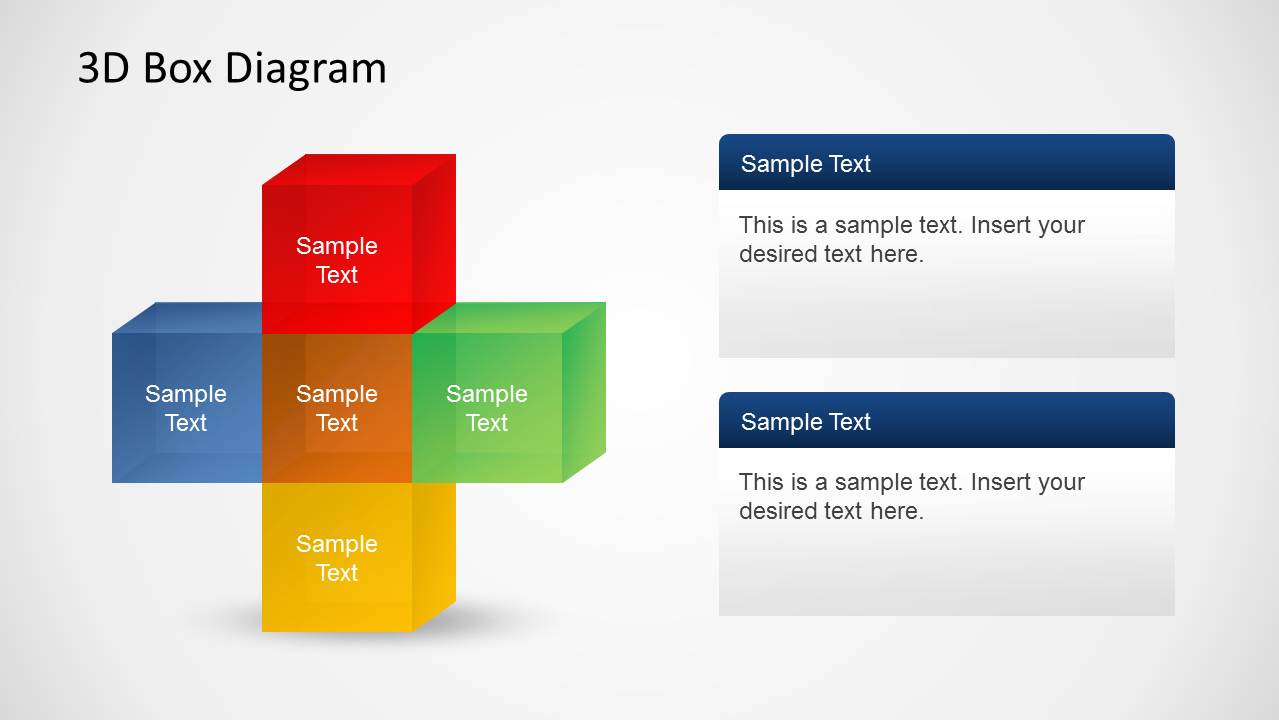
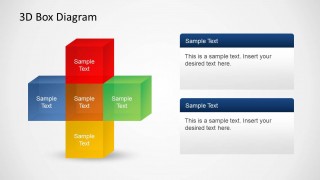
- A consultant can use the five-cube cross diagram to explain the main components of a client business model and reserve the side panels for implications or recommendations.
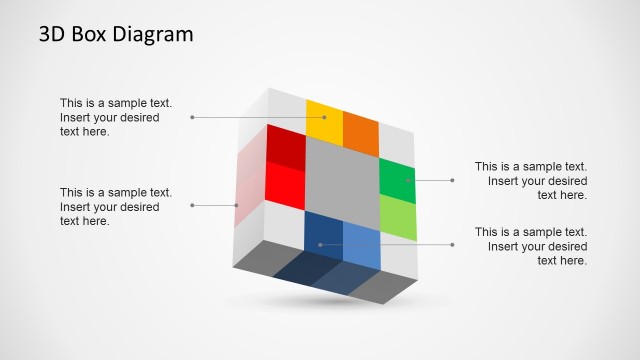
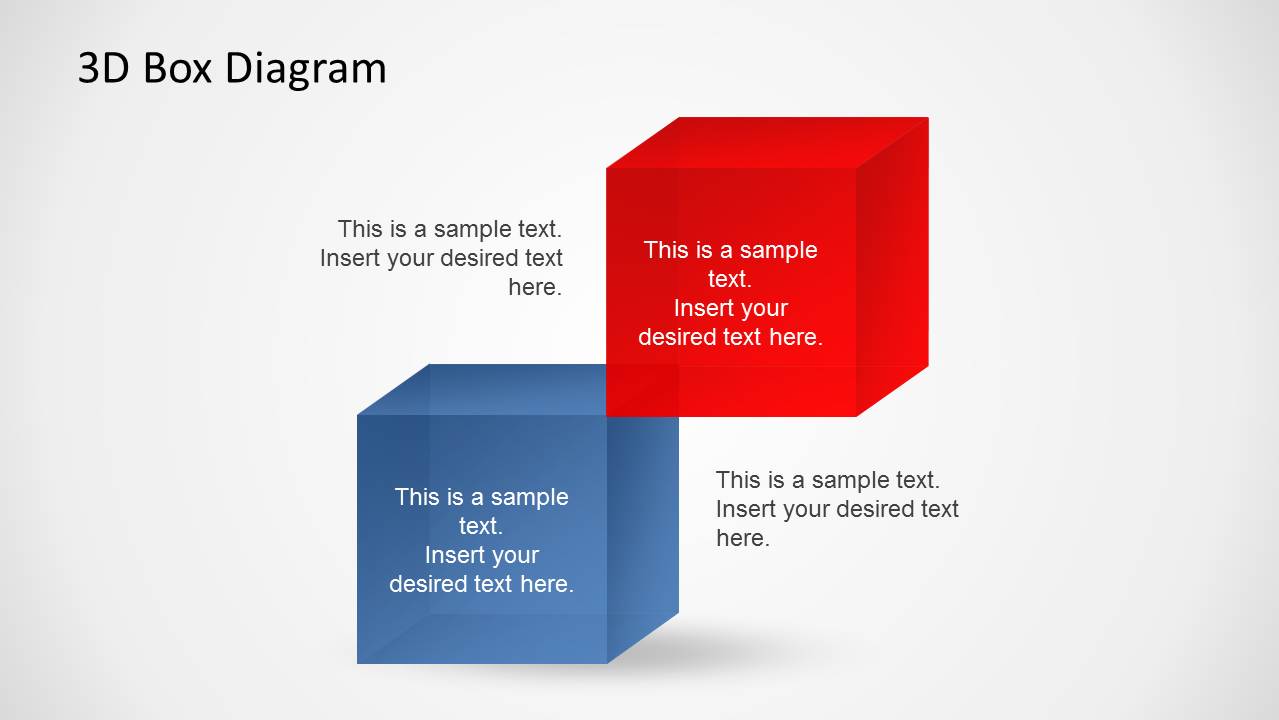
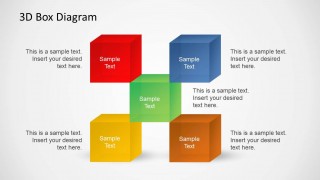
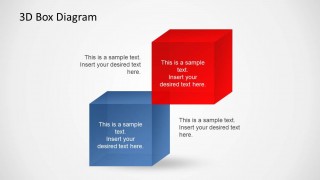
- A product manager can use the floating cube callout layout to present connected product modules, with each cube representing a component and each callout explaining its role.
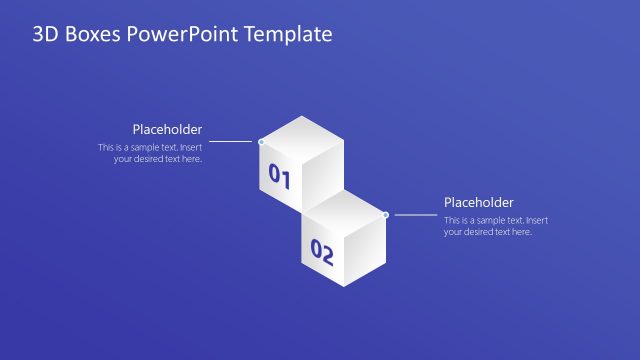
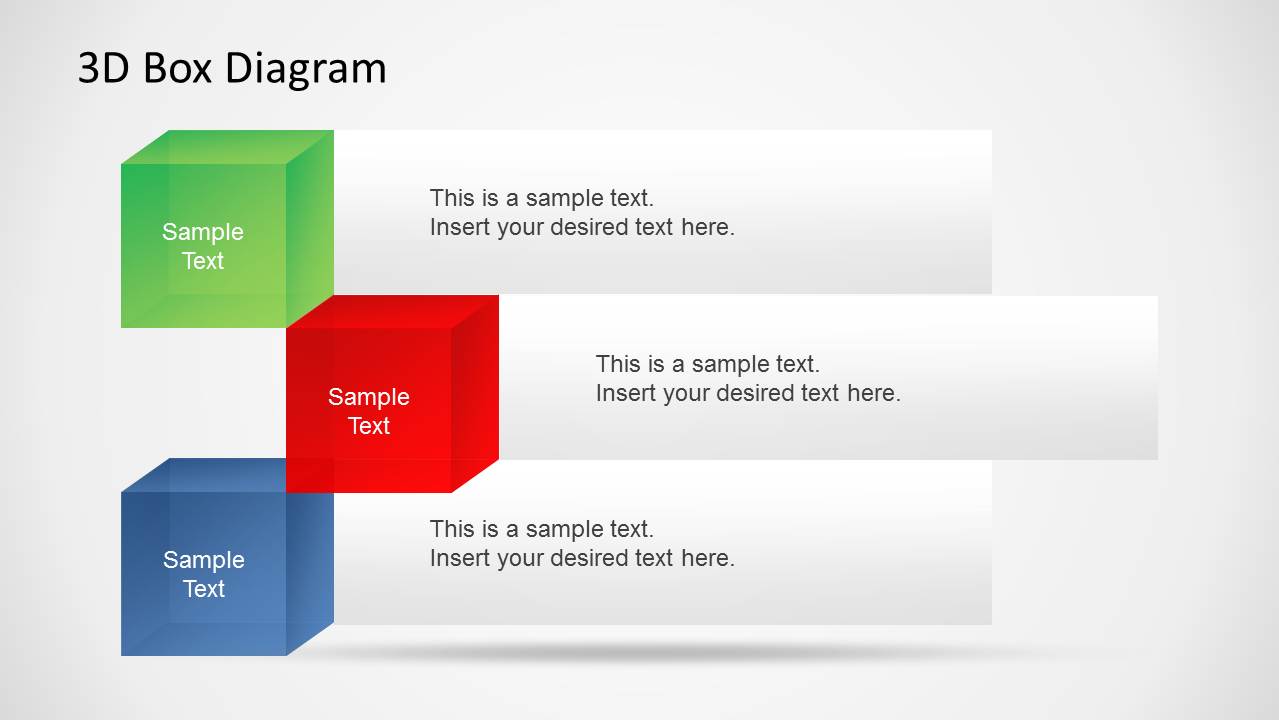
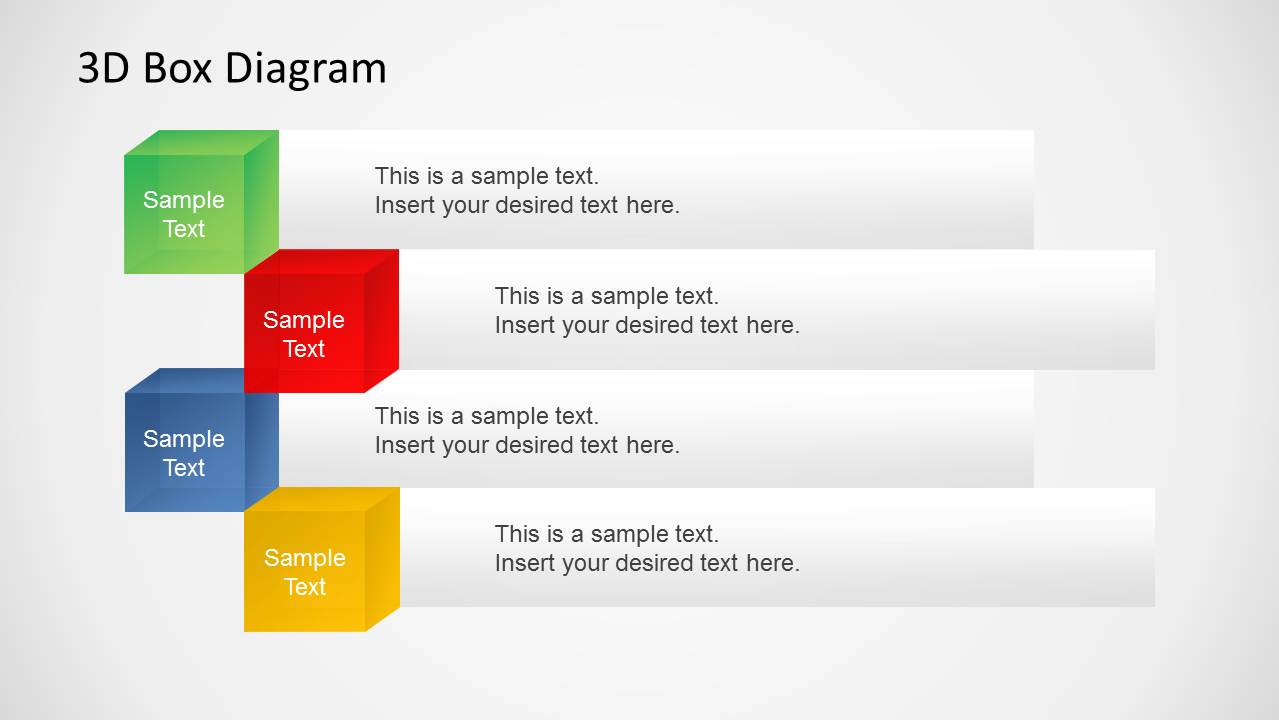
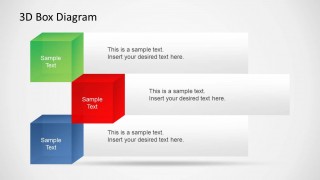
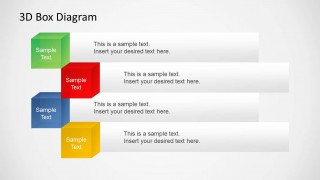
- A training facilitator can use the three-step and four-step staggered cube lists to introduce lesson topics in a clear sequence with short descriptions beside each cube.
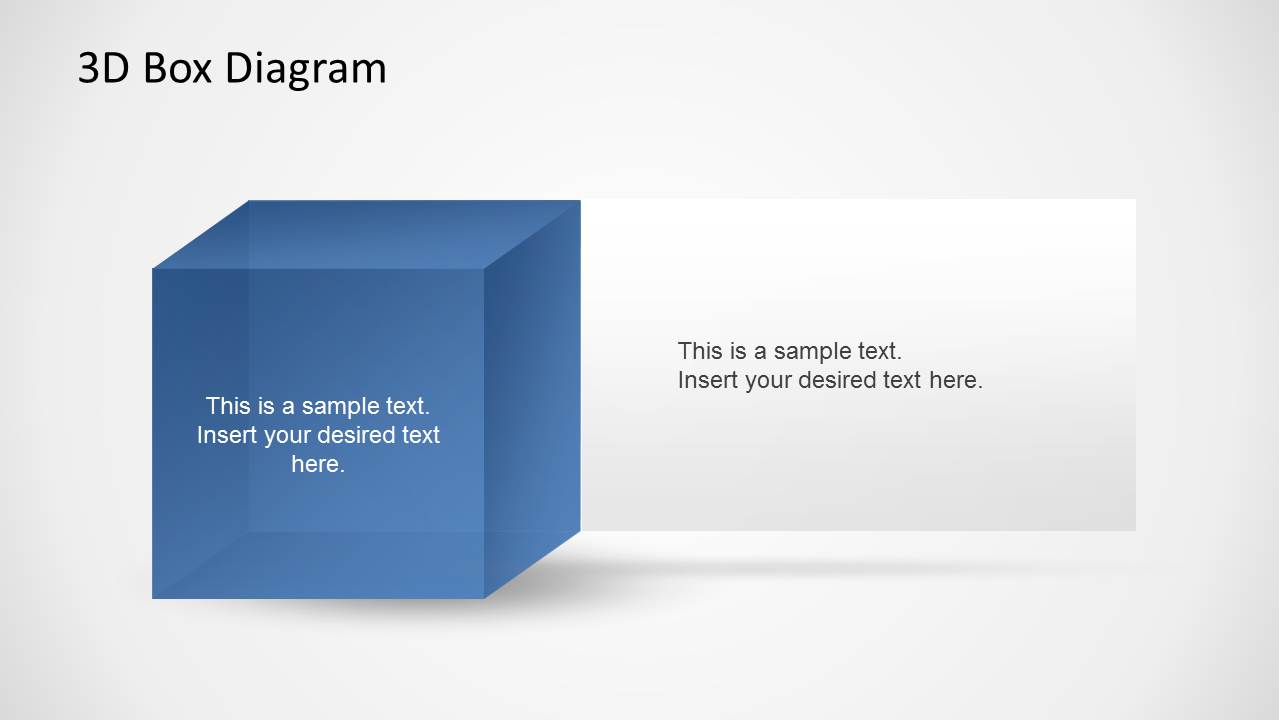
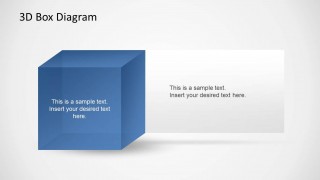
- An operations leader can use the single large cube slide to focus attention on one priority initiative and place the rationale or action summary in the wide text box.
Features
- 100% editable presentation template
- Compatible with Microsoft PowerPoint and Google Slides
- Scalable vector shapes, icons and illustrations
- AI-Ready for Microsoft Copilot and Claude
- Instant access and download
Frequently asked questions
Q: How should a presenter make the cube diagrams communicate a clear message instead of just decorating the slide?
A: Assign one idea to each cube and use the nearby text boxes for short explanations, not full paragraphs. The five-cube cross works best when the center cube is the core concept and the surrounding cubes are related drivers, pillars, or outcomes. Keep labels parallel so the audience can compare ideas quickly.
Q: Who is this template best suited for in a business presentation?
A: This template fits consultants, managers, trainers, and product presenters who need to explain a set of related parts without using data-heavy slides. It is strongest for business models, capability maps, service packages, and training modules where the relationship between categories matters more than exact sequence or measurement.
Q: Why use 3D cubes as the main visual metaphor for these slides?
A: The cube metaphor suggests building blocks, structure, and tangible components, which helps abstract ideas feel concrete. The clustered layouts show connection, while the staggered list layouts create order. This makes the design useful when a presenter wants the audience to see separate topics as parts of one organized system.
3D Box Diagrams with Text Boxes for PowerPoint
7-slide PowerPoint diagram template with 3D cubes and text boxes for business concepts
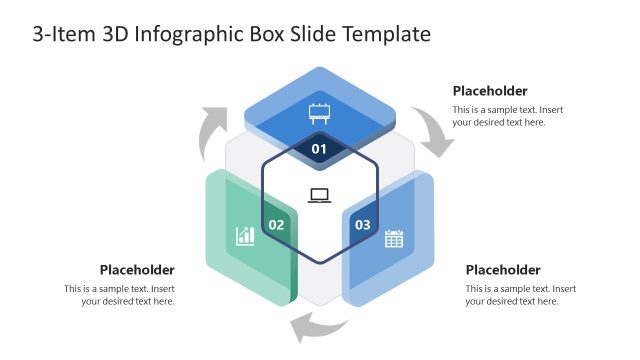
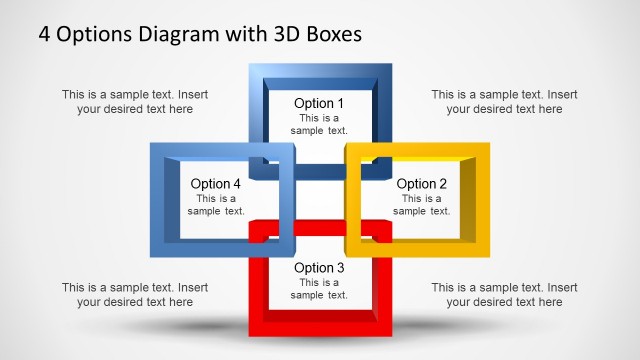
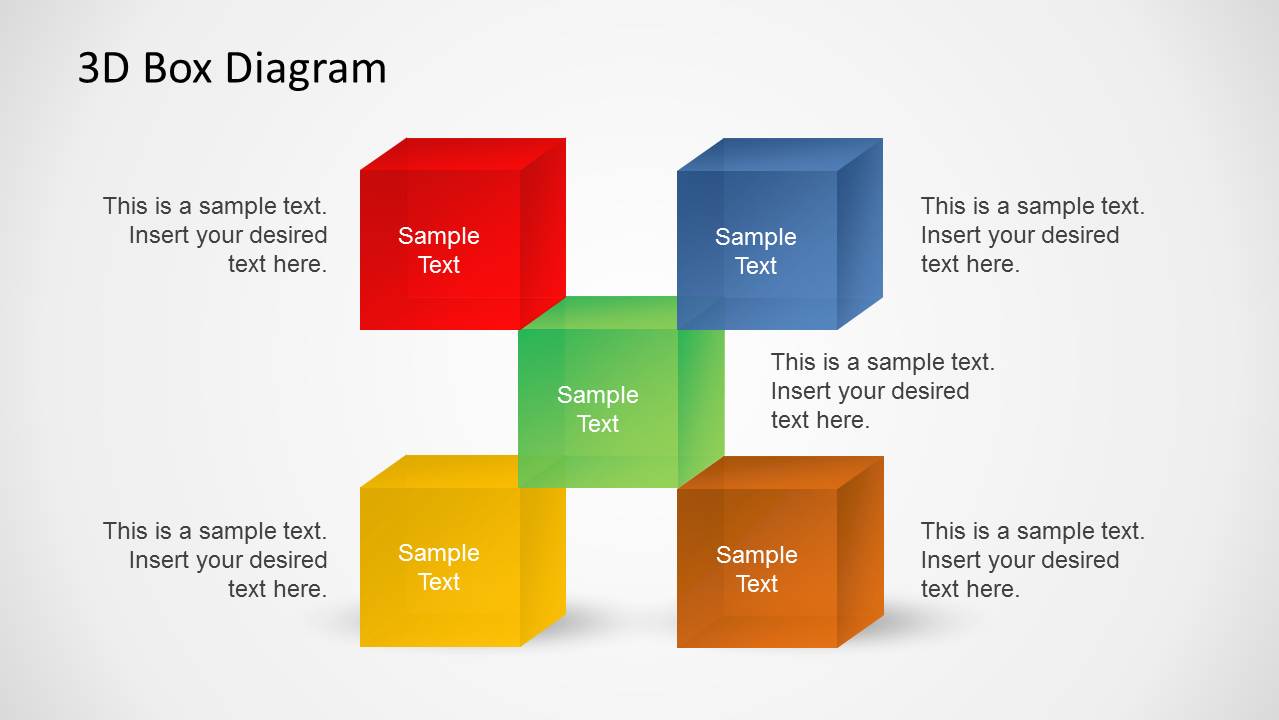
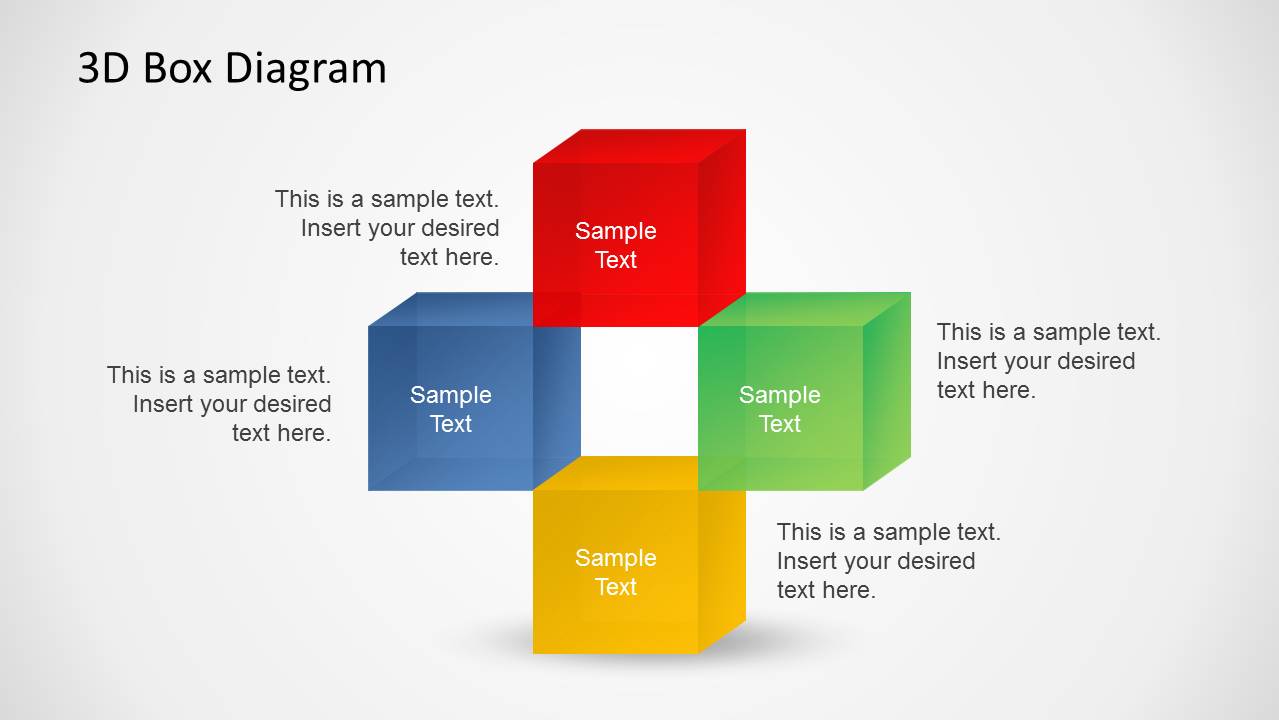
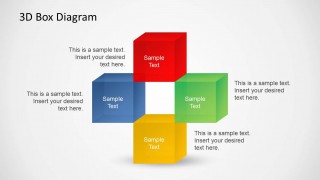
This 7-slide PowerPoint diagram template presents business ideas with editable 3D cube illustrations and text areas. Visible layouts include a five-cube cross with side panels, floating cube callouts, a single cube with a large text box, and staggered cube lists. It is suited to consultants, managers, and educators explaining related concepts.


 Loading...
 Microsoft PowerPoint
  Microsoft Copilot
  Claude for PowerPoint
 Other formats supported
Subscribe today and get immediate
access to download our PowerPoint templates.