Slide 1 of 4 from Text Boxes with Tag Shapes for PowerPoint
6095-01-text-boxes-with-tags-1
Text Boxes with Tags for Presentations
- Text Layout
- List Blocks
- Promotion Slide
- 16:9
- 100% Editable
The Text Boxes with Tags slide from the Text Boxes with Tag Shapes for PowerPoint template offers a structured layout ideal for promotional offers and discount highlights. This slide design uses editable shapes and text boxes arranged to emphasize key messages, making it suitable for business presentations or pitch deck templates that require clear communication of features or special deals.
What’s on This Slide
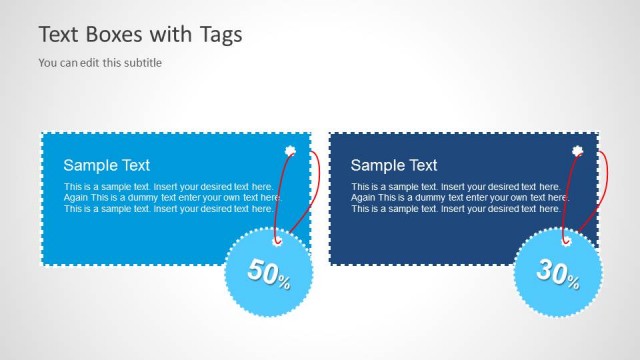
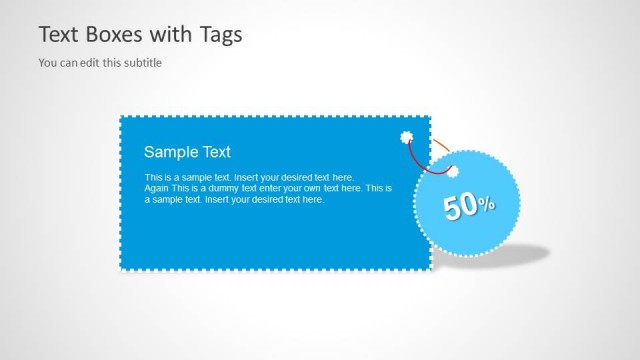
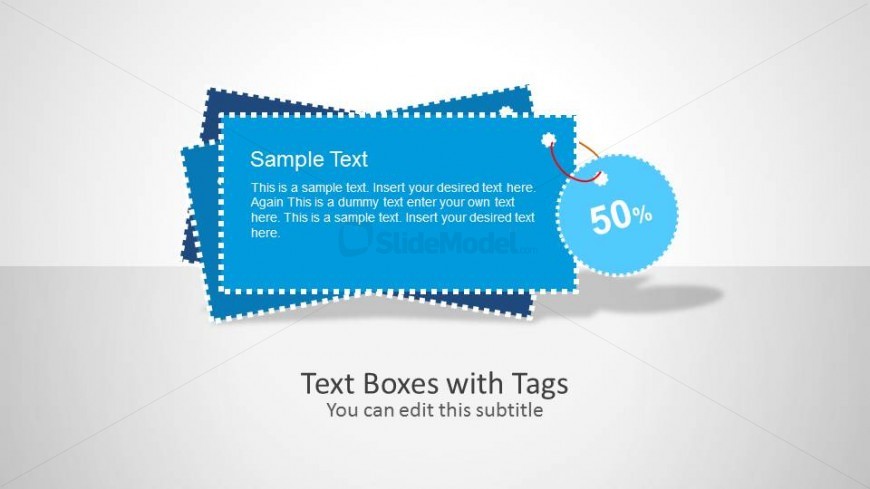
The slide features multiple text boxes arranged in a layered format. A central rectangular text box is surrounded by two smaller, irregularly shaped tags positioned at the top left and bottom right. The central box contains a title placeholder at the top and a body text placeholder below it. A circular tag with a percentage is connected to the central box by a line. The background is light gray, creating contrast with the blue and white elements. The visual hierarchy emphasizes the central text box as the main focus.
How to Use It
This layout serves to present information with emphasis on key messages or offers. It is suitable for promotional content, highlighting discounts, or showcasing features. This slide fits well at the beginning of a presentation to capture attention or introduce a topic. It can be used in marketing materials to effectively communicate offers or important information to an audience.
Text Placeholders & Capacity
Keep your copy within these limits so it fits without resizing. Body slots can hold approximately 30-40 words each.
| Placeholder | Count | Max characters (approx.) |
|---|---|---|
| Slide title | 1 | 20 |
| Body paragraph | 1 | 200 |
| Item heading | 2 | 30 |
| Callout | 1 | 5 |
Slide Keywords
Download unlimited PowerPoint templates, charts and graphics for your presentations with our annual plan.
DOWNLOADReturn to Text Boxes with Tag Shapes for PowerPoint.