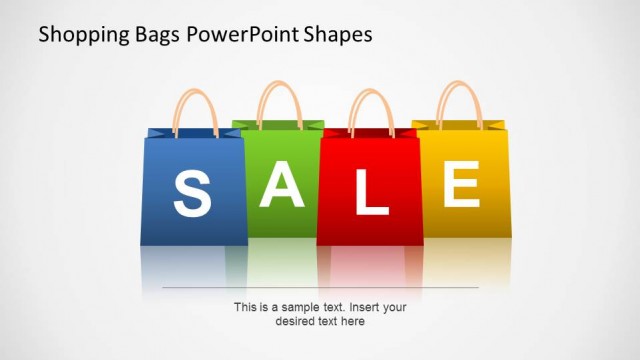
Hanging Tags PowerPoint Shapes is a presentation slide template with all the qualities you need for an effective marketing campaign presentation. It’s simple, catchy, and easily recognizable. The big tag design immediately hints to the viewer that the presentation is about shopping. And there’s no better way to tell anyone about discount promos than by using the word SALE, printed in bold and cheerful colors. It doesn’t have too many other ornaments. Instead, the aesthetic aspect of the presentation is focused entirely on its main subject, the “SALE” campaign. This way, your audience will also maintain its focus in your campaign. The template’s simple design is still looks fun and descent. Using it as it is serves it purpose effectively. However, its simplicity also presents a nice accessory you can use as a “SALE” icon to your item pages.
This hanging tags PowerPoint template is great for shopping presentations online. Since this template is editable and reusable, you can utilize it for any seasonal promotions. This template’s big hanging tag design also grabs your customer’s attention at first glance. It’s the key to disposing all your old items during a sale season. Merchandisers usually do clearance sale a few months before tax season or before new designs come. Left over items from winter will have the least chance of being sold in spring. That’s why retailers cut prices significantly before new designs come in.
Another alternative use for this template is for promotional brochures or print outs. This template is the least expensive and most effective tool you can use for your sales campaign. Aside from saving on hiring designers, this template is also recyclable. It is also very versatile. Using this PowerPoint template you can create brochures for both online and print.
Alternatively, you can download other sale PPT templates including Cyber Monday PPT templates or slides for Black Friday presentations.
What’s inside this template
Example presentation scenarios
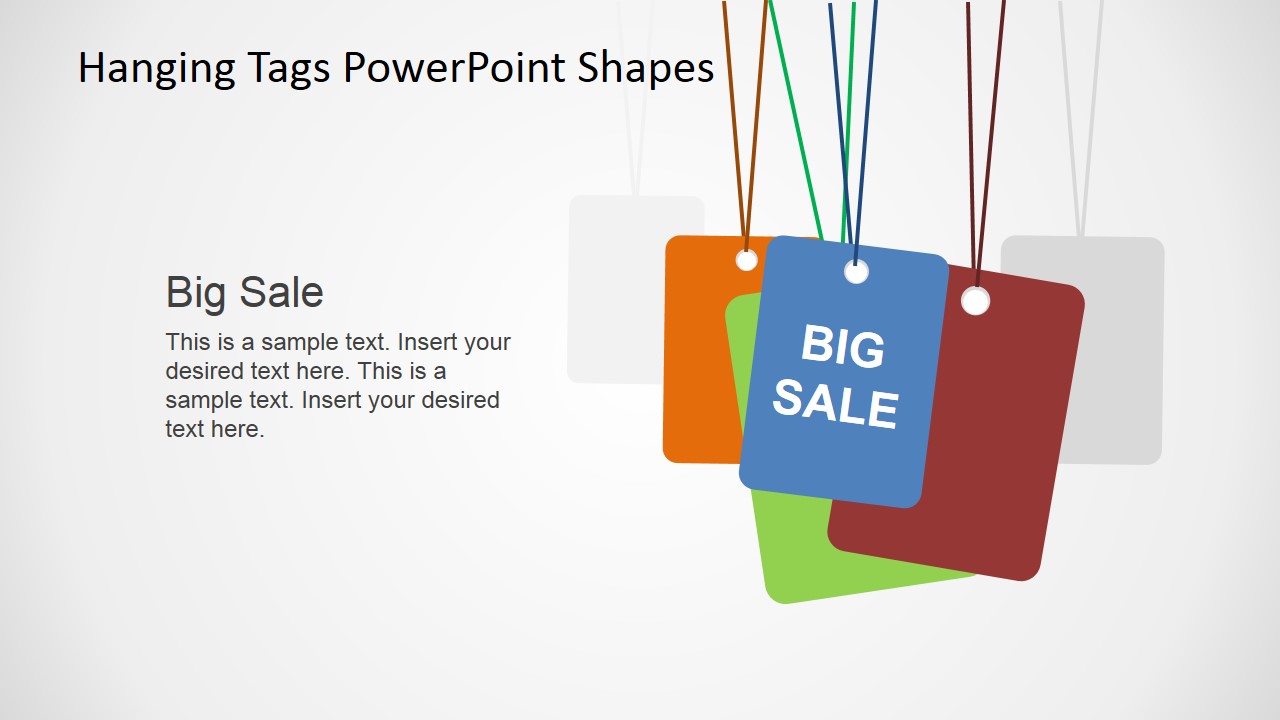
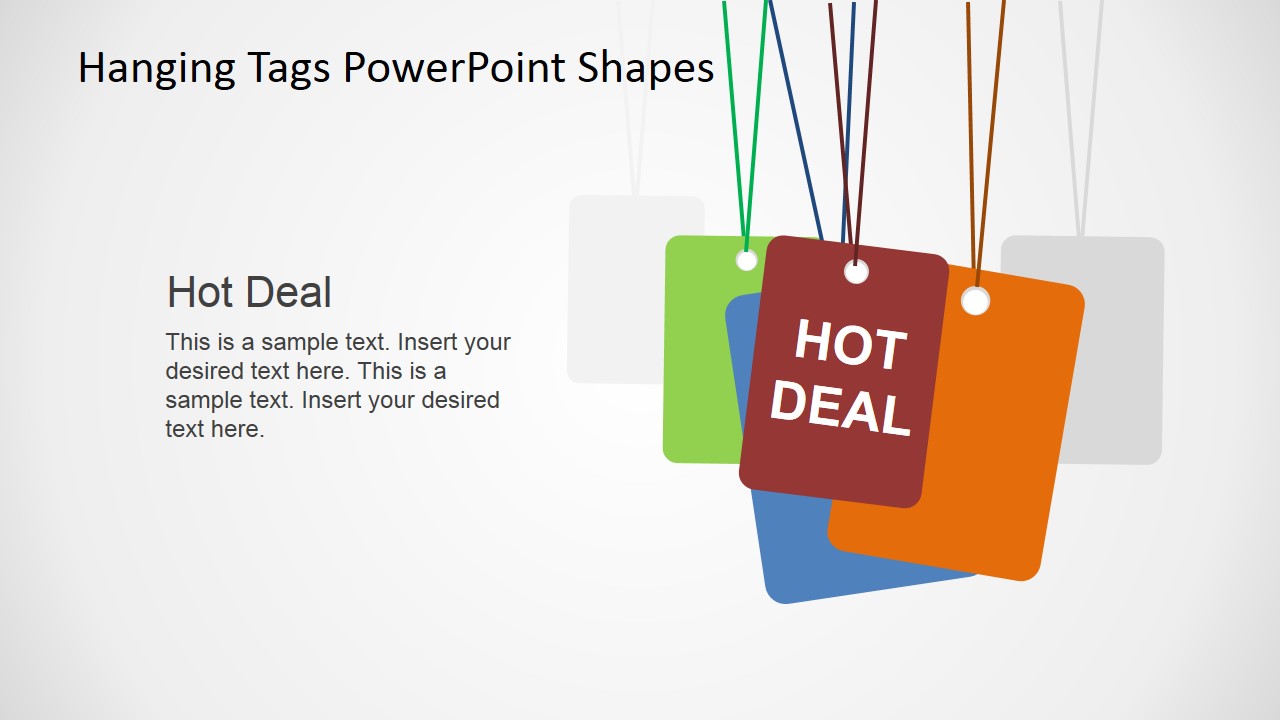
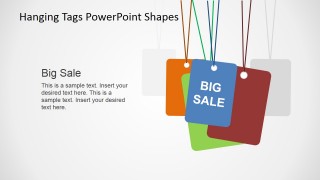
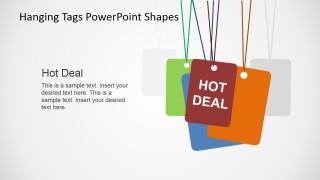
- A retail marketing manager can introduce a seasonal discount plan by opening with the SALE tag cover and then assigning Big Sale or Hot Deal slides to specific offers.
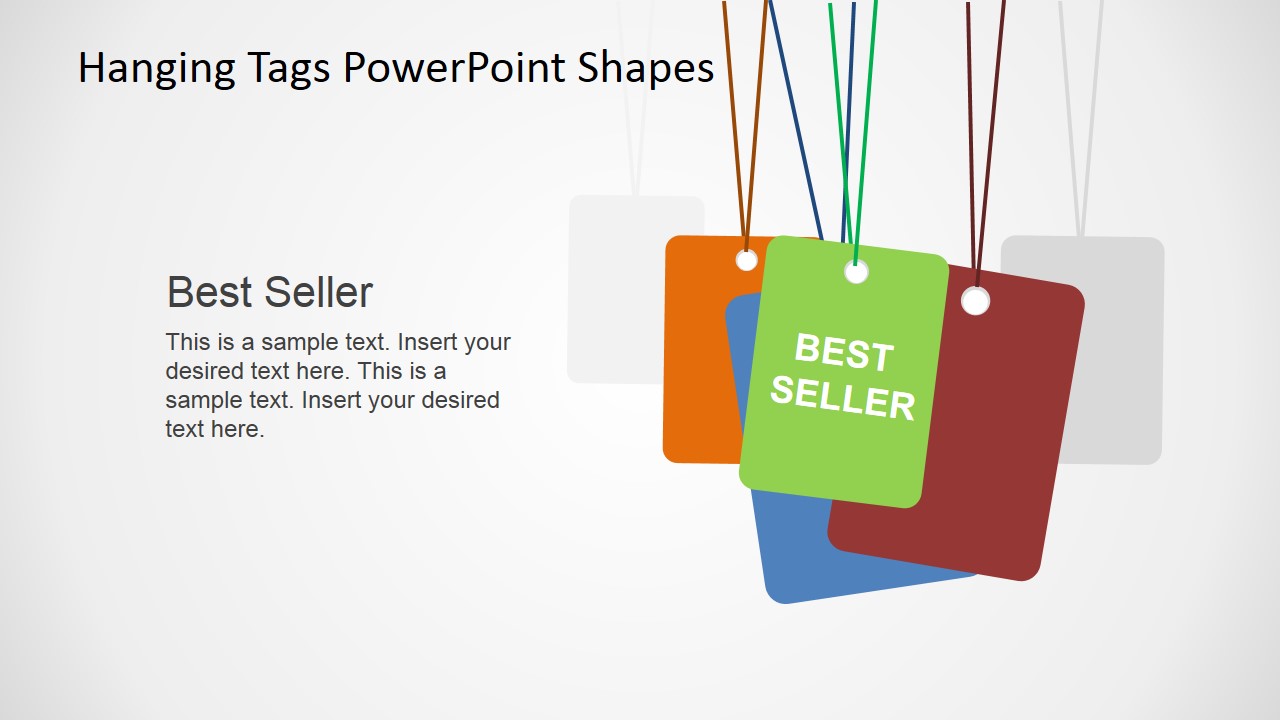
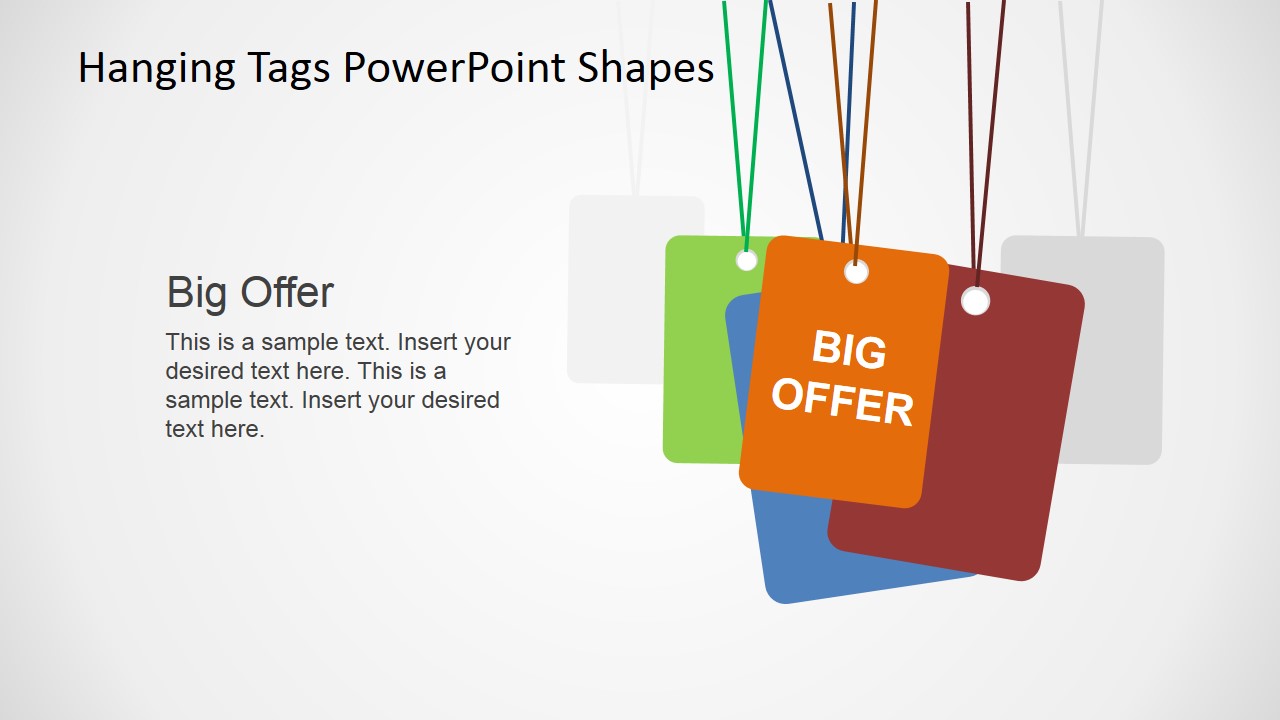
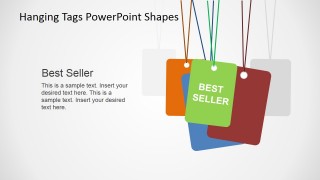
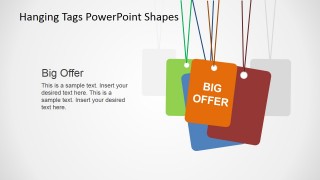
- An ecommerce team can present homepage promotion concepts to stakeholders using the Best Seller and Big Offer tag layouts as clear visual labels for campaign categories.
- A store operations leader can brief sales associates before a clearance event by using the large hanging tag graphics to separate key deal types and talking points.
- A small business owner can outline a Black Friday flyer or brochure by adapting the SALE cover and individual tag slides into a simple promotional message flow.
Features
- 100% editable presentation template
- Compatible with Microsoft PowerPoint and Google Slides
- 16:9 aspect ratio slides
- Scalable vector shapes, icons and illustrations
- AI-Ready for Microsoft Copilot and Claude
- Instant access and download
Frequently asked questions
Q: How should a presenter structure a short promotion message with this template?
A: Start with the SALE cover to set the retail context immediately, then use one tag slide per campaign claim. Keep each body text block short: offer name, customer value, and call to action. The large tag should act as the headline, while the left text area explains timing, conditions, or audience.
Q: Who gets the most value from these hanging tag slides?
A: This template is best for presenters who need to communicate a discount or retail offer quickly, such as marketers, merchandisers, store managers, and ecommerce teams. It works well when the audience must recognize the message at a glance: Big Sale, Best Seller, Big Offer, or Hot Deal.
Q: Why does the hanging tag metaphor work for sale campaigns?
A: The tag metaphor is familiar from retail pricing, so it signals shopping, discounts, and urgency before the audience reads the body copy. The stacked tags add depth without adding more content, and the oversized label text makes each offer category easy to scan from a distance.


Hanging Tags PowerPoint Shapes
5-slide presentation template with hanging sale tags for promotions, deals, and retail campaign messages
Hanging Tags PowerPoint Shapes is a 5-slide sales promotion template for Microsoft PowerPoint and Google Slides. It contains a cover-style SALE tag cluster, Big Sale, Best Seller, Big Offer, and Hot Deal layouts with large hanging price-tag shapes, short text blocks, and retail campaign wording.
- Category
- Shapes
- Rating


 Loading...
- Aspect ratio
- 16:9, 4:3
- Item ID
- 6605-01
- Colors
 Microsoft PowerPoint
  Microsoft Copilot
  Claude for PowerPoint
 Other formats supported
Subscribe today and get immediate
access to download our PowerPoint templates.