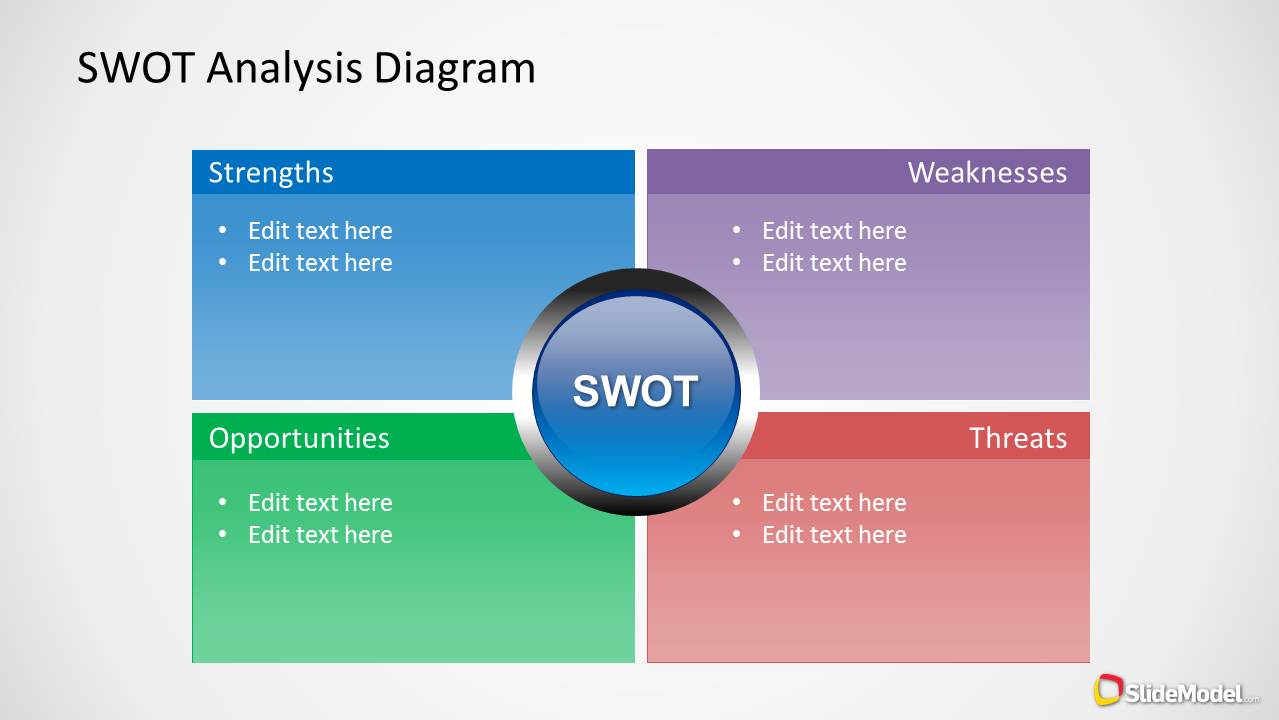
SWOT Analysis Diagram Slide Design for PowerPoint is a PowerPoint template that you can use to present a SWOT Analysis.
You can use this SWOT slide design to present a SWOT analysis using Microsoft PowerPoint 2010 and 2013. Alternatively you can download other SWOT PowerPoint templates like the mind map SWOT template for PowerPoint or Flat SWOT Analysis PowerPoint template.
What’s inside this template
Example presentation scenarios
- A strategy consultant can use the SWOT quadrants to summarize discovery findings for a client leadership team and move the discussion toward priorities.
- A product manager can present the Strengths and Weaknesses sections to compare internal capabilities before deciding which opportunities deserve roadmap attention.
- A marketing manager can use the Opportunities and Threats quadrants to frame market conditions for a campaign planning session with executives.
- A business analyst can convert workshop notes into the four bullet-list sections so stakeholders see the main issues without reading a long report.
Features
- 100% editable presentation template
- Compatible with Microsoft PowerPoint
- 16:9 aspect ratio slides
- Scalable vector shapes, icons and illustrations
- AI-Ready for Microsoft Copilot and Claude
- Instant access and download
Frequently asked questions
Q: How should a presenter structure the discussion around this SWOT slide?
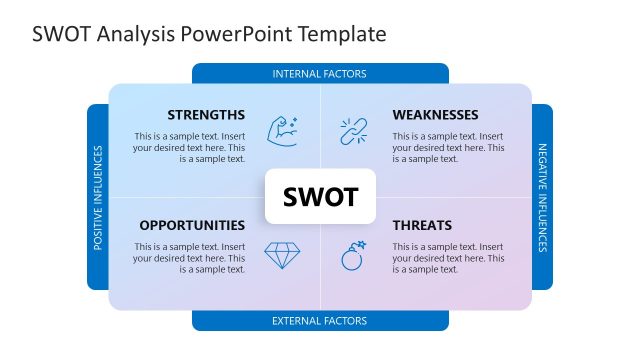
A: Start with the two internal factors, Strengths and Weaknesses, because they describe what the organization can control. Then move to Opportunities and Threats to show outside conditions. Keep each quadrant to a few concise bullets, and use the central SWOT badge as the reset point when transitioning from diagnosis to decision.
Q: Who is this SWOT diagram best suited for?
A: This slide is best for presenters who need to summarize strategic context quickly for managers, executives, clients, or project sponsors. It works well when the purpose is not to teach SWOT theory, but to show the current business situation in four categories that can support prioritization, risk discussion, or planning.
Q: Why does the four-quadrant design help communicate a SWOT analysis?
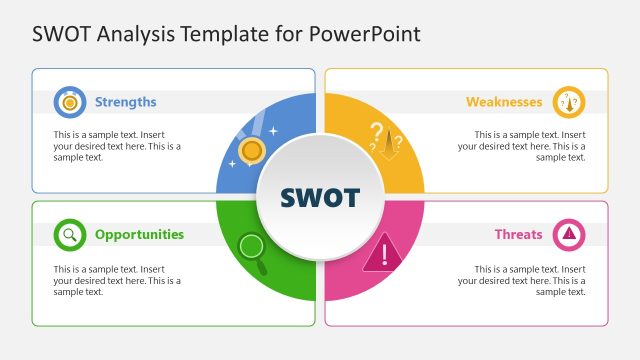
A: The quadrant layout makes the comparison visible before the audience reads the bullets. Blue and green areas separate positive factors, while purple and red areas separate constraints and risks. The central circular SWOT badge acts as a visual anchor, keeping the four categories connected as one strategic assessment.
SWOT Analysis Diagram Slide Design for PowerPoint
1-slide PowerPoint slide template for SWOT quadrants, strengths, weaknesses, opportunities, and threats
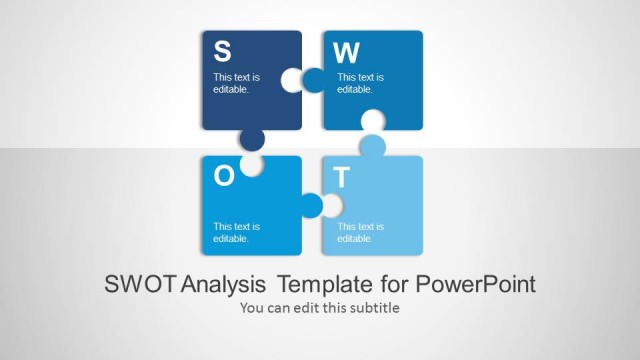
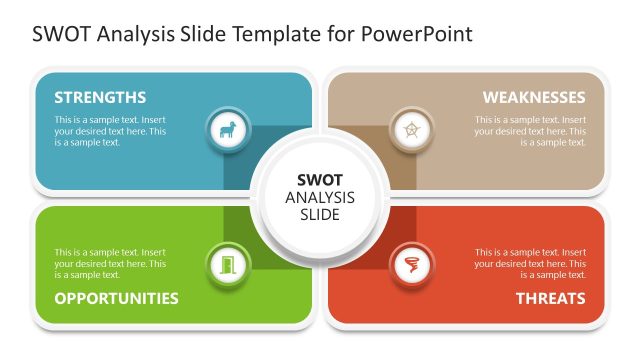
SWOT Analysis Diagram Slide Design for PowerPoint is a 1-slide strategy template for Microsoft PowerPoint. It shows a four-quadrant SWOT matrix with Strengths, Weaknesses, Opportunities, and Threats, plus a central circular SWOT badge and editable bullet lists for teams preparing business analysis or planning discussions.
- Category
- Strategy
- Rating


 Loading...
- Aspect ratio
- 16:9
- Item ID
- 6026
- Colors
 Microsoft PowerPoint
  Microsoft Copilot
  Claude for PowerPoint
 Other formats supported
Subscribe today and get immediate
access to download our PowerPoint templates.