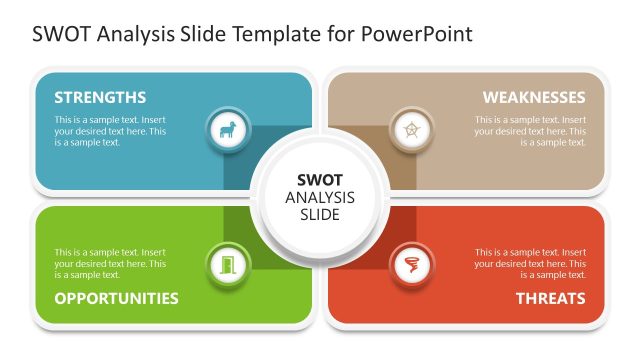
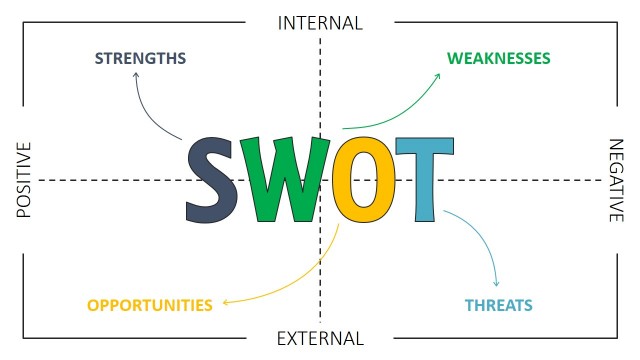
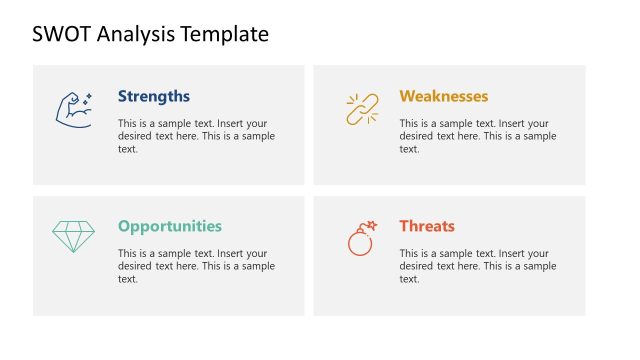
SWOT Mind Map for PowerPoint– SWOT Analysis is a model generally used in organization understanding and planning. It is composed of 4 variables- Strengths, Weaknesses, Opportunities and Threats. Appeal to professional audiences with smart and functional presentations using this PowerPoint template.
Mind mapping is the process of creating a diagram that looks like a brain. The diagram has a single concept. From that concept, branches with related ideas are made. The user can display the ideas through pictures, clip art, words or video contents. The branches symbolize the nerves that can be found in the brain. It can be another creative and useful way to organize the facts for a SWOT Analysis. Strengths section includes the positive attributes of the organization. Branches that display weaknesses can refer to weak points and limitations. Opportunities are new possibilities that the company can take. Threats are the challenges the organization is facing. Analyzing these conditions can give direction to a business or a person.
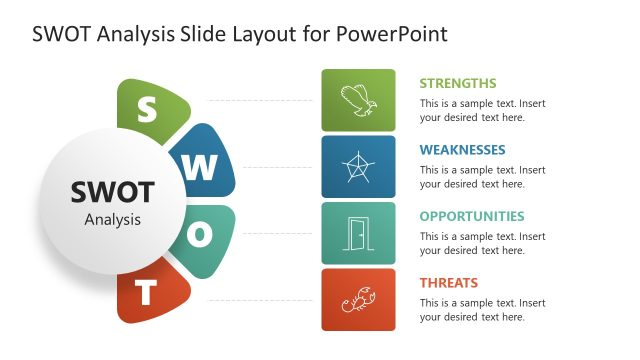
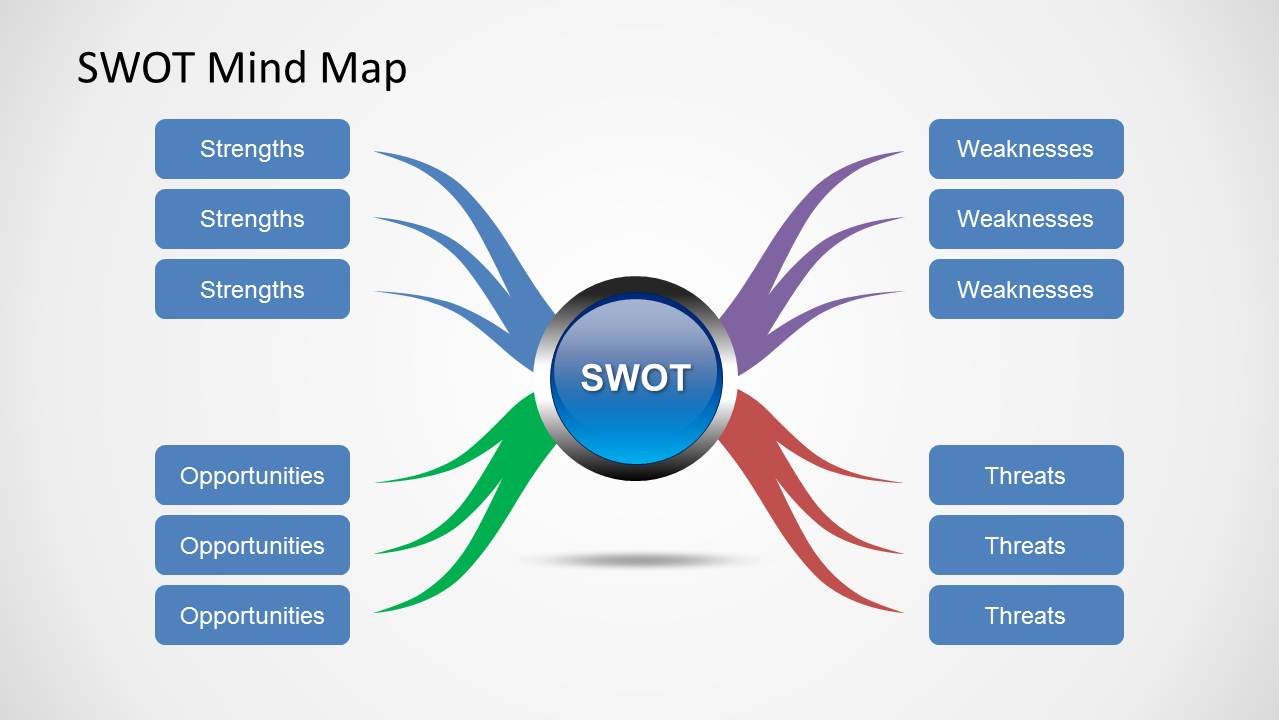
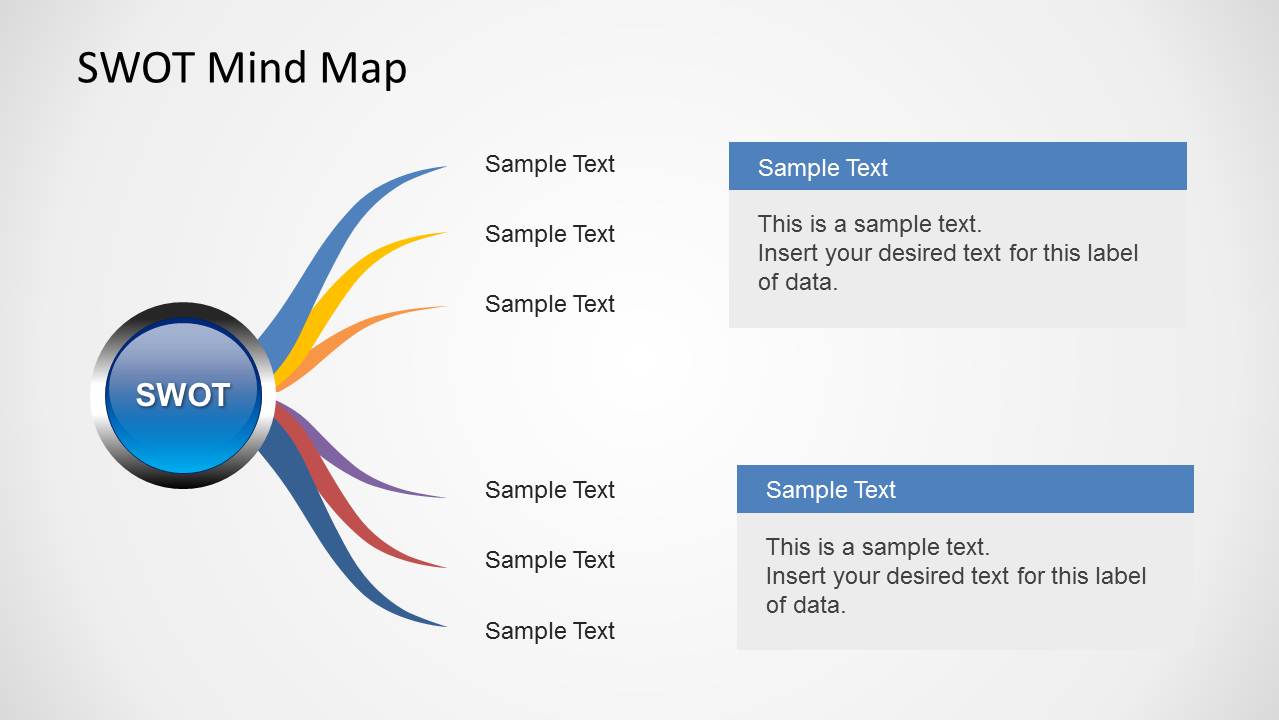
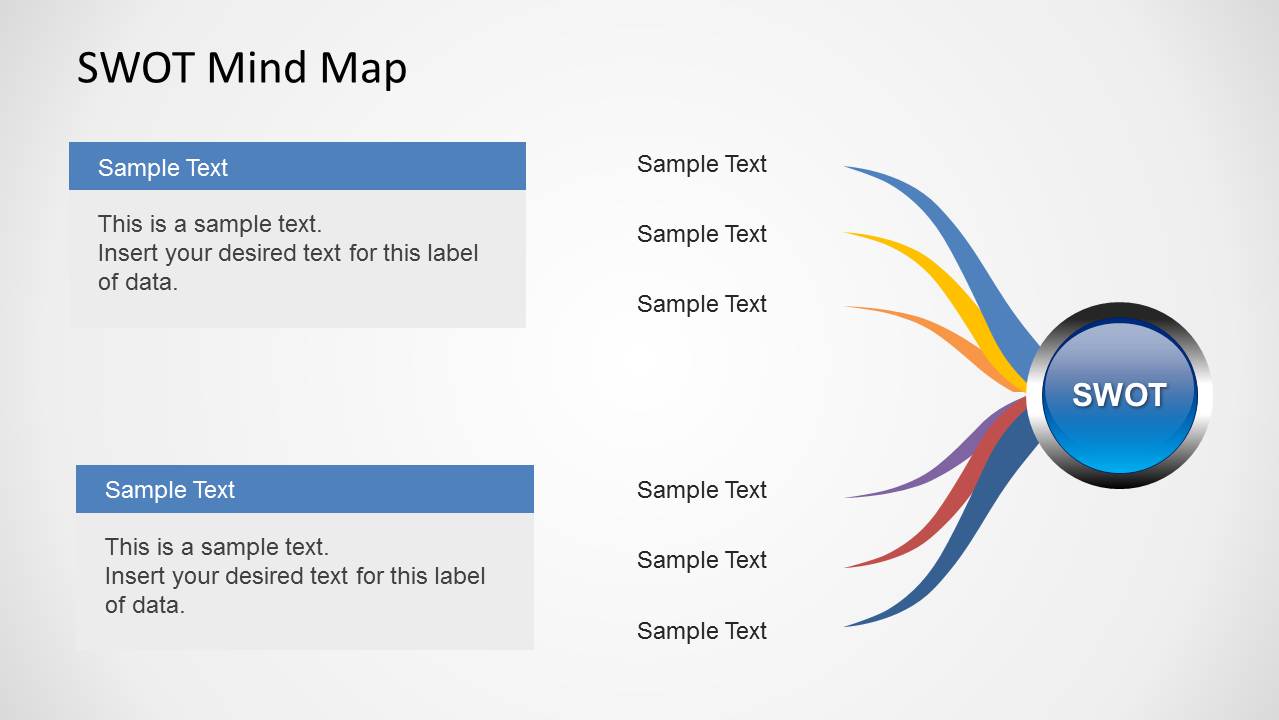
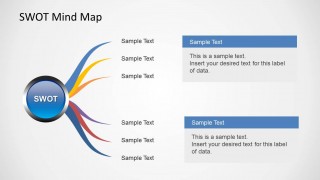
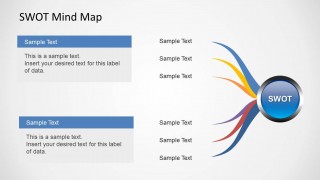
The slide designs can help the user develop great visuals. This can then lead the audience towards better understanding of the entire report. The first slide illustrates the whole diagram. The circle in the middle is where the concept title can be written. The colored curves on the sides connect the subtopics to the main topic. The presenter can choose to alter the color of the curves using PowerPoint shapes menu. The circle shape can be found on the left side and the curves point to the text placeholders on the right in the 2nd slide. The third slide shows the circle on the right and the curves point to the text boxes on the left.
The PowerPoint template is ideal for business planning and organizational development. The user can utilize it as a tool for feasibility studies. It can guide innovators towards effective applications. SWOT Analysis is widely used in personal psychology as well.
Deliver high standard presentations with SWOT Mind Map for PowerPoint. The SlideModel gallery SWOT PowerPoint Templates is a list of more amazing and downloadable options.
What’s inside this template
Example presentation scenarios
- A strategy consultant can use the full SWOT mind map to facilitate a client workshop and capture strengths, weaknesses, opportunities, and threats around one central business issue.
- A business analyst can use the left-to-right callout layout to explain priority findings, placing short labels beside the branches and adding supporting notes in the blue-header text panels.
- An executive team can use the mirrored mind map to compare external opportunities and threats during a planning review, keeping the SWOT concept visible as the anchor.
- A project manager can use the four-branch diagram to summarize readiness for a new initiative, separating positive attributes, limitations, market possibilities, and risks.
Features
- 100% editable presentation template
- Compatible with Microsoft PowerPoint
- Scalable vector shapes, icons and illustrations
- AI-Ready for Microsoft Copilot and Claude
- Instant access and download
Frequently asked questions
Q: How should a presenter communicate a SWOT message with this mind map format?
A: Start with the central SWOT hub and define the decision or topic being analyzed before filling the branches. Keep each rounded label short, using the text panels on slides 2 and 3 for explanation. This separates headline factors from supporting detail, so the audience can see the strategic structure before discussing implications.
Q: Who is this template best suited for, and in what presentation setting?
A: This template fits consultants, managers, founders, and analysts who need to explain a qualitative strategy assessment in a planning meeting, workshop, or feasibility review. It works best when the presenter wants a visual discussion aid for strengths, weaknesses, opportunities, and threats rather than a dense report page or data dashboard.
Q: Why use a mind map metaphor instead of a standard SWOT matrix?
A: The mind map metaphor makes the central topic the visible anchor and shows each SWOT category as a branch of that topic. This is useful when discussion is exploratory, because the curved branches suggest related ideas radiating from one issue. The mirrored layouts also help direct attention toward either labels or explanatory callouts.
SWOT Mind Map for PowerPoint
3-slide PowerPoint presentation template for SWOT mind maps, strategy branches, and editable callout diagrams
SWOT Mind Map for PowerPoint is a 3-slide strategy diagram template for Microsoft PowerPoint. It includes a central SWOT hub with four colored branches, a left-to-right mind map with callout panels, and a mirrored right-to-left version. Business presenters can organize strengths, weaknesses, opportunities, and threats as editable theme-aware shapes.


 Loading...
 Microsoft PowerPoint
  Microsoft Copilot
  Claude for PowerPoint
 Other formats supported
Subscribe today and get immediate
access to download our PowerPoint templates.