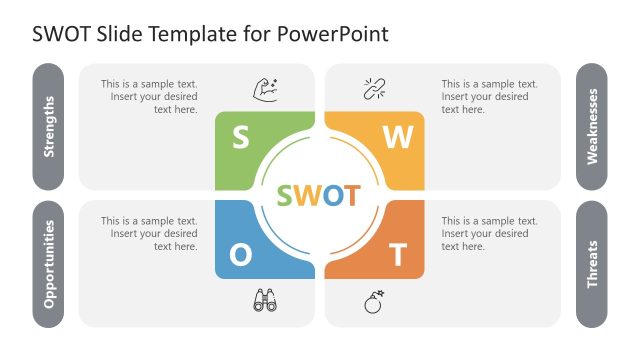
Download our customizable SWOT Analysis Template for PowerPoint to showcase the outcomes of your company’s SWOT analysis. A SWOT analysis is a tool that evaluates the company’s strengths and weaknesses. It also helps professionals identify the potential opportunities available to the company and possible threats that can harm the company’s processes. We Have created this template to help professionals, project managers, and other users discuss their abilities, shortcomings, and other aspects. Users can use it relevant to the company and their personal development. Our template is 100% editable; presenters can edit it for their business or academic sessions. Moreover, this SWOT analysis template for presentation is also editable with Google Slides and Keynote.
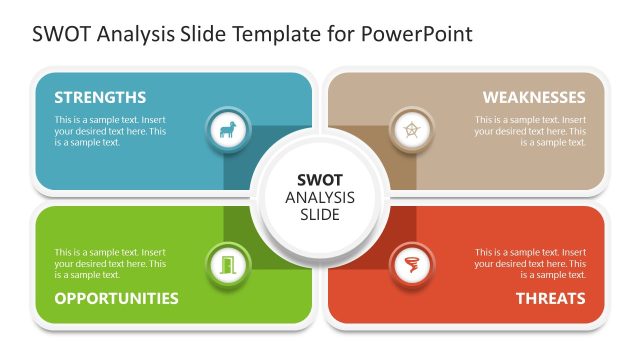
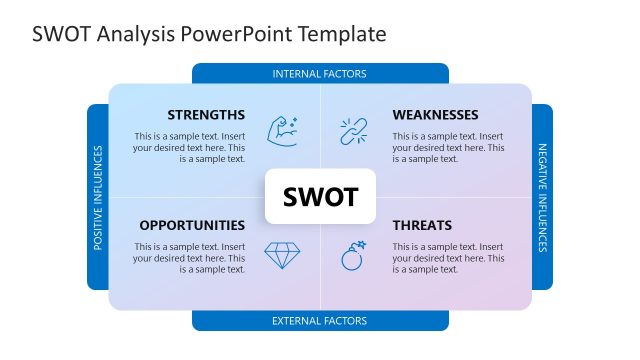
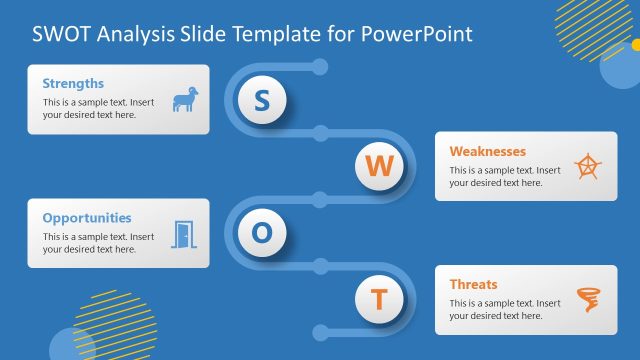
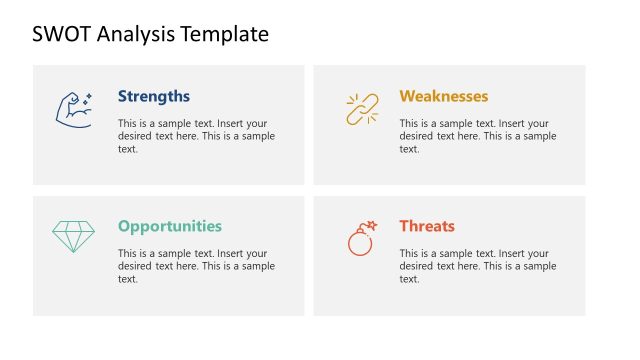
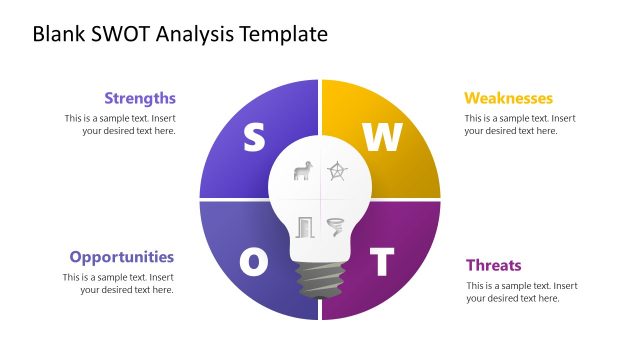
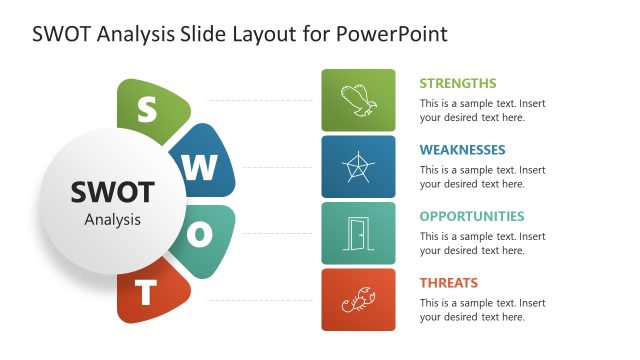
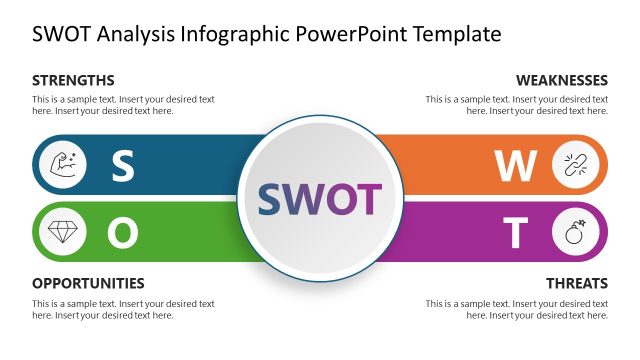
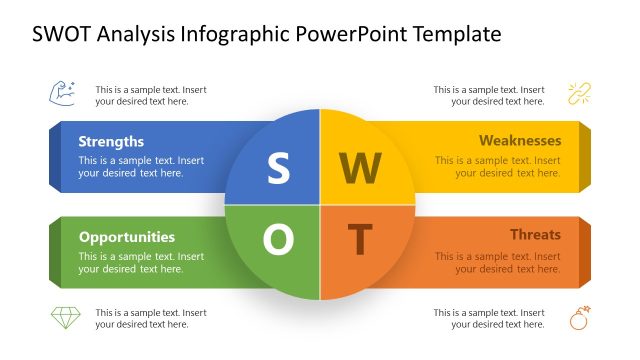
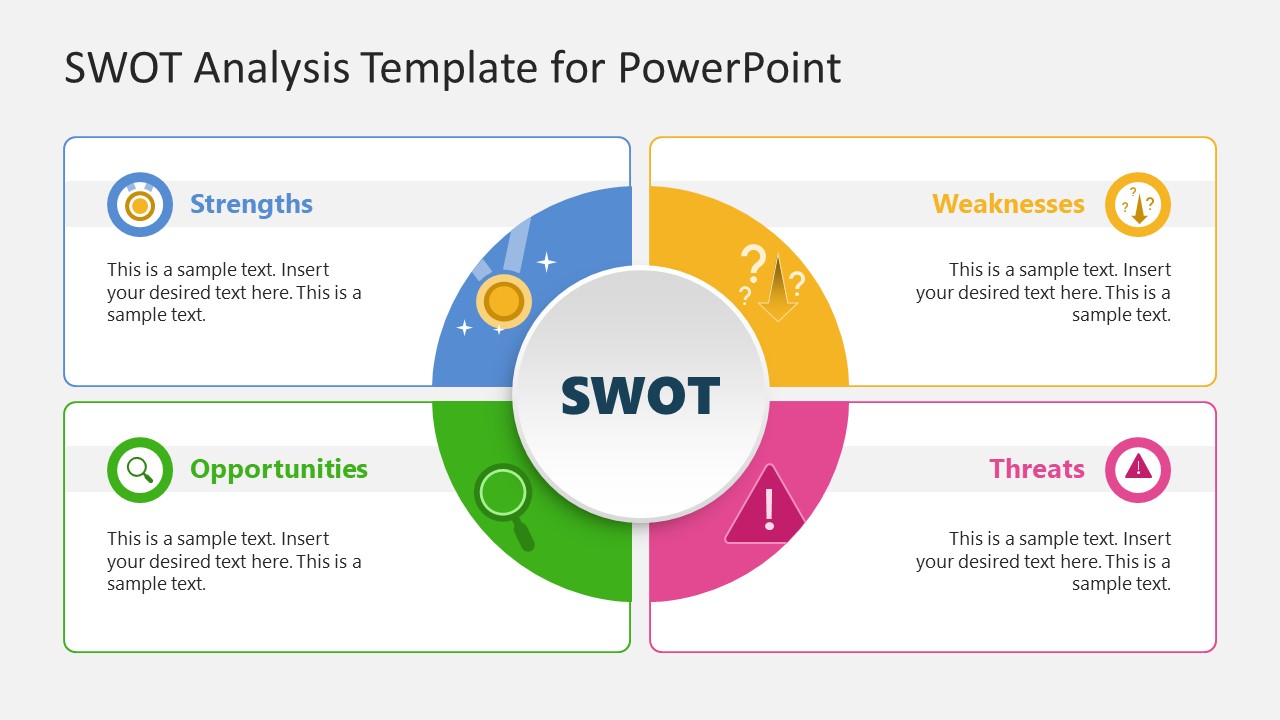
The SWOT Analysis Template for PowerPoint has two slides showing the same diagram with some variations. The layout shows a central circular diagram with four segments. Each circular section extends into a larger rectangular shape. In the center, users can write the heading of the presentation. Also, each section has a bright color that captures the audience’s attention and engages them with the presentation. All the rectangular shapes have a ribbon-like bar in the rectangular box, which contains a circular shape containing infographics corresponding to the circular segment and colorful title text. Both two slides have similar graphical arrangements, but they are different in the description text style. The first slide is provided in paragraph format, while the second slide has star bullets.
Users can change the PPT components of the template to fit their needs accurately. They can also modify the color scheme and fonts used in the slide design. Download this template and edit it now! Also, check our collection of SWOT Analysis templates and business PowerPoint templates.
What’s inside this template
Example presentation scenarios
- A strategy manager can use the quadrant diagram to brief executives on company strengths, weaknesses, opportunities, and threats before choosing priorities.
- A project manager can present the bulleted SWOT slide during a kickoff or review meeting to list internal constraints and external risks in a compact format.
- A consultant can use the paragraph-style SWOT slide to summarize discovery findings for a client and keep the discussion centered on the four analysis categories.
- An instructor can use the color-coded SWOT panels as a classroom exercise where students compare factors for a case study or personal development plan.
Features
- 100% editable presentation template
- Compatible with Microsoft PowerPoint and Google Slides
- 16:9 aspect ratio slides
- Scalable vector shapes, icons and illustrations
- AI-Ready for Microsoft Copilot and Claude
- Instant access and download
Frequently asked questions
Q: How should a presenter structure the message on these SWOT slides?
A: Start with the central SWOT label as the framing idea, then move clockwise through Strengths, Weaknesses, Opportunities, and Threats. Keep each panel to one clear point or a short set of bullets. The first slide fits brief narrative explanations, while the second slide works better for scanning prioritized items.
Q: Who is this SWOT template best suited for?
A: This template is best for presenters who need to explain a focused strategic assessment without building a full business plan deck. It fits project managers, consultants, founders, educators, and team leads who want the audience to compare internal capabilities with external conditions in one visual frame.
Q: Why does the circular SWOT design help the audience understand the analysis?
A: The central circle makes SWOT the anchor, while the four surrounding panels separate the categories without losing their relationship. The color-coded arcs and icons act as visual cues, helping the audience distinguish positive and negative factors faster than a plain text list or table.

SWOT Analysis Template for PowerPoint
2-slide SWOT analysis presentation template with quadrant diagram layouts for strengths, weaknesses, opportunities, and threats
The SWOT Analysis Template for PowerPoint is a 2-slide presentation template for organizing strengths, weaknesses, opportunities, and threats. It includes two SWOT quadrant diagrams with a central circular hub, color-coded category panels, icon markers, paragraph text, and star bullet text for business, project, and academic analysis in Microsoft PowerPoint and Google Slides.
- Category
- PowerPoint Templates
- Rating

 Loading...
- Aspect ratio
- 16:9
- Item ID
- 22717-01
- Colors
 Microsoft PowerPoint
  Microsoft Copilot
  Claude for PowerPoint
 Other formats supported
Subscribe today and get immediate
access to download our PowerPoint templates.