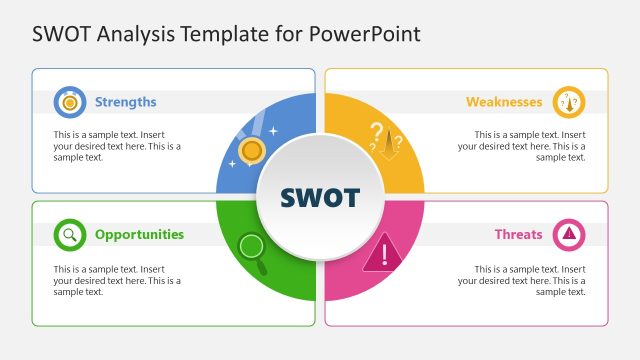
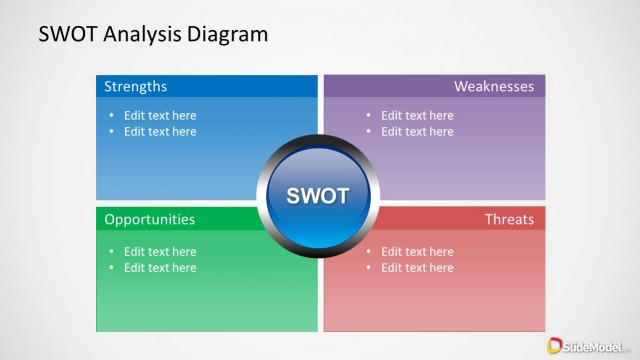
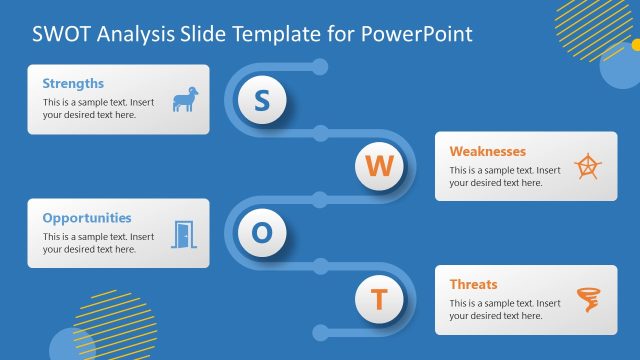
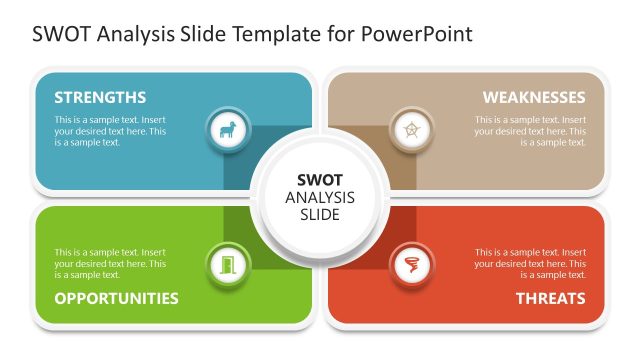
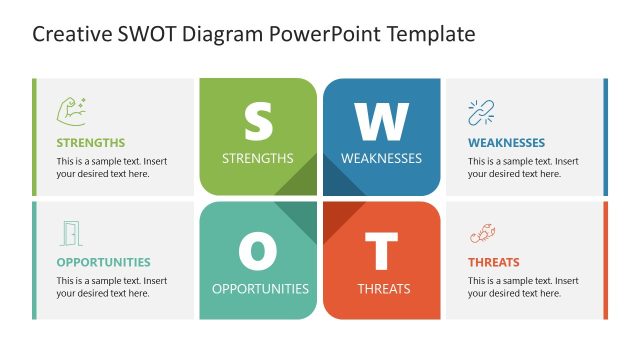
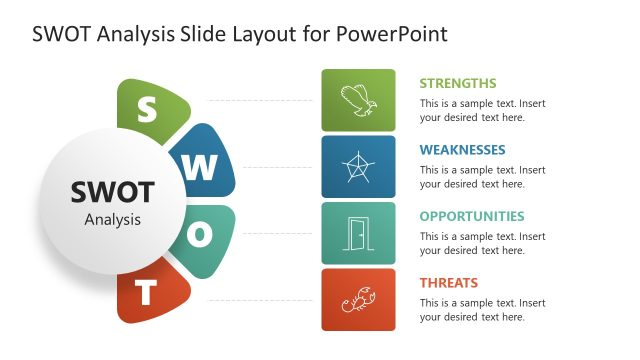
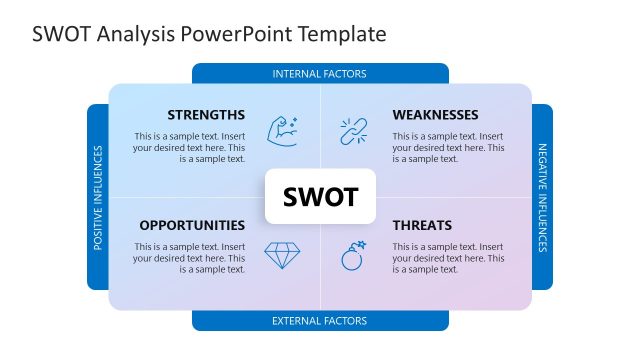
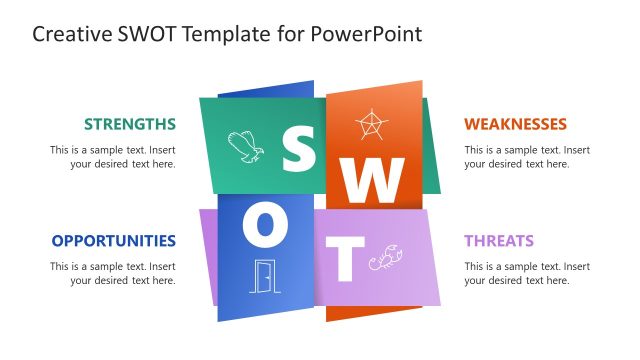
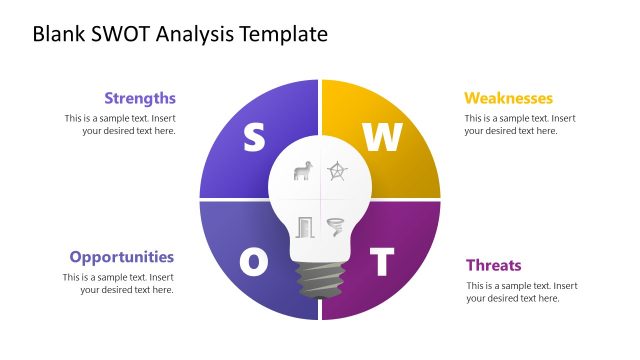
The Colorful SWOT Analysis Diagram for PowerPoint provides multiple editable slides for making a SWOT analysis in PowerPoint.
This template can reduce hours of work for making a professional SWOT analysis, as all slides are easy to edit and provide standard layouts for creating a comprehensive analysis for showing the strengths, weaknesses, opportunities and threats associated with a business venture.
You can also download other slide designs from our SWOT Analysis PowerPoint Templates.
What’s inside this template
Example presentation scenarios
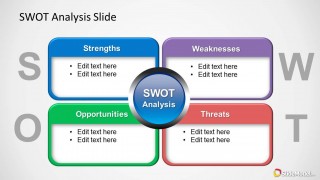
- A strategy consultant can use the labeled SWOT quadrants to summarize a client's internal strengths and weaknesses alongside external opportunities and threats.
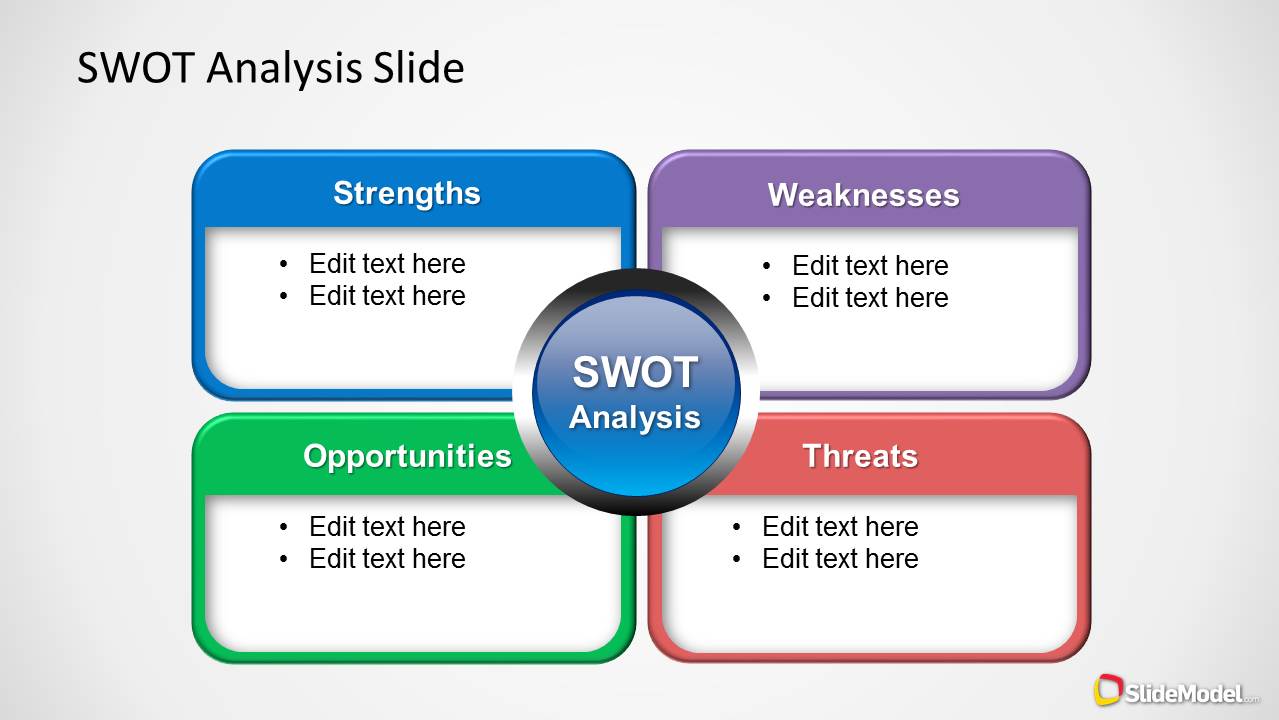
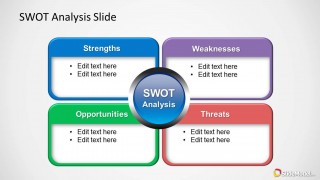
- A startup founder can present the bullet-list SWOT boxes to investors or advisors when framing risks and advantages for a new venture.
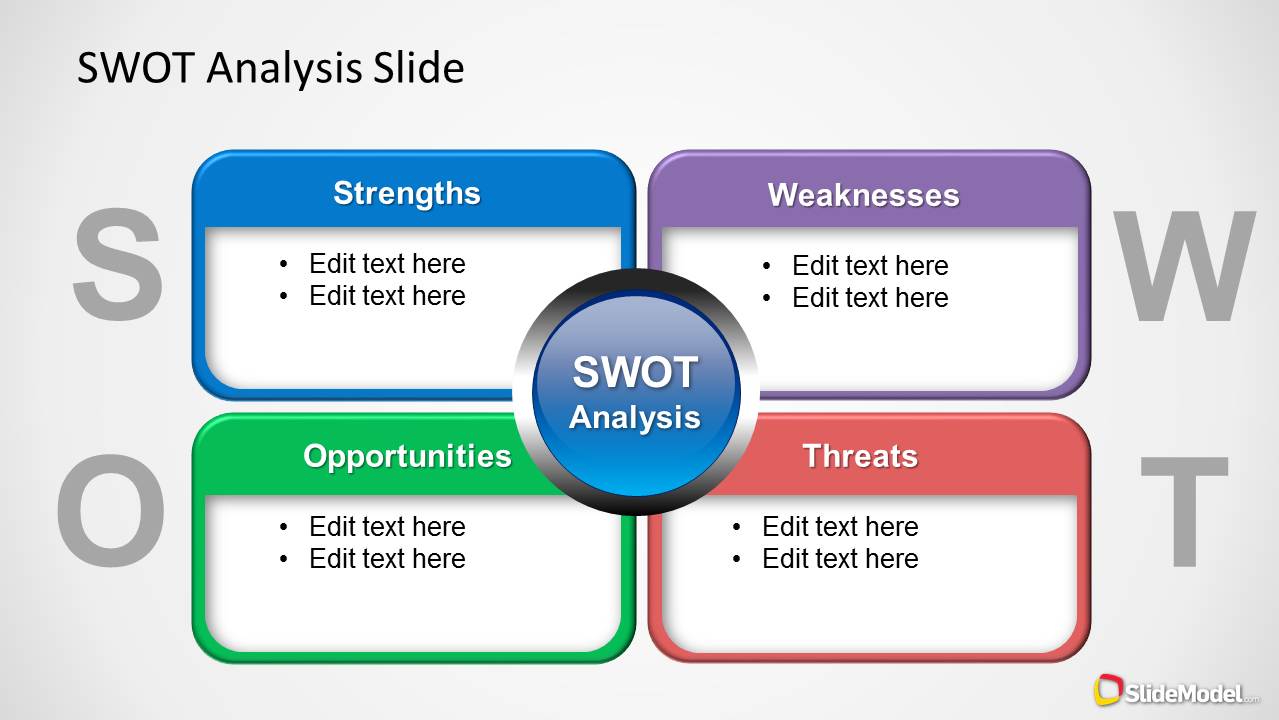
- A product manager can use the central SWOT hub and four content areas to compare market opportunities, technical strengths, competitive threats, and product gaps.
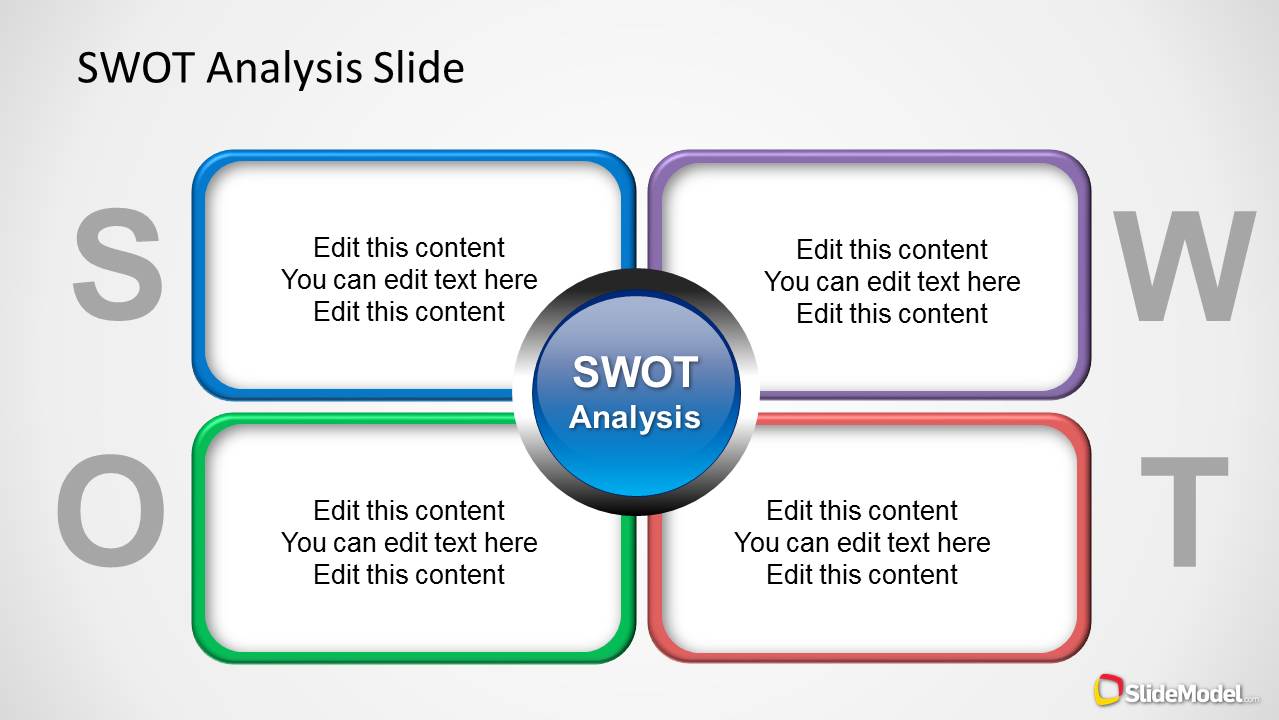
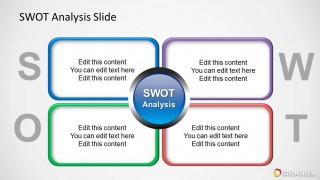
- An executive team can use the paragraph-style SWOT layout to discuss a strategic decision in a workshop without overloading the slide with long lists.
Features
- 100% editable presentation template
- Compatible with Microsoft PowerPoint and Google Slides
- Scalable vector shapes, icons and illustrations
- AI-Ready for Microsoft Copilot and Claude
- Instant access and download
Frequently asked questions
Q: How should a presenter structure the message on these SWOT slides?
A: Start with the clearest strategic question, then fill each quadrant with short, parallel statements. Keep strengths and weaknesses focused on internal capabilities, and keep opportunities and threats focused on external conditions. The colored boxes make comparison easy, but the presenter should still prioritize the top factors instead of listing every possible item.
Q: Who is this SWOT diagram best suited for?
A: This template fits consultants, founders, product managers, and business leaders who need to explain a strategic position quickly. It works best in planning meetings, venture reviews, competitive discussions, or executive updates where the audience needs a shared view of advantages, gaps, market openings, and risks.
Q: Why does the four-quadrant design help communicate SWOT analysis?
A: The quadrant structure matches the standard SWOT mental model, so the audience can scan categories without learning a new framework. The central SWOT circle acts as a visual anchor, while the large background letters reinforce each category. This keeps attention on the comparison between internal and external factors.
Colorful SWOT Analysis Diagram for PowerPoint
3-slide SWOT analysis presentation template with colorful quadrant diagrams for strategy planning
Colorful SWOT Analysis Diagram for PowerPoint is a 3-slide strategy diagram template for building SWOT analysis slides. It includes labeled Strengths, Weaknesses, Opportunities, and Threats quadrants, bullet-list text boxes, and a central SWOT hub. The slides are designed for business teams, consultants, and planners presenting strategic assessments in PowerPoint.


 Loading...
 Microsoft PowerPoint
  Microsoft Copilot
  Claude for PowerPoint
 Other formats supported
Subscribe today and get immediate
access to download our PowerPoint templates.