Slide 1 of 1 from SWOT Analysis Diagram Slide Design for PowerPoint
SWOT Diagram Slide Design
SWOT Analysis Diagram for Business Strategy
- Diagram
- Matrix Quadrant
- Strategic Analysis Slide
- 16:9
- 100% Editable
About This Slide
This is a SWOT Diagram slide created for presentations on SWOT Analysis.
What’s on This Slide
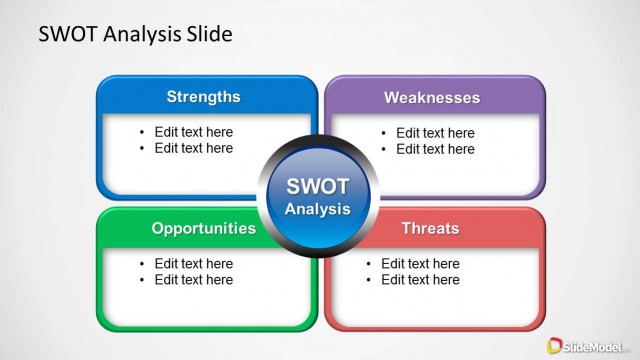
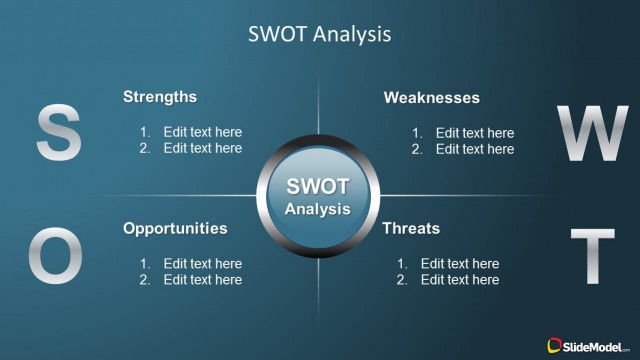
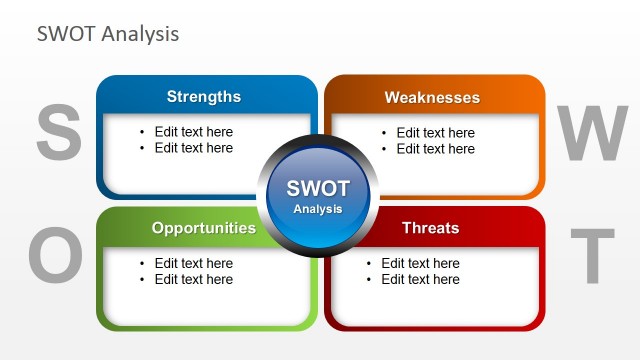
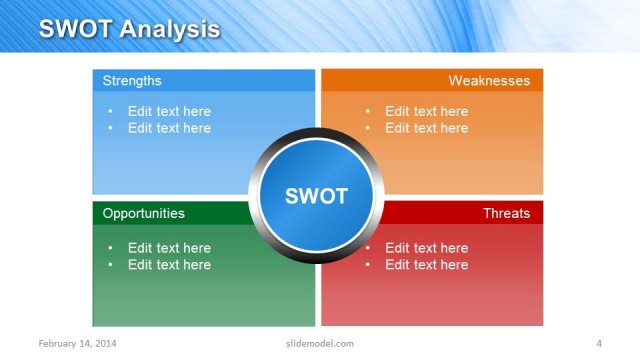
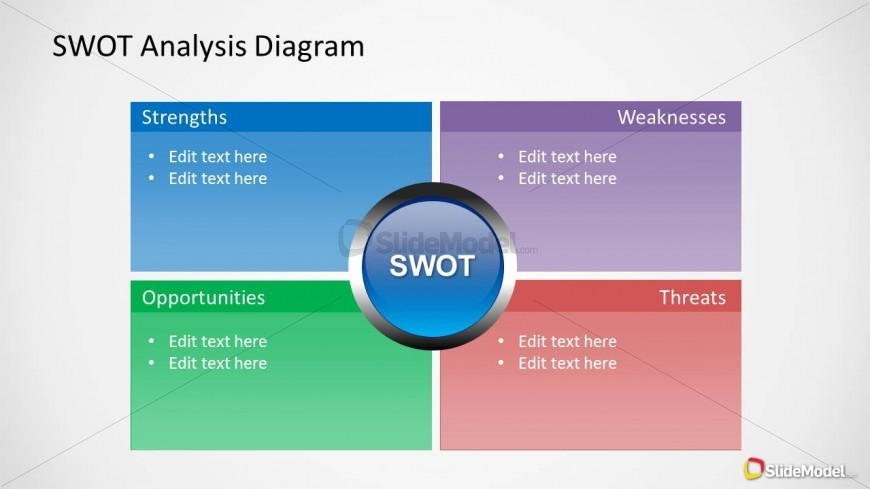
The layout features a four-quadrant matrix with sections labeled Strengths, Weaknesses, Opportunities, and Threats. Each quadrant has a distinct background color: blue for Strengths, purple for Weaknesses, green for Opportunities, and red for Threats. A central circular badge labeled 'SWOT' is positioned in the middle, connecting the quadrants. Each section contains bullet points for editable text, aligned left. The overall composition is symmetrical, with clear visual separation between the quadrants and a light background enhancing clarity.
How to Use It
This layout serves as a SWOT analysis tool, ideal for business presentations focusing on strategic planning. It fits well after problem identification slides, providing a structured approach to analyzing internal and external factors. Use this design in team meetings or strategy sessions to facilitate discussions on strengths, weaknesses, opportunities, and threats. It is effective for summarizing key points in a concise format, making it suitable for various business contexts.
Text Placeholders & Capacity
Keep your copy within these limits so it fits without resizing. Node body slots can hold roughly 8-10 words each.
| Placeholder | Count | Max characters (approx.) |
|---|---|---|
| Slide title | 1 | 30 |
| Item heading | 4 | 20 |
| Item body | 8 | 50 |
Slide Keywords
Download unlimited PowerPoint templates, charts and graphics for your presentations with our annual plan.
DOWNLOADReturn to SWOT Analysis Diagram Slide Design for PowerPoint.