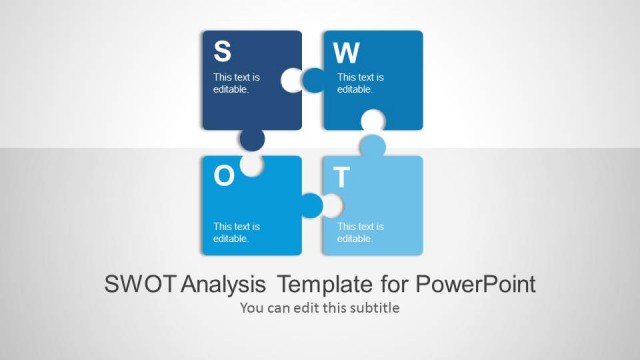
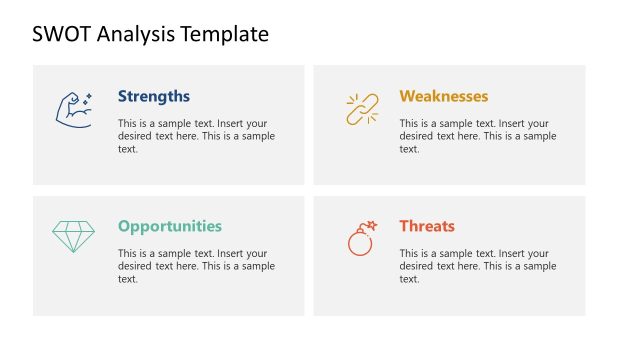
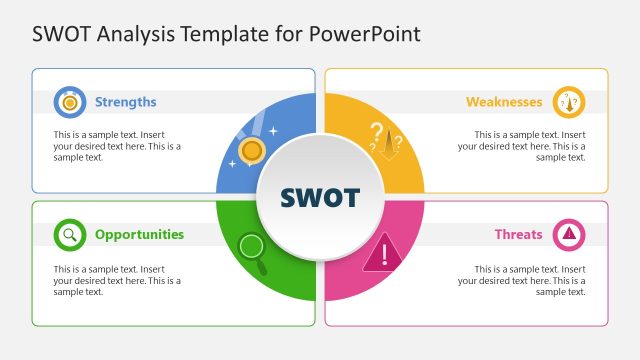
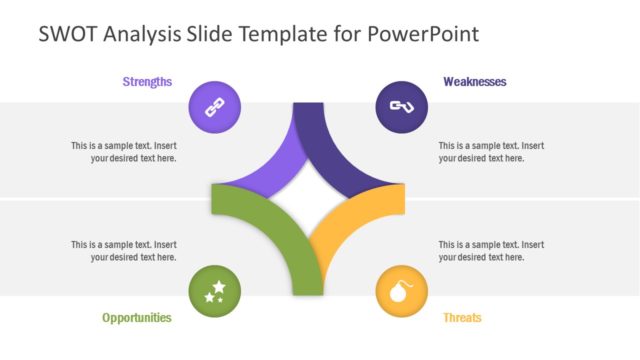
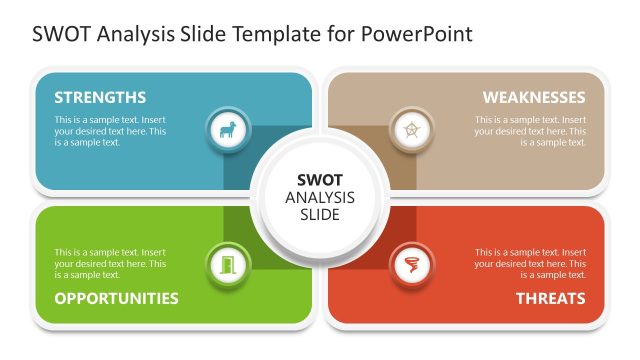
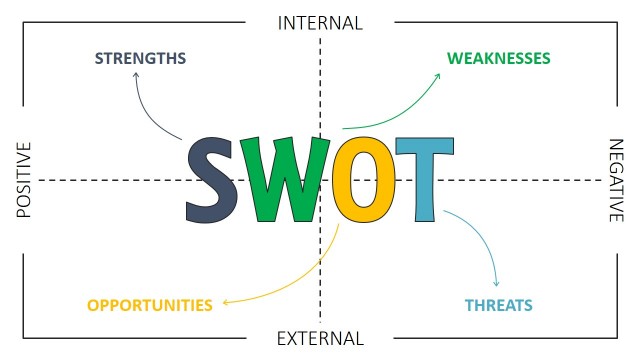
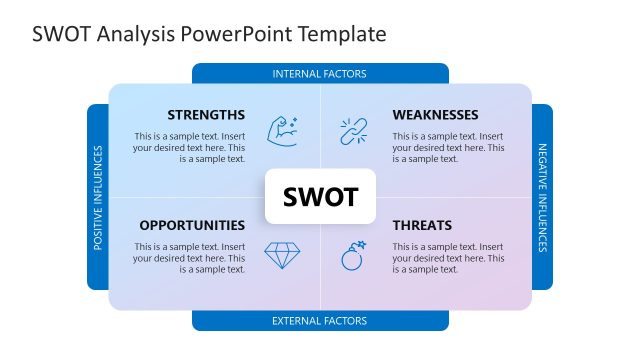
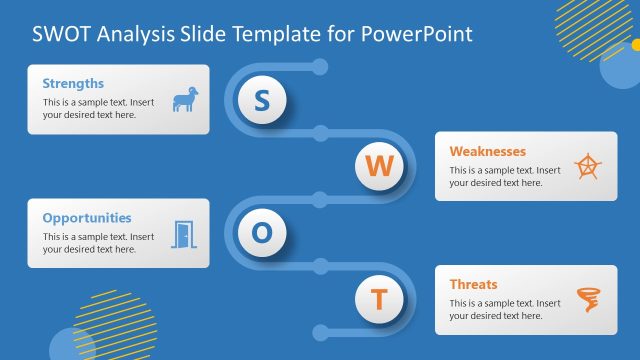
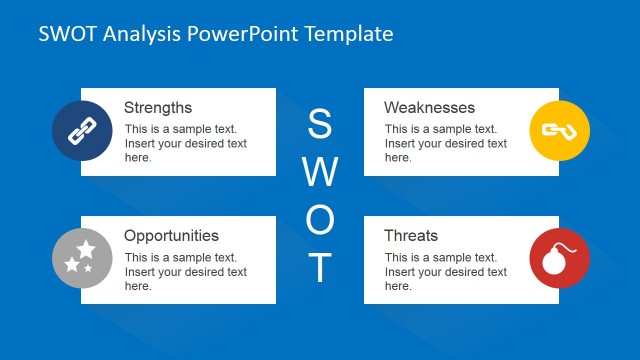
SWOT Analysis Concept Slides for PowerPoint is a presentation template to help you prepare presentations with original SWOT slide designs. SWOT Matrix is a structured planning method worldwide used to evaluate the Strengths, Weaknesses, Opportunities, and Threats involved in a project or in a business venture. You can learn more about what is a SWOT Analysis in our blog post.
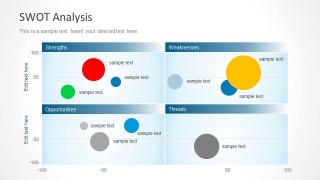
Using this SWOT matrix for PowerPoint you can represent in a PowerPoint slide the outcomes of a SWOT Analysis using an original & creative way. The presentation template for SWOT Analysis comes with a few slide designs with containers for SWOT matrix elements including Strengths, Weaknesses, Opportunities, and Threats plus illustrations of bubbles that help you to visualize a secondary dimension in the same slide. For example, you can use different sizes of bubbles to represent the market share of a given product or business unit or empathize the importance of a given strength or opportunity compared with the other ones.
What’s inside this template
Example presentation scenarios
- A strategy consultant can use the SWOT quadrant bubble chart to present findings from interviews and show which strengths, weaknesses, opportunities, and threats deserve executive attention.
- A product manager can use the coordinate grid and bubble sizes to compare product factors by perceived impact and risk during a roadmap planning session.
- A marketing team can use the light or dark SWOT matrix to summarize competitive analysis and distinguish high-priority opportunities from lower-priority threats.
- A business analyst can use the labeled bubbles and four-category structure to convert workshop notes into a clear executive summary.
Features
- 100% editable presentation template
- Compatible with Microsoft PowerPoint and Google Slides
- Scalable vector shapes, icons and illustrations
- AI-Ready for Microsoft Copilot and Claude
- Instant access and download
Frequently asked questions
Q: How should a presenter explain the bubble SWOT chart without overwhelming the audience?
A: Start with the four SWOT headers, then explain what the horizontal and vertical axes represent for the specific analysis. Introduce the largest or most important bubbles first, because size draws attention. Keep label text short and group the discussion by quadrant so the audience can compare strengths, weaknesses, opportunities, and threats without scanning every point at once.
Q: Who is this template best suited for in a business meeting?
A: This template works best for consultants, strategists, product managers, and business analysts who need to summarize a SWOT assessment in a decision meeting. It is strongest when the audience already understands the topic and needs to see relative priority, impact, or position across Strengths, Weaknesses, Opportunities, and Threats rather than read detailed background text.
Q: Why use bubbles on a SWOT matrix instead of a standard four-box list?
A: The bubble metaphor adds a second layer of meaning to the SWOT model. Placement shows which quadrant a factor belongs to, while bubble size and color can signal importance, market share, urgency, or confidence. This helps the audience see patterns and tradeoffs faster than a text-only SWOT grid.



SWOT Analysis Concept Slides for PowerPoint
2-slide PowerPoint presentation template for SWOT analysis with quadrant bubble charts and coordinate axes
SWOT Analysis Concept Slides for PowerPoint is a 2-slide strategy presentation template built around SWOT quadrant bubble charts. It shows Strengths, Weaknesses, Opportunities, and Threats on a coordinate grid with labeled bubbles in light and dark themes. It is for consultants, strategists, and business teams preparing PowerPoint SWOT discussions.


 Loading...
 Microsoft PowerPoint
 Microsoft Copilot
 Claude for PowerPoint
Other formats supported
Subscribe today and get immediate
access to download our PowerPoint templates.