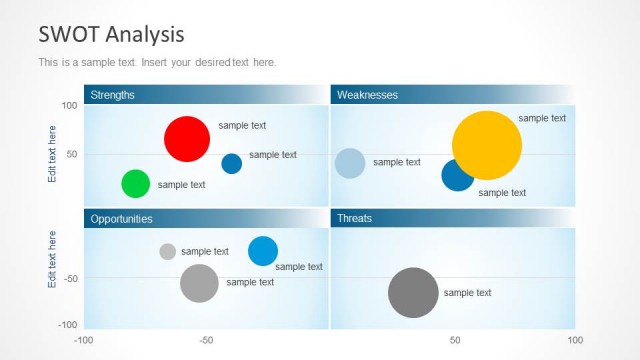
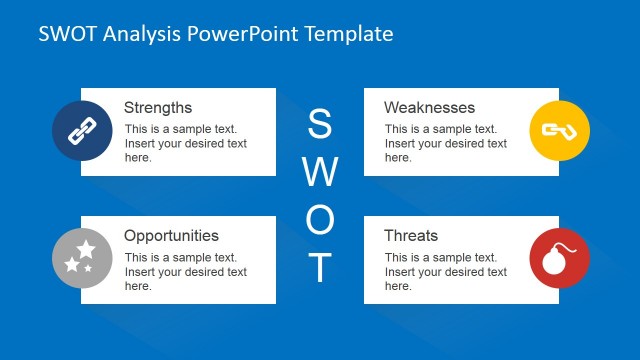
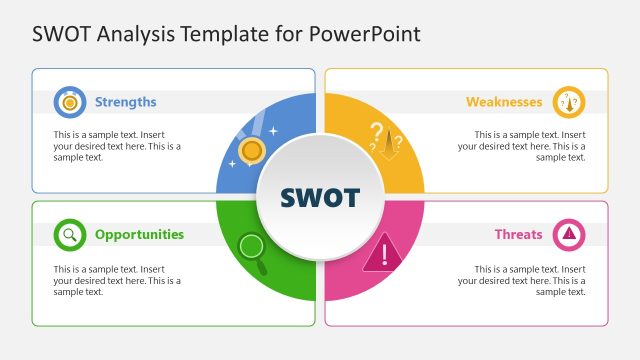
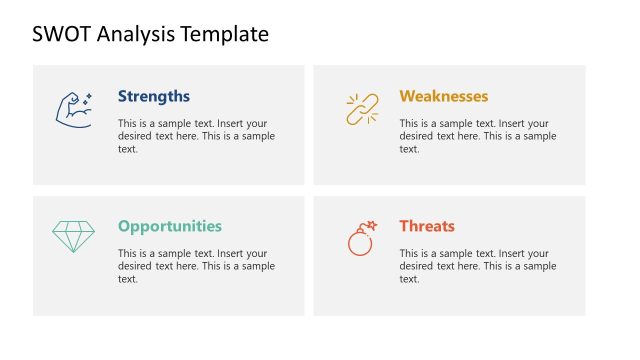
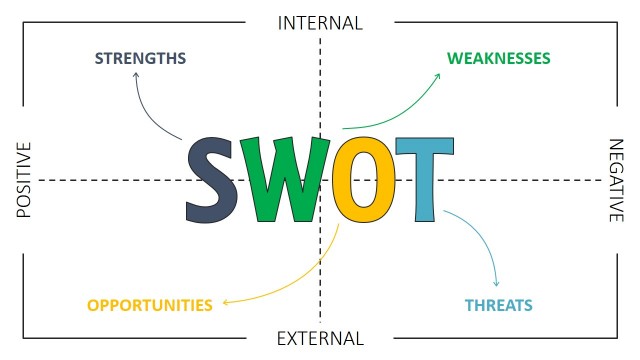
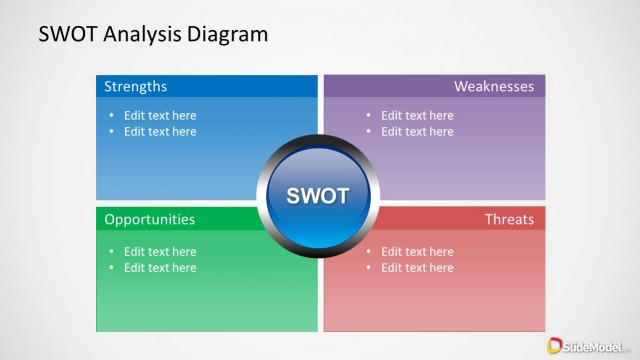
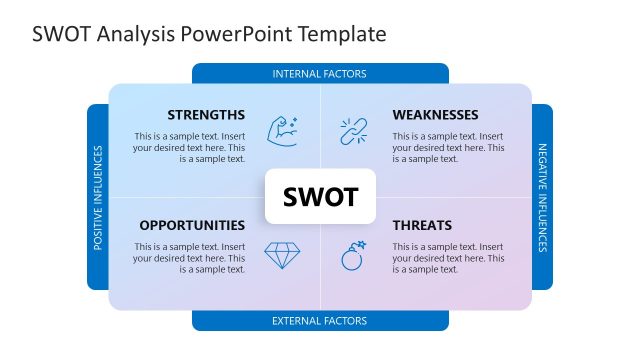
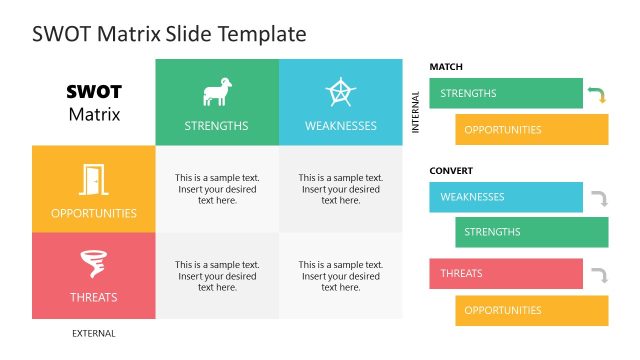
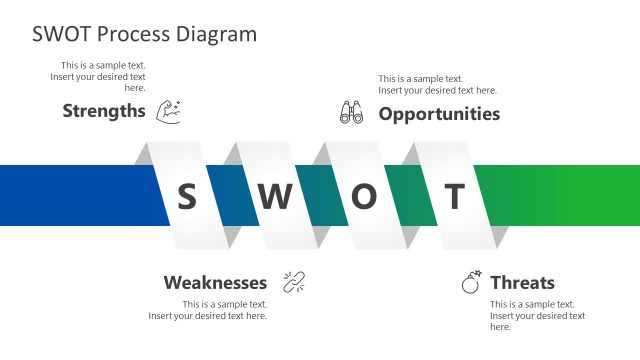
SWOT Analysis PowerPoint Template is a presentation template for Microsoft PowerPoint that you can use to make a presentation with a SWOT Analysis.
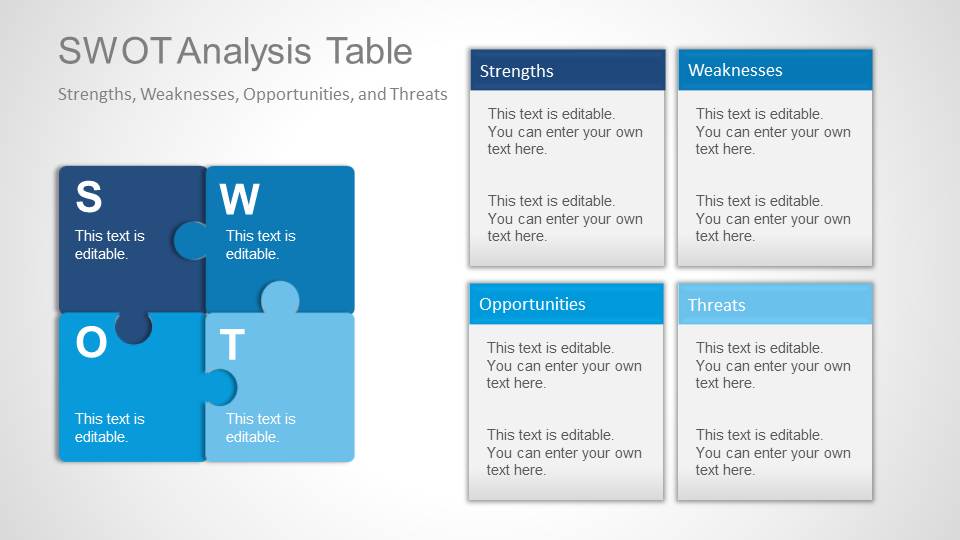
SWOT Matrix is a structured planning method used to evaluate the Strengths, Weaknesses, Opportunities, and Threats. The SWOT Analysis is normally can involve the analysis of Strengths, Weaknesses, Opportunities, and Threats in any new project or venture. You can use this SWOT Analysis Template for PowerPoint to prepare presentations describing each one of the SWOT Matrix elements. There are many different slides that you can use to describe each one of the elements in a SWOT Matrix.
What’s inside this template
Example presentation scenarios
- A strategy consultant can use the SWOT matrix and four detail slides to guide a client through the current business position before recommending next steps.
- A product manager can present Strengths and Weaknesses detail slides to compare internal capabilities before a roadmap or launch planning discussion.
- A marketing team can use the Opportunities and Threats slides to frame market trends, competitor pressure, and campaign risks for leadership.
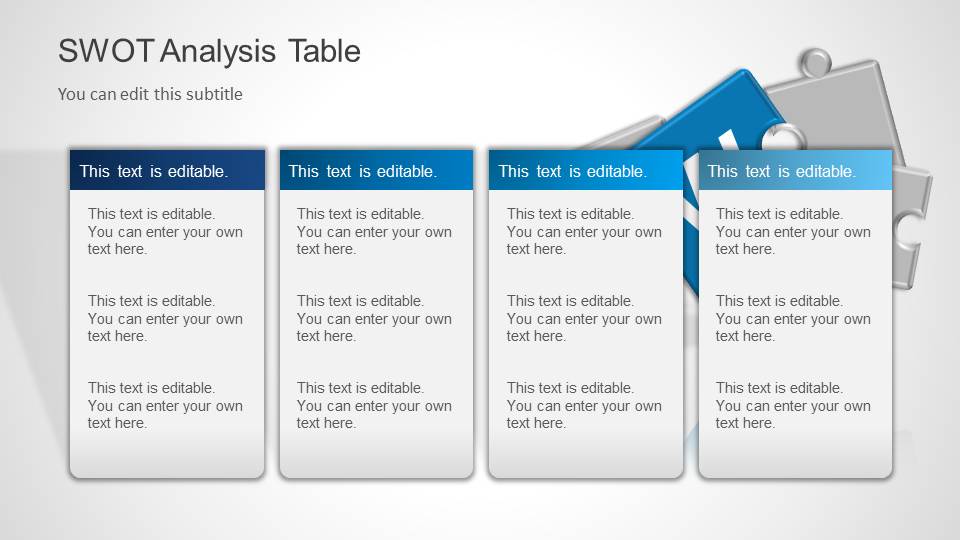
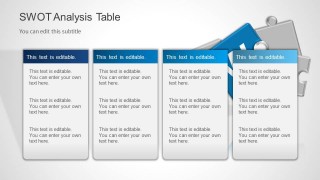
- An executive presenter can use the four-column SWOT table to summarize findings in a board or management review before opening discussion.
Features
- 100% editable presentation template
- Compatible with Microsoft PowerPoint and Google Slides
- 16:9 aspect ratio slides
- Scalable vector shapes, icons and illustrations
- AI-Ready for Microsoft Copilot and Claude
- Instant access and download
Frequently asked questions
Q: How should a presenter structure the SWOT discussion with this template?
A: Start with the cover to frame the business question, then use the full SWOT matrix or table to show the balanced view. Move into the individual Strengths, Weaknesses, Opportunities, and Threats slides only for the points that need explanation. This keeps the audience from debating details before they understand the whole assessment.
Q: Who is this SWOT template best suited for?
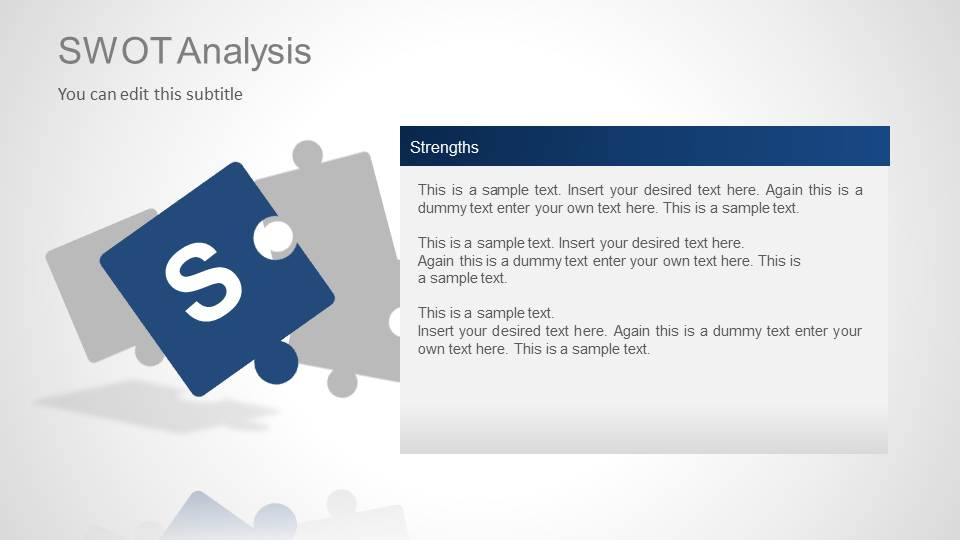
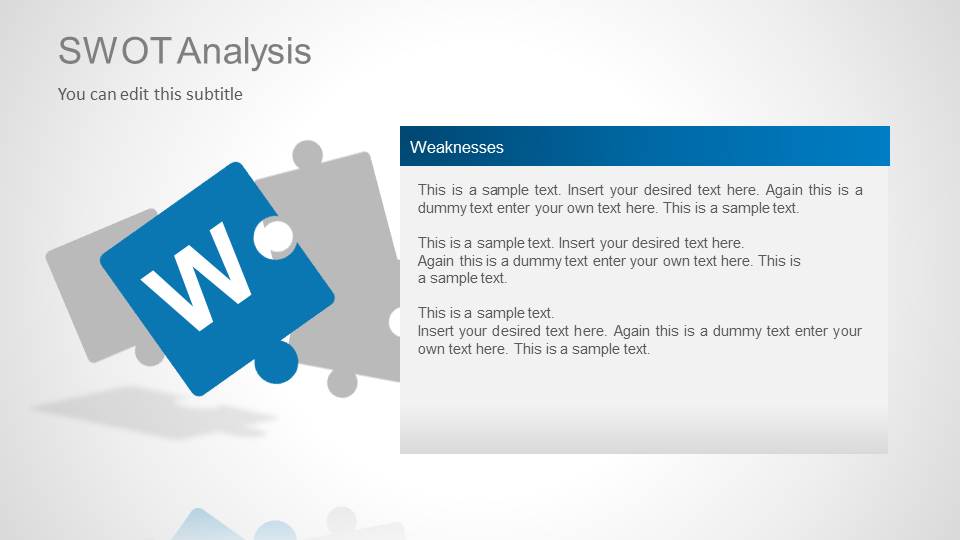
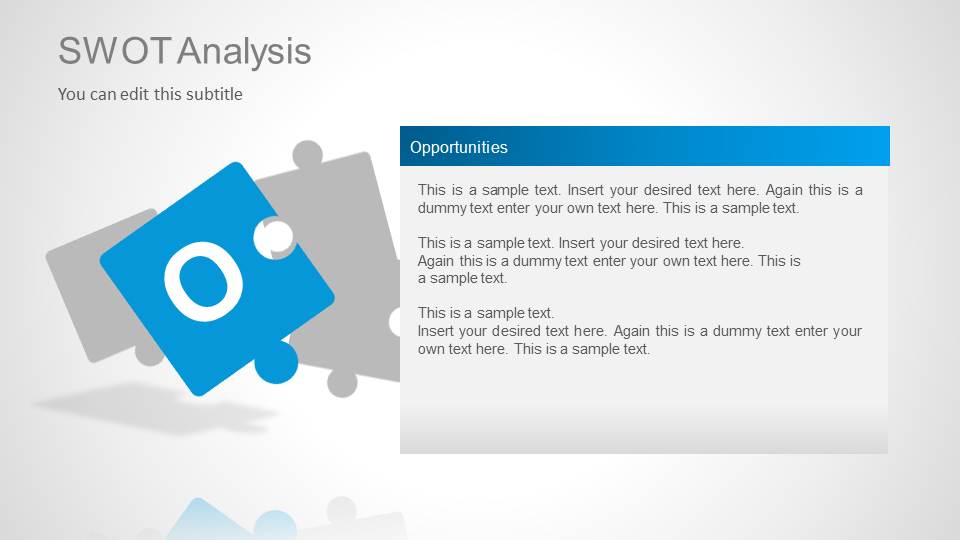
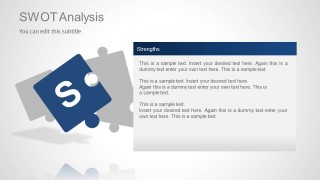
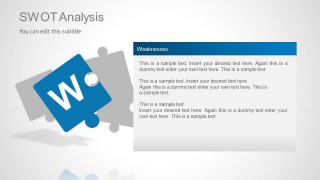
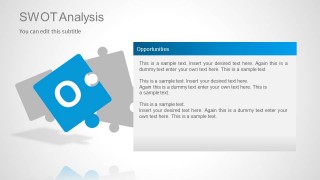
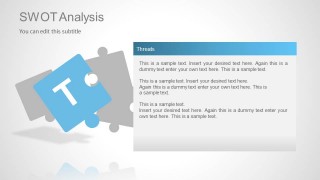
A: This template fits managers, consultants, product leaders, and marketing teams who need to compare internal factors with external conditions. The four-column table supports concise executive summaries, while the separate S, W, O, and T slides give workshop presenters room to discuss evidence, assumptions, and implications behind each category.
Q: Why does the puzzle-piece design work for a SWOT analysis?
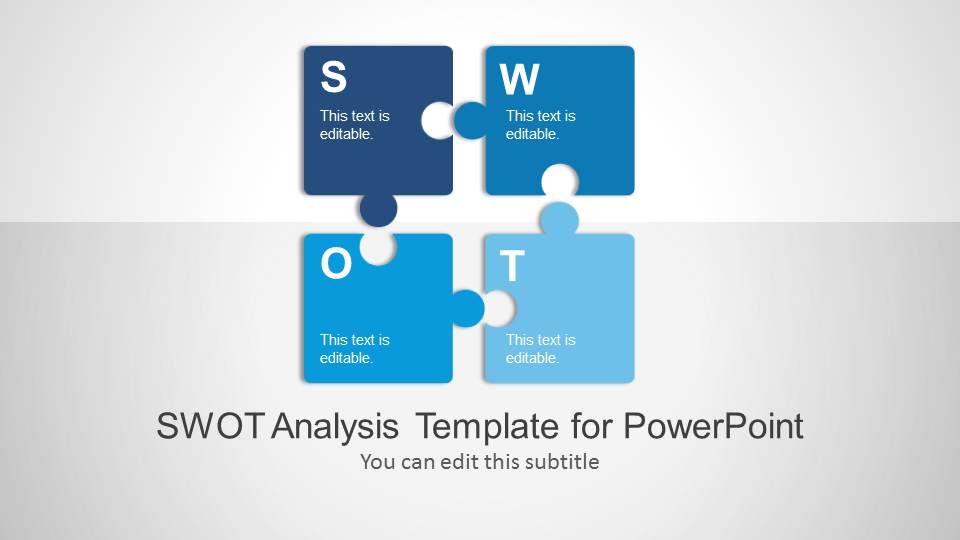
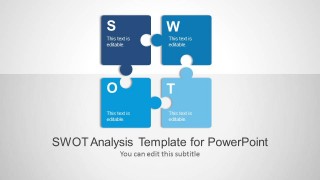
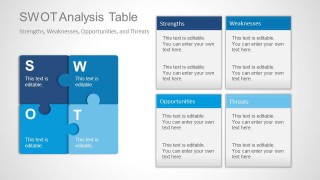
A: The puzzle-piece metaphor shows that Strengths, Weaknesses, Opportunities, and Threats are connected rather than isolated lists. The complete puzzle on the overview slides communicates an integrated strategic picture, while the single-letter puzzle pieces on the detail slides help the audience focus on one dimension at a time.

SWOT Analysis PowerPoint Template
8-slide SWOT analysis presentation template with matrix, table, and puzzle-piece strategy layouts
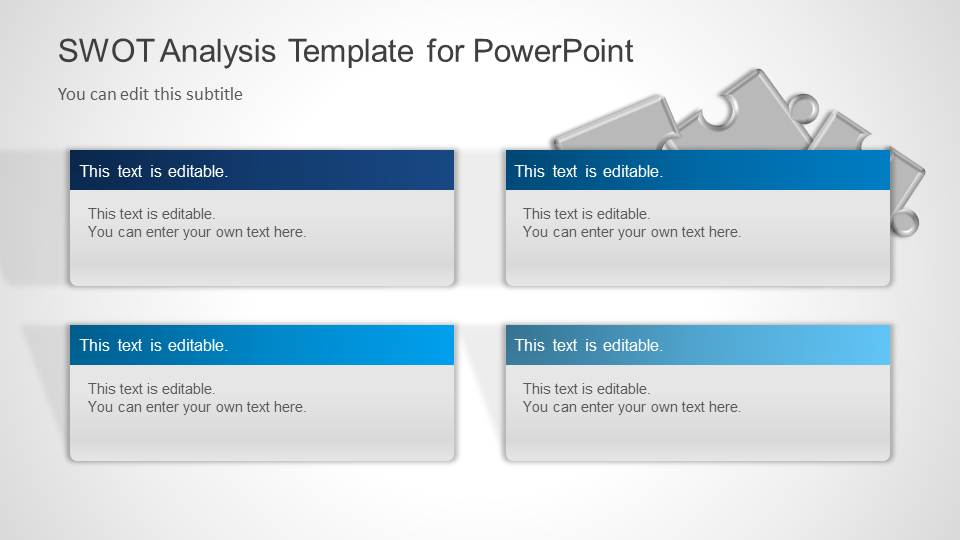
The SWOT Analysis PowerPoint Template is an 8-slide strategy presentation template for building a Strengths, Weaknesses, Opportunities, and Threats assessment. It includes a puzzle-piece cover, four-part SWOT matrix, column table, and individual element detail slides for teams, consultants, and managers using Microsoft PowerPoint or Google Slides.
- Category
- Strategy
- Rating


 Loading...
- Aspect ratio
- 16:9
- Item ID
- 6026
- Colors
 Microsoft PowerPoint
  Microsoft Copilot
  Claude for PowerPoint
 Other formats supported
Subscribe today and get immediate
access to download our PowerPoint templates.