iOS Style PowerPoint Background Template – Create professional presentations with a full featured PowerPoint template that will impress your audiences. Created with flat design shapes and data driven charts, the iOS Style PowerPoint Background Template is a full stack tool for corporate presentations. Ideal for quarterly review meetings, or project status reports, the user can present different sides of the topics with multiple purpose slides combined along the same theme.
Using delicate gradient backgrounds, flat design effects and a modern font (Open Sans), users only need to replace the placeholders with their content and data in order to have a high quality presentation. The Open Sans font is embedded within the PowerPoint file. You can also download the font from the Google Web fonts projects and install it in your operating system.
The PowerPoint Template provides the following slide designs:
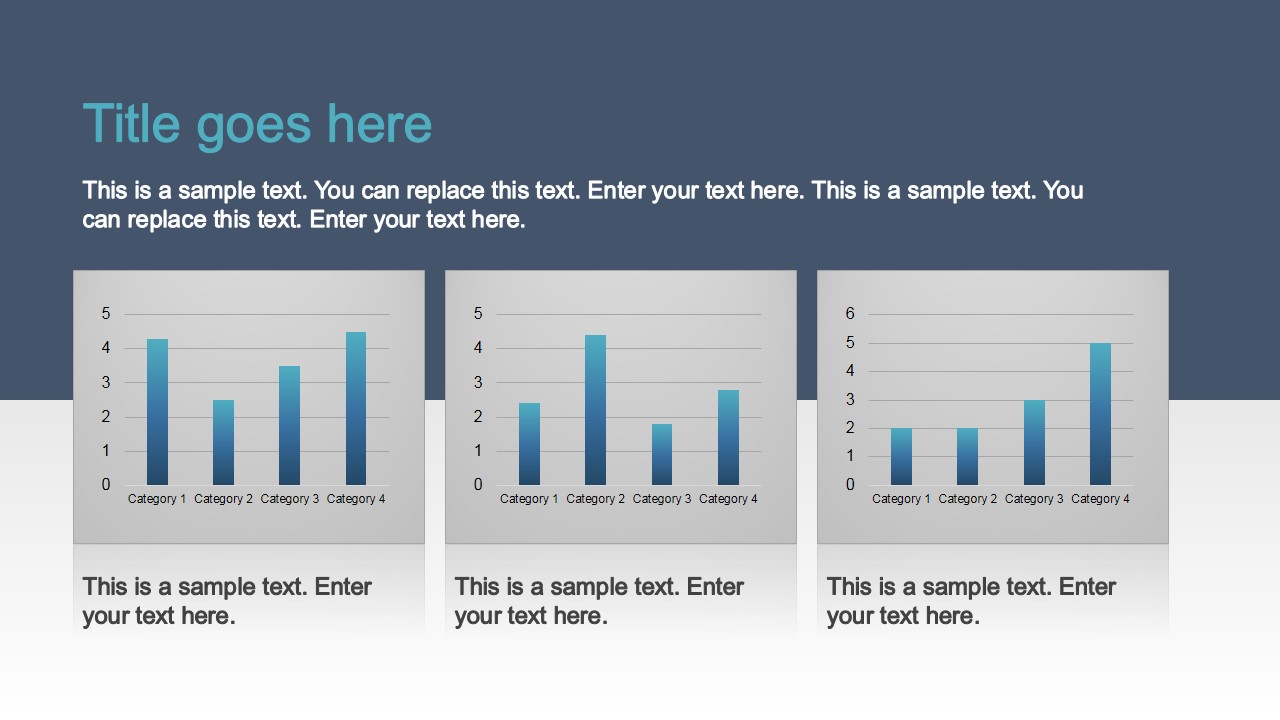
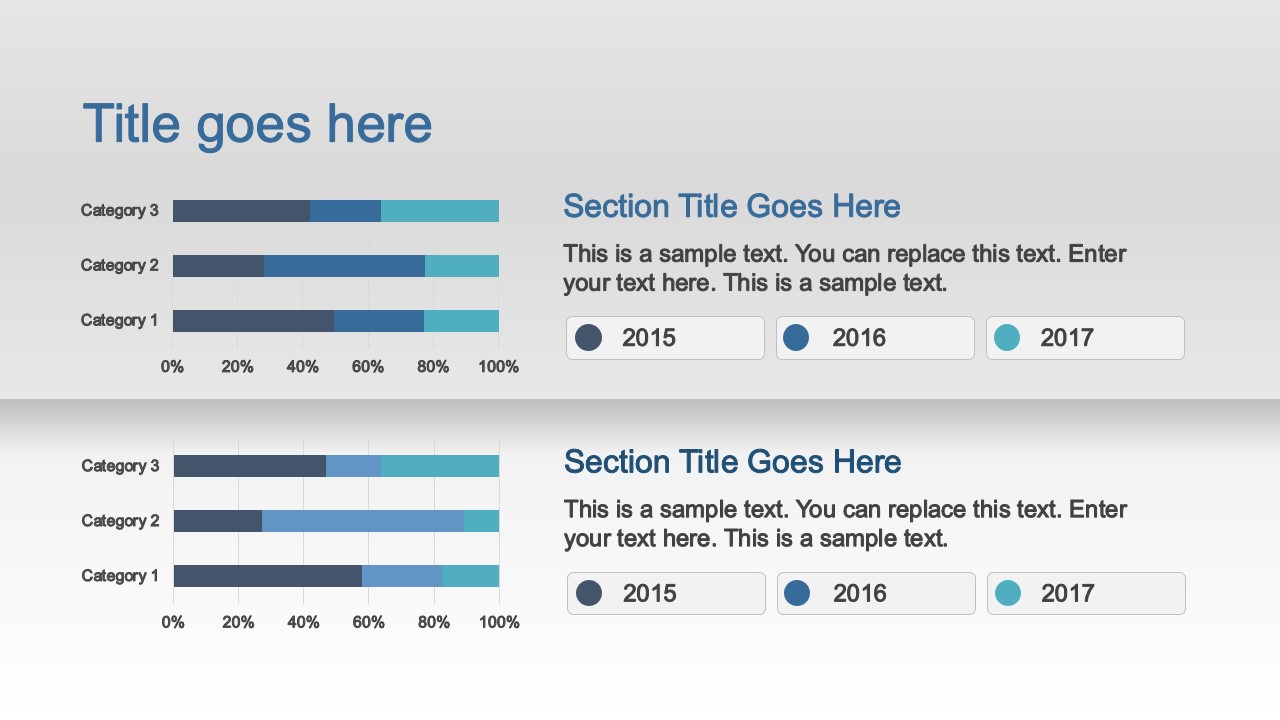
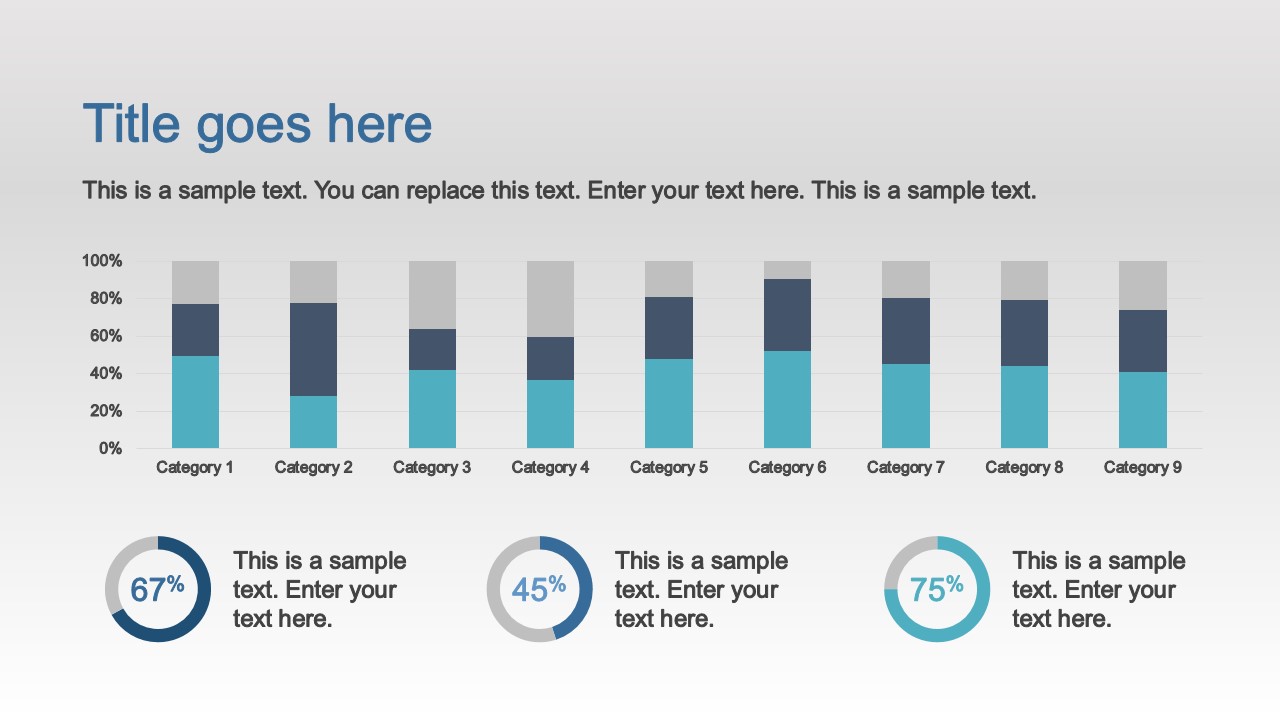
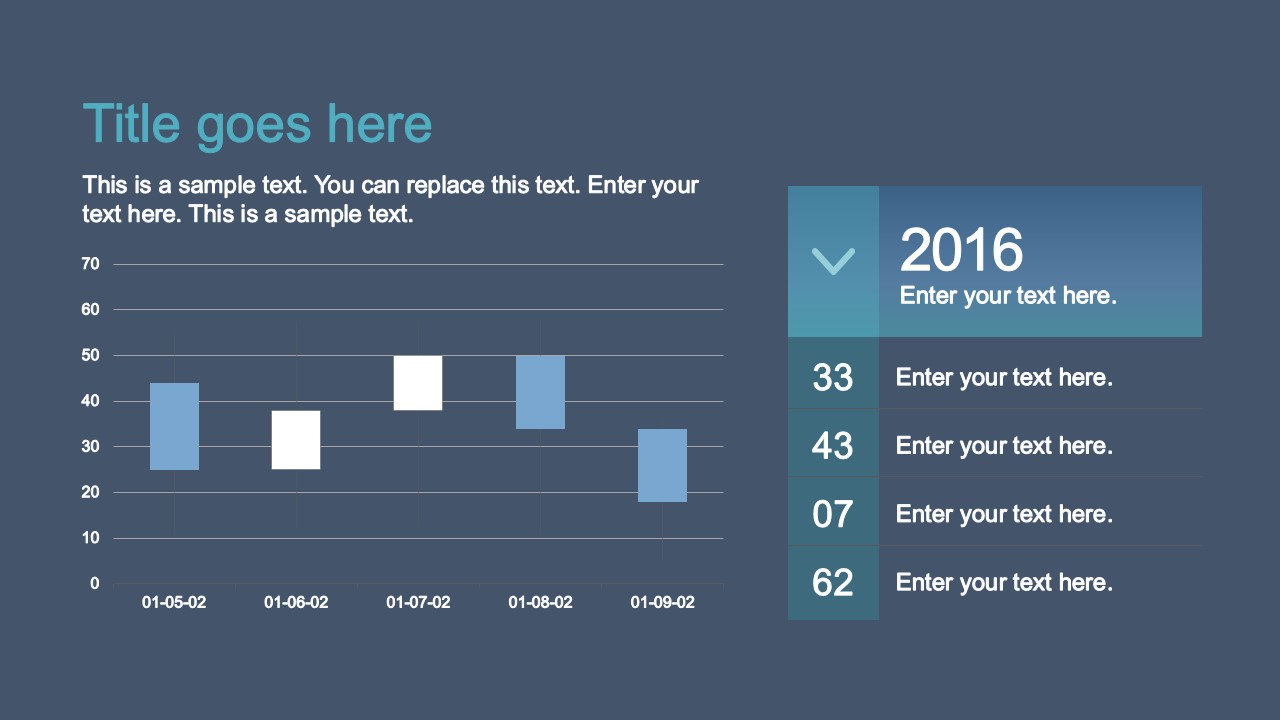
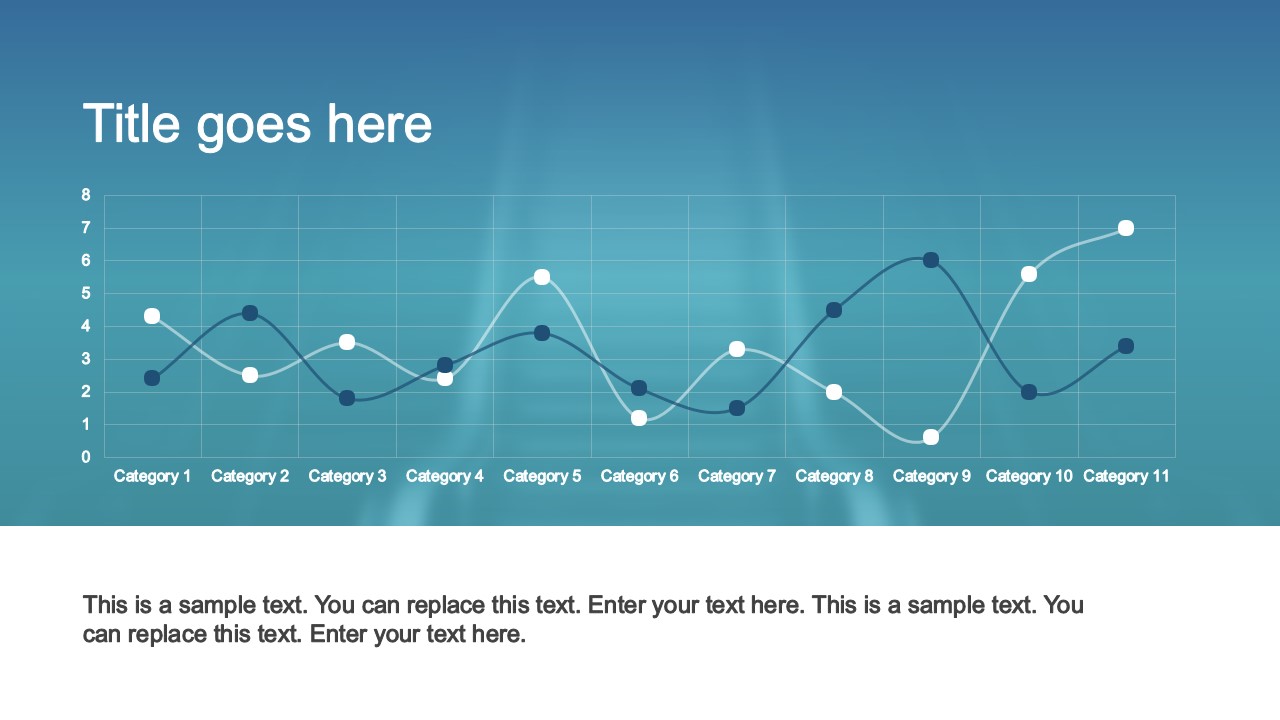
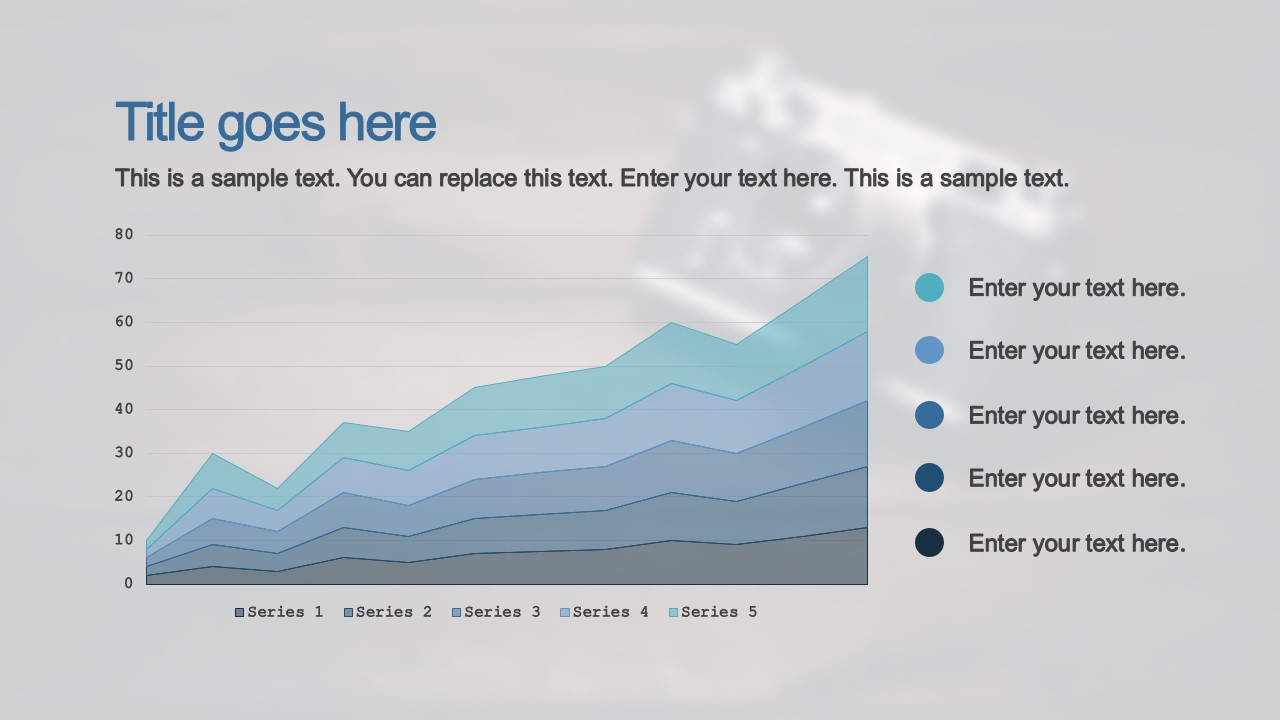
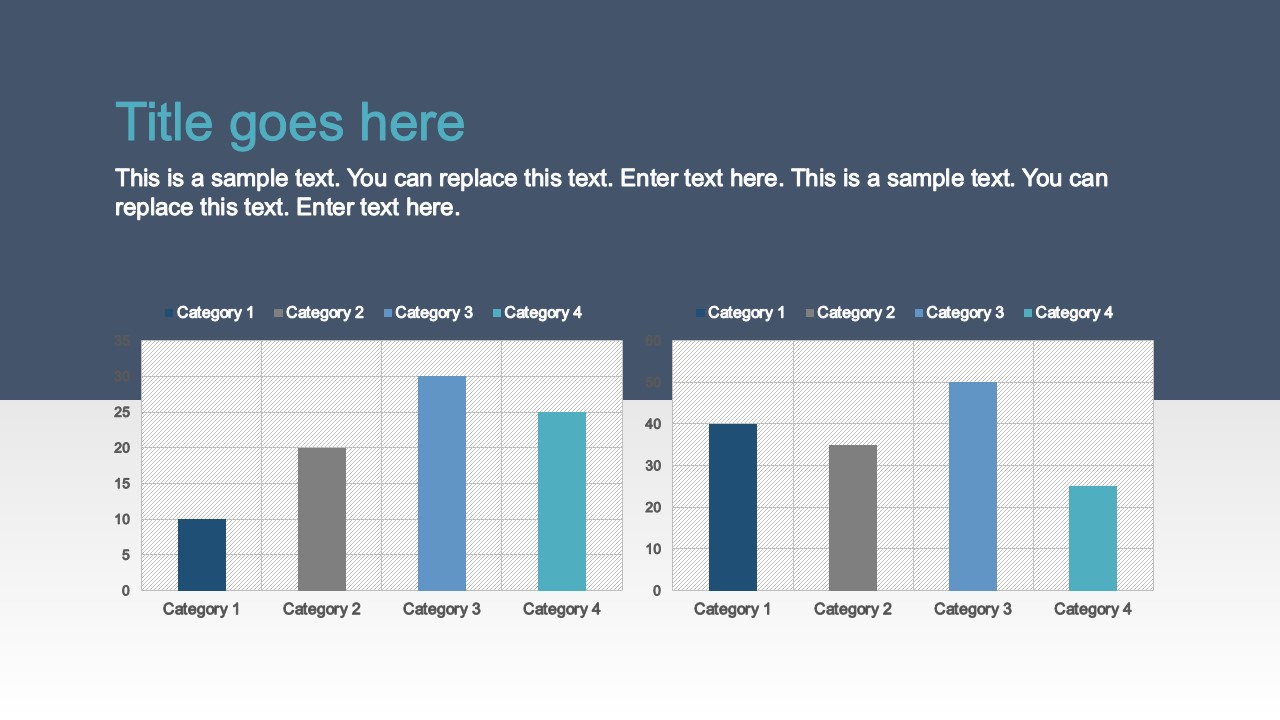
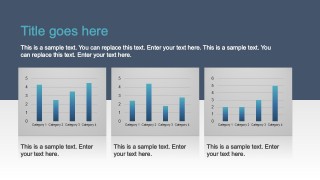
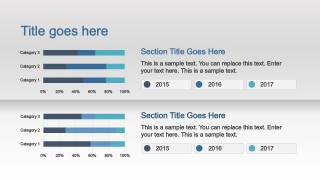
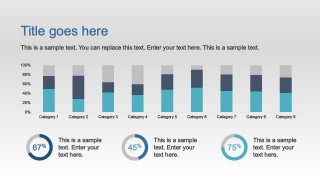
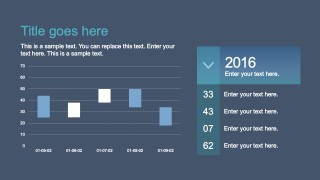
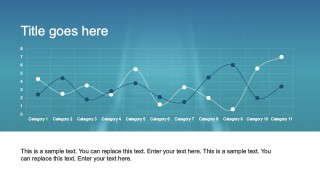
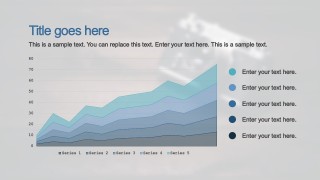
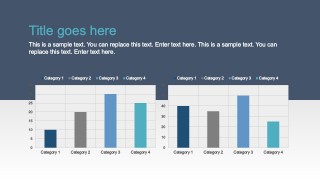
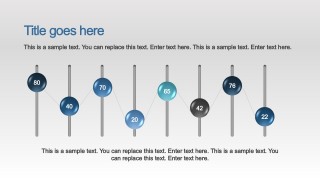
- Data Driven Charts (Bar Charts, Column Charts, Donut Charts, Line Charts) Created with the corresponding themed look and feel.
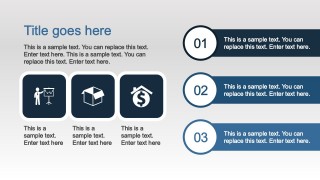
- PowerPoint Icons and Infographics.
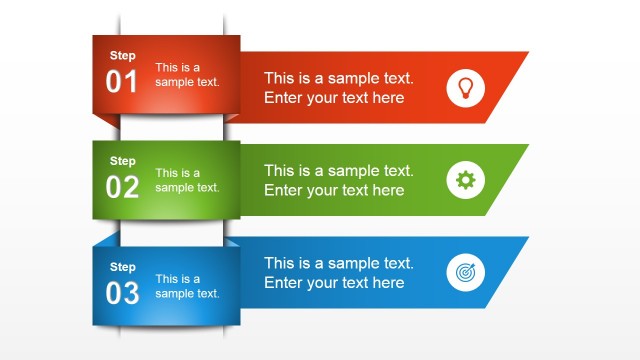
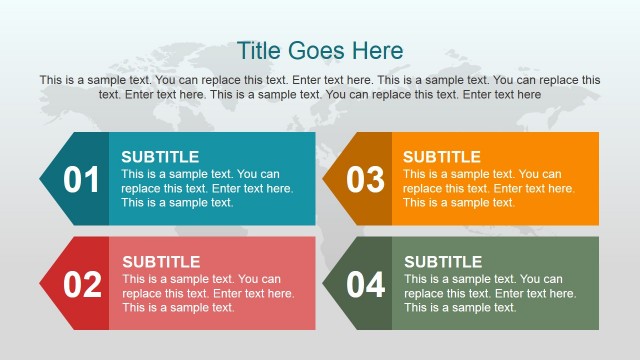
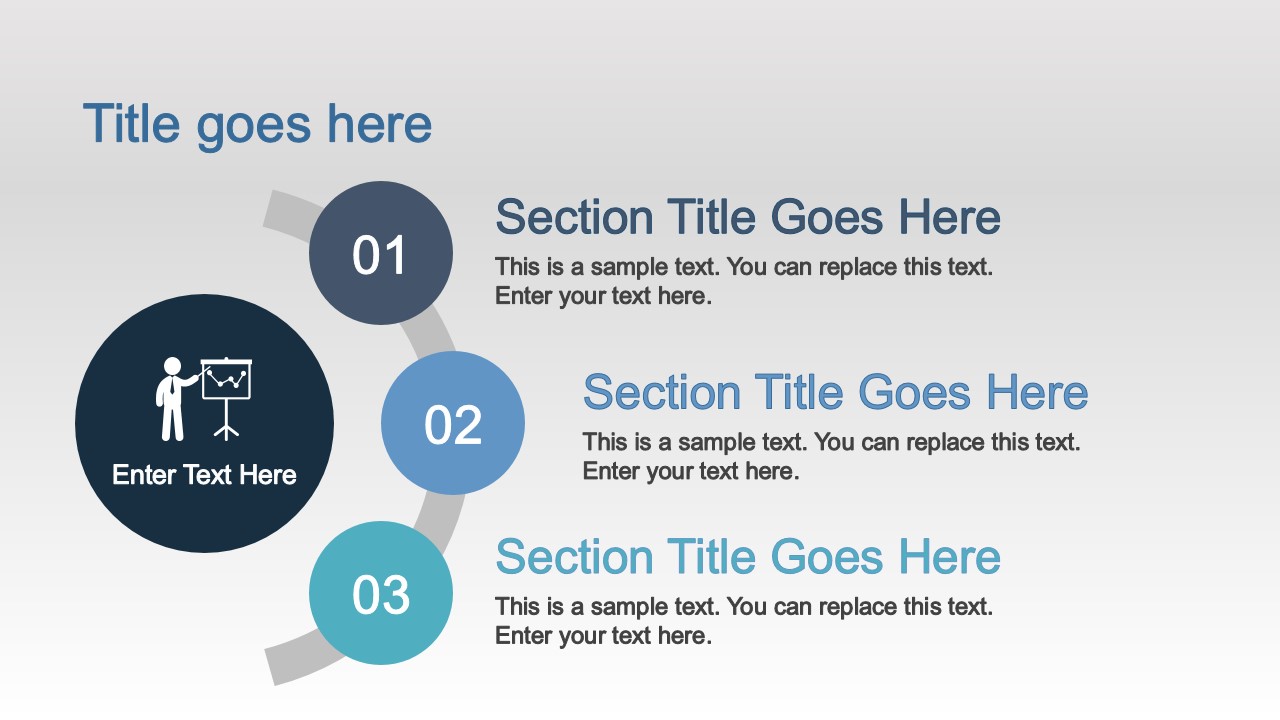
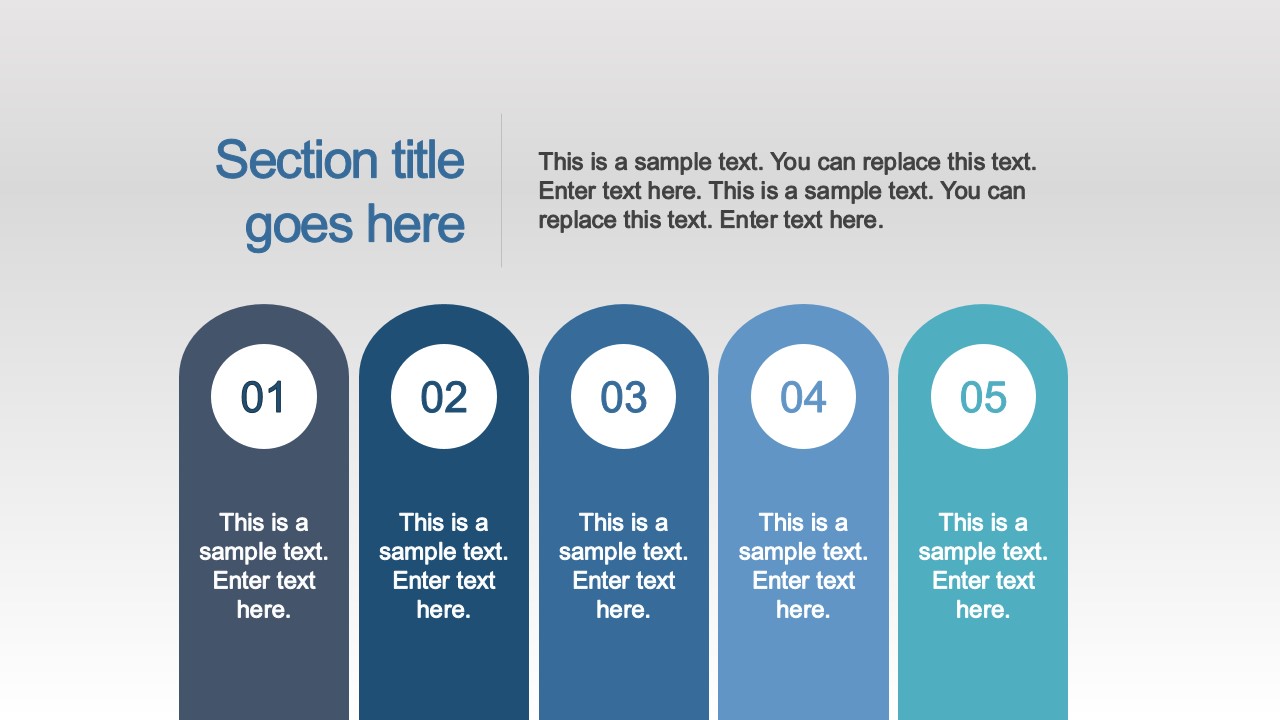
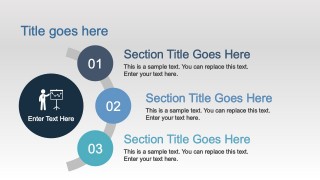
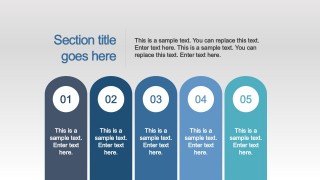
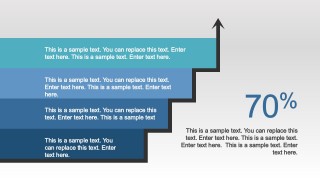
- Three, Four and Five Steps Diagrams.
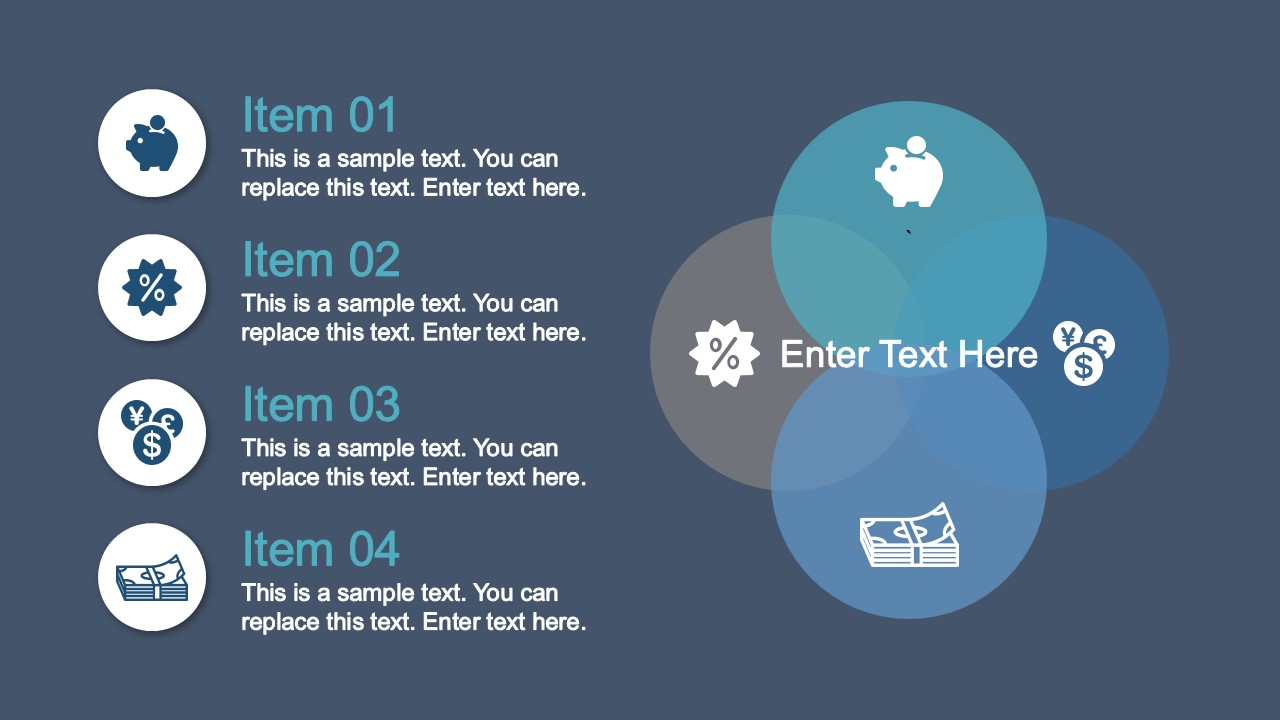
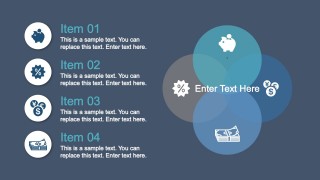
- Venn Diagram.
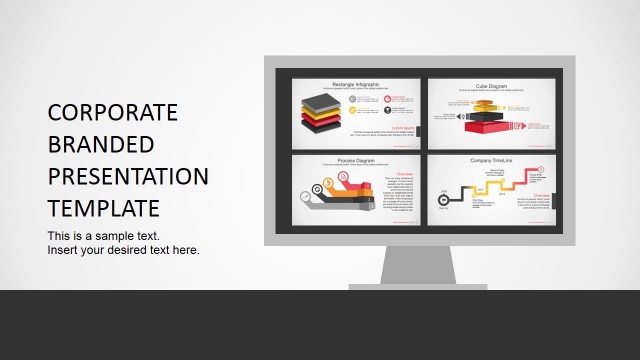
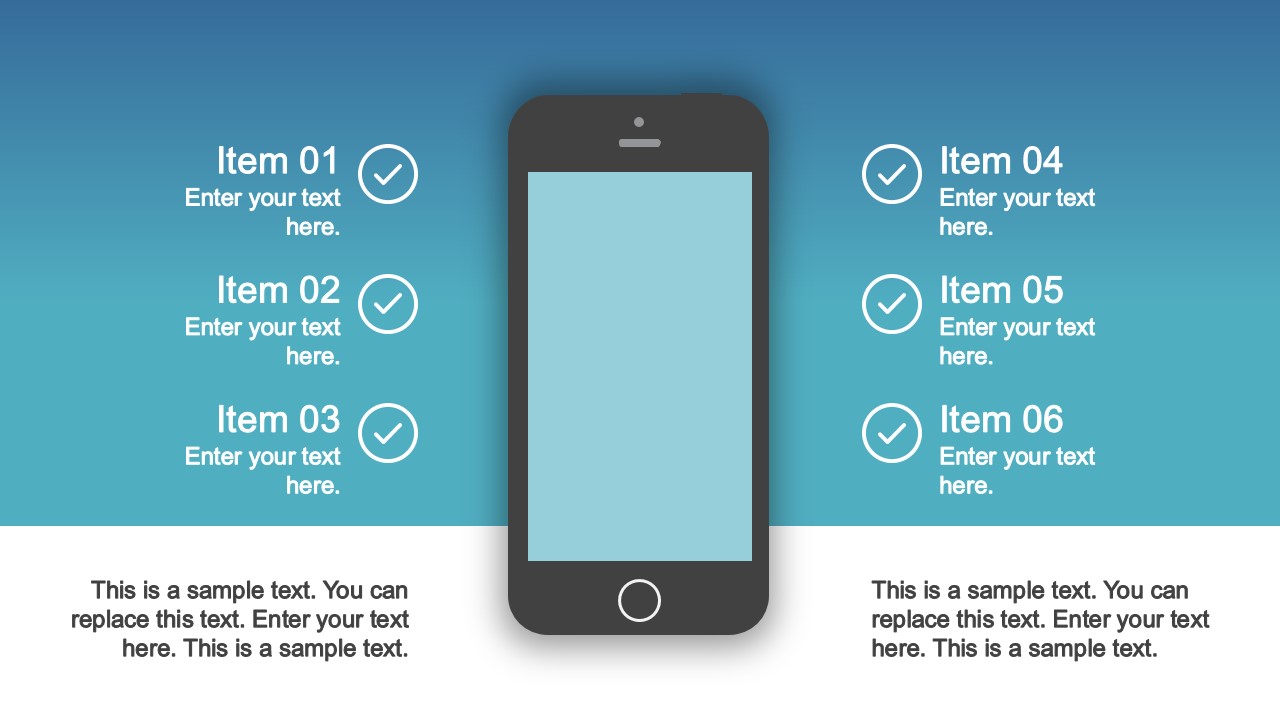
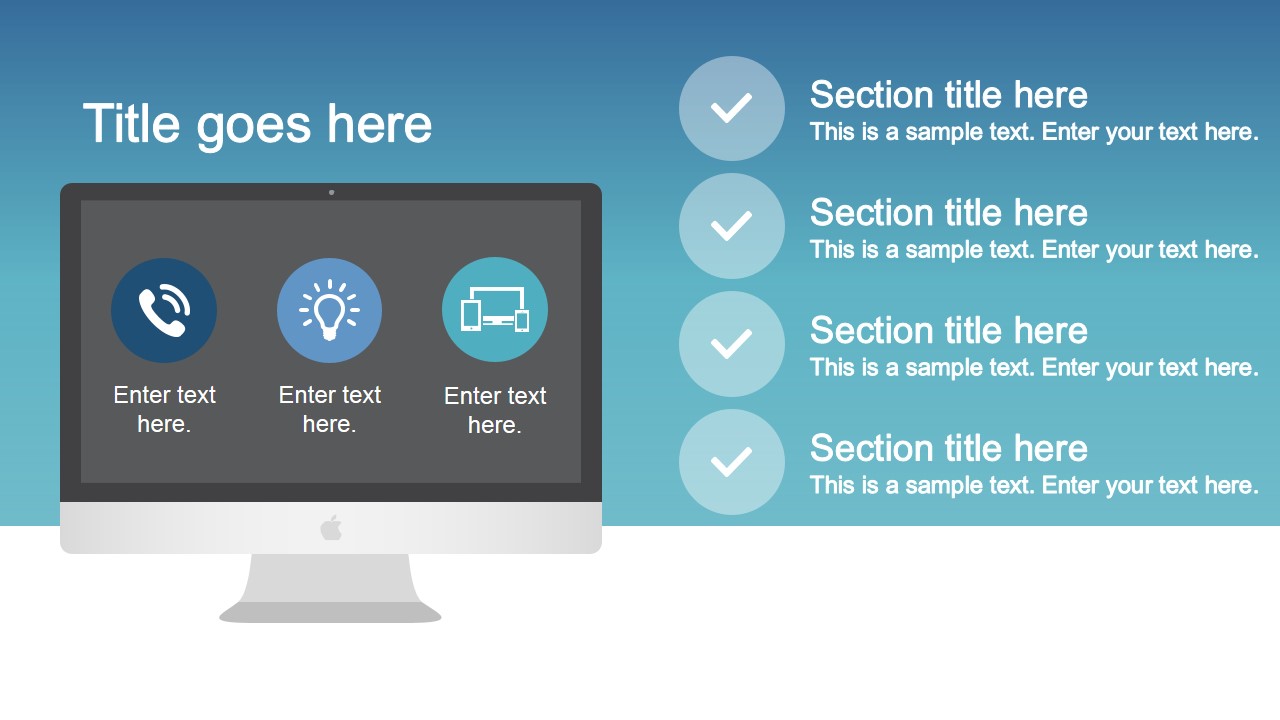
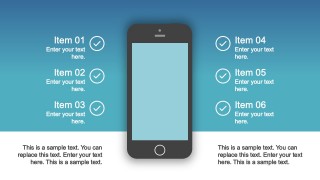
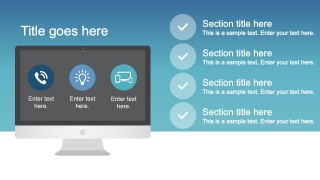
- Mobile and Desktop Clipart for App showcasing.
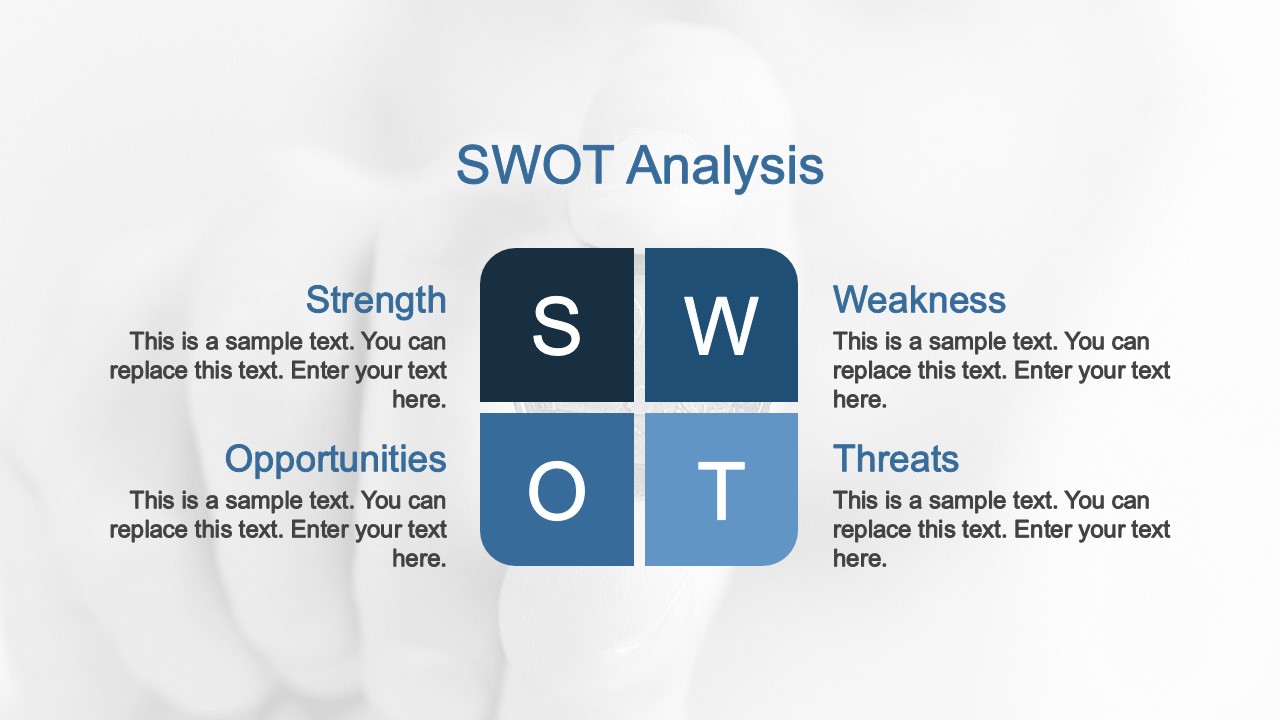
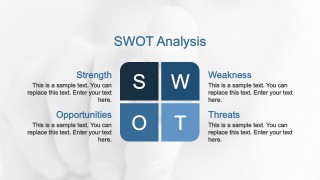
- SWOT Analysis Template
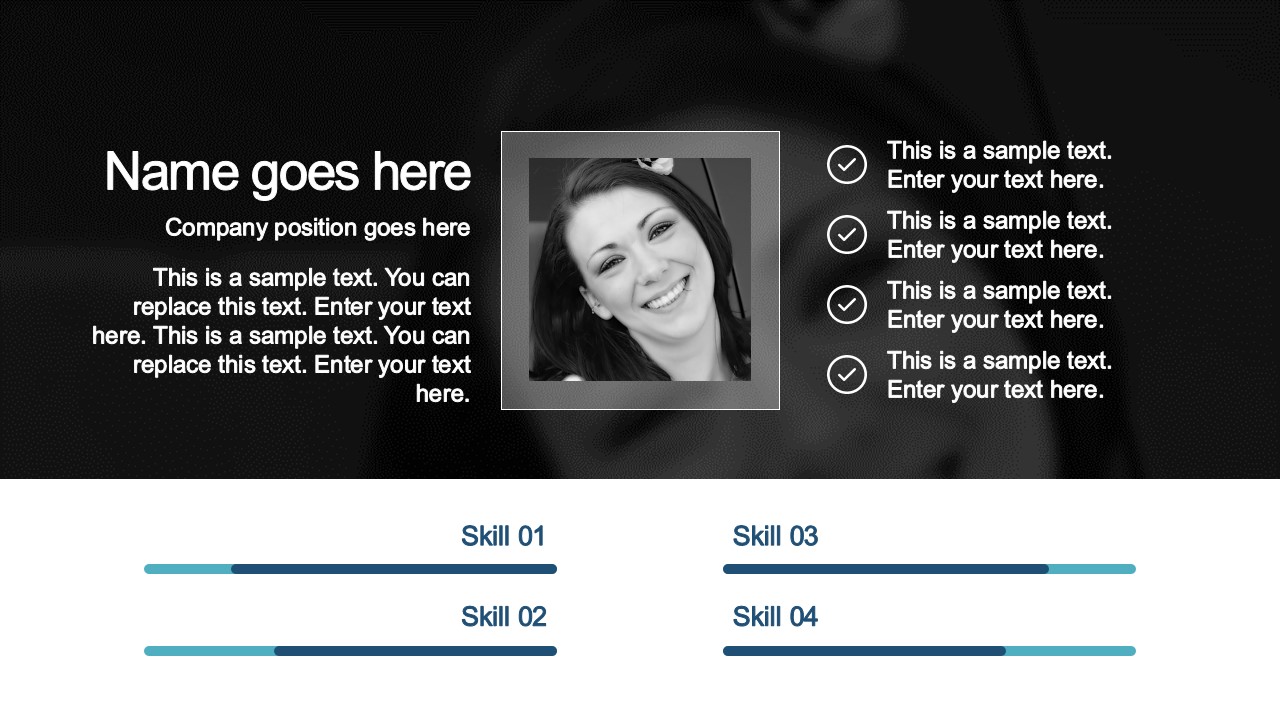
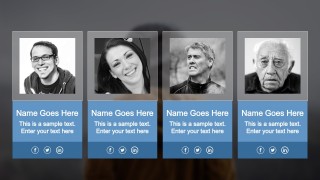
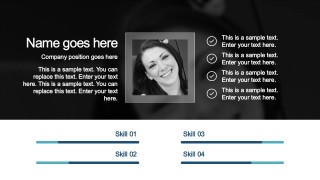
- Team Slides
- Timeline and Roadmap
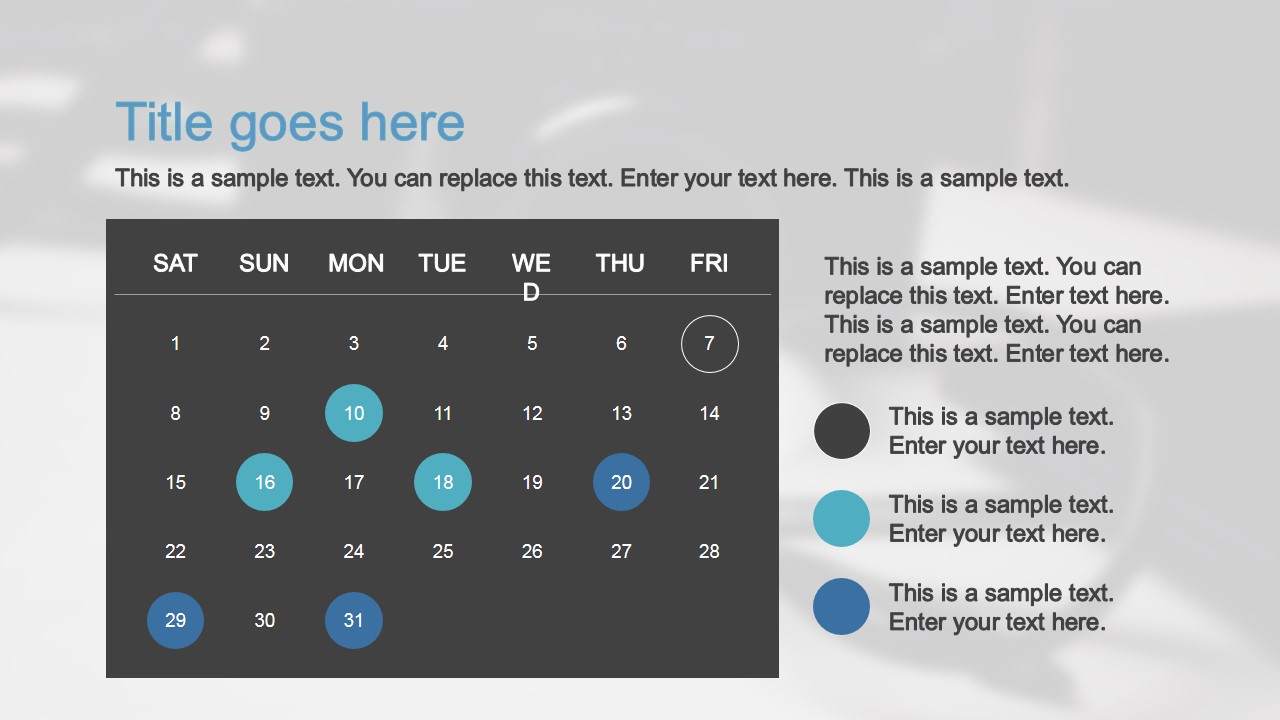
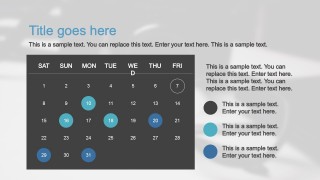
- Calendar
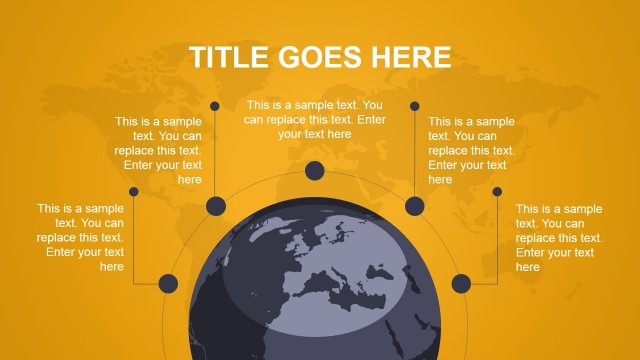
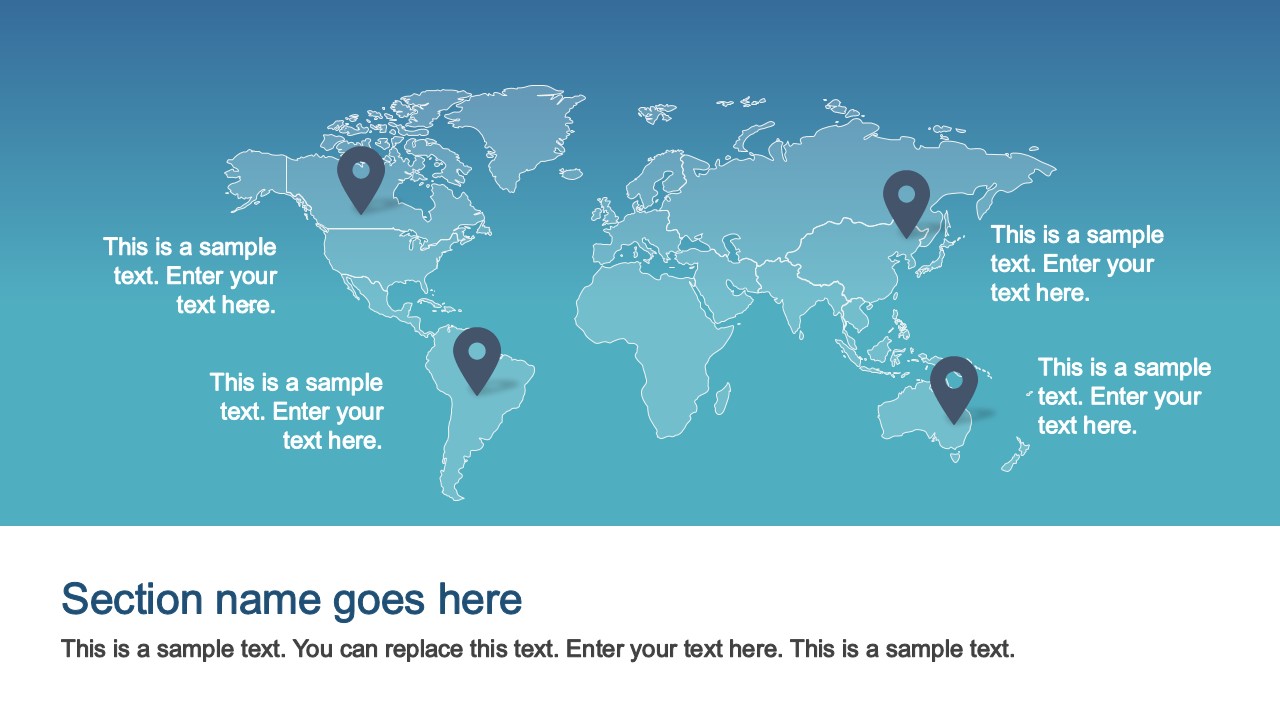
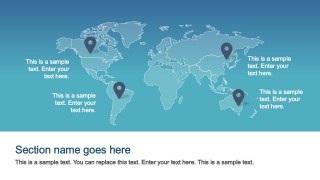
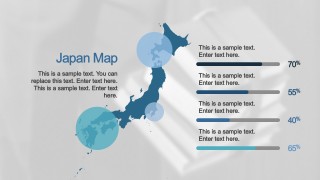
- Worldmap
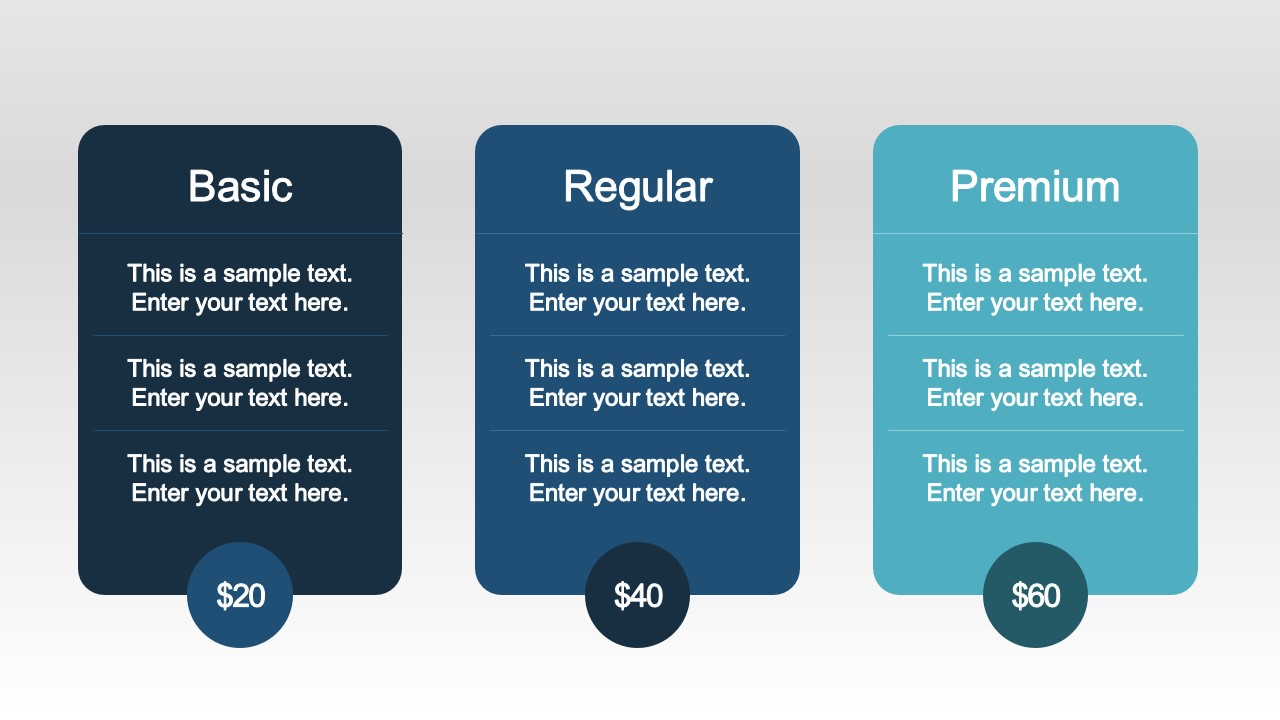
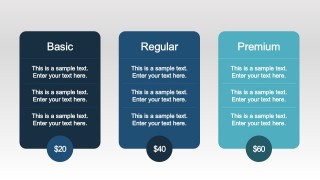
- Plans and Pricing
- Comparison Diagrams and Tables
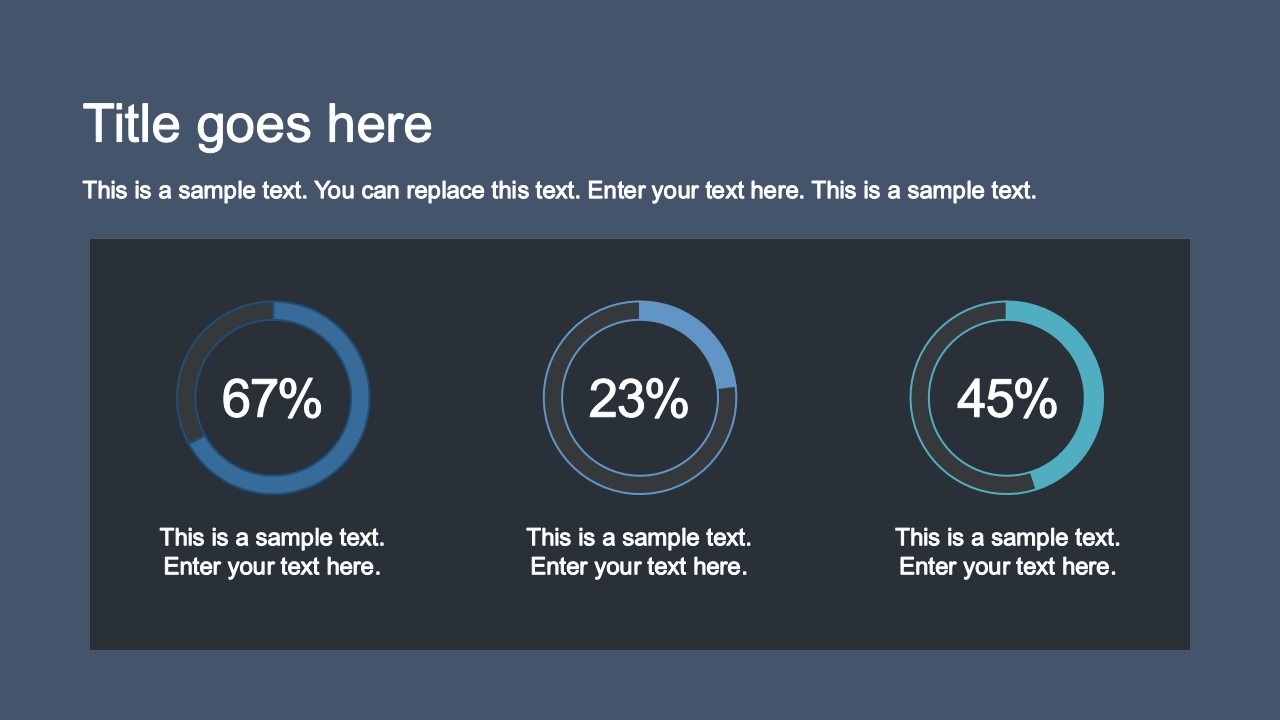
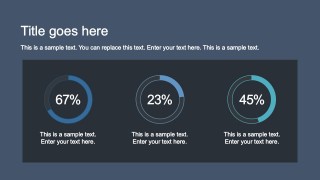
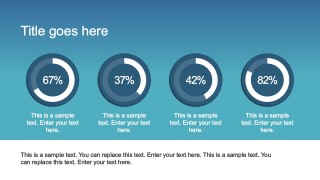
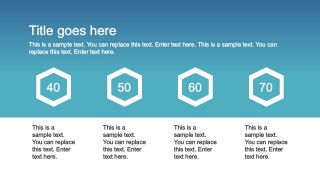
- KPI’s Diagrams
What’s inside this template
Example presentation scenarios
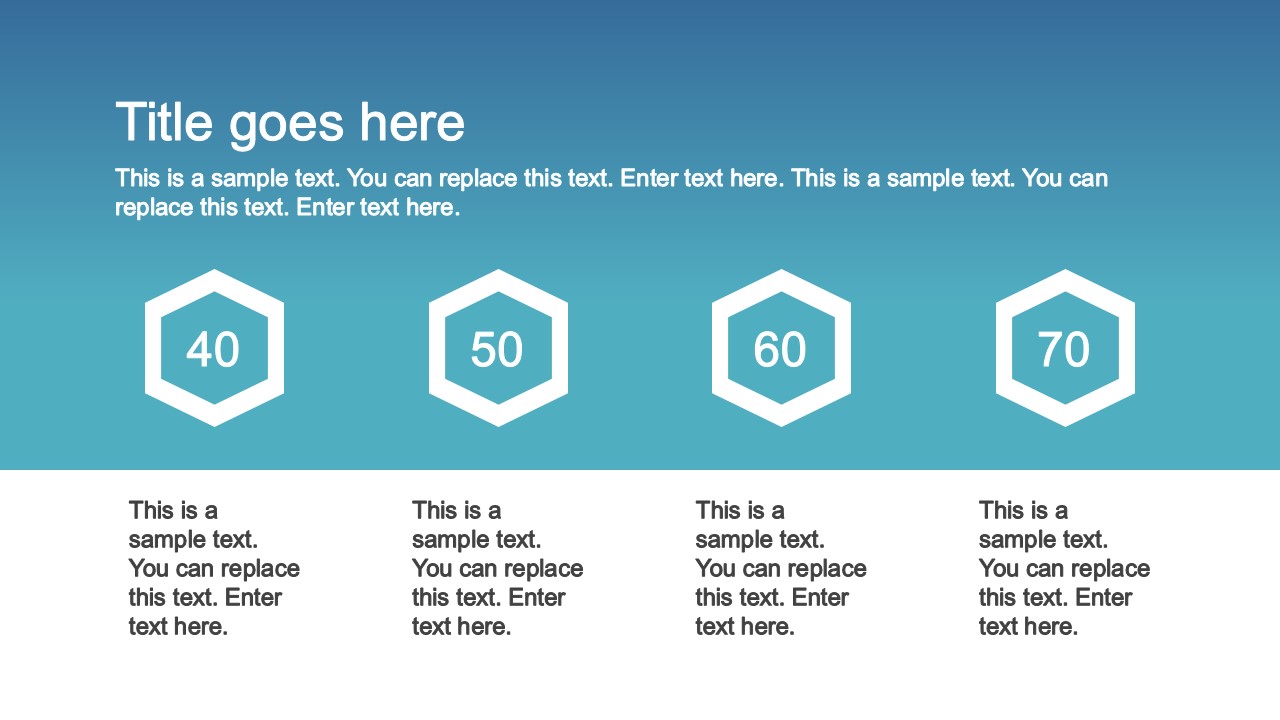
- A project manager can present a monthly status review by combining the KPI ring slides, line chart, calendar, and checklist-style layouts to show progress, dates, and open actions.
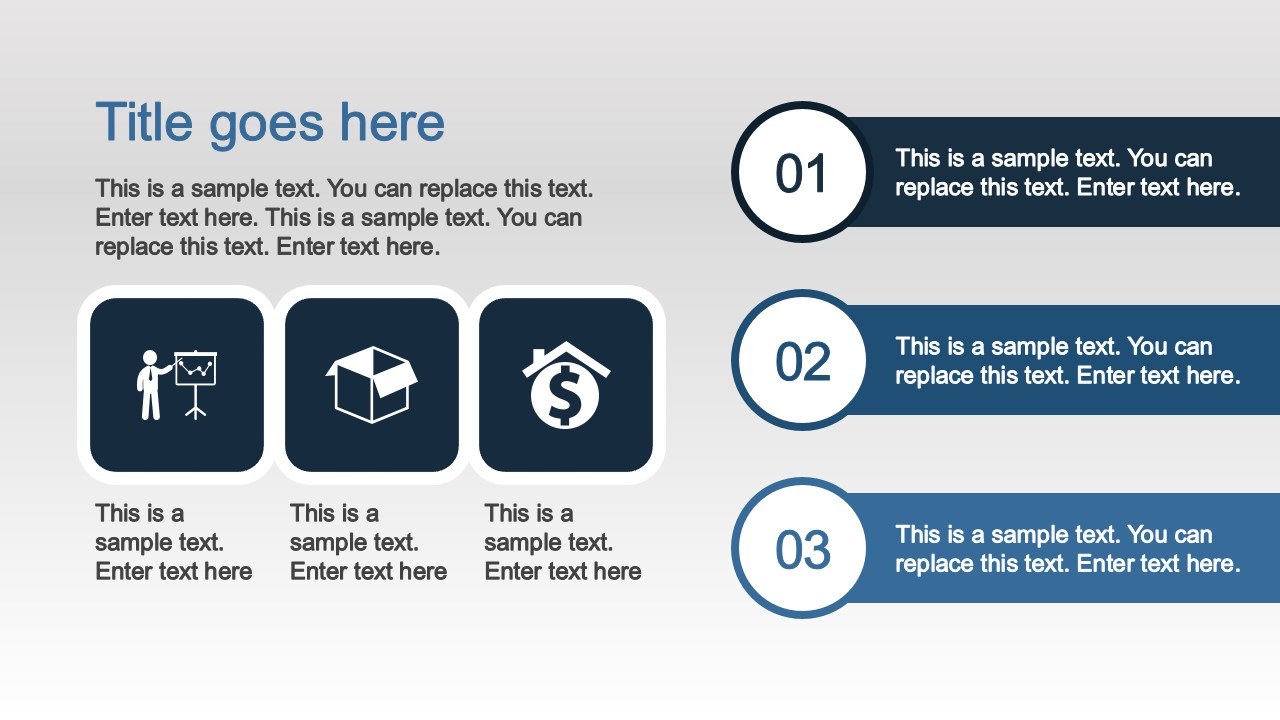
- A product manager can introduce a mobile or web app update using the smartphone mockup, desktop mockup, icon grid, and feature-divider slides to explain capabilities clearly.
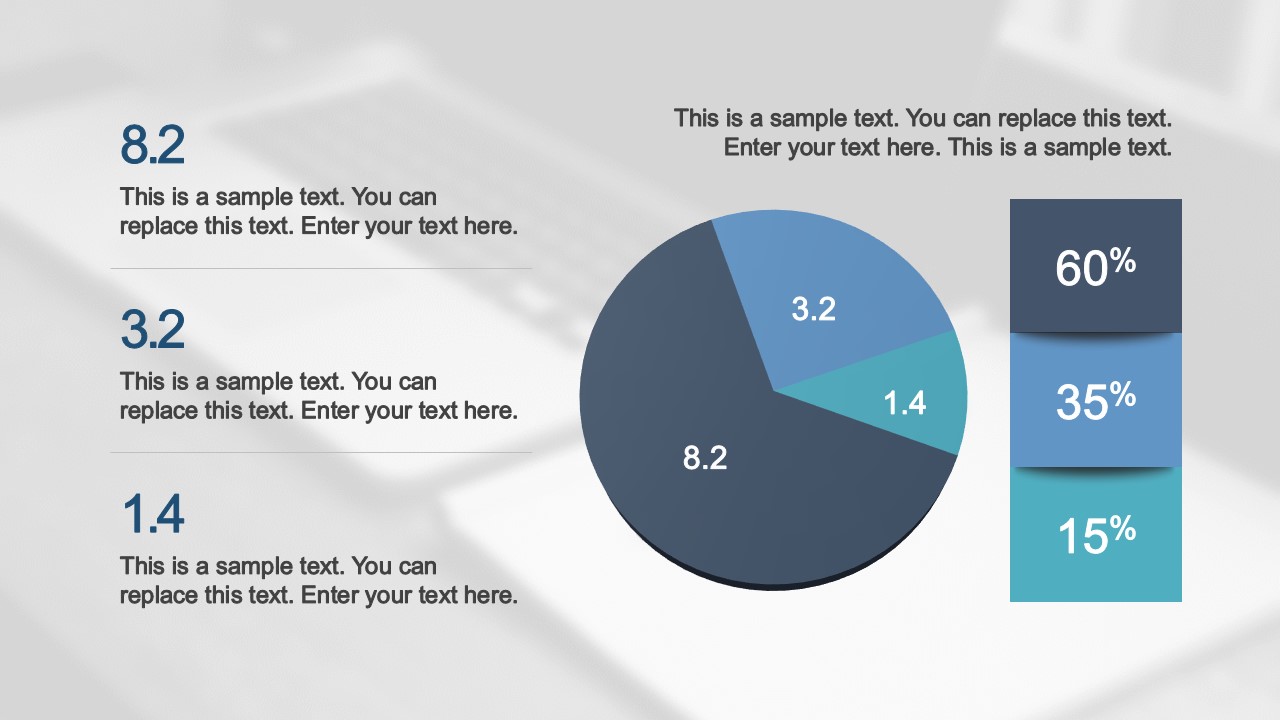
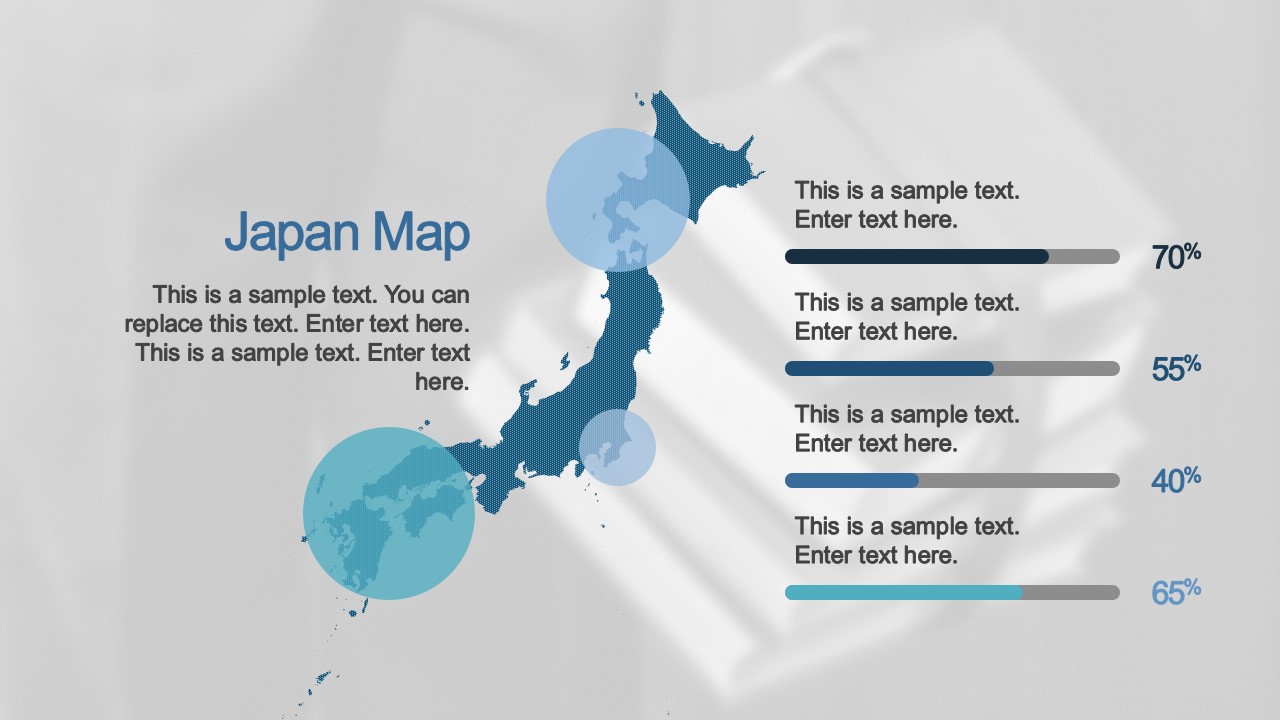
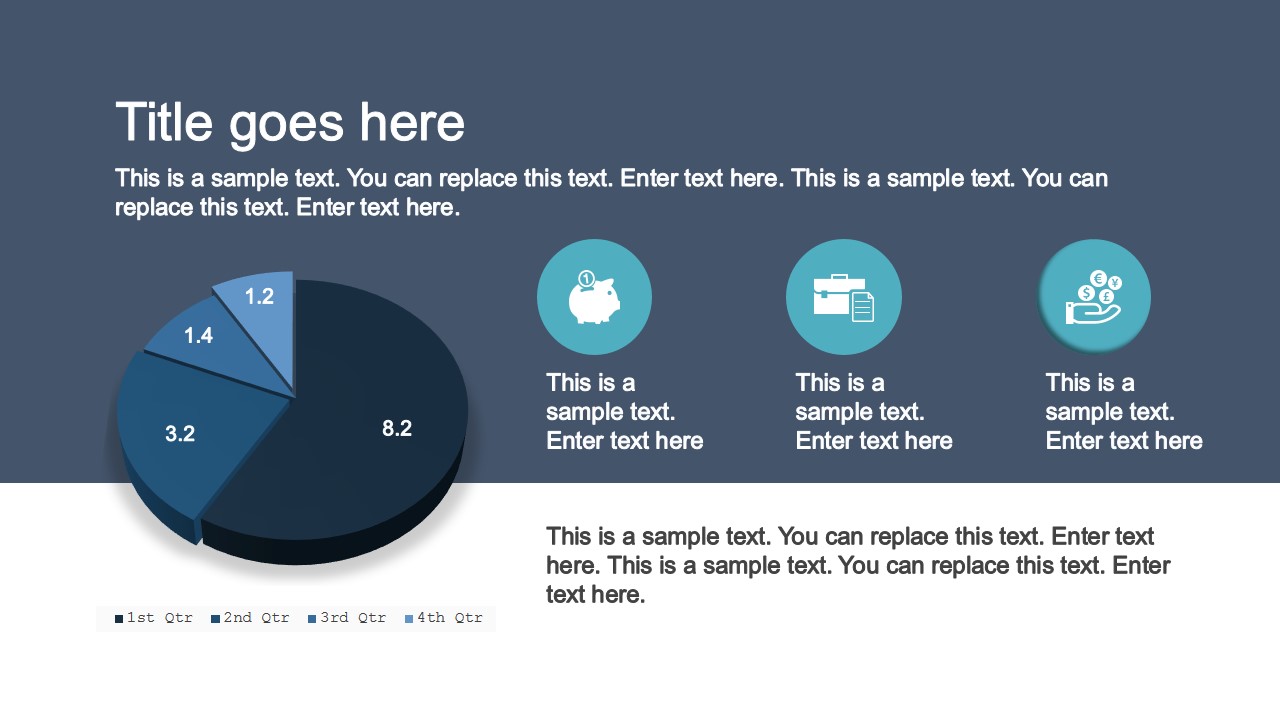
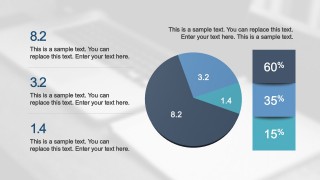
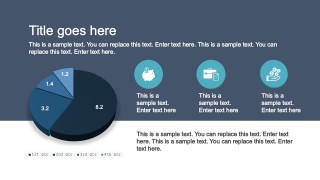
- An executive team can run a quarterly business review with the column charts, pie chart, pricing table, and world map to summarize performance, segmentation, plans, and geographic coverage.
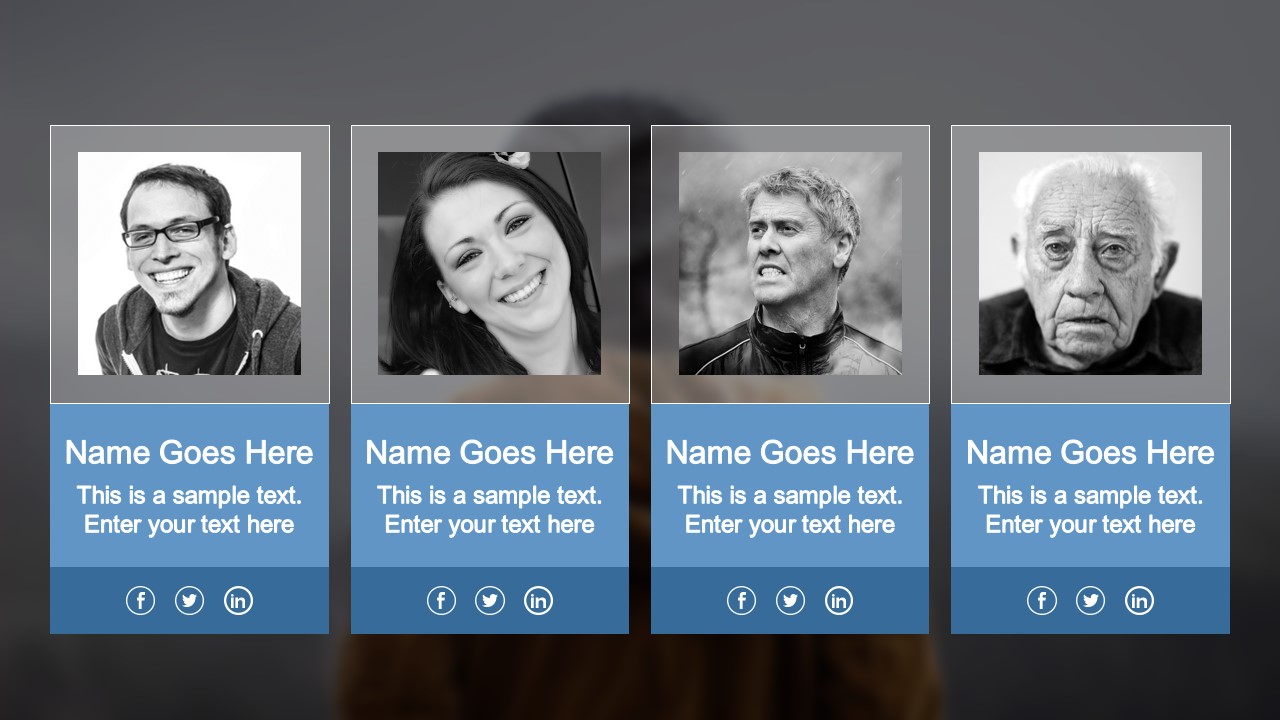
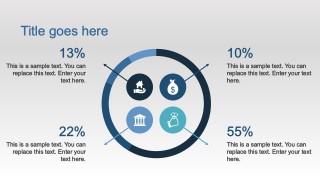
- A department lead can introduce a team or service group with the team card slide, individual profile slide, four-quadrant icon layout, and milestone-style icon slide.
Features
- 100% editable presentation template
- Compatible with Microsoft PowerPoint and Google Slides
- 16:9 aspect ratio slides
- Scalable vector shapes, icons and illustrations
- Data-driven charts, editable in Microsoft Excel
- AI-Ready for Microsoft Copilot and Claude
- Instant access and download
Frequently asked questions
Q: How should a presenter organize a business update with this template?
A: Start with the metric slides that establish current performance, such as the column charts, line chart, and KPI rings. Then move into explanation slides, including the process layouts, app mockups, and icon grids. Close with planning content such as the calendar, world map, pricing table, or team profile depending on the decision needed.
Q: Who is this template best suited for?
A: This template is a strong fit for product, project, marketing, and operations presenters who need to report progress without building a deck from scratch. The visible slides support common business narratives: performance tracking, product explanation, roadmap-style planning, team overview, regional activity, and plan comparison.
Q: Why does the iOS-inspired visual style help business communication?
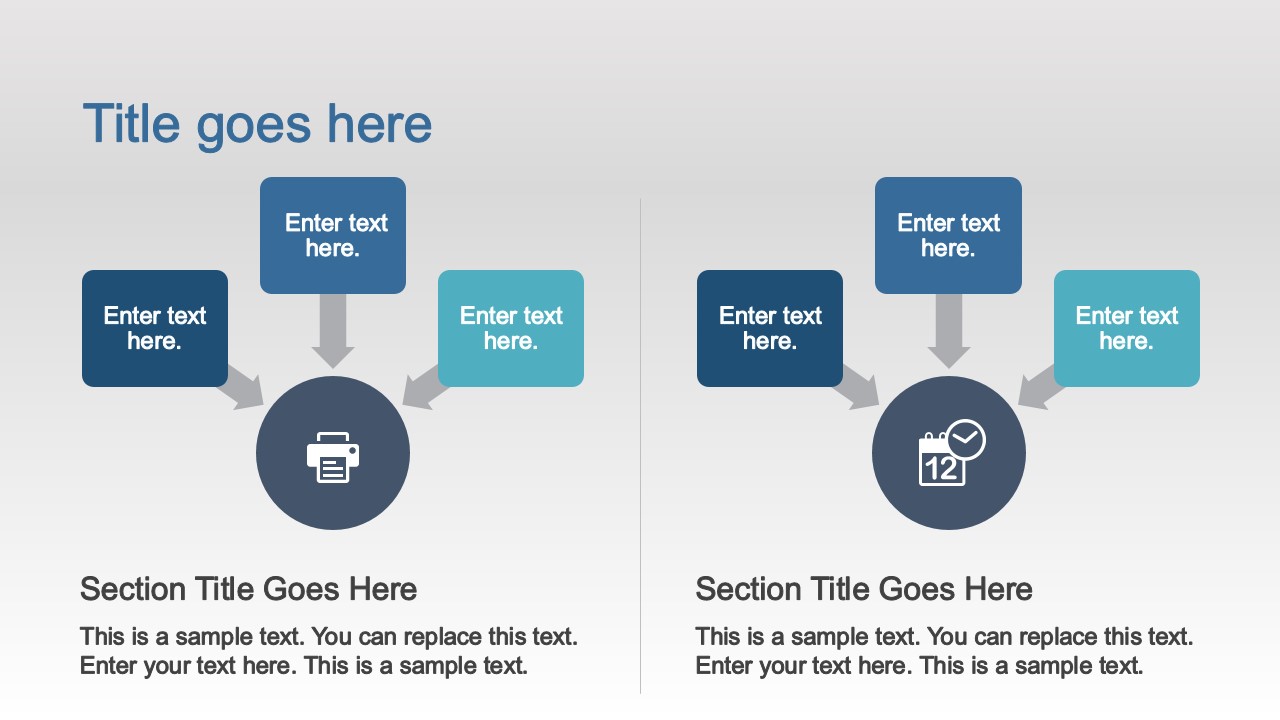
A: The design uses rounded icons, circular targets, soft gradients, and dashboard-like cards that mirror familiar mobile interface patterns. That visual metaphor makes metrics, steps, features, and profiles easier to scan. It also creates a consistent rhythm across charts, process slides, dividers, and team pages.






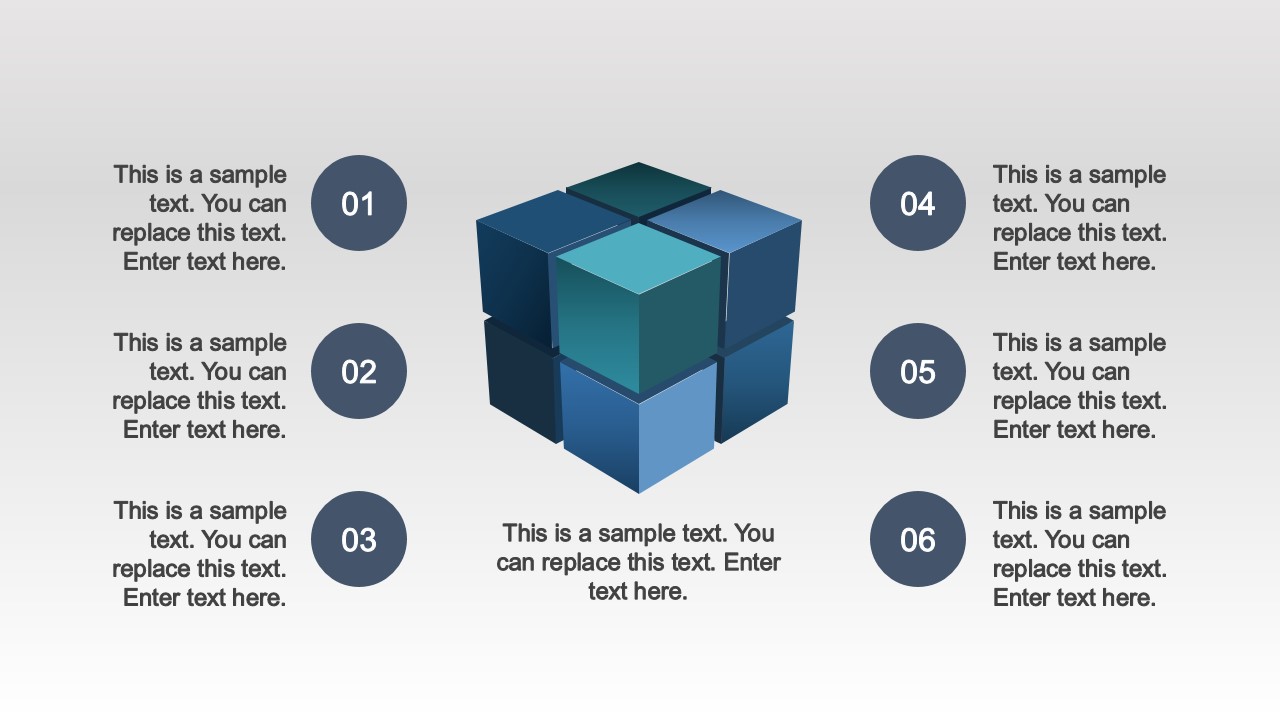





iOS Style PowerPoint Background Template
39-slide iOS-style presentation template with data charts, KPI rings, and business background layouts
The iOS Style PowerPoint Background Template is a 39-slide business presentation background set for Microsoft PowerPoint and Google Slides. It includes column and line charts, KPI rings, a calendar, and a world map for corporate reports, quarterly reviews, status updates, and app-themed presentations in a flat iOS-inspired style.
- Category
- Template Backgrounds
- Rating


 Loading...
- Aspect ratio
- 16:9
- Item ID
- 4197-03
- Colors
 Microsoft PowerPoint
  Microsoft Copilot
  Claude for PowerPoint
 Other formats supported
Subscribe today and get immediate
access to download our PowerPoint templates.