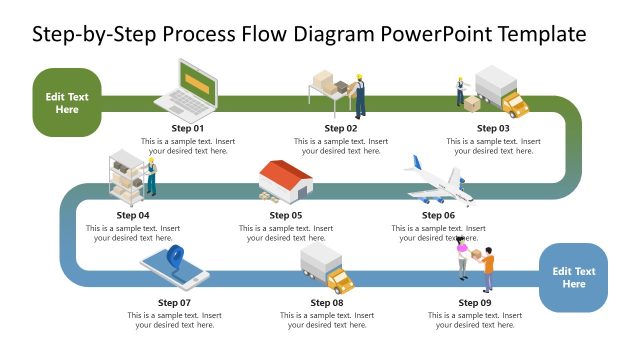
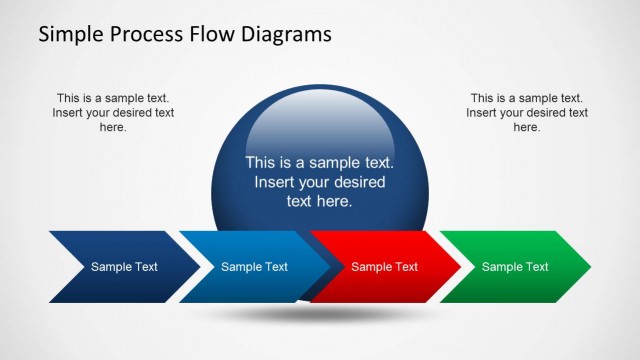
Process Flow Diagram for PowerPoint is a simple slide design with an editable process flow diagram that you can use in your PowerPoint presentations.
By editing the sample flow diagrams, you can save a lot of time making professional process flow charts and using attractive slide layouts.
The sample diagrams can be easily edited by rearranging the different slide objects via drag and drop. You can copy the various flow chart shapes across slides to create custom flow diagrams.
This flowchart template diagram is compatible with PowerPoint and Google Slides. If this PPT template does not fit your needs, learn how to make a custom flowchart design for your presentations. Alternatively, you can download other flowchart templates for PowerPoint.
What’s inside this template
Example presentation scenarios
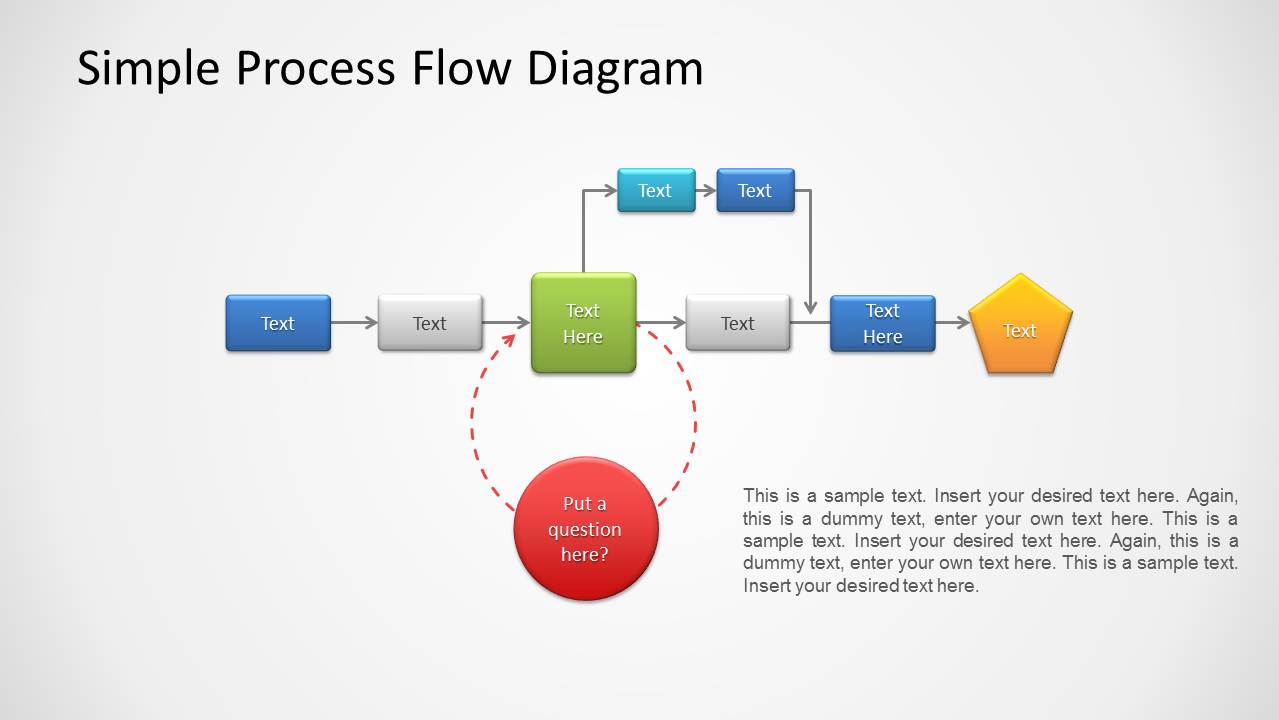
- An operations manager can use the linear flowchart to explain each step in a current workflow and call out a decision point that requires team discussion.
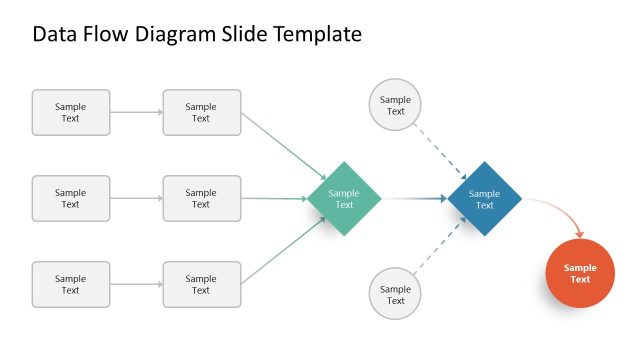
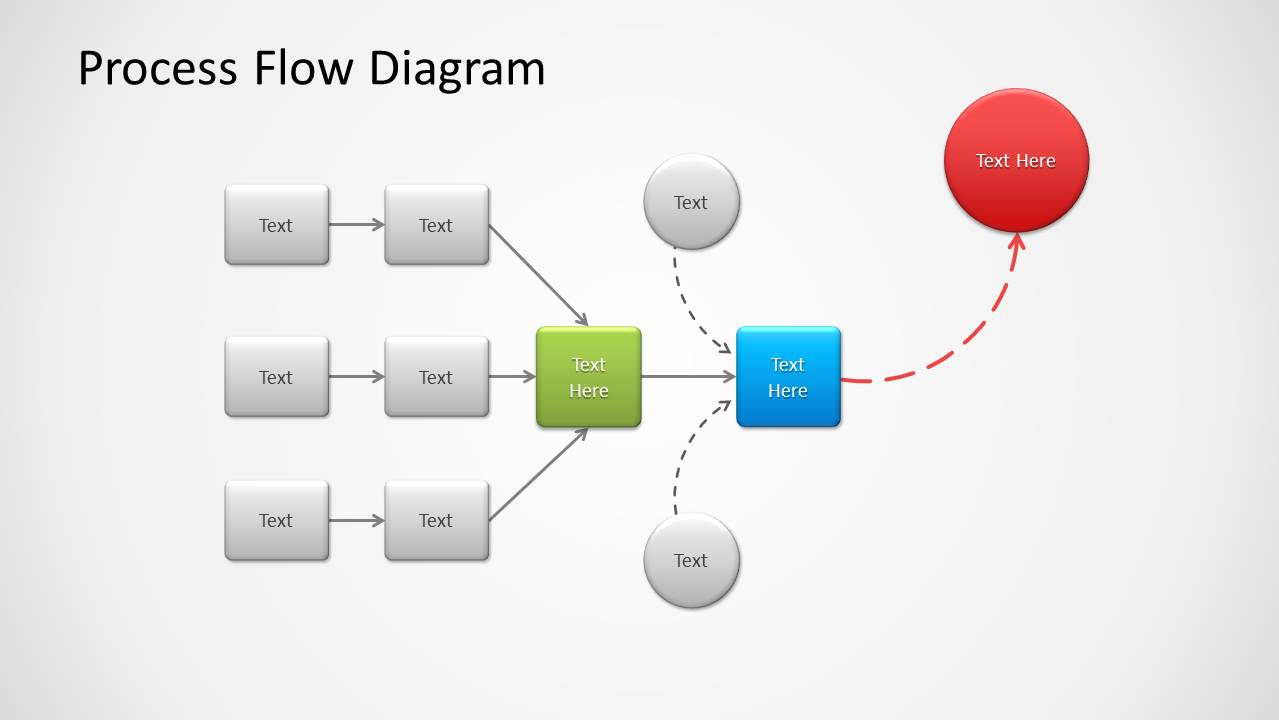
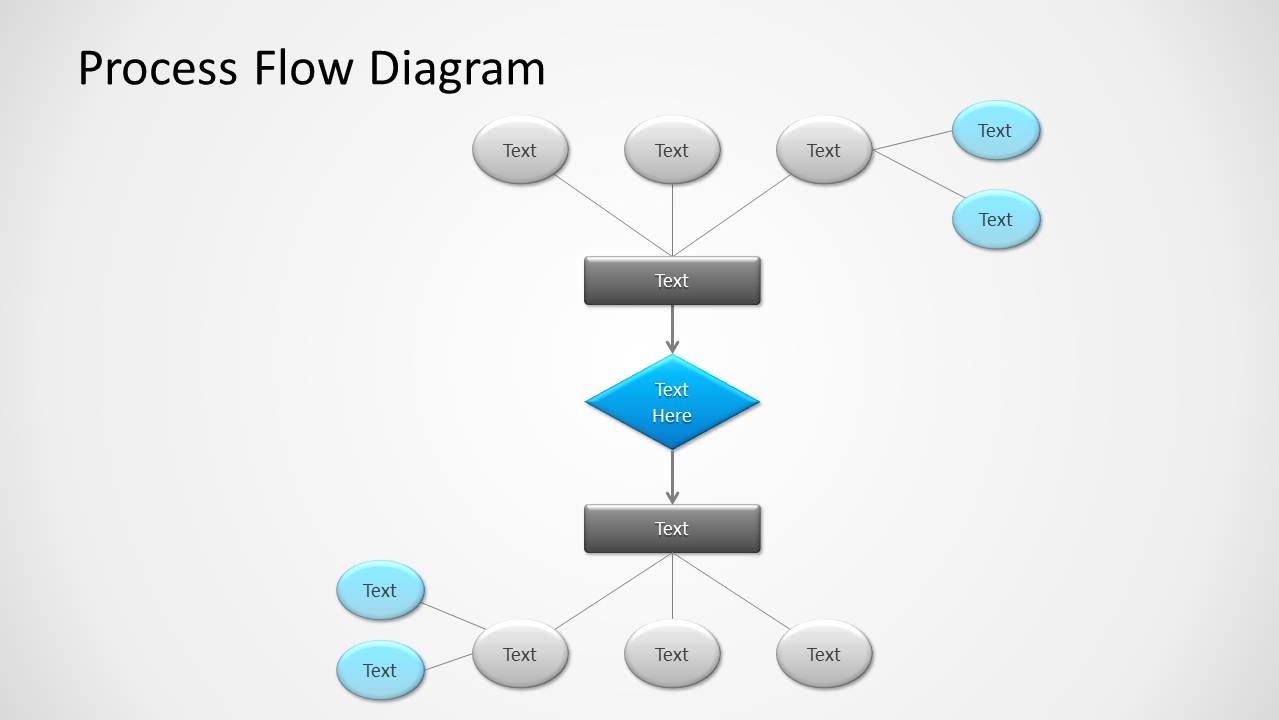
- A consultant can use the converging process flow to show how several inputs or workstreams combine into one decision, output, or escalation path.
- A project manager can use the vertical hierarchical flowchart to clarify approvals, dependencies, and branch outcomes during a stakeholder review.
- A process analyst can use the editable connectors and labeled nodes to compare an existing workflow against a proposed improvement path.
Features
- 100% editable presentation template
- Compatible with Microsoft PowerPoint and Google Slides
- 16:9 aspect ratio slides
- Scalable vector shapes, icons and illustrations
- AI-Ready for Microsoft Copilot and Claude
- Instant access and download
Frequently asked questions
Q: How should a presenter explain a process clearly with this template?
A: Start with the slide that matches the process logic. Use the linear flowchart for a simple sequence, the converging diagram for multiple inputs, and the vertical hierarchy for approvals or branches. Keep each node to one action phrase, then use arrows and callouts to explain exceptions, questions, or decision points.
Q: Who is this process flow template best suited for?
A: It is best for presenters who need to translate operational steps into a visual path, such as process owners, consultants, project managers, and team leads. The diagrams work well when the audience must understand handoffs, dependencies, alternate routes, or where a workflow creates a decision or output.
Q: Why do the connected shapes and callouts work well for process communication?
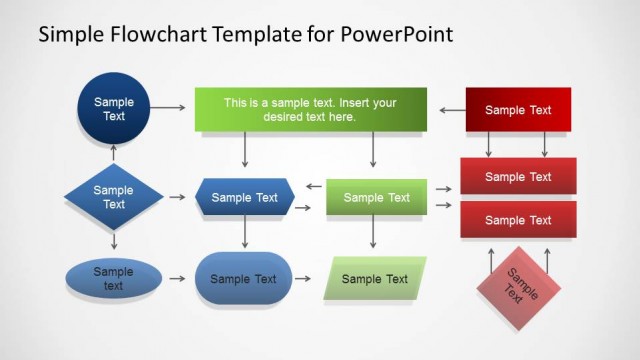
A: The diagrams use familiar flowchart metaphors: boxes for steps, diamonds for decisions, circles for callouts, and arrows for direction. This visual grammar lets the audience follow cause, sequence, and dependency without reading dense paragraphs. Color also separates central actions from questions, inputs, and endpoints.

Process Flow Diagram for PowerPoint
3-slide process flow diagram presentation template with flowcharts, connectors, and decision paths
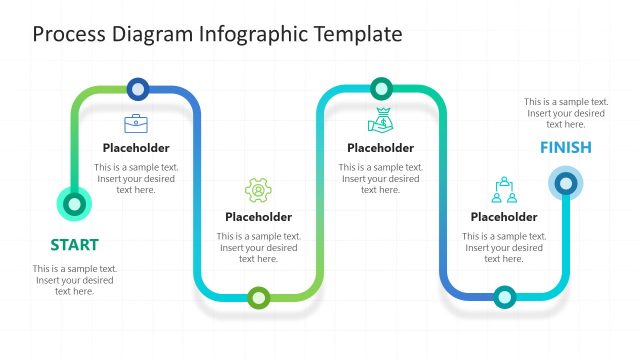
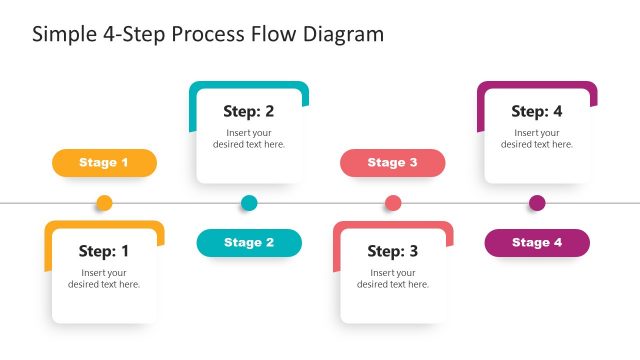
Process Flow Diagram for PowerPoint is a 3-slide diagram template for mapping workflows and decision paths. It includes a linear flowchart with a question callout, a converging process flow, and a vertical hierarchical flowchart. Designed for business process explanation, it works in Microsoft PowerPoint and Google Slides.
- Category
- Process Diagrams
- Rating


 Loading...
- Aspect ratio
- 16:9
- Item ID
- 1143
- Colors
 Microsoft PowerPoint
  Microsoft Copilot
  Claude for PowerPoint
 Other formats supported
Subscribe today and get immediate
access to download our PowerPoint templates.