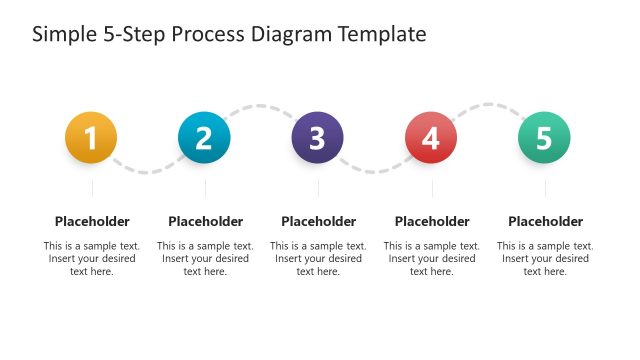
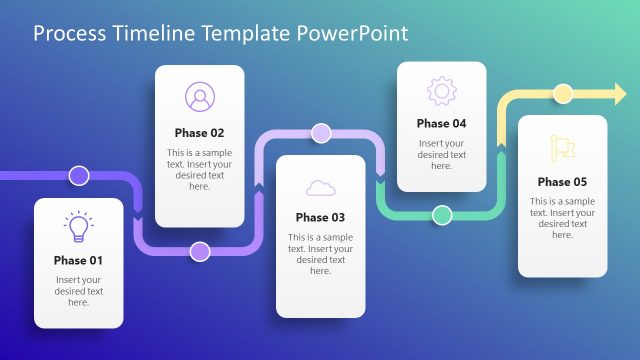
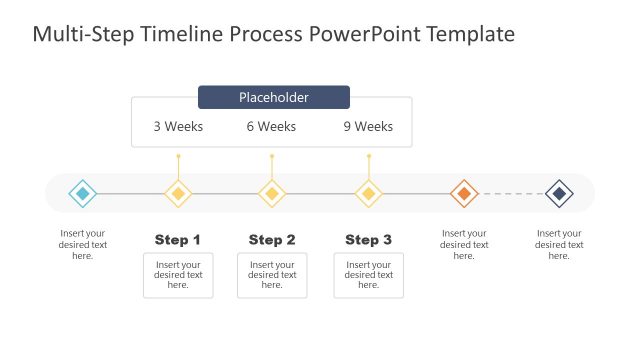
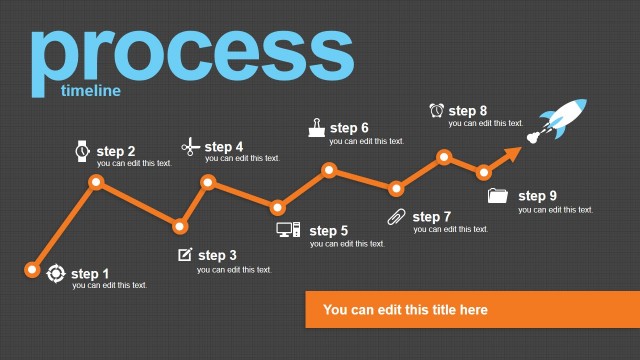
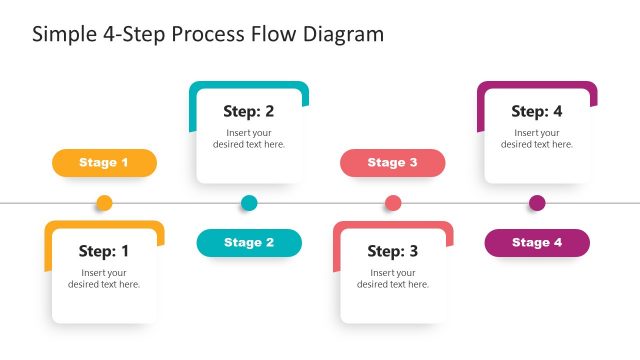
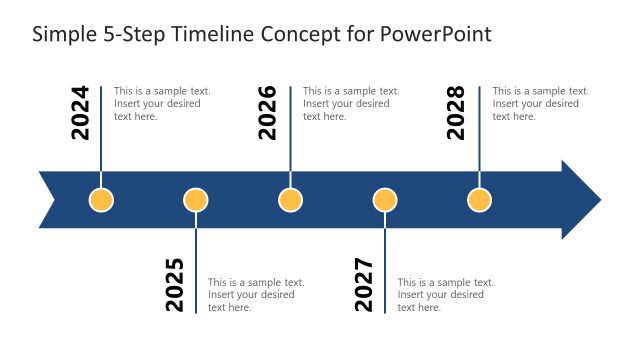
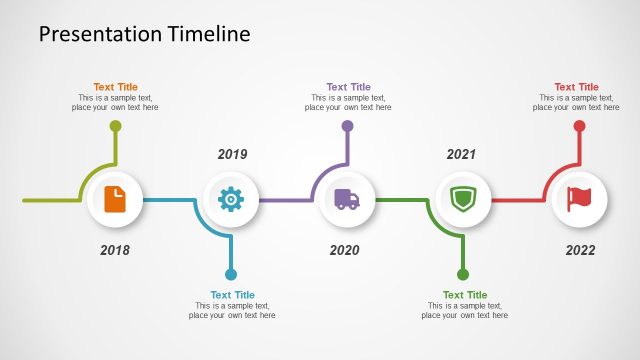
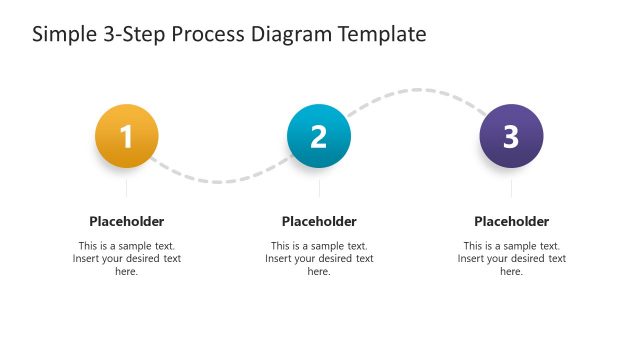
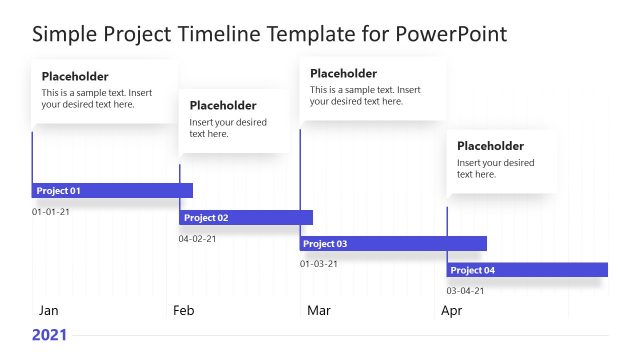
Use the Simple Process Timeline Template for PowerPoint to describe process flows and their milestones. The PowerPoint template contains a simple timeline design that can briefly describe the flow of a particular business project; the text placeholders can describe the milestones and their objective.
A timeline is a visual tool that accurately illustrates the sequence of events relative to time. Timelines are convenient for providing a graphical representation of a plan schedule. The presenter can point out which steps have been finished and which steps are still under process. In business, determining the most recent events, such as postponed stages and completed phases, is important when making decisions over a project roadmap.
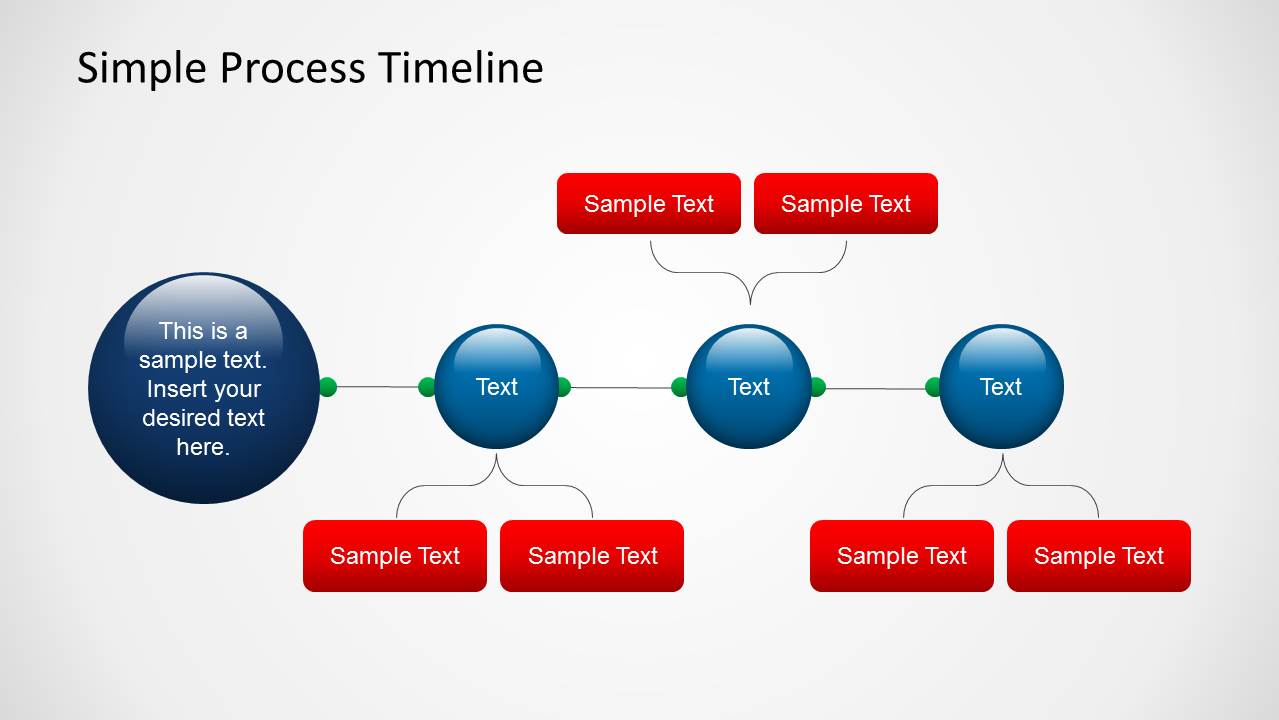
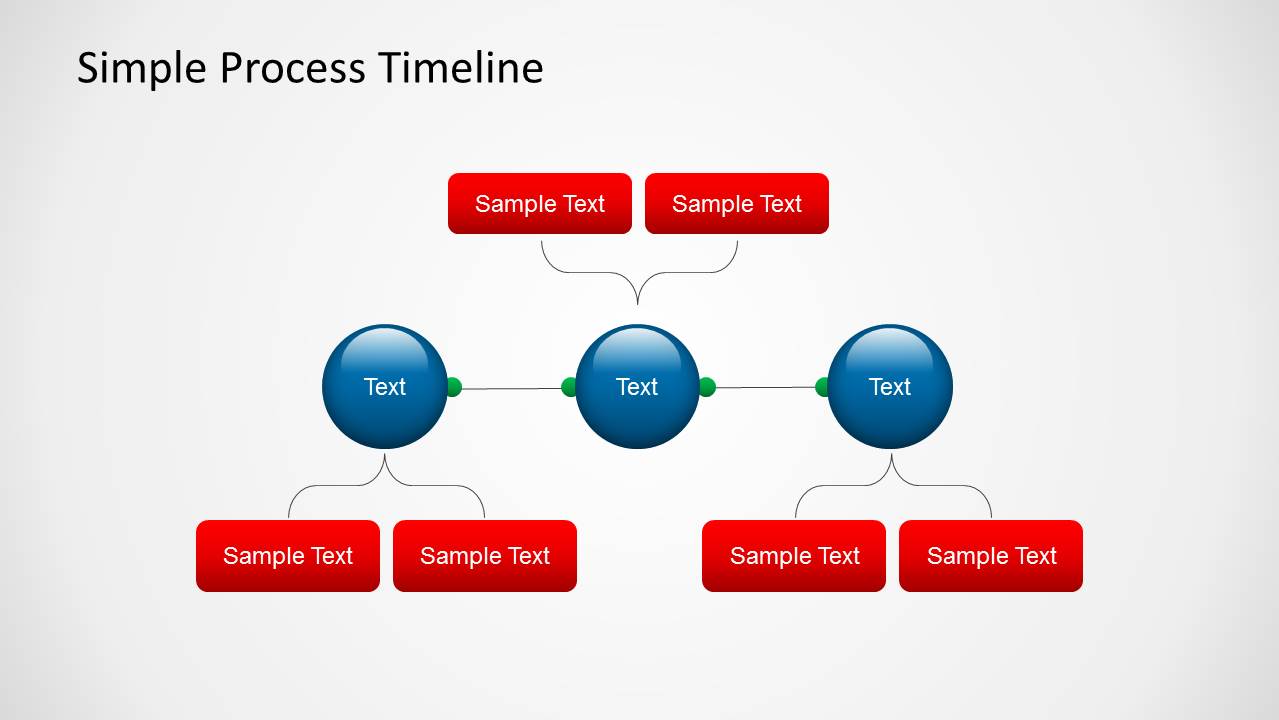
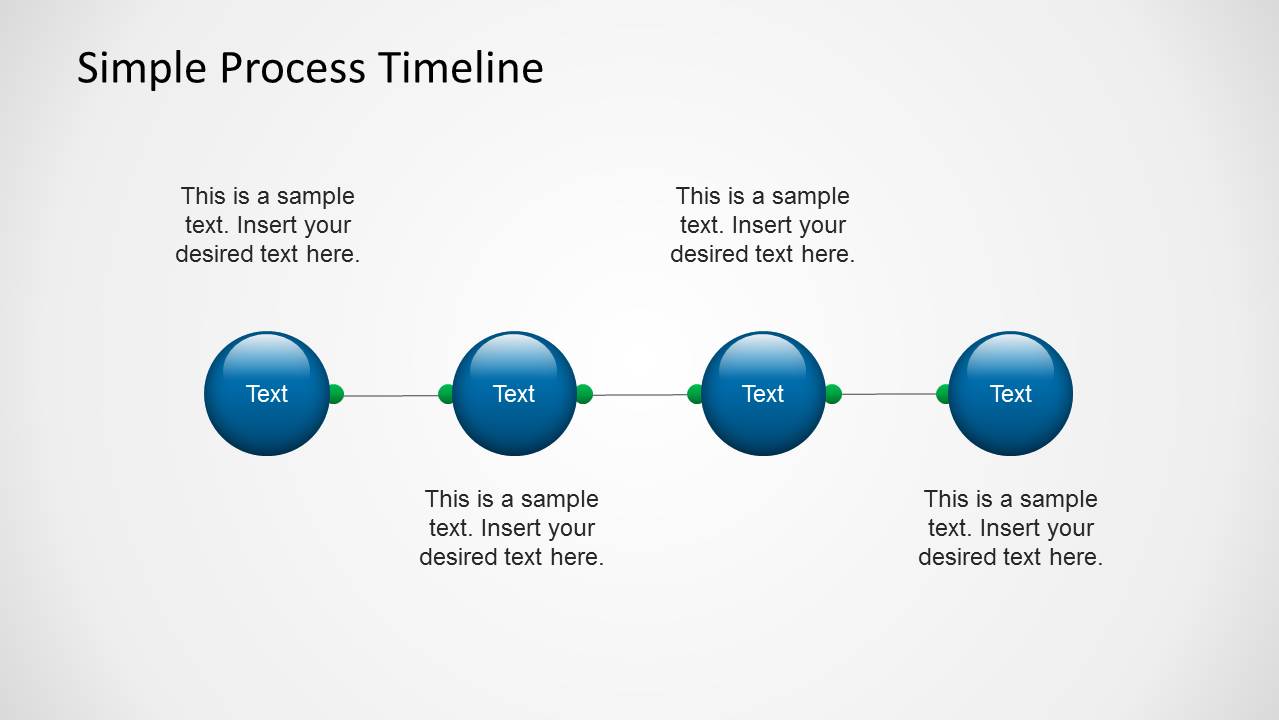
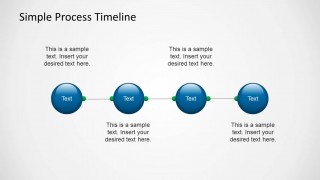
The template provides three timeline design variations. The basic slide format is composed of a set of 3D circular PowerPoint shapes, shown in blue. They are connected by thin horizontal lines with green connector ends. Each circle in the sequence represents an event in time. The circles are accompanied by text placeholders and flat shadow layers.
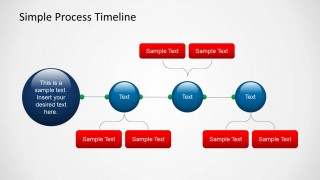
The second variant of the slide substitutes the text placeholders with two red text boxes. A bracket connects the text boxes to the circles. This type of slide is ideal when each event has two corresponding elements. For example, the presenter can include two minor steps that are included in major procedure.
The last slide variant uses the same red text box as the second. However, the timeline starts with a large 3D circle in dark blue. The larger circle can indicate the beginning of the process. It can be labeled as “Start” for easy identification.
The Simple Process Timeline Template for PowerPoint is ideal for business presentations and progress reports. The simple, recognizable format allows the presenter to discuss with ease. The PowerPoint objects can be resized and rearranged according to the presenter’s specifications. Any modification will not affect the image resolution of the design.
What’s inside this template
Example presentation scenarios
- A project manager can brief executives on phase order and current progress using the four-step timeline with alternating text labels.
- An operations lead can explain a new procedure to staff by using the large start circle and connected milestone path to show where the process begins.
- A consultant can map a client process and add two supporting details per phase with the paired red callout boxes and brace connectors.
- A PMO analyst can summarize completed, active, and upcoming milestones with the three-circle timeline and short paragraph callouts.
Features
- 100% editable presentation template
- Compatible with Microsoft PowerPoint and Google Slides
- 16:9 aspect ratio slides
- Scalable vector shapes, icons and illustrations
- AI-Ready for Microsoft Copilot and Claude
- Instant access and download
Frequently asked questions
Q: How can I make the process timeline clear for executives?
A: Start by naming the process in the title, then give each circle one short milestone label. Use the paired red callouts only for substeps, decisions, or deliverables tied to that milestone. If the audience needs status, reserve one color treatment for completed steps and another for work still in progress.
Q: What presentation situation is this timeline best suited for?
A: This template fits a short project or operations update where the audience needs to understand sequence more than detail. It is strongest for three or four major phases, kickoff-to-close procedures, or milestone summaries. Project managers, consultants, and team leads can use it to keep discussion centered on progress and next actions.
Q: Why use circles and connectors instead of a text agenda?
A: The circular milestones create a quick reading path from left to right, which helps the audience see order before they read details. The connector line implies continuity, while the larger start circle on the first slide signals the entry point. Braces visually attach supporting notes without crowding the main path.



Simple Process Timeline Template for PowerPoint
4-slide timeline presentation template for process flow, milestones, and project schedule updates
This 4-slide timeline presentation template shows process flow with connected milestone circles, paired red callouts, bracket connectors, and a large start marker variation. It is built for project managers, consultants, and operations teams preparing schedules or progress updates in Microsoft PowerPoint and Google Slides, with theme-aware colors.
- Category
- Timelines & Planning
- Rating


 Loading...
- Aspect ratio
- 16:9, 4:3
- Item ID
- 6059-01
- Colors
 Microsoft PowerPoint
  Microsoft Copilot
  Claude for PowerPoint
 Other formats supported
Subscribe today and get immediate
access to download our PowerPoint templates.