Slide 2 of 4 from Simple Process Diagram with Textboxes for PowerPoint
4043-simple-textbox-wide-2
Linear Process Flow Diagram for Presentations
- Diagram
- Process Flow
- Process Slide
- 16:9
- 100% Editable
The Linear Process Flow Diagram slide from the Simple Process Diagram with Textboxes for PowerPoint template offers a clear layout for illustrating sequential workflows. This slide template is designed for business presentations and training materials, featuring editable shapes and vector icons to enhance clarity in project step presentations or process improvement discussions.
What’s on This Slide
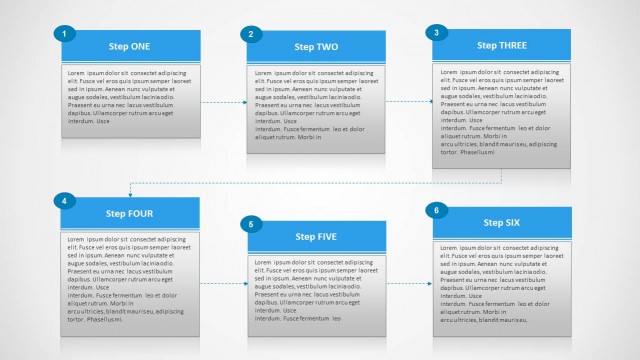
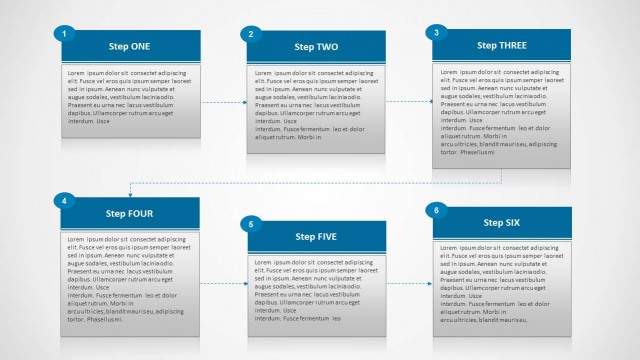
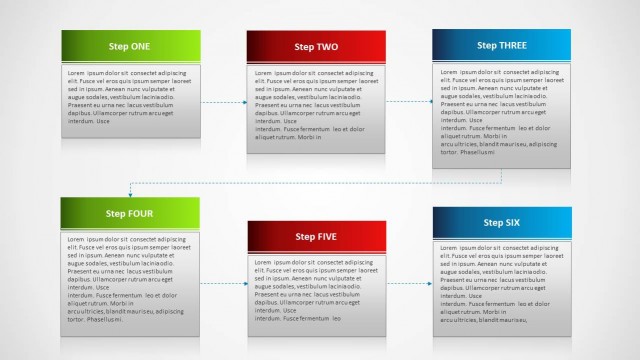
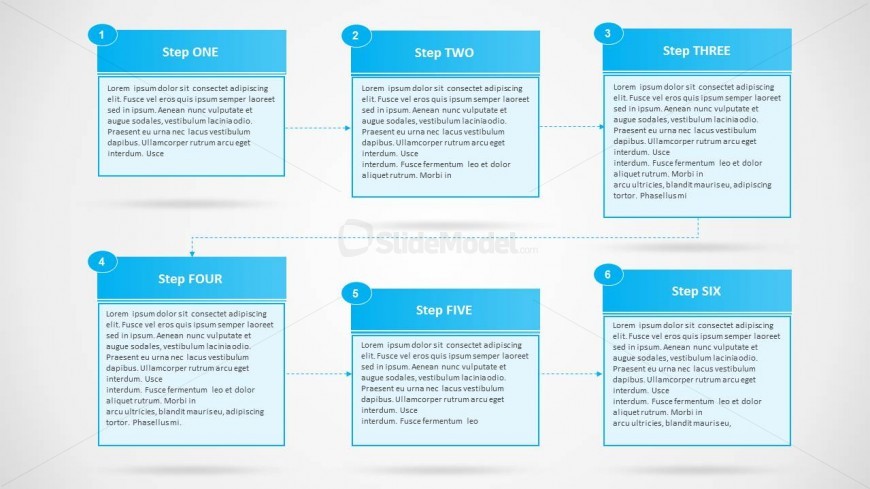
The slide features a linear process diagram with six numbered steps arranged in two rows. Each step is represented in a rectangular textbox with rounded corners, aligned horizontally. The steps are connected by arrows indicating the flow direction from left to right. Each textbox contains a title and a placeholder for descriptive text, positioned centrally within the box. The background is light with a subtle gradient, enhancing the visual hierarchy. The overall layout is clean, with consistent spacing between elements and a clear flow structure.
How to Use It
This layout serves as a linear process flow diagram, ideal for illustrating sequential steps in a procedure. It fits well in presentations that require clear documentation of workflows, project phases, or operational processes. This structure is particularly useful in business contexts, such as training sessions, project management updates, or process improvement discussions. It effectively communicates the order and relationship of steps in a straightforward manner, making it suitable for both internal and client-facing presentations.
Text Placeholders & Capacity
Keep your copy within these limits so it fits without resizing. Body slots can hold roughly 25-30 words each.
| Placeholder | Count | Max characters (approx.) |
|---|---|---|
| Item heading | 6 | 20 |
| Item body | 6 | 150 |
Slide Keywords
Download unlimited PowerPoint templates, charts and graphics for your presentations with our annual plan.
DOWNLOADReturn to Simple Process Diagram with Textboxes for PowerPoint.