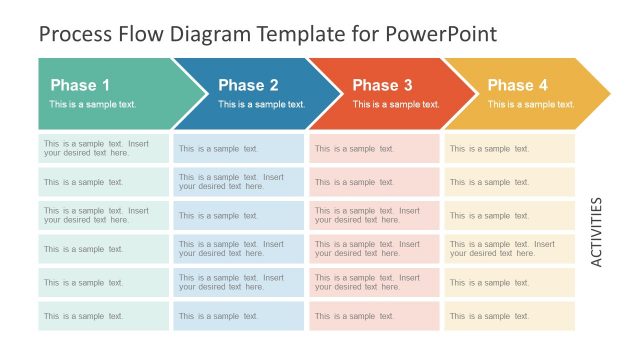
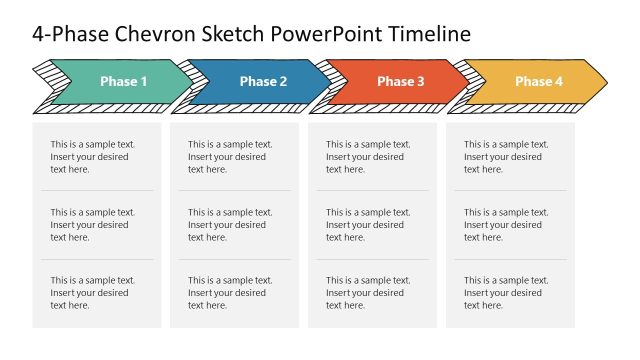
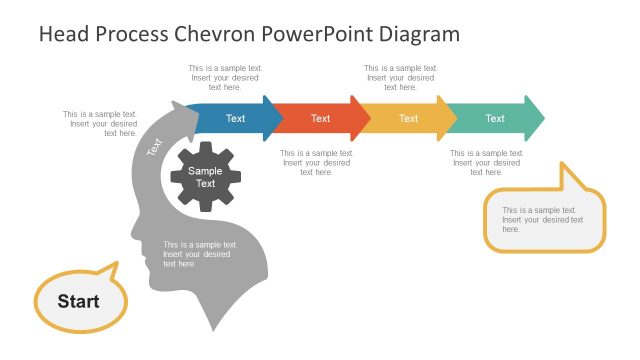
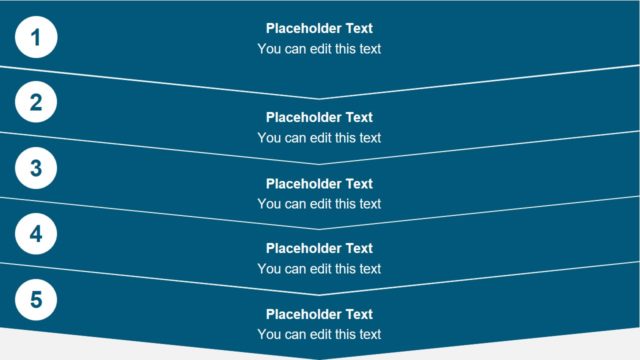
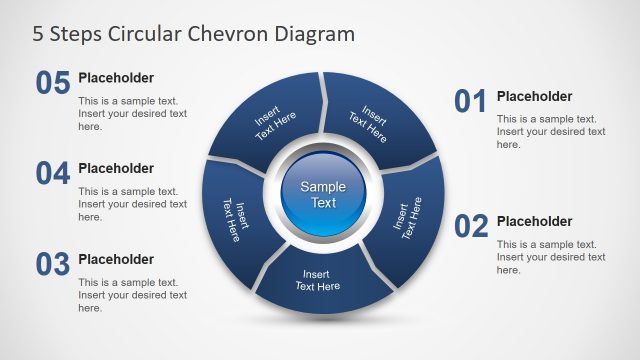
Simple Chevron Process Flow Diagram for PowerPoint is an editable presentation template for making Process Flow Diagrams in PowerPoint.
This template can help you save hours of work for making a professional looking flow diagram, as the chevron shaped sample models can be used for making process diagrams by simply adding text to existing slides or by customizing the chevron shapes by rearranging and recoloring them.
This chevron diagram template for PowerPoint has been designed with simple layouts to make it possible for presenters to create elaborate diagrams with layouts that are easy to grasp by their audience.
What’s inside this template
Example presentation scenarios
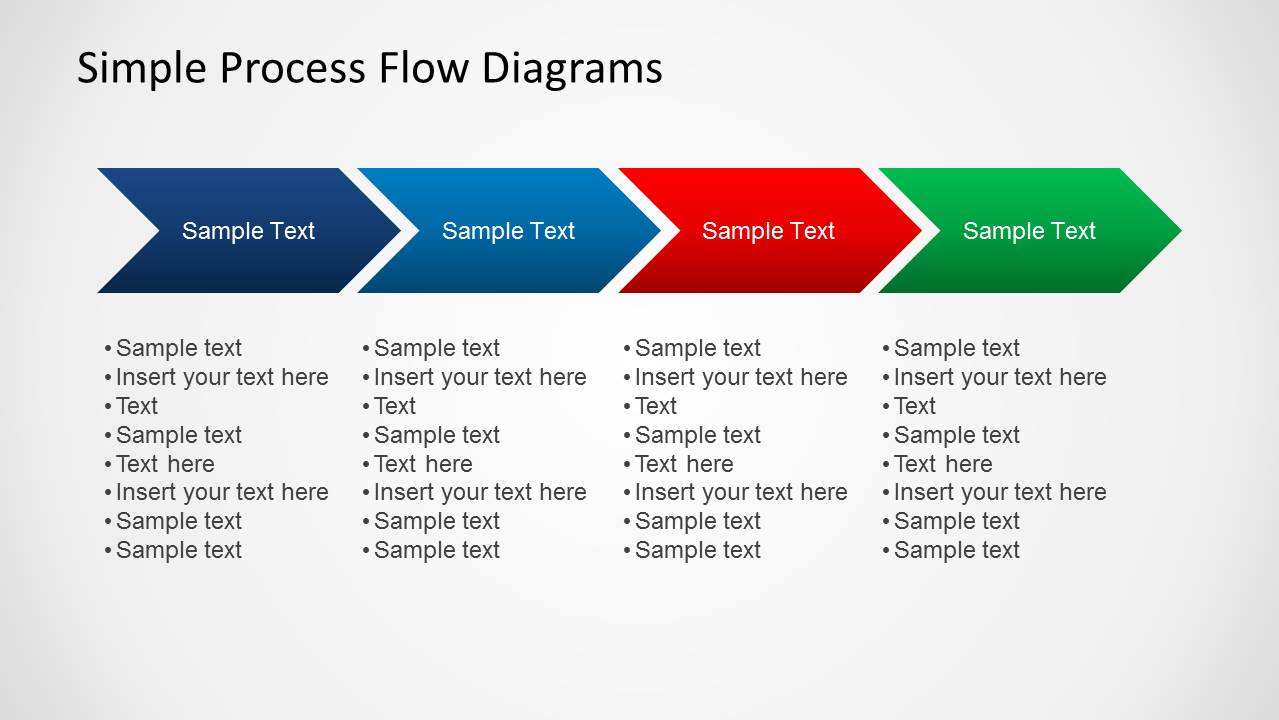
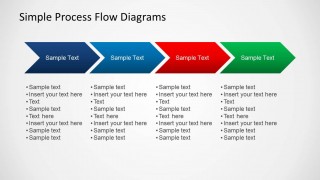
- A project manager can present an implementation sequence by placing each milestone in the four-step chevron layout and adding task details in the bullet-list areas.
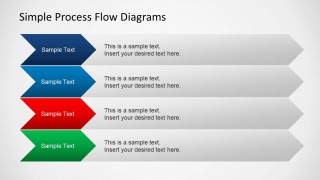
- A business analyst can explain process ownership by using the stacked arrow lane slide to compare four workstreams, departments, or responsibility paths.
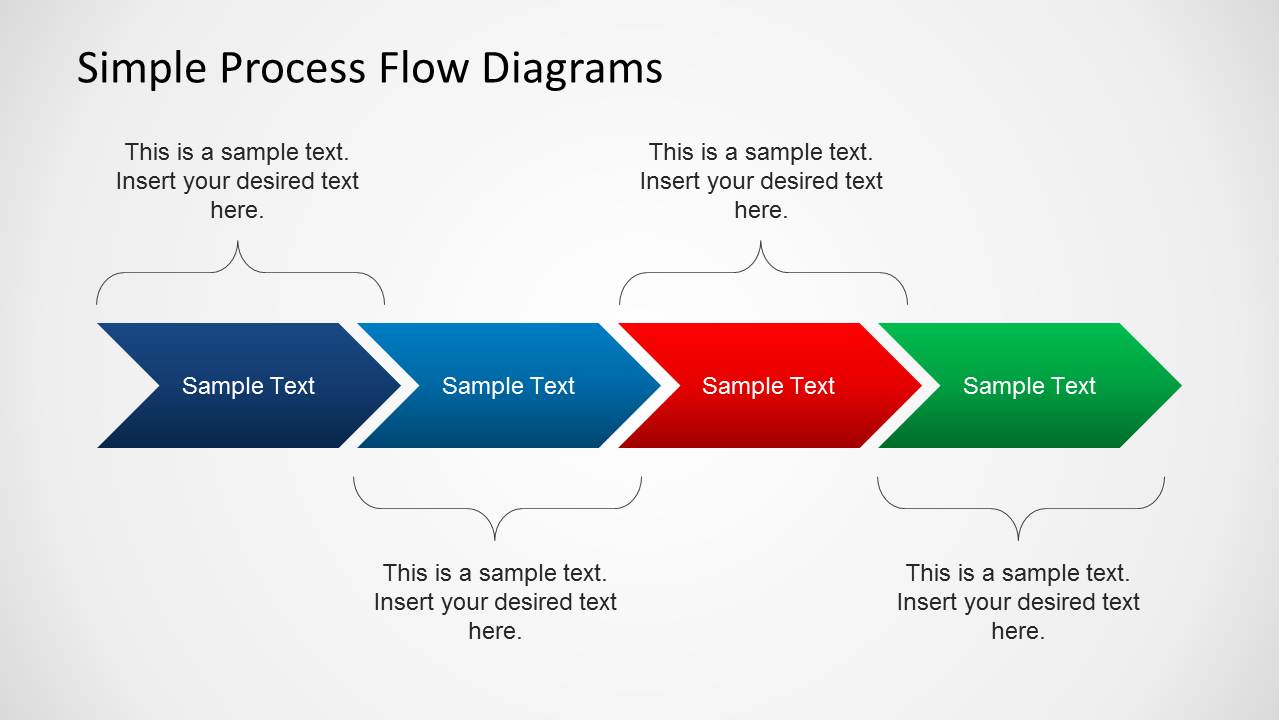
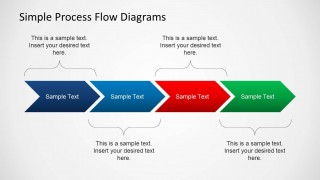
- A consultant can summarize discovery, analysis, recommendation, and rollout phases with the brace-annotated chevron slide to show how steps combine into larger process groups.
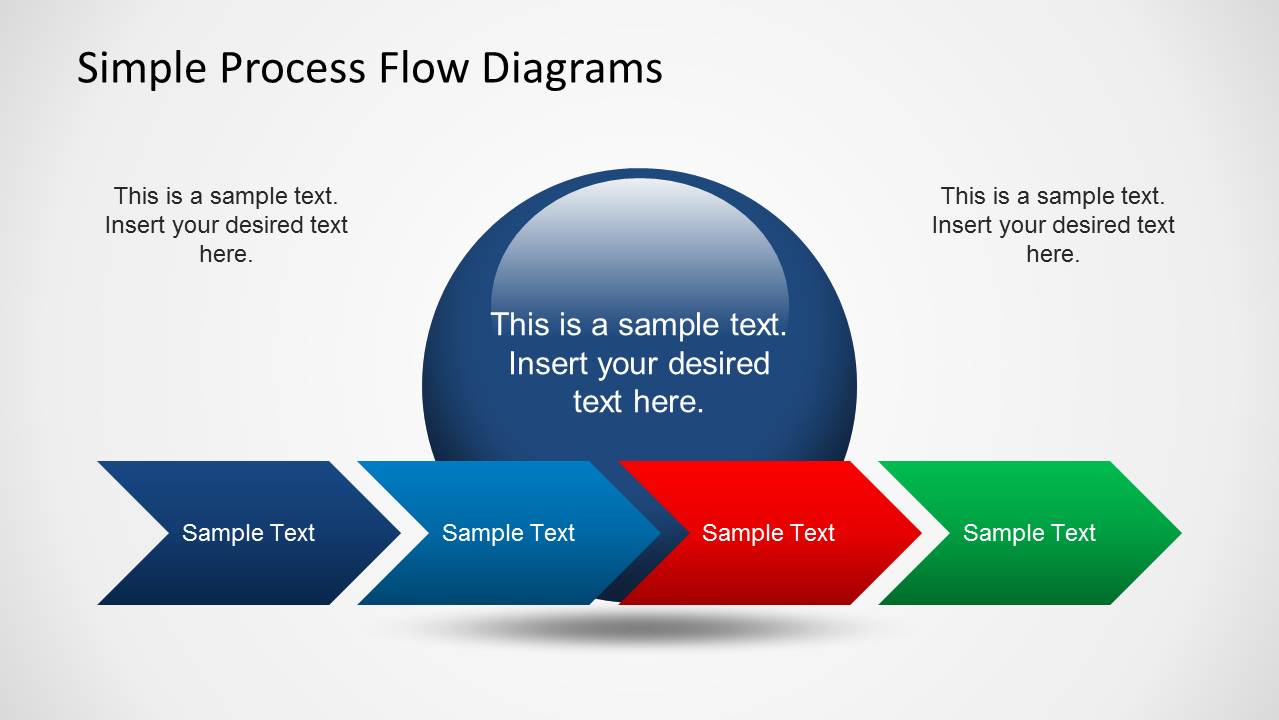
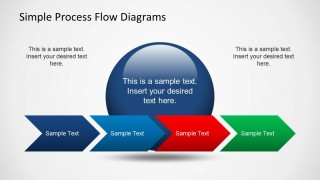
- An operations presenter can open a workflow discussion with the circle callout slide, using the large central area for the main process objective and the chevrons for the core steps.
Features
- 100% editable presentation template
- Compatible with Microsoft PowerPoint and Google Slides
- Scalable vector shapes, icons and illustrations
- AI-Ready for Microsoft Copilot and Claude
- Instant access and download
Frequently asked questions
Q: How should a presenter organize the message with this chevron process template?
A: Start with the main outcome of the process, then label each chevron as an action, decision, or handoff rather than a generic topic. Use Slide 2 when each step needs supporting bullets, and use Slide 3 when steps should be grouped into larger phases. Keep step labels short so direction remains clear.
Q: Who is this template best suited for in a business presentation?
A: This template fits project managers, consultants, operations leaders, and business analysts who need to explain a straightforward process without building a complex flowchart. It works well for status meetings, process improvement workshops, and client briefings where the audience must understand sequence, ownership, or phase progression quickly.
Q: Why use chevrons instead of simple boxes for a process explanation?
A: Chevron arrows create an immediate sense of movement from left to right, so the audience sees progression before reading the text. The repeated arrow shape also keeps all steps visually equal, while the circle callout, braces, and stacked lanes add hierarchy when the presenter needs to emphasize a goal, grouped phase, or parallel track.

Simple Chevron Process Flow Diagram for PowerPoint
4-slide process flow slide template with chevron arrows, step labels, and lane options
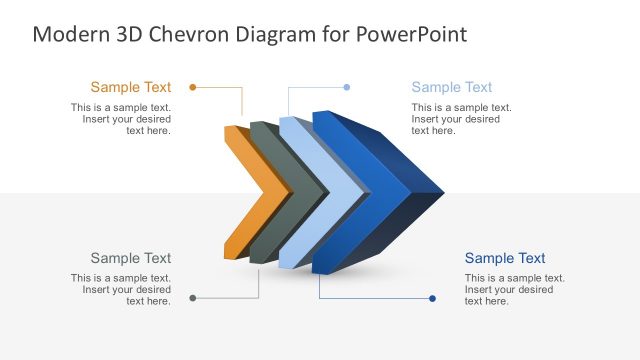
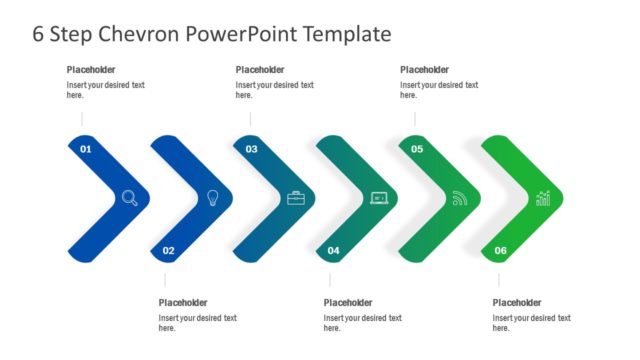
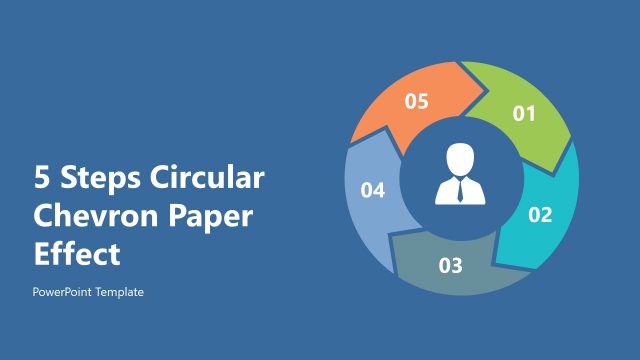
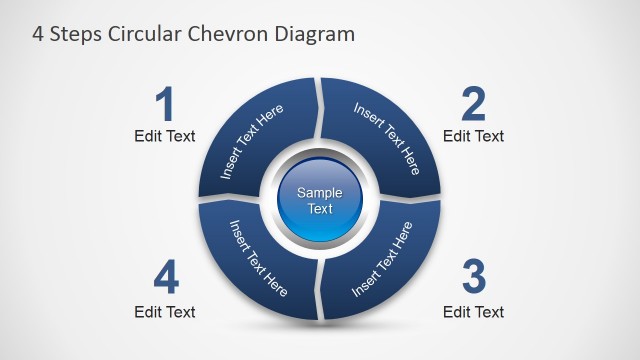
Simple Chevron Process Flow Diagram for PowerPoint is a 4-slide process diagram template for showing sequential workflows. The contact sheet shows a cover-style chevron flow with a central circle callout, a four-step chevron with bullet lists, grouped chevrons with brace annotations, and stacked horizontal arrow lanes for business process presenters.


 Loading...
 Microsoft PowerPoint
  Microsoft Copilot
  Claude for PowerPoint
 Other formats supported
Subscribe today and get immediate
access to download our PowerPoint templates.