Slide 3 of 4 from Simple Process Diagram with Textboxes for PowerPoint
4043-simple-textbox-wide-3
Linear Process Flow Diagram for Presentations
- Diagram
- Process Flow
- Process Slide
- 16:9
- 100% Editable
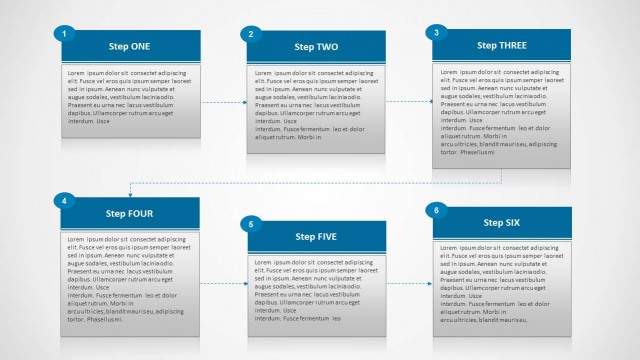
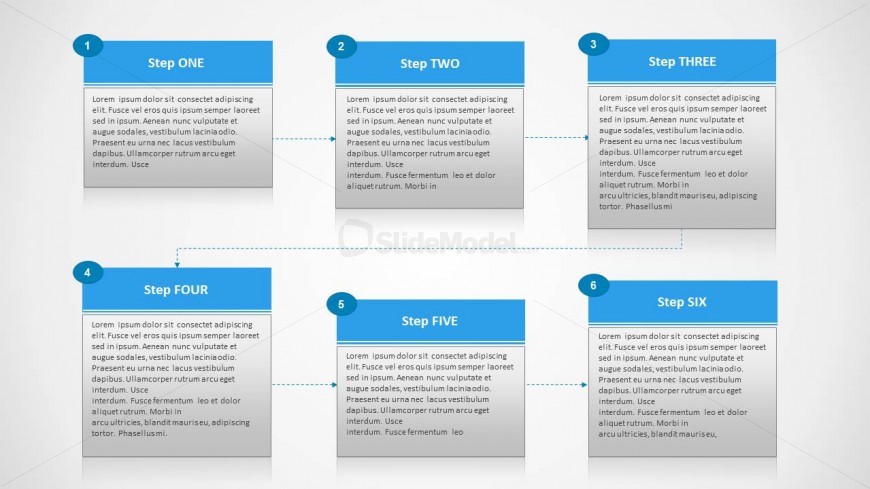
The Linear Process Flow Diagram slide from the Simple Process Diagram with Textboxes for PowerPoint template provides a clear visual representation of sequential workflows. Designed for business presentations, this slide layout uses editable shapes and arrows to map six steps in a structured format, supporting effective communication of project workflows, training processes, or operational steps within a corporate presentation or pitch deck template.
What’s on This Slide
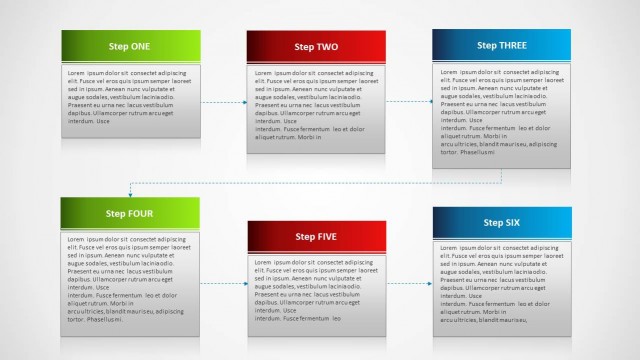
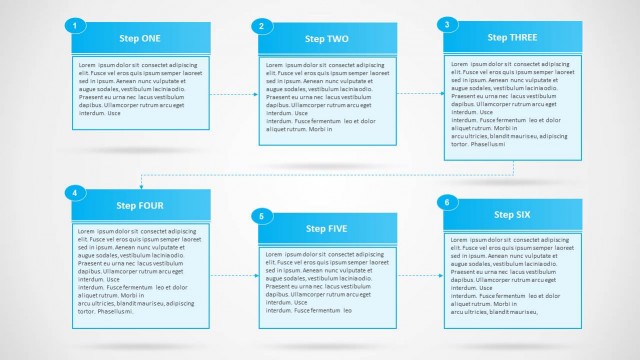
The layout features a linear process flow with six numbered steps arranged in two rows. Each step is represented by a rectangular textbox with a blue header and a gray body. The textboxes are connected by arrows indicating the flow direction from left to right. The first row contains steps one to three, while the second row includes steps four to six. Each textbox has a title and a placeholder for descriptive text. The overall composition is structured and organized, emphasizing clarity in the process flow.
How to Use It
This layout serves as a linear process diagram, ideal for illustrating workflows or sequential steps in a project. It fits well in presentations that require a clear depiction of processes, such as project management, training sessions, or operational procedures. The arrangement allows for easy understanding of each step's role in the overall workflow. It is particularly useful in business contexts where clarity and organization are essential for effective communication.
Text Placeholders & Capacity
Keep your copy within these limits so it fits without resizing. Node body slots can hold roughly 25-30 words each.
| Placeholder | Count | Max characters (approx.) |
|---|---|---|
| Item heading | 6 | 20 |
| Item body | 6 | 150 |
Slide Keywords
Download unlimited PowerPoint templates, charts and graphics for your presentations with our annual plan.
DOWNLOADReturn to Simple Process Diagram with Textboxes for PowerPoint.